In short
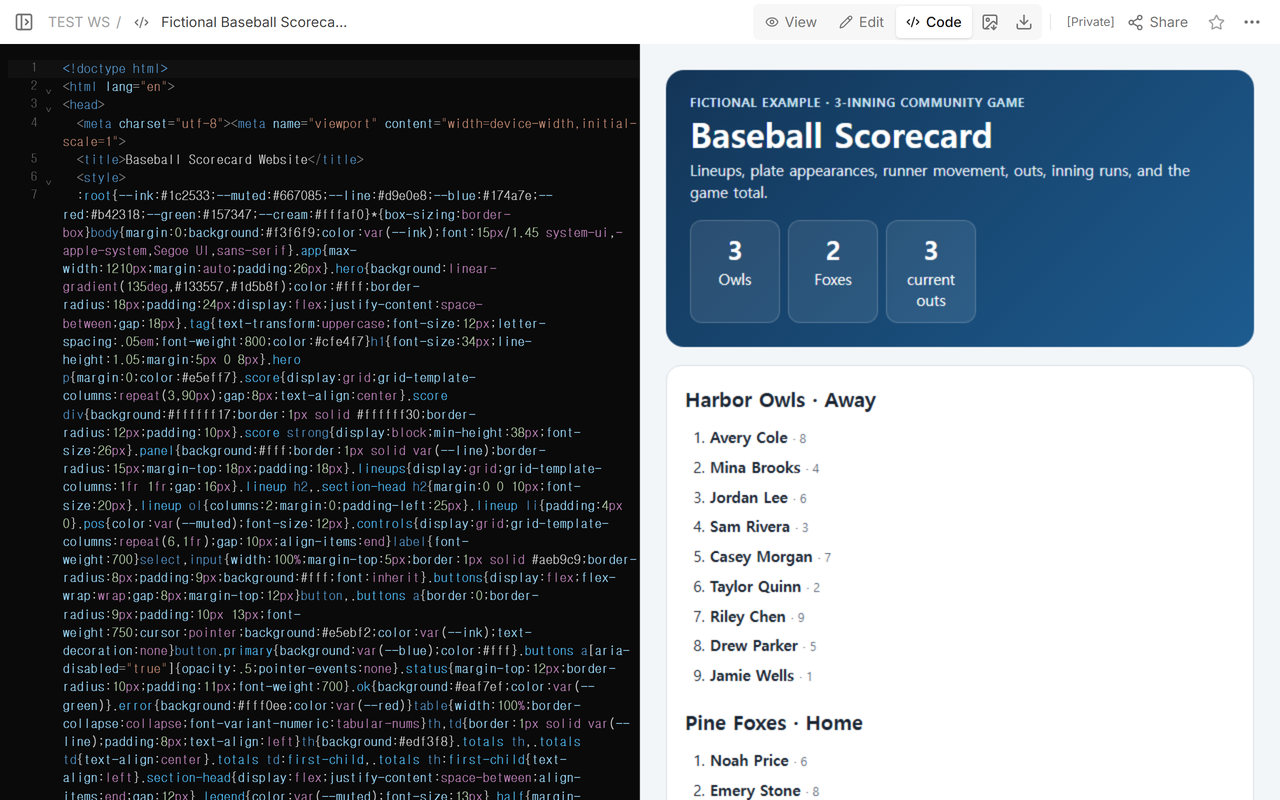
Start with the completed fictional three-inning game below: Harbor Owls 3, Pine Foxes 2.
Record both lineups, batting order and position numbers, then add each plate appearance with a supported result, runner note, outs, and runs.
Stop every half-inning at three outs and make the inning runs add up to the final score.
Use this as a compact community-game scorecard, not as a substitute for a trained official scorer or a full baseball scoring system.
What does the completed baseball scorecard include?
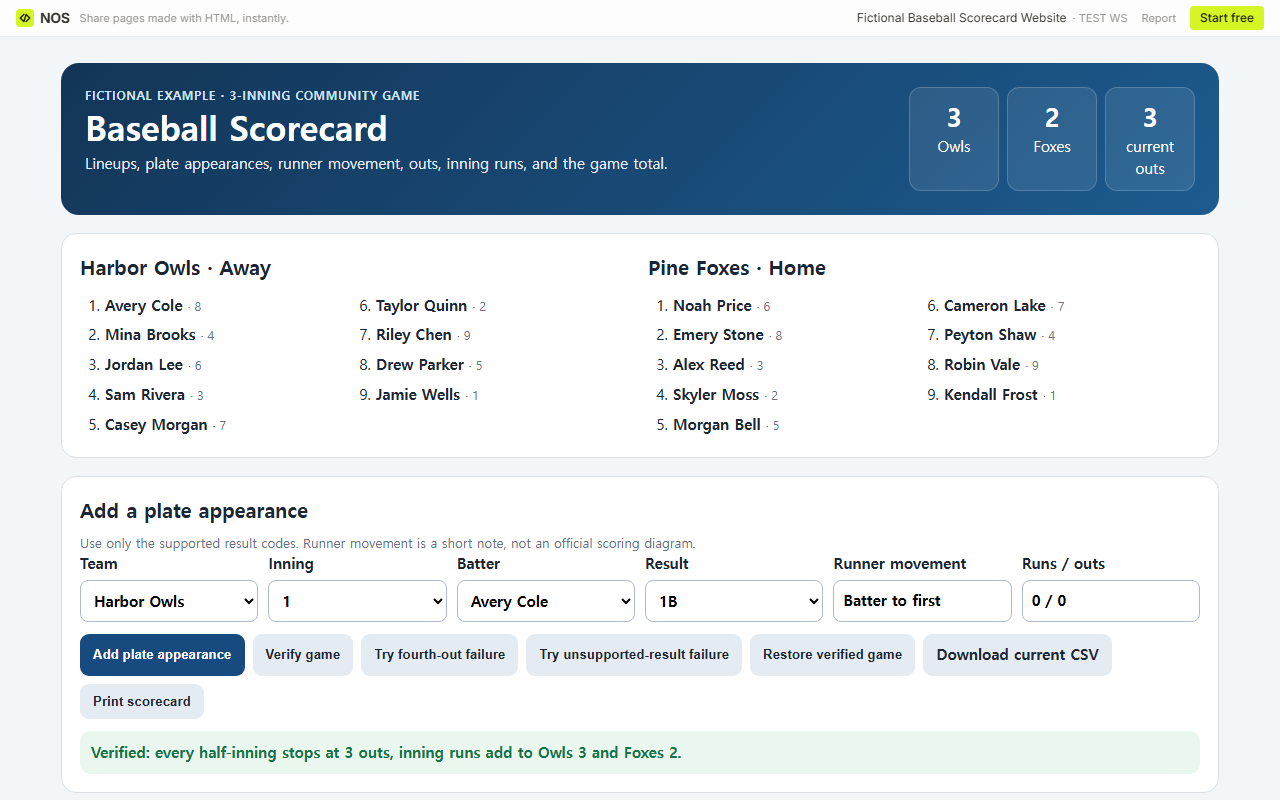
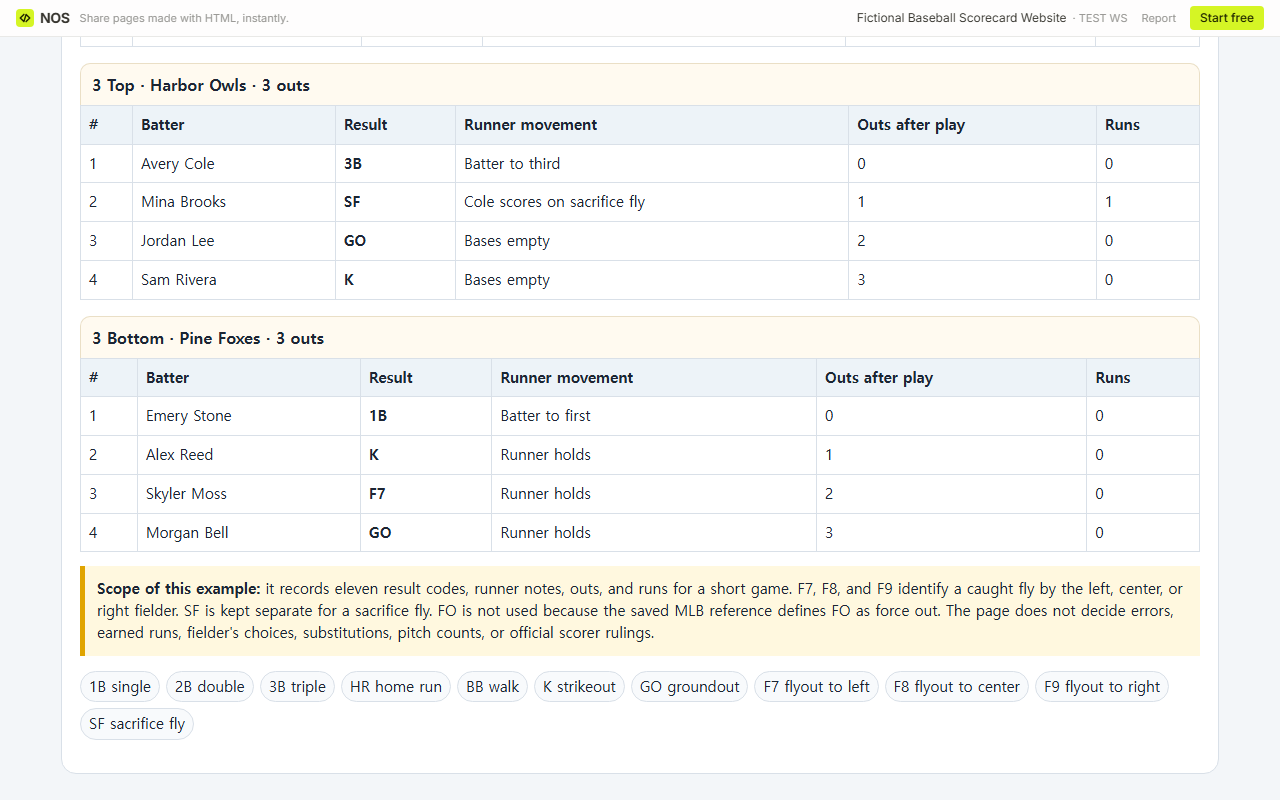
The fictional example covers one three-inning game. Harbor Owls are away and Pine Foxes are home. Each team has a nine-player batting order with a defensive position number. The ledger contains 27 plate appearances across six half-innings and produces a 3-2 final.
Download the complete plate-appearance CSV
How do I read the batting order and position numbers?
The list number is the batting-order slot. The smaller number after each player is the starting defensive position used by this example: 1 pitcher, 2 catcher, 3 first base, 4 the 2B position, 5 third base, 6 shortstop, 7 left field, 8 center field, and 9 right field. Those numbers describe the lineup shown; substitutions are outside this example.
Before the first pitch, replace every fictional name and confirm who is home and away. Keep the batting order separate from the defensive position number so “sixth batter” is not confused with “shortstop.”
How do I record a plate appearance and runner movement?
- Select the batting team and inning.
- Select the batter in the current lineup.
- Choose one supported result: 1B, 2B, 3B, HR, BB, K, GO, F7, F8, F9, or SF.
- Write a short runner note such as “Cole scores; Brooks reaches base 2.”
- Enter the runs and the outs after that play, then add the row.
F7, F8, and F9 mean a caught fly by the left, center, or right fielder. SF is reserved for a sacrifice fly. This example does not use FO for a flyout because the saved MLB scoring reference defines FO as force out. The runner note is plain text, not a diamond diagram, and the scorecard does not decide errors, earned runs, or fielder’s choices.
How do the outs and inning totals stay consistent?
Each half-inning ends when the running out count reaches three. A fourth out or an unsupported result such as XYZ clears the visible ledger, inning totals, game total, and current CSV link so an old 3-2 result cannot sit below the error. Restore verified game rebuilds the same 27-row, six-half-inning seed.
The line score is calculated from the runs attached to the plate appearances. Harbor Owls score once in each inning. Pine Foxes score once in inning 1, once in inning 2, and zero in inning 3. The inning cells therefore add to 3 and 2, matching the game total.
What can this scorecard record, and what is outside its scope?
It supports two lineups, a fixed batting order, starting position numbers, eleven result codes, runner notes, an out count, inning runs, and a game total for this short example. It can be printed, and the current CSV link is available only while a result is displayed.
It does not cover errors, earned runs, pitching lines, pitch counts, stolen bases, wild pitches, passed balls, substitutions, re-entry rules, fielder’s choices, detailed putouts and assists, league-specific mercy rules, or official scorer judgments. Add another system or paper scorebook if the game requires those records.
How do I put the scorecard on a NOS page?
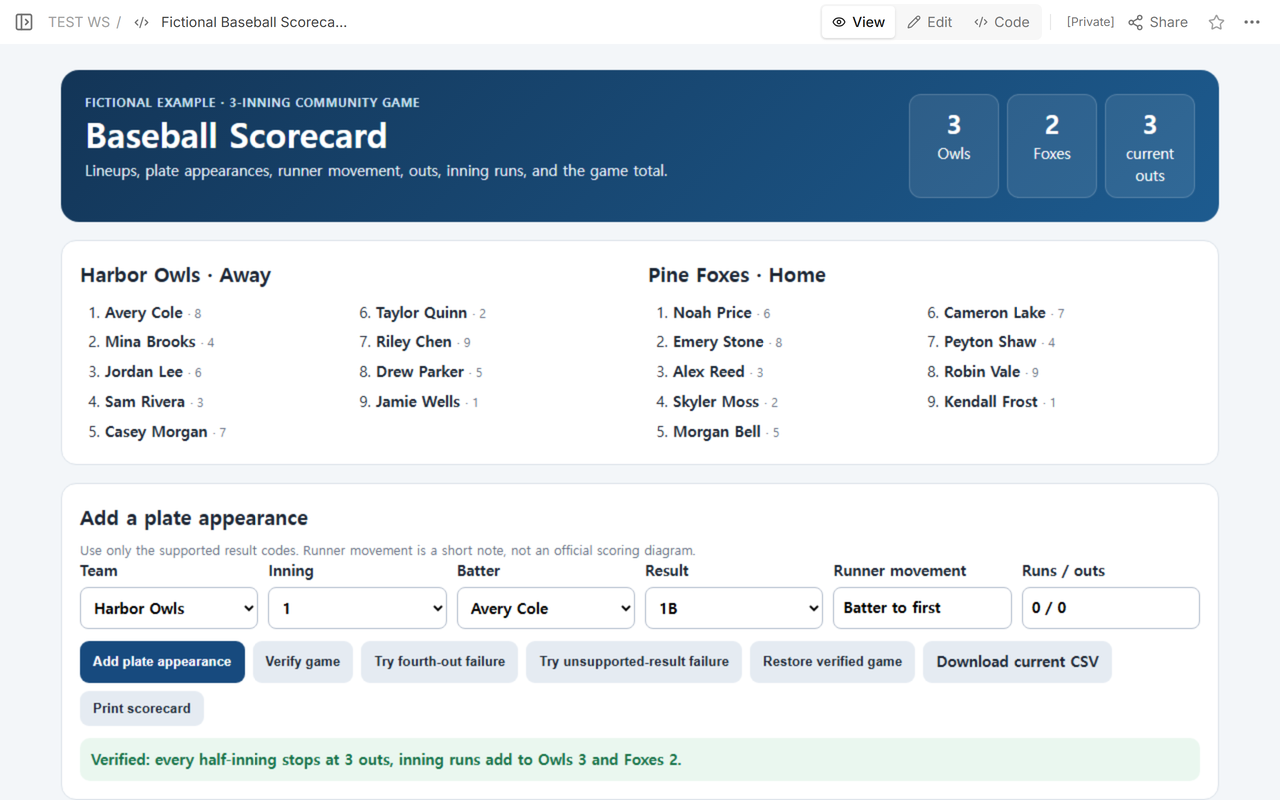
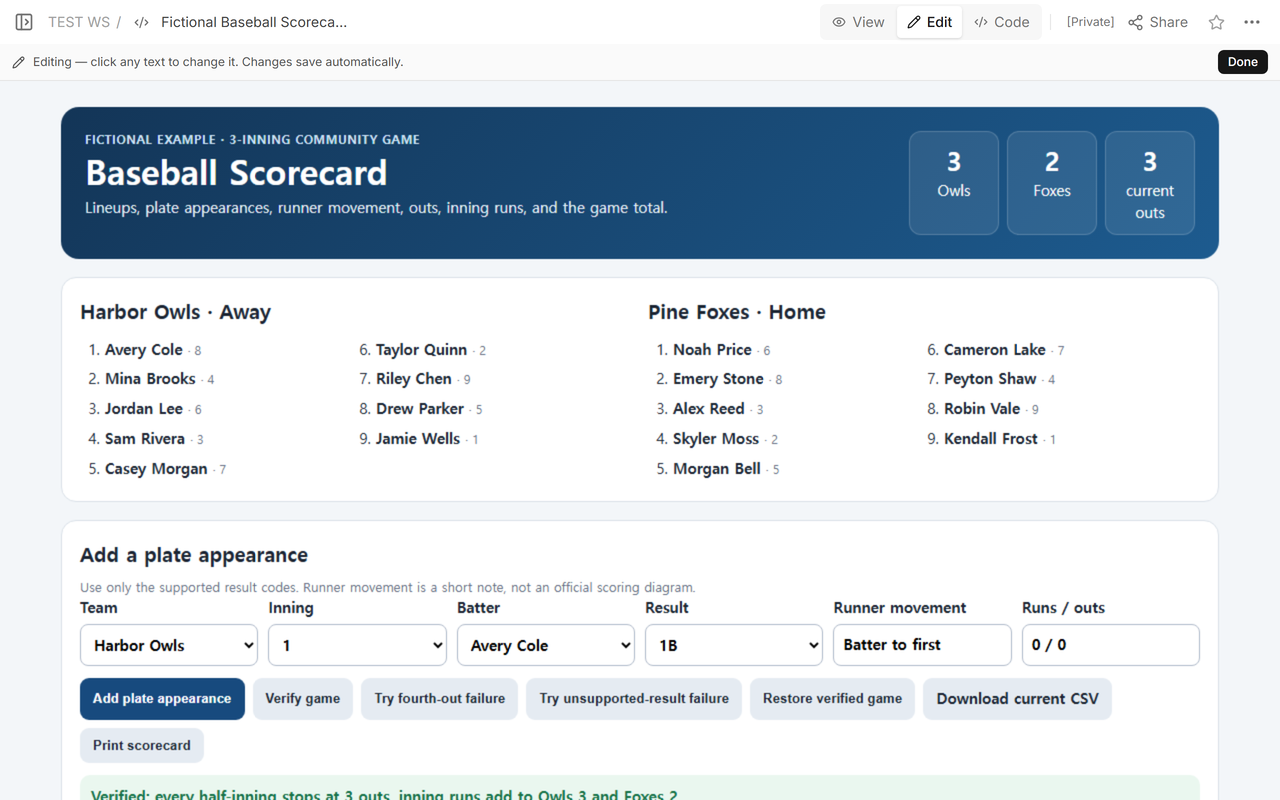
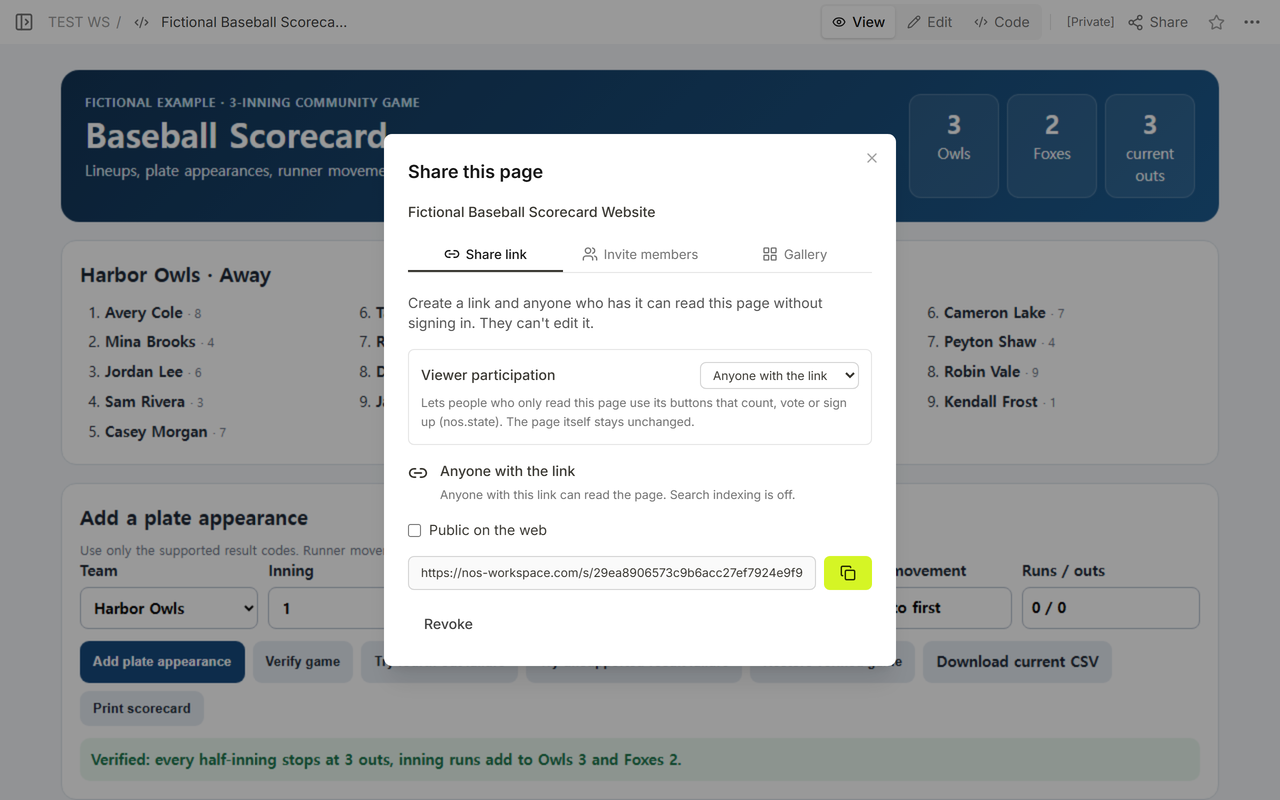
Place the HTML in Code and open View to check the lineups, controls, line score, and ledger. Use Edit for ordinary page changes. The fictional scorecard was saved on one NOS page and reopened at the same reading address. Its Share dialog says link holders can read without signing in and cannot edit.
How is this different from an interview scorecard or a standings table?
An interview scorecard template rates candidates against hiring criteria. It does not record innings, outs, or runner movement. A tournament bracket website tracks elimination progress across games; this page records the events inside one game.
When not to do this
- Do not use this compact example when your league requires a full official scorebook.
- Do not infer errors, earned runs, substitutions, or pitching statistics from the runner notes.
- Do not add a fourth out to a half-inning or force an unsupported result into a nearby code.
- Do not publish player information that should remain private.
Using NOS for a baseball scorecard
NOS lets you keep the lineups, entry form, inning ledger, totals, and limitations on one HTML page. Use Code for the source, View for the working result, Edit for changes, and Share for a reading link. Open the finished fictional scorecard, or check the NOS pricing page for current plans.