In short
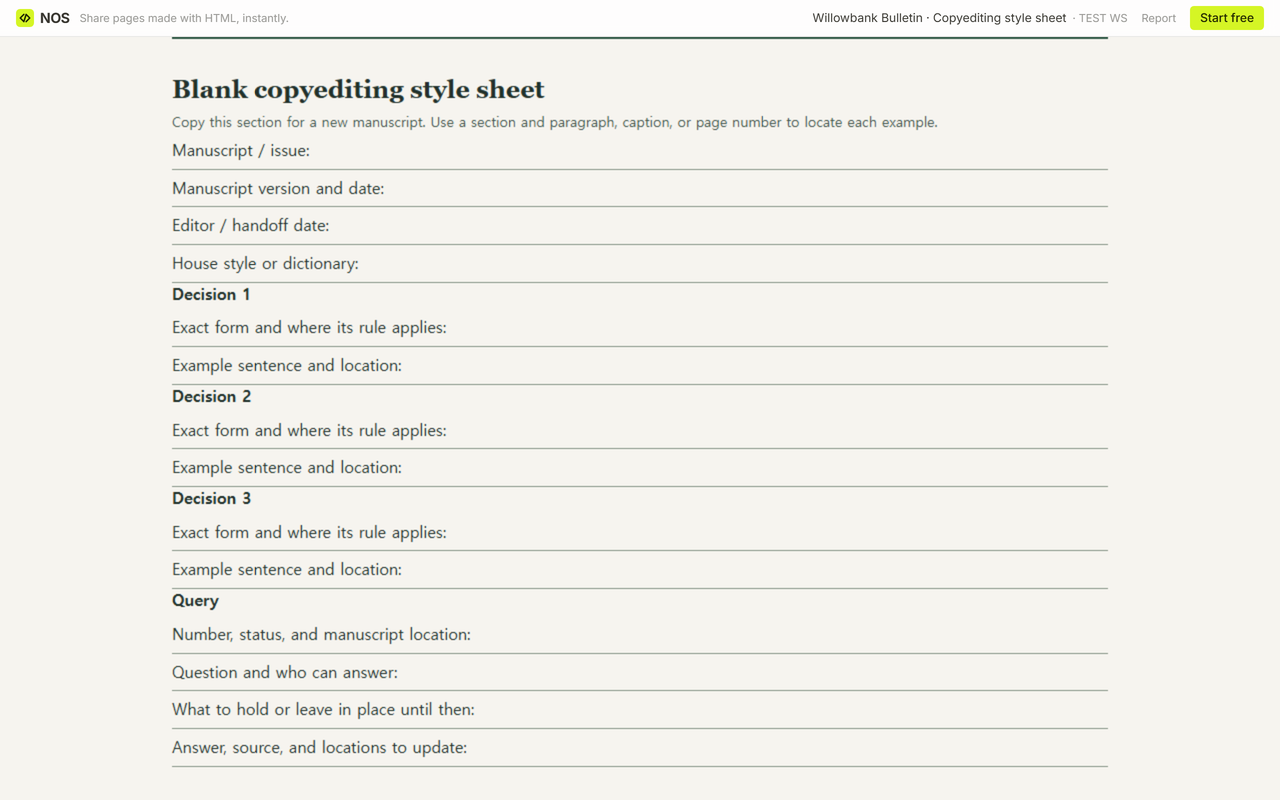
Start with the blank copyediting style sheet. Put the manuscript version at the top. For each decision, write the exact form, when to use it, and a sentence the next editor can find.
Give unresolved names their own query. Say who can confirm the answer and what to hold while you wait. Compare your entries with the filled Willowbank example.
What belongs on a copyediting style sheet?
Imagine taking over the third issue of the fictional Willowbank Bulletin. The calendar invites readers to River Walk. Two pages later, a neighbor describes taking a river walk after lunch. Your first job is to preserve the difference. Start the sheet with the issue number and manuscript version so the next editor can find both passages.
For a recurring choice, put the exact form first. Add a sentence that shows the rule in use and a location such as “Voices ¶3.” For a book, use the chapter and a heading or paragraph. For a caption, name the figure. When pagination changes, the anchor should still send the editor to the right passage.
ANU Press’s copyeditor preparation guide lists word forms and capitalization among the entries to record. Use the version and location fields here to tie those decisions to your own draft.
Which wording should the next editor use?
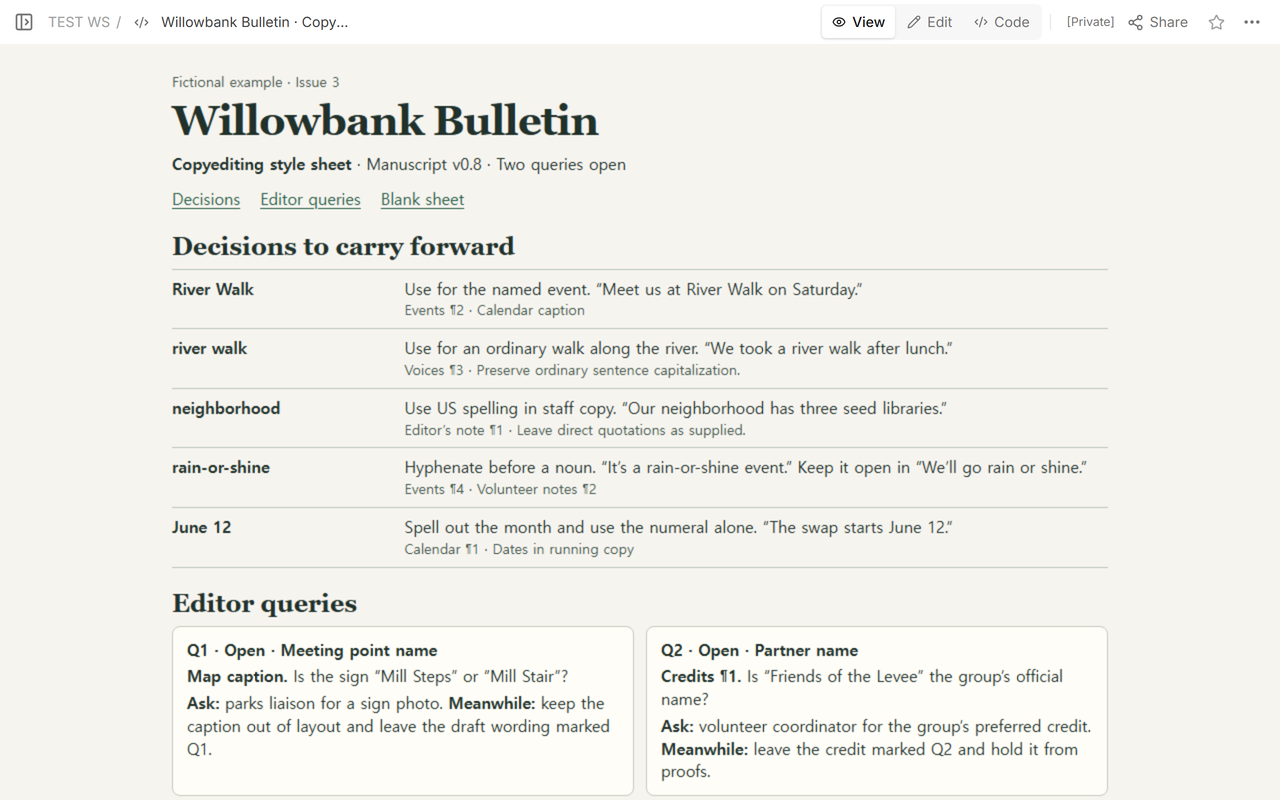
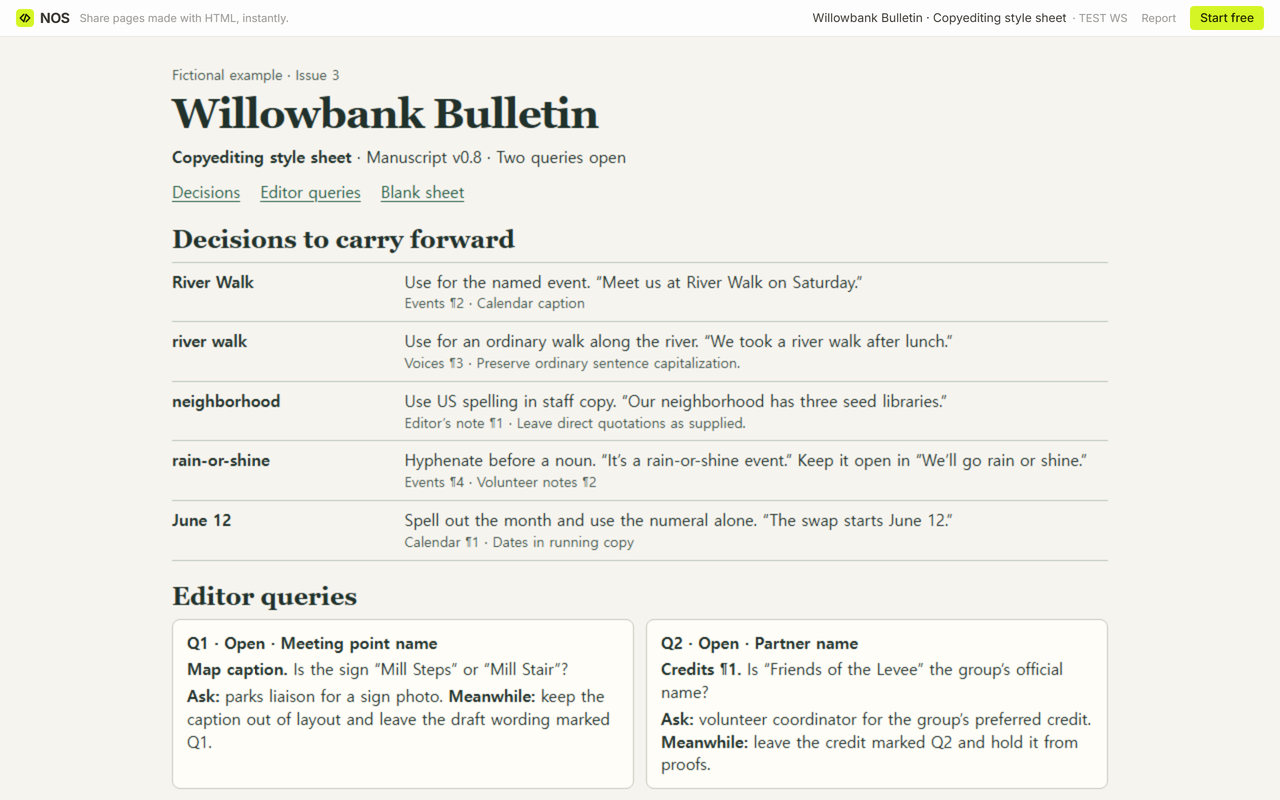
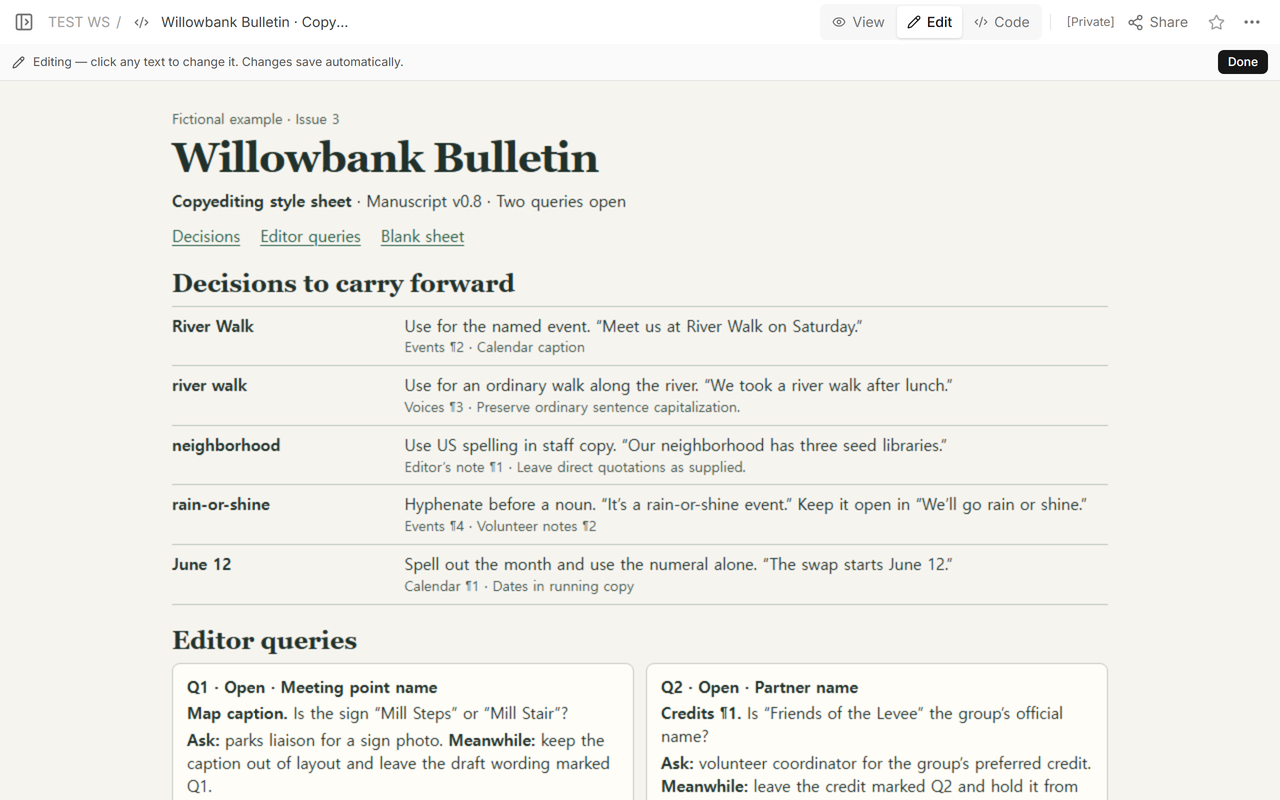
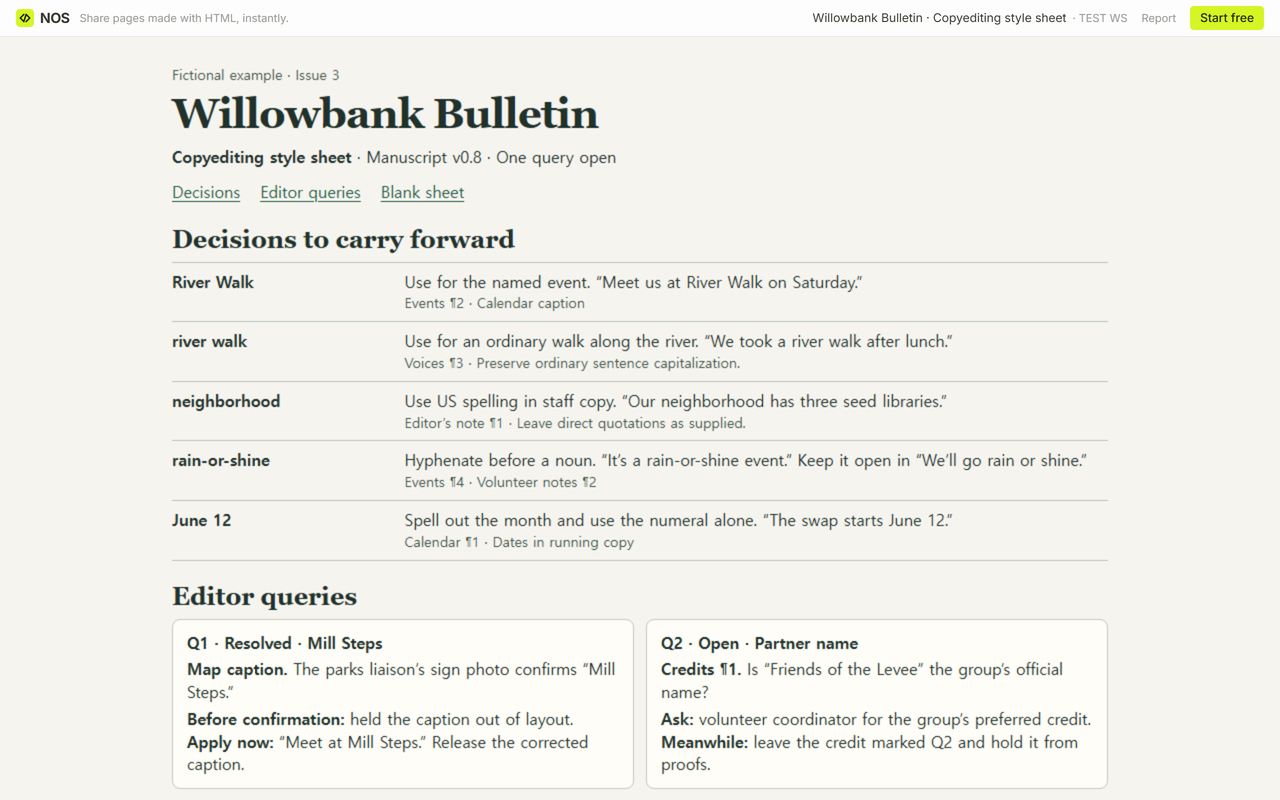
- River Walk. “Meet us at River Walk on Saturday.” Use this form for the named event in Events ¶2 and the calendar caption.
- river walk. “We took a river walk after lunch.” Use lowercase for an ordinary walk in Voices ¶3, with ordinary capitalization at the start of a sentence.
- neighborhood. “Our neighborhood has three seed libraries.” Use the US spelling in staff copy, beginning with Editor’s note ¶1. Keep a direct quotation as supplied.
- rain-or-shine. “It’s a rain-or-shine event” in Events ¶4. Use “We’ll go rain or shine” in Volunteer notes ¶2, where the phrase stands on its own.
- June 12. “The swap starts June 12” in Calendar ¶1. Spell out the month and use the numeral alone in running copy.
Search for river walk across the manuscript and read each hit in its sentence. If a hit could refer to either meaning, add its location to the queries. Changing every hit to title case would rename the neighbor’s afternoon walk.
What should stay open until someone answers?
The map caption on the Willowbank sheet has two candidate names, Mill Steps and Mill Stair. Q1 names the caption, asks the parks liaison for a photo of the sign, and keeps the caption out of layout while the question is open. The draft wording stays marked Q1 so another editor can find it.
When the fictional sign photo confirms Mill Steps, record the source and the exact replacement, “Meet at Mill Steps.” Release that caption. The partner credit has its own query, Q2, and stays out of proofs until the volunteer coordinator confirms the preferred wording.
How do you hand the sheet to the next editor?
Use the blank download for your own issue. On the shared example, choose Blank sheet to see the worksheet below the worked reference. The filled download includes the decision list, the two queries and a blank page for comparison. Open the standalone blank file to print just the worksheet. Add a fresh decision or query block whenever you run out of room.
Before handing off a new version, spot-check one event reference, one ordinary use, and one open query against the manuscript. Put the version you checked on the sheet. Tell the next editor which passages still need an answer before layout or proofs.
When not to do this
If a decision changes a date, a name, or the meaning of a sentence, ask the person who owns that fact before applying it across sections. Keep private manuscript excerpts and sensitive author queries in the project’s approved editing space. For a single passage, start with the proofreading guide. For a visual reference covering colors and type, see the style guide website example.
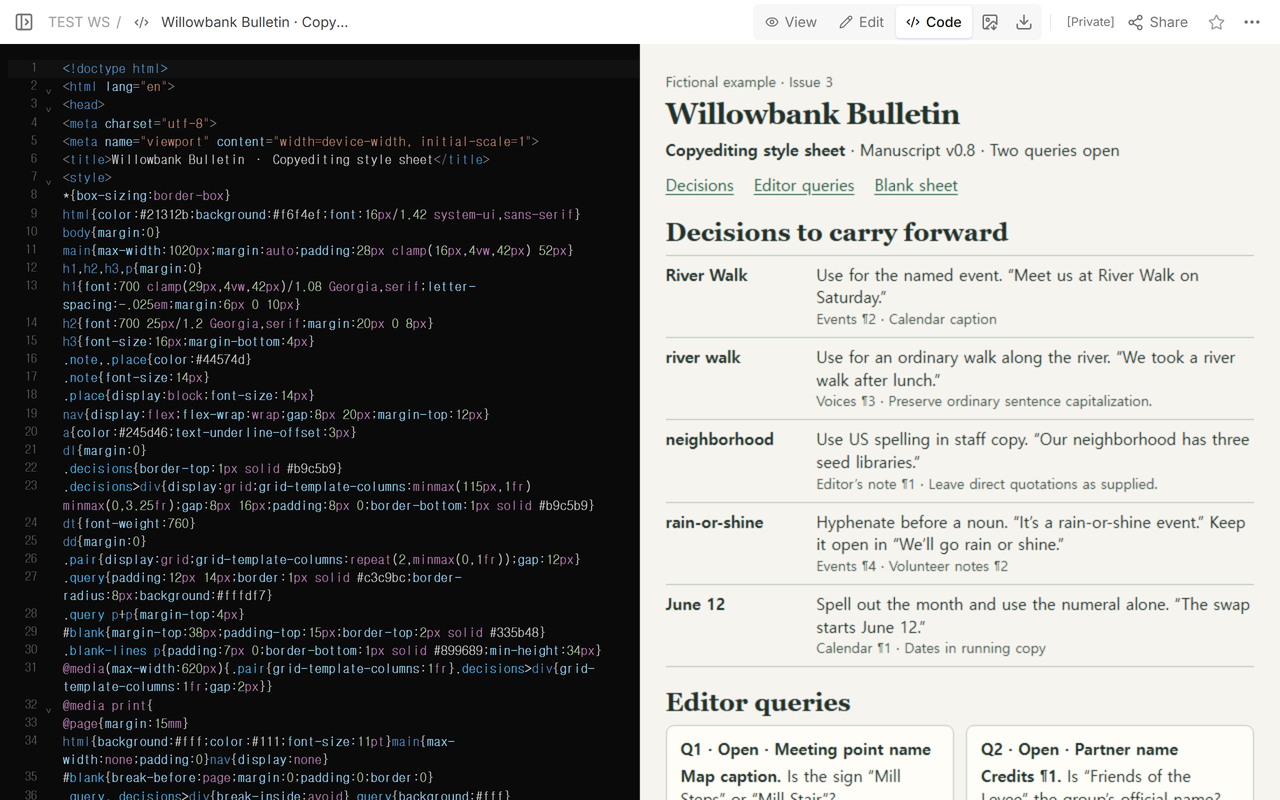
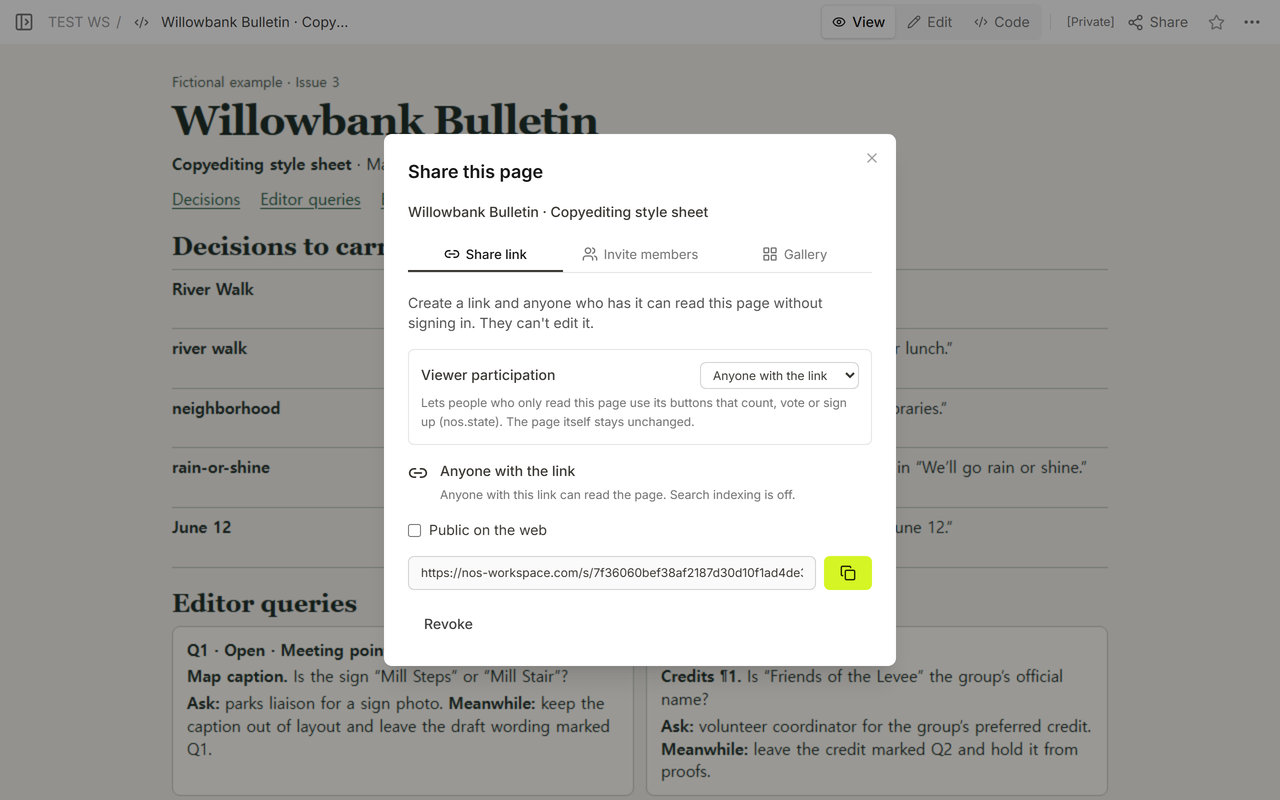
How did the Willowbank sheet work in NOS?
We saved the fictional sheet as one HTML page in NOS and checked the layout in View. Share displayed the reader link. We opened it without signing in and saw the sheet with no editing controls. We reopened the page, recorded the fictional answer to Q1 in Code, and checked the original link again. The reader page now shows Q1 resolved and keeps Q2 open. Open the Willowbank sheet in NOS.