In short
Lead with one reel that plays on the page.
Put timestamps, project names, and your contribution directly below it.
Add a visible playback fallback and one contact route.
Open the shared page, play the reel, and test one saved edit before sending the link.
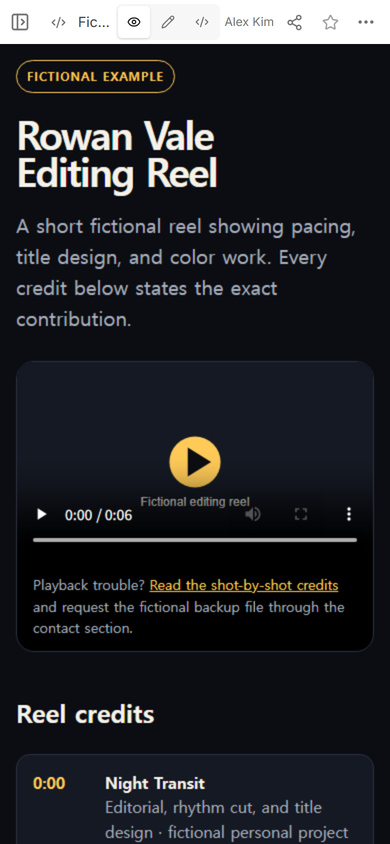
NOS Team built a fictional editing reel page to test the whole path. The page contains a reel that ends at 0:06, three timestamped credits, a playback fallback, and a reserved example contact address. No client footage, real name, or working email address appears in it.
The useful distinction from a general portfolio is focus. This page is not a gallery of every finished frame. It gives one reel the first screen, then makes the editor's role readable without asking the viewer to infer it from the cut.
What should a demo reel website include?
Start with the information a viewer needs to interpret the work:
- One primary reel. Do not make the viewer choose between several nearly identical cuts before seeing the work.
- A plain role line. State editing, animation, color, sound, or another specific contribution.
- Timestamped credits. Match every segment to a project name and the work you performed.
- A playback fallback. Point to credits or a backup file route if the player does not open.
- One contact route. Keep it separate from the credits so it is easy to find.
Our example uses fictional personal projects so each credit can be exact. “Editorial, rhythm cut, and title design” is more useful than a broad label such as “post-production,” because it identifies the contribution shown in that segment.
How do you make a demo reel website?
1. Build the complete page before sharing it
Keep the reel, credits, fallback, and contact block in one HTML file. The example embeds its short fictional reel, so the page does not depend on a separate video address. A longer real reel can use its own hosted media file, but the page should still show a poster and useful text before playback begins.
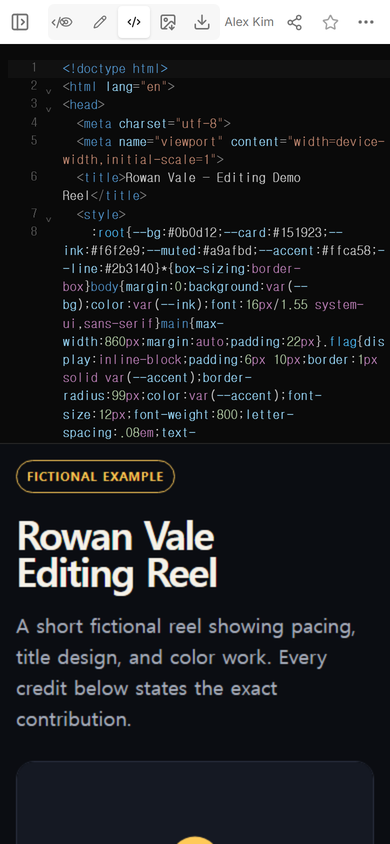
2. Check the first screen in View
The name, specialty, and player need to make sense before the credit list continues below. In the tested phone-width view, the fictional label, heading, role sentence, player, and the start of Reel credits are all visible in sequence.
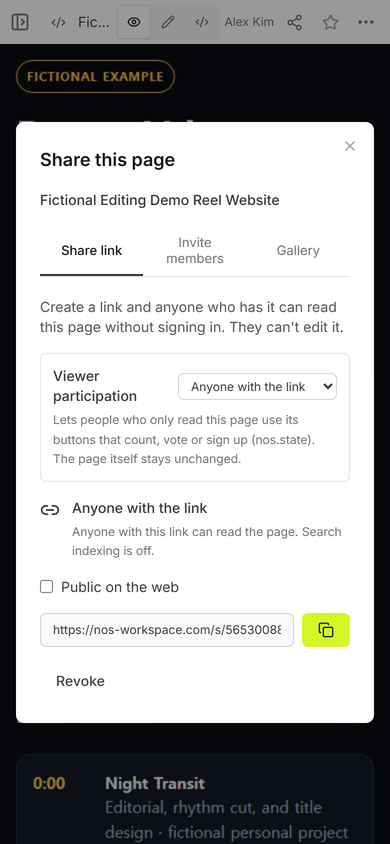
3. Create the viewer link
Open Share and use the viewer address. In the captured panel, NOS states that anyone with the link can read the page without signing in and cannot edit it. Search indexing is off for this link.
4. Test the page as a viewer
Open the share link rather than relying only on the workspace preview. Press play, move through the reel, and read the credits at phone width. The fictional reel reached its 0:06 end state in the public page, while the same screen still showed the fallback and the first credit.
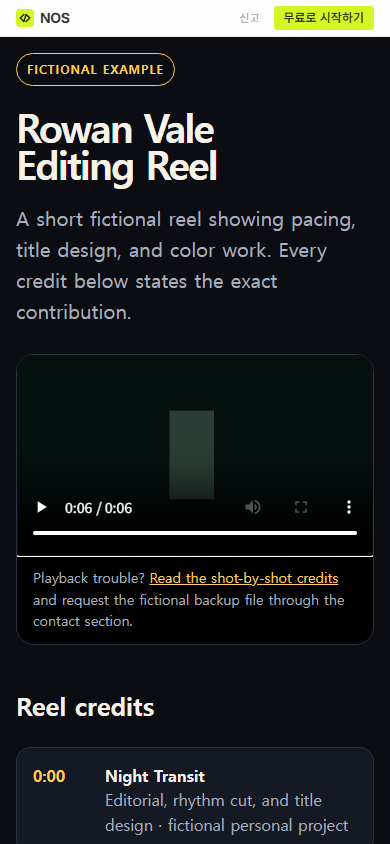
Observed snag: the public page is displayed inside its viewer frame. Reading the workspace document from outside that frame did not prove whether the reel content had loaded. A real click on the player and a visible 0:06 state did.
Should a demo reel have credits?
Yes, when the footage does not make your responsibility obvious. Place the credits directly under the reel and use the same order as the cut. A viewer can then pause at a segment and find its project and role without opening another document.
Credit collaborators where that context matters. Do not imply that you shot, animated, graded, or designed work that belonged to someone else. If a piece is a personal exercise, label it that way instead of inventing a client.
For a broader image portfolio, the HTML portfolio guide covers image weight and project context. For captions, visual description, and player checks, continue with the HTML video accessibility guide.
Can you update a demo reel page after sharing it?
We tested a small title change on the existing example rather than creating another page. Edit mode opened the visible heading as text.
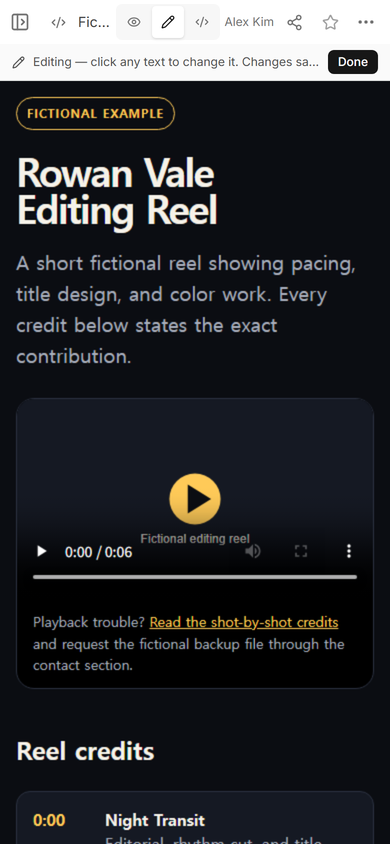
The title was changed from “Rowan Vale” to “Rowan-Updated Vale,” then saved with Done.
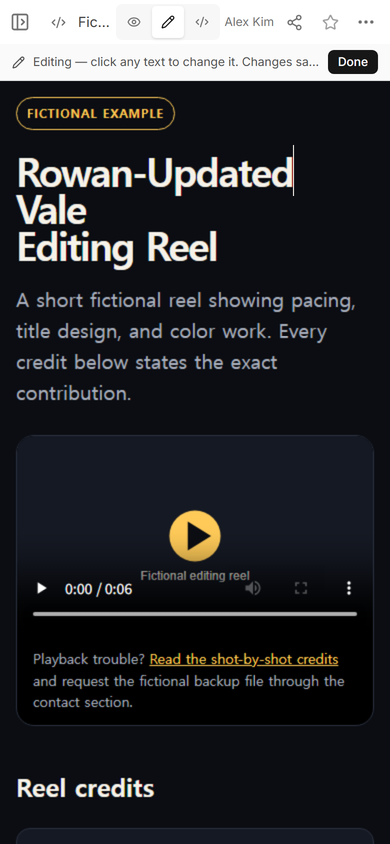
The original share address then opened with the changed heading. This checked both parts that matter: the edit was saved, and the viewer did not need a replacement link.
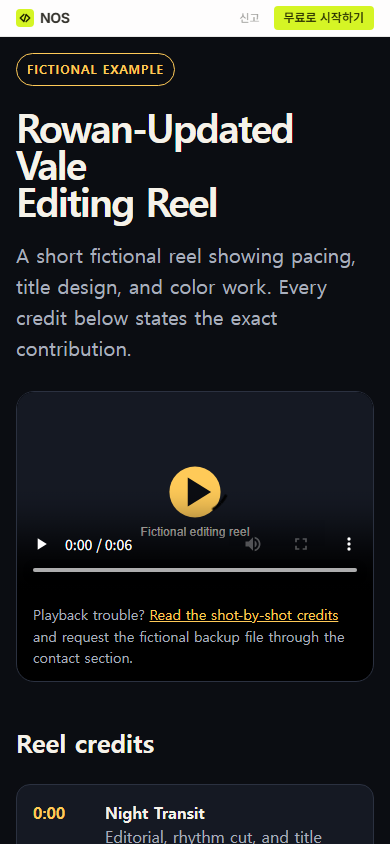
Result: the tested page kept one viewer address through View, playback, Edit, and the saved title change.
What if the demo reel will not play?
Do not leave a blank player as the only route to the work. Keep the poster, credits, and contact section useful without playback. Add a clearly named backup file route if you have one, and make sure it points to the same current cut.
Test the public link in the browser and device combination your recipient is likely to use. A working workspace preview is not the same check as a working viewer page.
When not to do this
- Do not publish footage or music you do not have permission to share.
- Do not use a public reel page for confidential client work or unreleased material.
- Do not force one reel to represent unrelated specialties when separate cuts would explain the work more honestly.
- Do not publish a fictional phone number, working email address, or invented client credit in a sample page.
Using NOS for a demo reel page
NOS Workspace was used here to display the complete HTML, inspect it in View and Edit, create a read-only share link, and keep that link while the heading changed. The current pricing page has the plan details; this guide does not assume a particular paid plan.