An HTML portfolio template is judged on two things: it opens immediately, and the work is visible without effort. A portfolio is read on a poor connection by someone deciding in a few moments whether to keep scrolling.
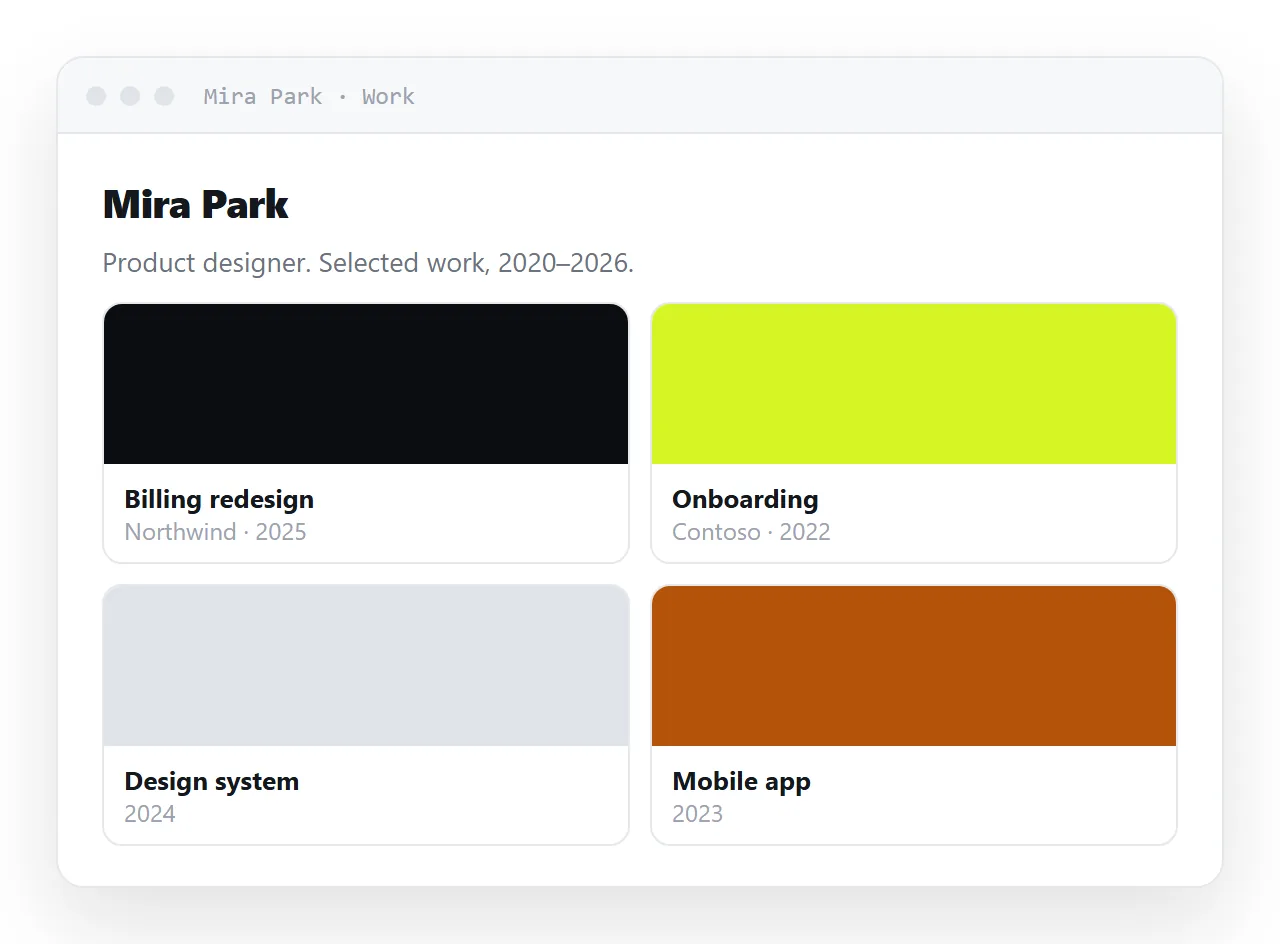
Almost every slow portfolio is slow for one reason, images straight out of a camera or a design tool.
This guide covers how to cut the weight without losing quality, what to write next to each piece, the four steps to put it at one address, and why a page beats a file for something that is never finished.
A portfolio is read on a phone, often on a poor connection, by someone deciding in a few seconds whether to keep scrolling. Two things matter: it opens immediately, and the work is visible without effort.
The HTML portfolio template: one address, not a file
Not a zip, not an attachment, not a PDF of screenshots. Each of those puts a step between the reader and the work, and some readers do not take the step. Publish the page and send the address as plain text in the message.
Weight is the whole problem
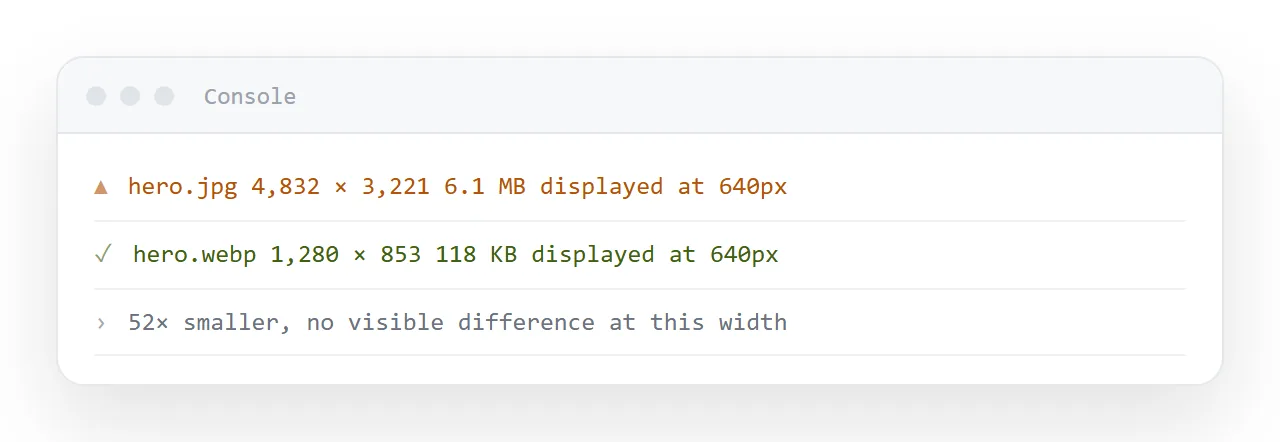
Almost every slow portfolio is slow for the same reason: images straight out of a camera, phone or design tool. A single photograph can be four megabytes. Eight of them is thirty megabytes, which on a phone connection is a blank screen for long enough that the reader leaves.
Resize before you compress
The most common waste is an image 4000 pixels wide displayed in a 800 pixel column. The browser downloads all four thousand pixels and throws away three quarters of them.
Resize to roughly twice the display width — enough for a high-density screen, no more. A 1600 pixel wide image in an 800 pixel column is sharp on every device.
Use the right format
| Content | Format | Why |
|---|---|---|
| Photographs | WebP or JPEG | Built for continuous tone |
| Screenshots with text | PNG or WebP | Keeps edges crisp |
| Logos, icons, diagrams | SVG | Sharp at any size, tiny, colourable by CSS |
| Anything with flat colour areas | WebP | Substantially smaller than PNG |
Do not embed portfolio images
Base64 embedding is the right answer for a file that has to travel alone. It is the wrong answer here, for a specific reason: an embedded image is part of the HTML, so the browser cannot show anything until the entire document has arrived. Eight embedded photographs means a blank page until the last one lands.
Separate image files load progressively and can be deferred:
<img src="work-03.webp" alt="Rebrand for a regional bakery — packaging set"
     width="1600" height="1000" loading="lazy">
Three details in one tag. loading="lazy" means images below the fold are only fetched when the reader scrolls toward them. width and height let the browser reserve the right space before the image arrives, so the page does not jump around as it loads — which is one of the clearest signals of an unpolished page.
And the alt text describes the work, which matters both for screen readers and for the case where an image fails.
The work has to be visible without a script
A gallery that only renders after JavaScript runs shows an empty page to anyone on a connection that dropped, a restricted network, or a device that gave up waiting. Plain HTML and CSS for the images; scripts only for enhancements like a lightbox.
What to say next to each piece
The most common portfolio failure is not visual, it is silence. An image with no context makes the reader guess what your contribution was.
Two lines per piece is enough:
<figure>
  <img src="work-03.webp" alt="Packaging set for a regional bakery" width="1600" height="1000" loading="lazy">
  <figcaption>
    <strong>Regional bakery — packaging and identity.</strong>
    Twelve products, one printer, two weeks. I did the identity and the packaging; photography by someone else.
  </figcaption>
</figure>
What it was, what you did, what the constraint was. The constraint is the part that shows judgement.
Keeping it current
A portfolio is never finished, which is the practical argument for a page over a file. New work means editing the page, not producing portfolio-2026-final-v3.html and hoping the right one is in your sent items.
In NOS the pasted HTML renders exactly as written at a fixed address, and the text around each piece is clickable text you can revise. So the link in your email signature stays the current portfolio, and adding a piece does not mean sending anybody a new link.
One page or several
For up to about eight pieces, one page with everything on it reads best: the visitor scrolls, the work speaks, nothing has to be clicked.
Beyond that, keep the front page to the strongest six and give each project its own page at its own address, linked from the front.
That also gives you something specific to send when a role asks about one kind of work: the packaging page, not the whole portfolio.
The first screen decides
Whatever else is on the page, the first screen has to answer two questions before the reader scrolls: what do you do, and is the work good. A name, one line saying what you do and where, and the strongest piece, large, at the top.
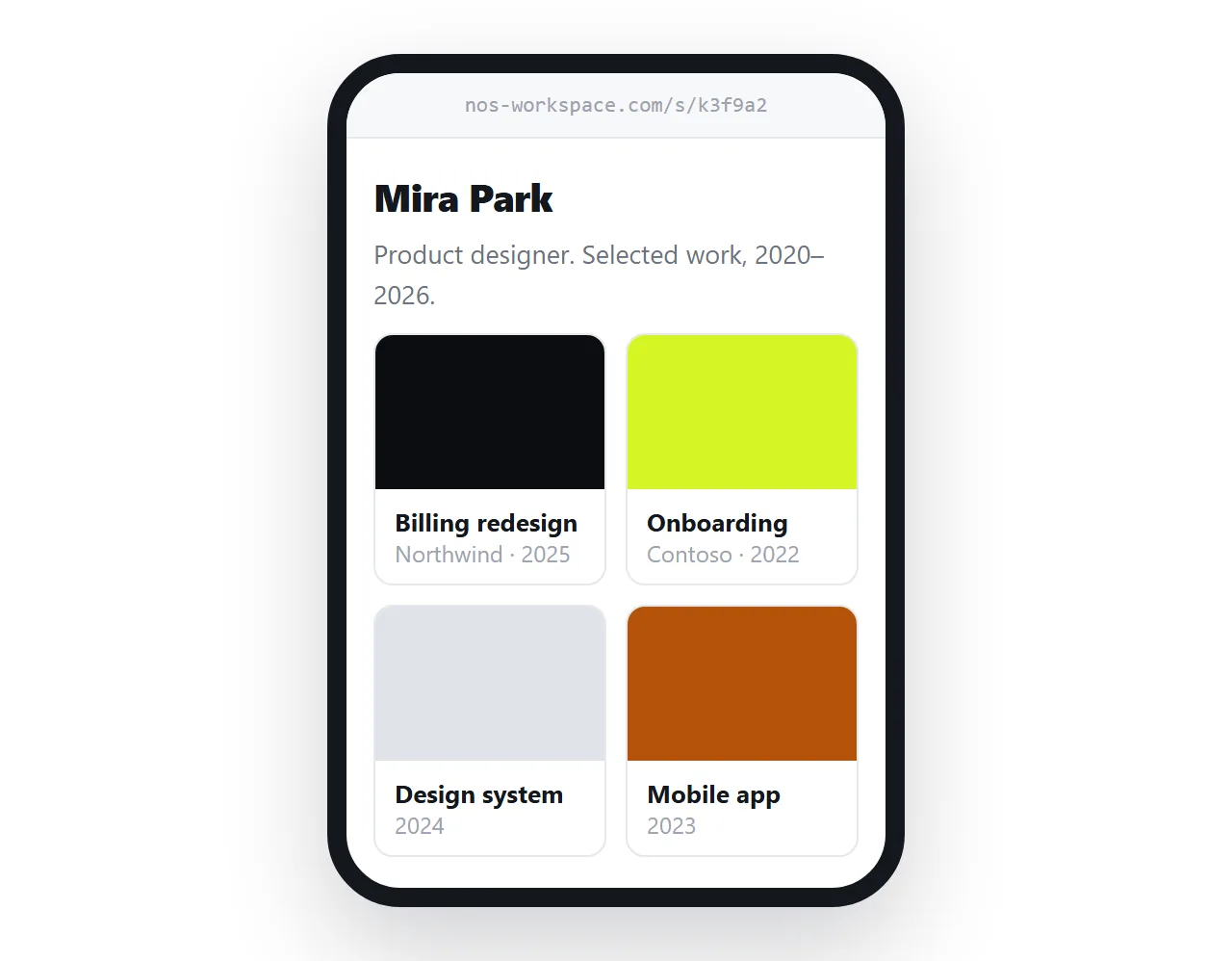
Case studies, process and contact details come after. If the reader has to scroll to find out what you do, most of them will not.
Check it on a real phone
The tools on this site show the page at phone width, and that catches layout problems. It does not catch weight, because your laptop is on a fast connection. Once before sending the link, open it on a phone with wi-fi turned off. If the first screen is not there within two seconds, the images are still too heavy.
Sharing the portfolio as a link: 4 steps
- Resize and compress every image. Roughly twice the display width, WebP or JPEG for photographs, SVG for logos and diagrams. Aim for a page under a megabyte.
- Add
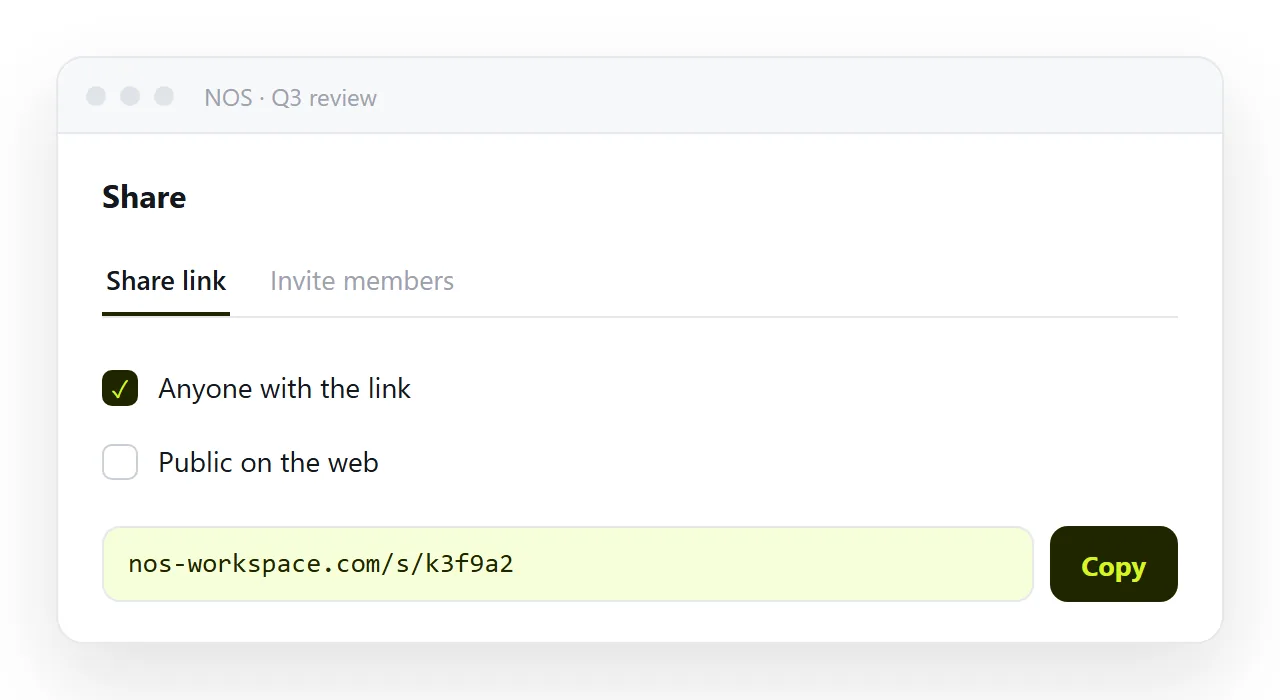
width,heightandloading="lazy"to each image tag, and alt text that describes the work. The page stops jumping as images arrive, and the ones below the fold load only when the reader scrolls toward them. - Paste the page into a NOS document and copy the share link. Share, then Share link, then Create link. Put that address in your email signature and profiles. Turning HTML into a link is this step.
- Add new work by editing the page. The link in your signature stays the current portfolio, and nobody has to be sent a new one.