Getting a resume to PDF online is a print stylesheet and a keyboard shortcut, and it is only half the answer. The other half is what you send alongside it.
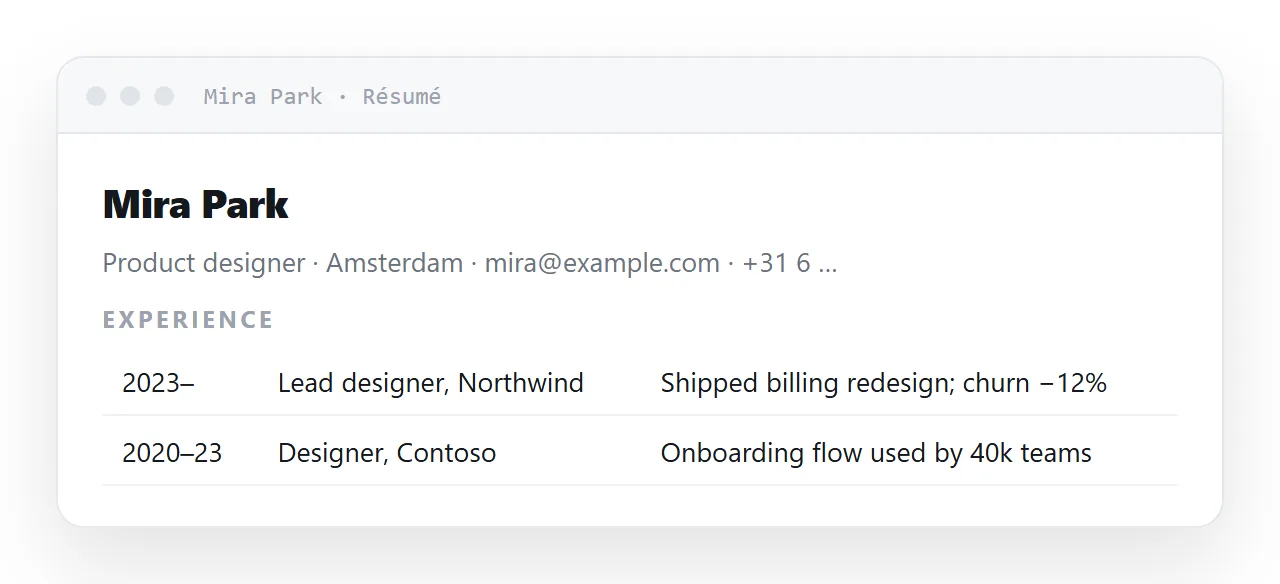
A resume has two audiences with incompatible requirements: a person reads it on a phone between meetings and wants it to open in one tap, and an application system wants a file it can parse into fields.
Serve both, and be deliberate about which gets which. This guide covers the split, the print rules that make the export come out right, the structure that survives being skimmed, and the four steps to keep the two in step.
A résumé has two audiences with incompatible requirements. A person reads it on a phone between meetings and wants it to open in one tap. A system wants a file it can parse into fields. Serve both, and be deliberate about which gets which.
The split
| Destination | Send | Why |
|---|---|---|
| A recruiter's message | The link | Opens in a tap, reads at their screen width |
| Your email signature | The link | Always current, never an attachment |
| A professional profile | The link | One address you control |
| An application portal | The PDF | It expects a file, and may parse it |
| A referral being forwarded | The link | Whoever receives it sees the current version |
| Anything asking for an attachment | The PDF | Do not fight the form |
Why sharing the résumé as a link wins with people
It reads on a phone. A PDF on a phone is a fixed-width page you pinch and drag. An HTML page reflows to the screen. Given that a recruiter's first look is very often on a phone, this is not a small difference.
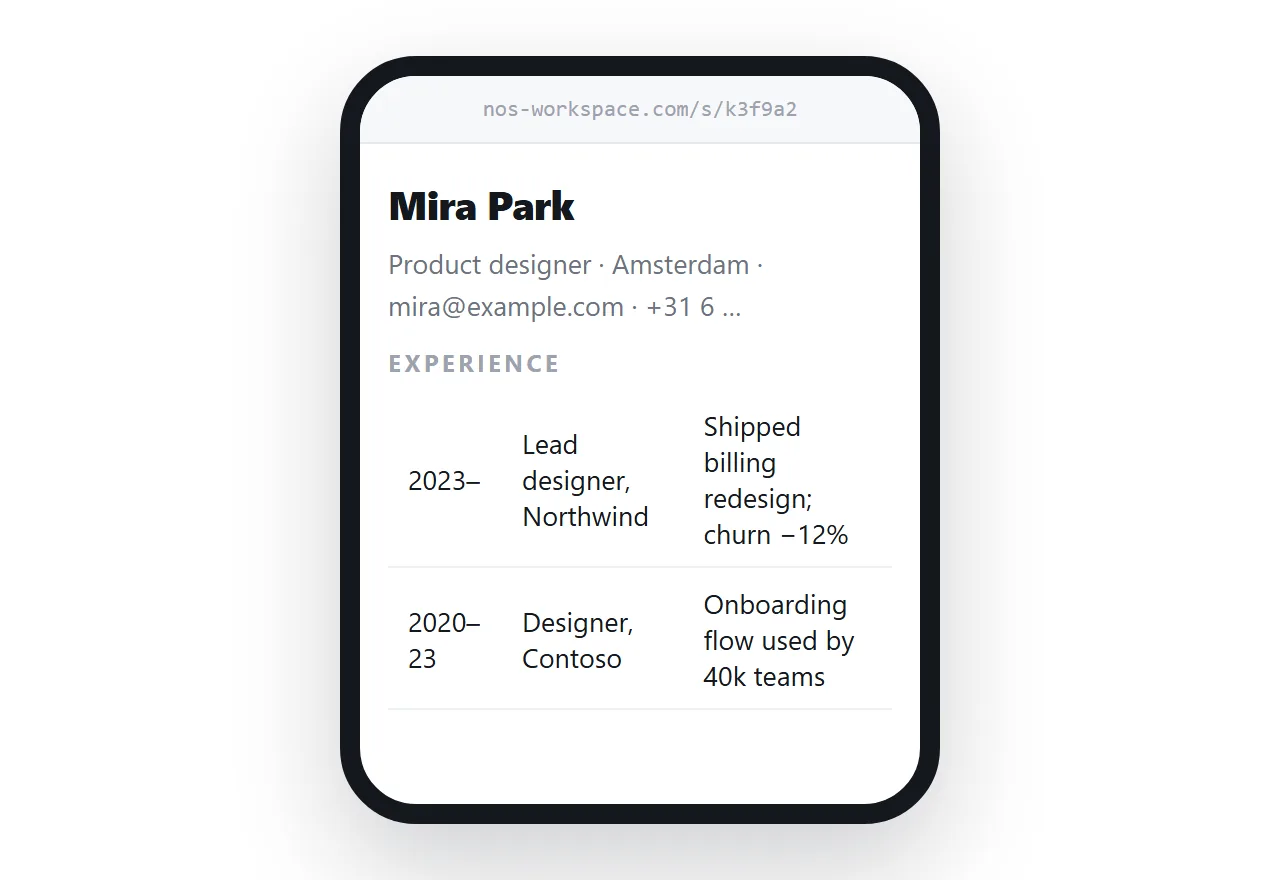
It stays current. You get a new role, you edit the page. Everyone holding the link — including people who saved it months ago — sees the update. A PDF you emailed in March is still the March version forever.
It can hold things a PDF cannot. A live link to your work, an expandable detail section, a colour scheme that adapts to dark mode.
Publishing the page gets you the address.
Structure
One column
Two-column résumés look designed and read badly on a phone, where the columns either stack in a confusing order or shrink to unreadable width. One column, in reverse chronological order.
Achievements with numbers, not duties
<li>
  Cut report turnaround from four hours to forty minutes by replacing
  the manual formatting step — 30 reports a week, same two people.
</li>
What changed, by how much, under what constraint. A list of responsibilities tells the reader what your job title already told them.
Headings that survive being skimmed
<h2>Experience</h2>, <h3>Company — role, dates</h3>. Plain semantic HTML means the page is navigable by a screen reader and parseable by anything that tries.
Contact details as real links
<a href="mailto:you@example.com">you@example.com</a>
<a href="tel:+31612345678">+31 6 1234 5678</a>
Tappable on a phone. An email address written as plain text has to be retyped, and sometimes is not.
Producing the PDF from the same page
One print stylesheet, and the export comes out looking deliberate:
@media print {
  nav, .no-print { display: none; }
  body { font-size: 11pt; }
  h2 { break-after: avoid; }
  li, .role { break-inside: avoid; }
  a[href^="http"]::after { content: " (" attr(href) ")"; font-size: 9pt; }
}
The last rule matters more here than anywhere: a printed résumé that silently loses every link it had has lost the link to your work. Writing the address next to the text keeps it.
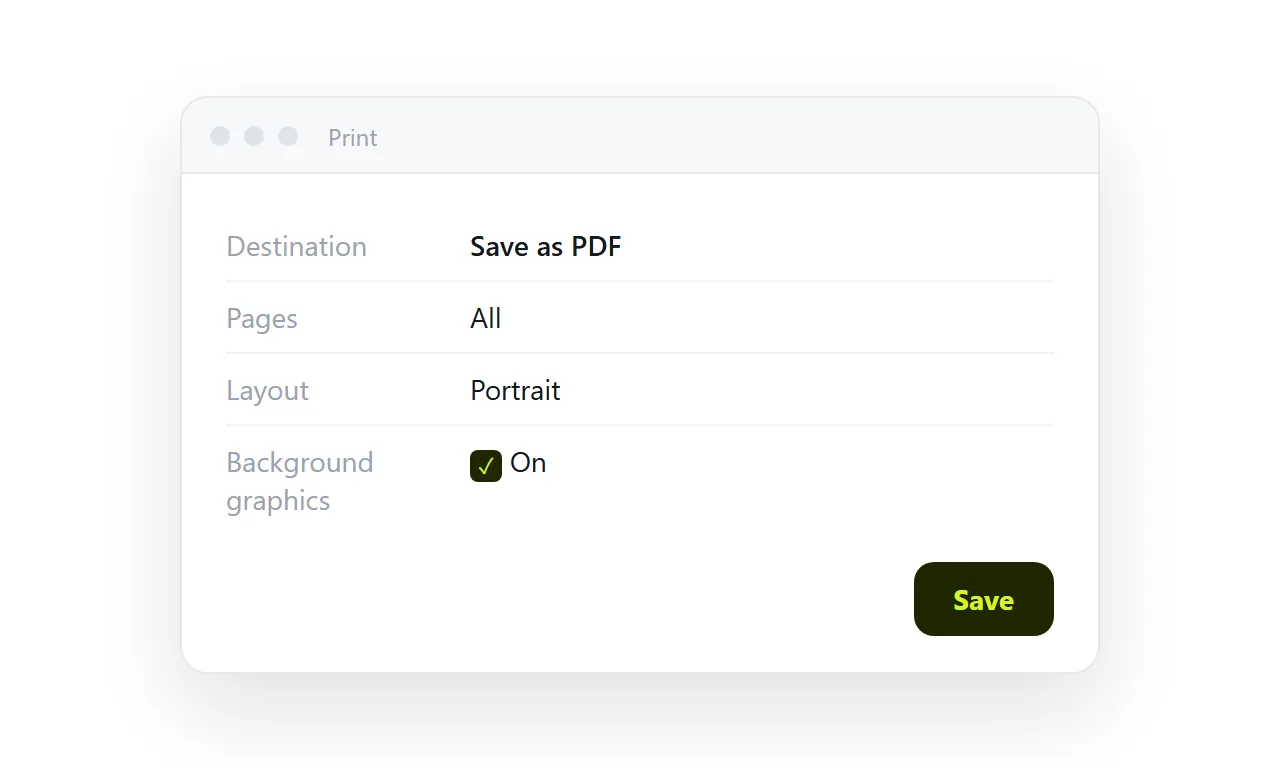
Then use the browser's print dialog and choose "Save as PDF" — see HTML to image or PDF. Name the file with your own name, not resume-final-v4.pdf.
Keeping the two in step
The failure mode of having both is drift: the page is current, the PDF is eight months old, and the PDF is what got uploaded to the portal. Re-export the PDF whenever you edit the page, and keep only one of them on your disk.
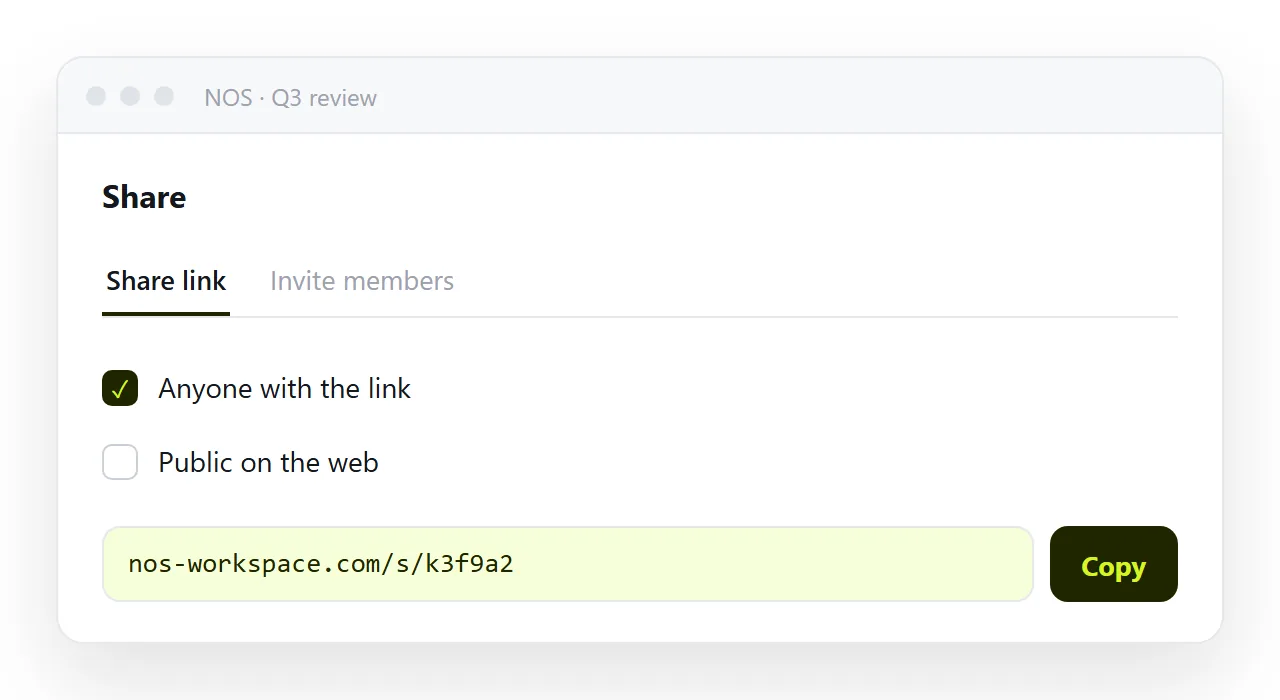
In NOS the résumé page keeps its address while the text stays clickable and correctable — so editing a date is typing over it, and the link in your signature is always the current version. Export a fresh PDF from the same page whenever a portal asks for one.
What to leave off a page that anyone can open
A share link can be forwarded, so the page should carry only what you would put on a professional profile: name, city, roles, achievements, work links, and a contact address.
Leave off the street address, the date of birth, the passport details and anything else a form might ask for later. Those go on the PDF you upload to a portal, and only when the portal asks.
What the page can carry that the PDF cannot
A link to your work. An expandable section with the detail behind each role, closed by default so the page stays short. A colour scheme that follows the reader's dark mode.
And a photo only if the country and the role expect one; in many markets it works against you, and a page makes it easy to leave out.
Keeping the page findable
Put the address in your email signature, on your professional profiles, and in the message to the recruiter itself, written out rather than hidden behind "click here". A recruiter who saved the link in March and opens it in September sees the September version, which is the whole reason to send a page rather than a file.
Sharing the résumé as a link: 4 steps
- Lay it out in one column with real links. Reverse chronological, achievements with numbers rather than duties,
mailto:andtel:links for the contact details, plain semantic headings. - Move the résumé into a NOS document and copy its address. Share, then Share link, then Create link. That address goes in your signature, your profiles and every message to a recruiter. Turning HTML into a link is this step.
- Export a PDF from the same page when a portal asks for one. The print stylesheet above, then Save as PDF from the browser's print dialog. Name the file after yourself.
- Edit the page when something changes, and re-export the PDF. The link stays current for everyone holding it, and the PDF is regenerated from the page rather than maintained as a second document.