To work out how to share HTML code as a link, answer one question first: should the reader see the rendered page or the source text? The two need different destinations.
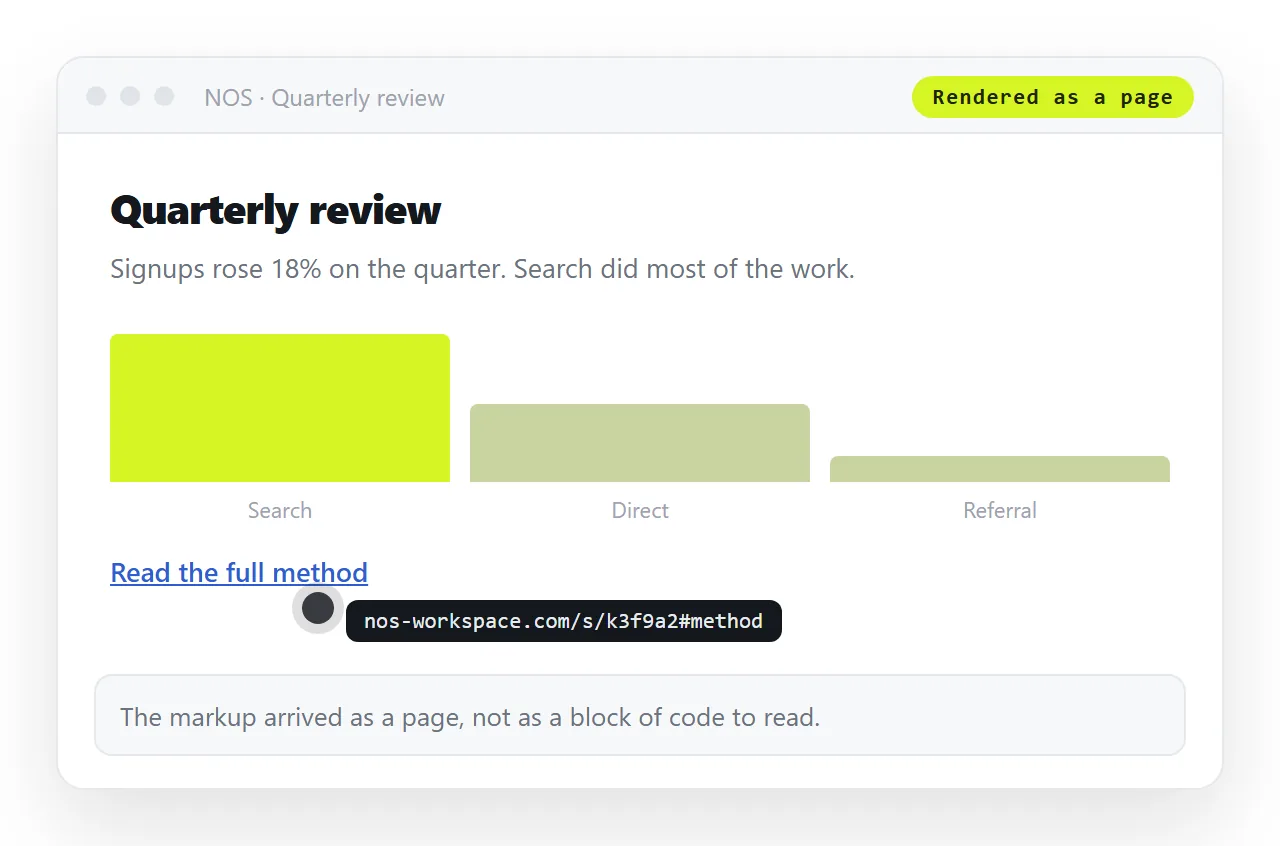
Most requests are about the page. Someone wants to look at the thing your markup produces, on a phone, without installing anything. That route is a paste and a link.
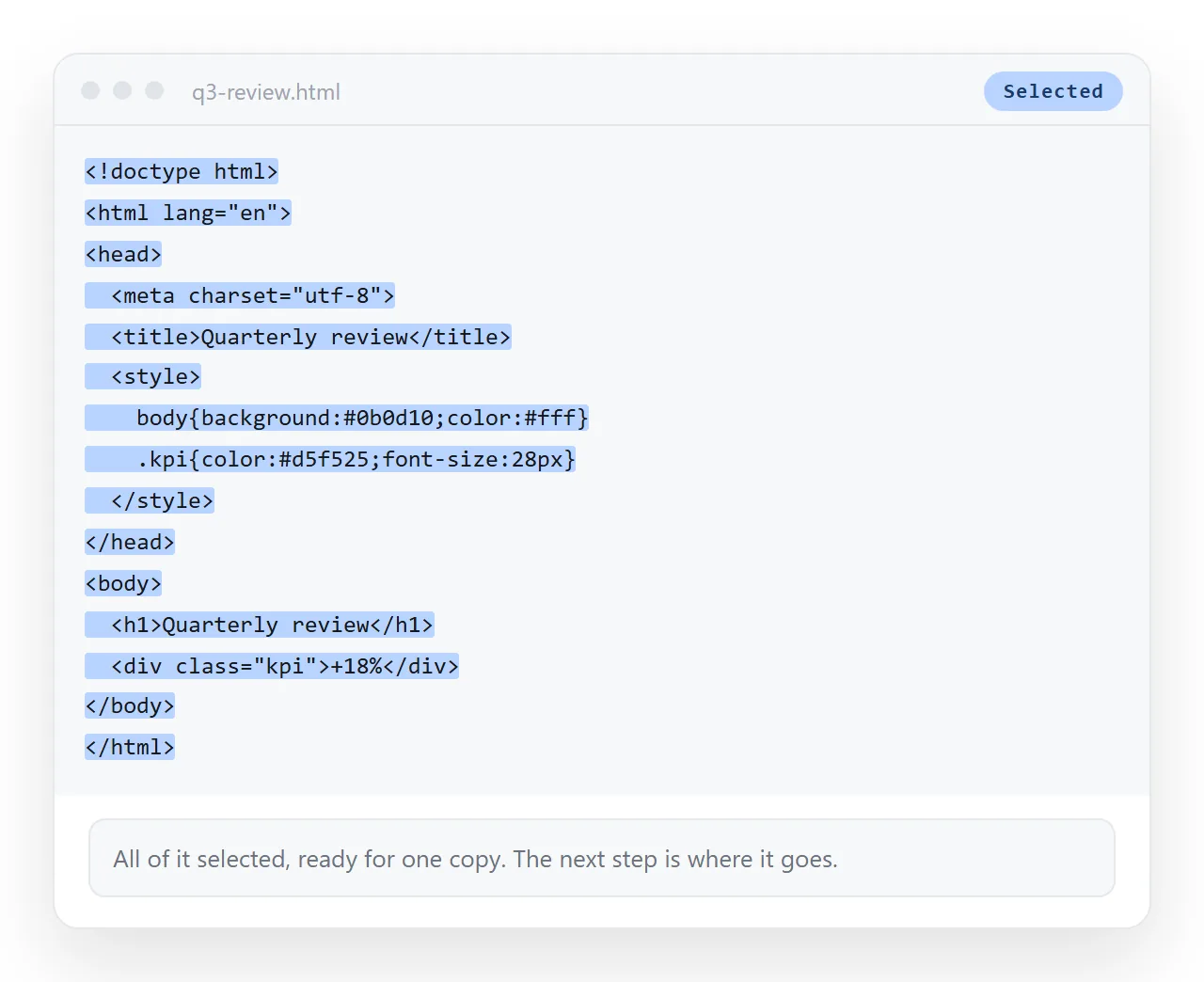
The rest of the time the code itself is the point, and wrapping it in a page hides the characters the reader came for. Both cases are covered below.
Rendered or raw: pick before you paste
| Reader | Wants | Send |
|---|---|---|
| Client or manager | The page | A link to the rendered page |
| Colleague on a phone | The page | A link to the rendered page |
| Developer reviewing markup | The source | The code itself, in a code block |
| Someone who will edit it | Both | The page link plus the source |
| A support queue | Evidence | A link plus a short note on what to look at |
Sending source to a reader who wanted a page is the more common mistake, and it usually arrives as a wall of angle brackets on a phone screen.
How to share HTML code as a link in four steps
- Complete the markup. If you have a fragment, wrap it: a doctype line, a
<head>with a title and a viewport line, then your markup in the body. A fragment on its own renders unstyled. - Paste the code into a NOS document. It renders exactly as written, dark theme, charts and scripts included, as a page of its own.
- Create the link. Share, then Share link, then Create link. Unlisted by default, so it opens for whoever holds it and is not listed anywhere.
- Send the address. One line, no attachment, no download step for the reader.
What to add before the code becomes a page
Four lines account for most of the difference between code that renders well and code that renders oddly.
Doctype. Without <!DOCTYPE html> the browser uses an older layout mode and spacing shifts in ways that are hard to debug.
Title. It fills the browser tab and any preview card. A page with no title reads as unfinished.
Viewport. <meta name="viewport" content="width=device-width,initial-scale=1">, or the page arrives at desktop width on a phone.
Character encoding. <meta charset="utf-8"> keeps quotes, dashes and non-English text from turning into stray symbols.
When the reader really does want the code
Some situations call for source, and dressing it up as a page hides what matters.
A code review is one. So is a bug report, where the exact characters are the evidence. So is a snippet somebody is about to copy into their own project.
For those, keep the code as code. In a document, a fenced code block preserves indentation and stops the markup being interpreted, which is what a reviewer needs.
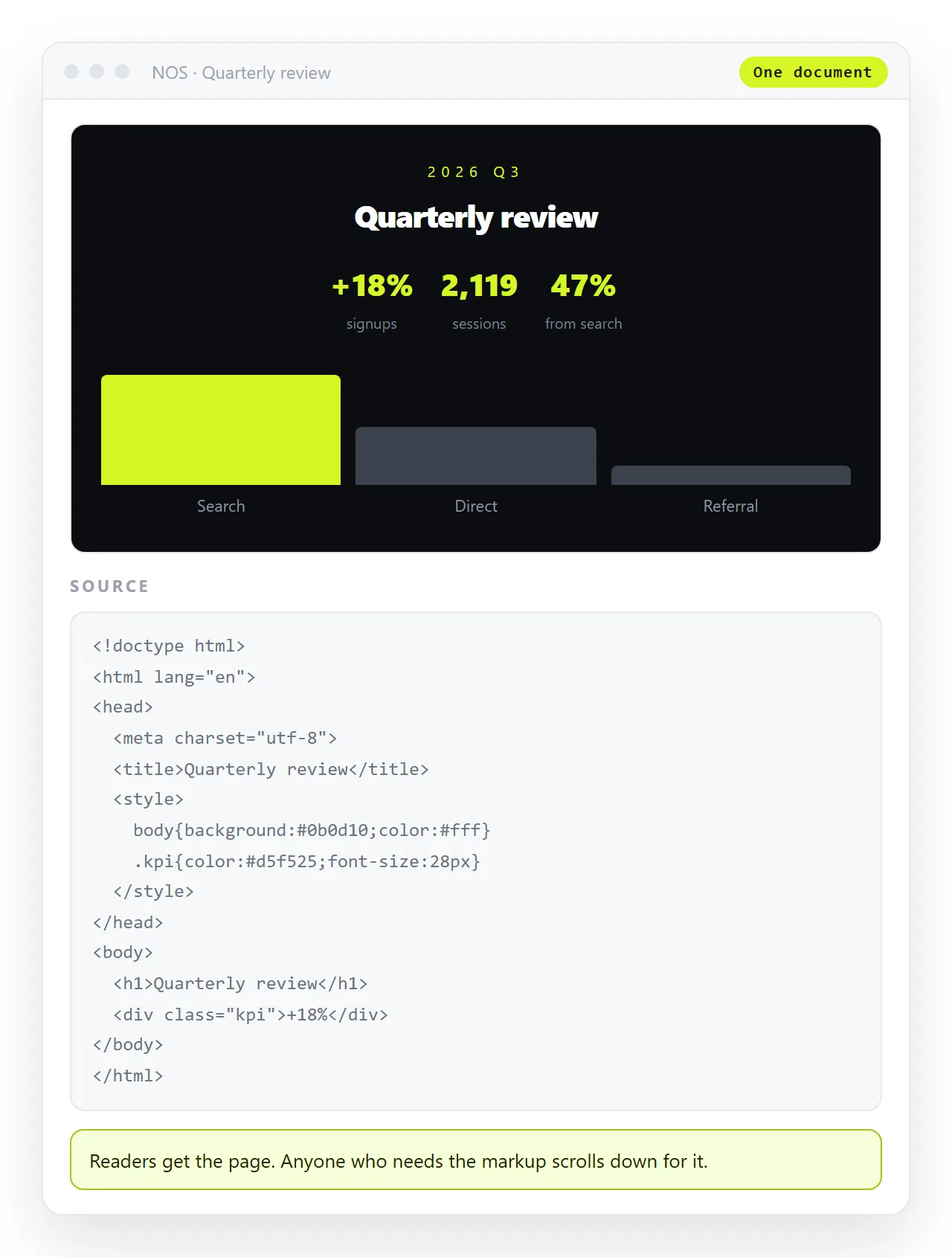
You can also do both in one address: the rendered page at the top, the source in a code block below it, with a sentence saying which part to read.
That arrangement saves the round trip where a reviewer asks for the markup and you send a second message with a second link two hours later.
Playgrounds against documents
A code playground runs your markup and shows panes for markup, styling and script. That split view is useful while you are building and distracting for a reader who wanted the result.
A document renders the page full width, with no editor furniture around it. Playground compared with a document sets the two side by side.
If you need to adjust the markup before sharing, the online HTML editor gives you a pane and a preview, and HTML to link is the paste-and-share step on its own.
Keeping the link correct over time
Code that is worth sharing usually gets corrected within a day. That is where the link route pays off.
Edit the page and the address is unchanged. The reviewer who opened it yesterday sees today's version on the same link, with no follow-up message.
Compare that with pasting markup into a chat thread. The version in the thread is frozen at the moment you sent it, and a correction means a second block that the reader has to match against the first.
It also keeps the history in one place. A document holds the current page and the conversation around it, rather than scattering both across a thread that scrolls away by Friday.
For code that several people will touch, that matters more than the sharing step itself. The link becomes the address of the work, not a snapshot of it.
Before you send, three quick checks
- Does it render in a clean window? The HTML file opener has no access to your project, so it shows what a stranger gets.
- Is anything in the code private? Keys, tokens, internal addresses and customer names travel with markup. Read it once before creating a link.
- Is the link the right visibility? Unlisted opens for whoever holds it. Public on the web is a deliberate choice for pages that should turn up in search.
Those three take under a minute and cover the failures that are awkward to undo, particularly the second one.