The four steps below are how to share HTML file as a link: give the page an address, then send the address instead of the file.
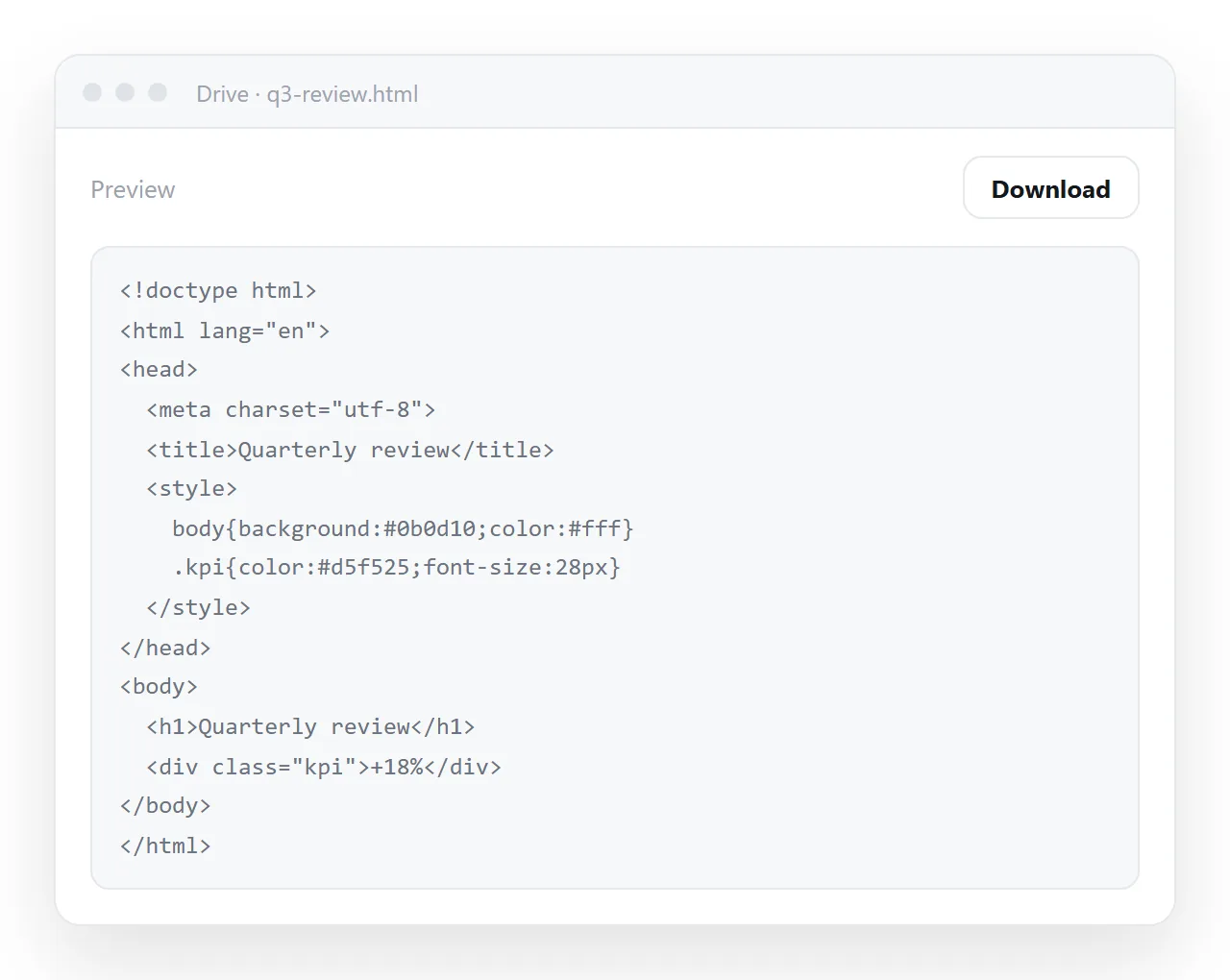
Sending the file itself is the route most people try first, and it has three separate ways to fail.
Mail gateways strip HTML attachments. Desktops open the file in whatever program claims the extension. Phones drop it into storage with nothing offered to open it.
How to share HTML file as a link, step by step
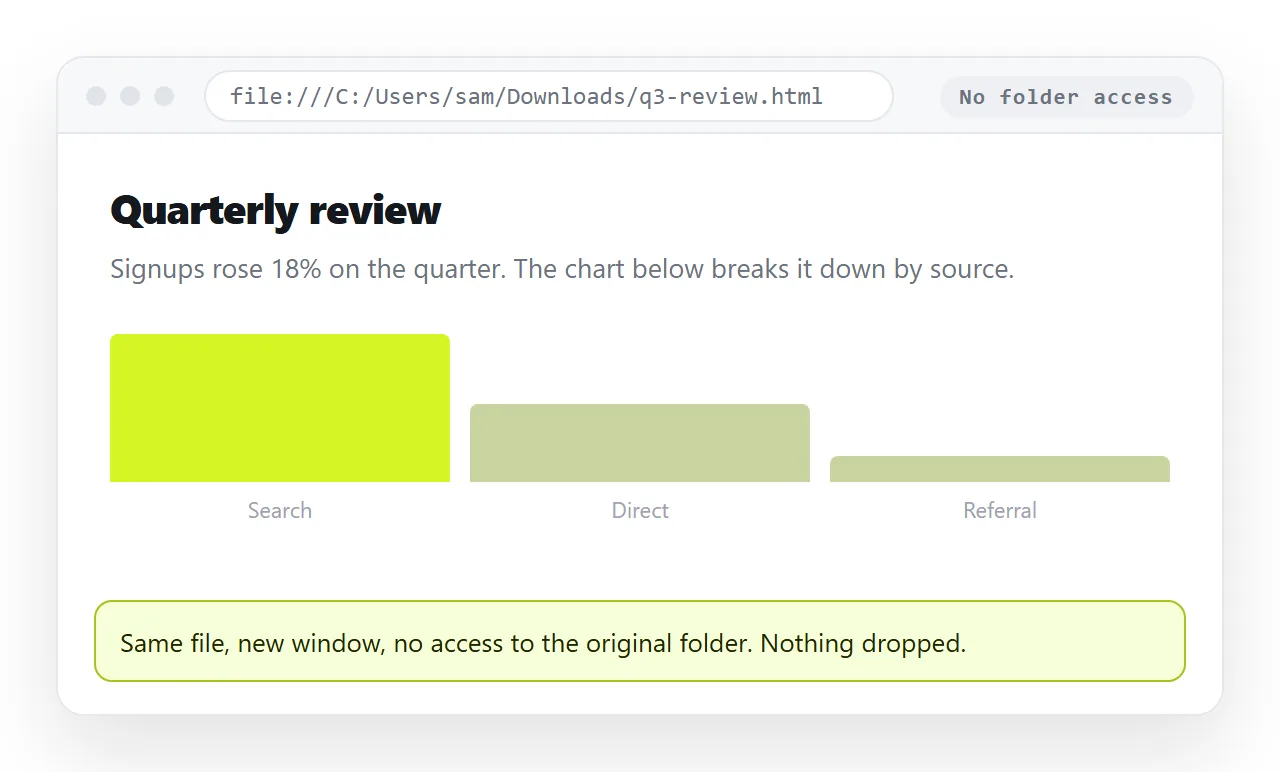
- Open the file in a window that has never seen your folder. The HTML file opener does this. If the styling and images survive there, they will survive for the reader. If not, the page is reaching for neighbour files.
- Copy the whole file. Start at
<!DOCTYPE html>and end at the closing tag. A partial copy renders as a fragment. - Paste it into a NOS document. It renders exactly as written, as a page of its own, with the text still clickable.
- Create the link. Share, then Share link, then Create link. The link is unlisted by default, so it opens for whoever holds it without being listed anywhere.
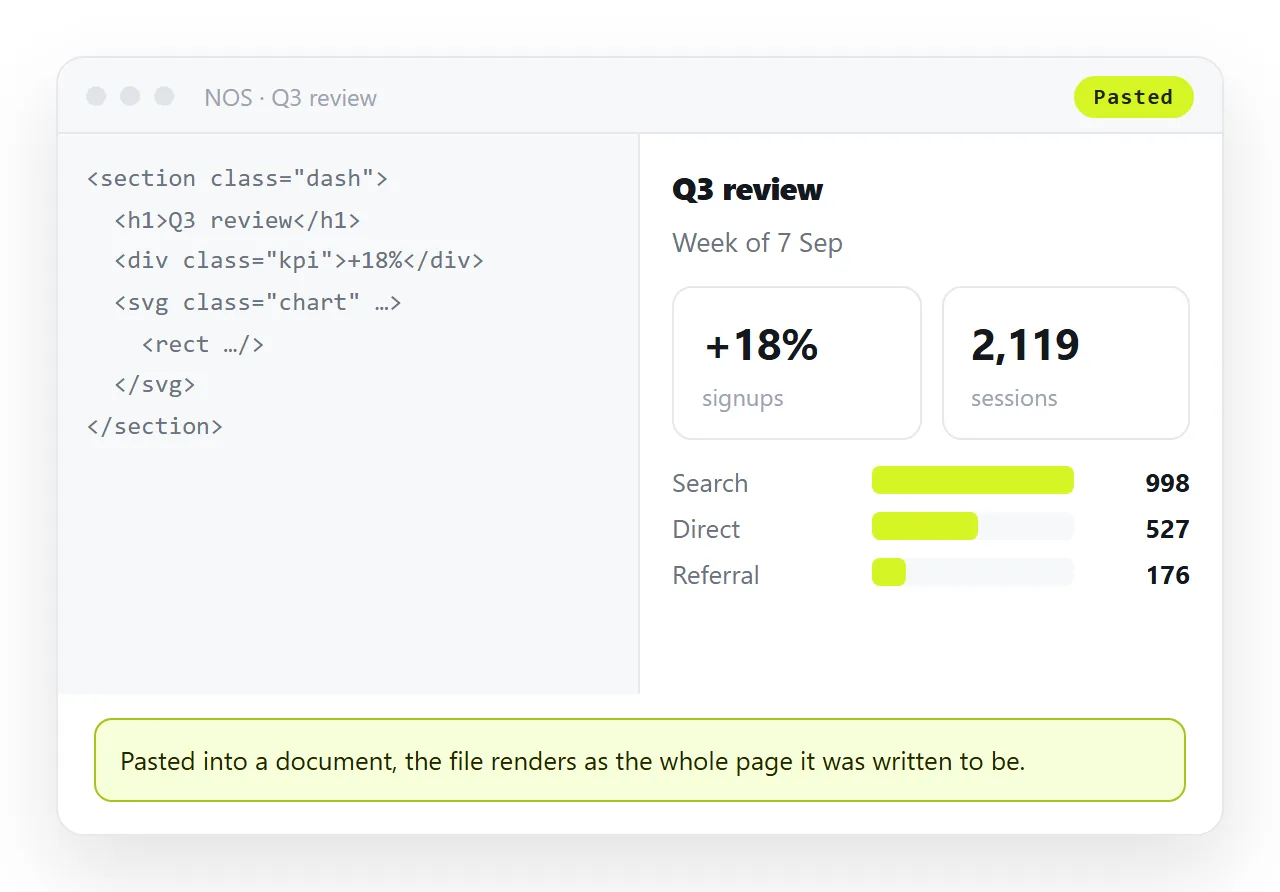
That is the whole procedure. What follows is why the other routes behave the way they do, and what to check before you send.
What each route actually does to the file
| Route | What the reader gets | Works on a phone |
|---|---|---|
| Share link to a rendered page | The page, in one click | Yes |
| Cloud drive link | A preview of the markup, or a download | Rarely |
| Email attachment | A file, if the gateway allows it | No |
| Chat file upload | A file card most people never open | No |
| Screenshot | The top of the page | Yes, partially |
| PDF export | A frozen copy with no interaction | Yes |
Only the first row puts the page in front of the reader with nothing for them to work out. That is the whole reason the link route is worth the paste.
Why a drive link is not the same as a page link
A storage service is doing its job when it shows you markup. It stores bytes and hands them back, so the file is treated as a document to download.
Rendering it would mean running someone else's markup and scripts inside the drive, which storage services avoid on purpose.
A page link is different in one respect that matters: the address is served as a web page, so the browser renders it. That single difference is what "as a link" means here.
Before you send: five checks
- Does it survive outside your folder? Open it clean. Missing styling there means missing styling everywhere.
- Is there a
<title>? It fills the browser tab and the preview card in chat. An untitled page reads as spam. - Is the viewport line present?
<meta name="viewport" content="width=device-width,initial-scale=1">. Without it the page arrives at desktop width on a phone. - Are images embedded or on full addresses? A path like
images/cover.pngdoes not travel with the markup. - Is anything in it private? Decide between an unlisted link and inviting named people before you press send, not after.
Keeping one current version
The reason to prefer a link is not only delivery. It is that a file is frozen the moment you send it.
Send five copies and five versions exist, with no way for a reader to tell which is newest. Send one link and there is one page, which you correct by clicking the text on it.
The address does not move when the content changes. A link sent in March still resolves to the current page in June, which removes the follow-up email that starts with "ignore the last one".
When the file is still the right thing to send
Two cases. If the reader has to open the page with no network at all, they need the bytes, and the page has to be fully self-contained for that to work.
If the content is final and the destination is a printed record, export it. A PDF against a live page explains what the export costs, which is every chart, tab and sort control.
Outside those two cases, the link is the shorter path. Turning HTML into a link is the same four steps in one screen.
Sharing to specific places
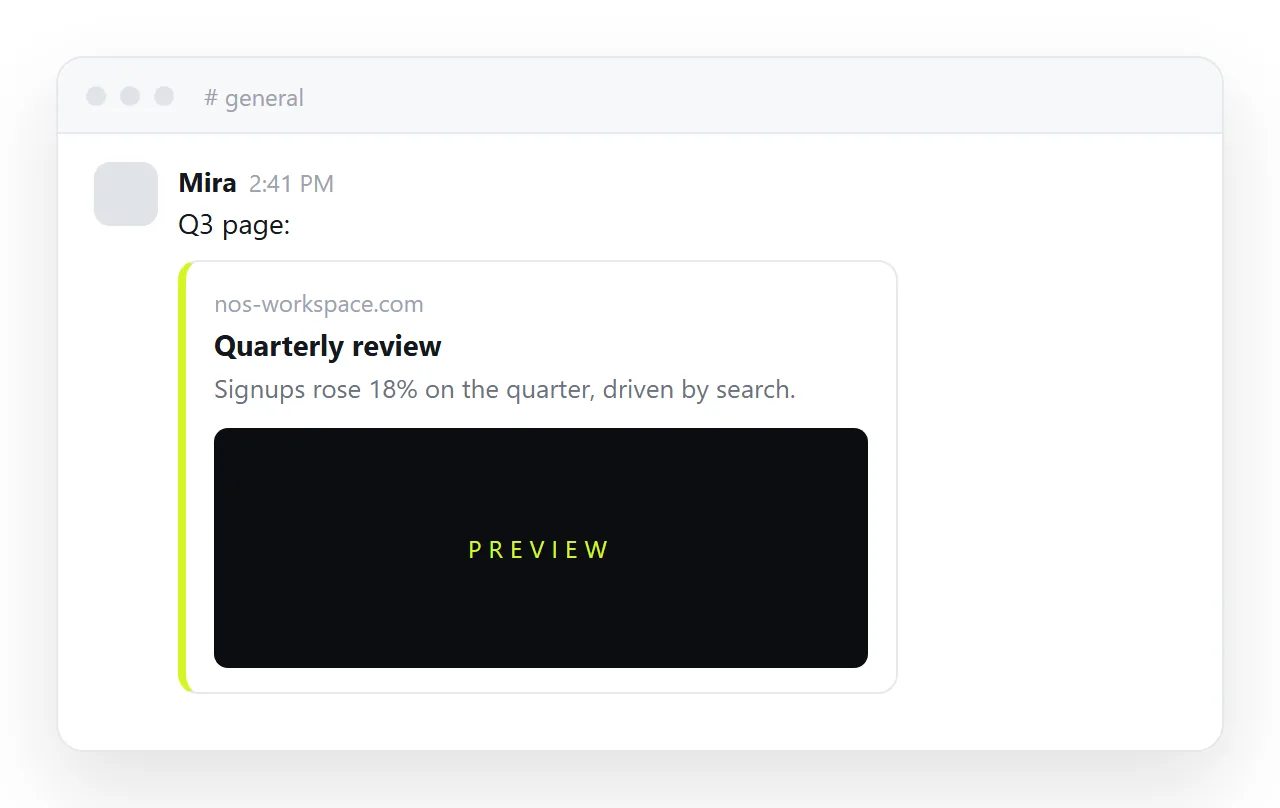
Chat apps unfurl a link into a card if the page carries preview tags in its head, which is two lines of markup. A file upload in the same channel produces a grey attachment row instead.
Email behaves the same way. A link in the body passes the gateway that would have quarantined the attachment, and it opens on the phone most people read mail on. Sending an HTML file to someone walks through the awkward cases.
For a file that lives only on your disk, the steps are identical once you have the markup on the clipboard. Sharing a local HTML file as a link covers the folder problems specific to that case.