The answer to how to share local HTML file as a link: stop trying to link the file on disk, and serve its contents from a real address instead.
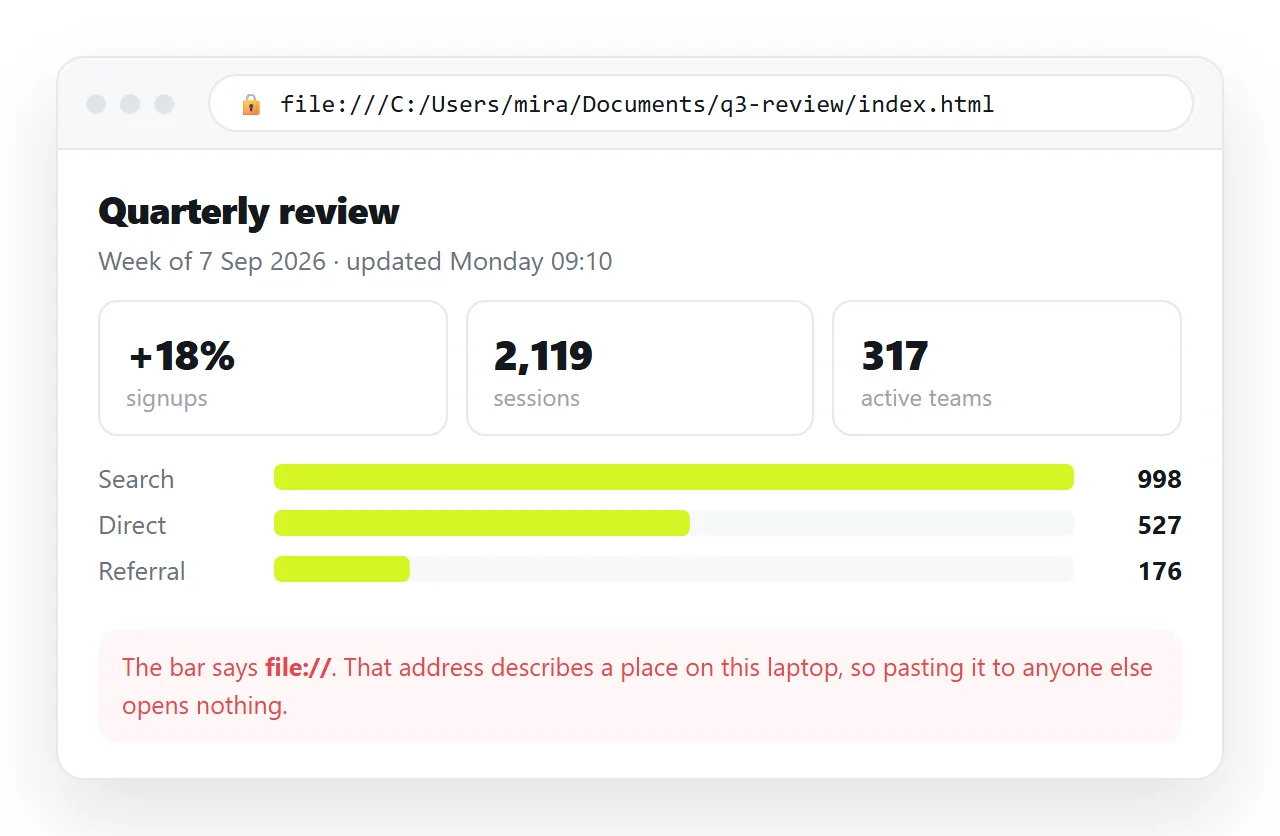
A local file has no link to give. The address in the bar is a path on your machine, which means nothing on anyone else's. That is not a permissions problem you can grant your way out of.
Why file:// cannot be shared
Three things are true about file:// at once, and together they close the door.
It is machine-local. The address describes a folder on your disk, so another computer either finds nothing or finds something unrelated at the same path.
It is restricted on purpose. Browsers block a page opened from disk from doing several things a served page can do, which is why some local pages behave oddly even for you. The file protocol explains which restrictions apply.
It is invisible to everyone else. No account, no sharing setting and no permission changes that.
How to share local HTML file as a link: what has to change
| What you have | What the reader needs | The gap |
|---|---|---|
| A path on your disk | An address on the web | Somewhere that serves the page |
| A folder of assets | Everything the page loads | Embedding, or serving the folder |
| A copy that is current today | A copy that is current later | An address that survives edits |
Three gaps, and the middle one is the one that catches people. The HTML travels when you copy it; the folder next to it does not.
Fold in the neighbours first
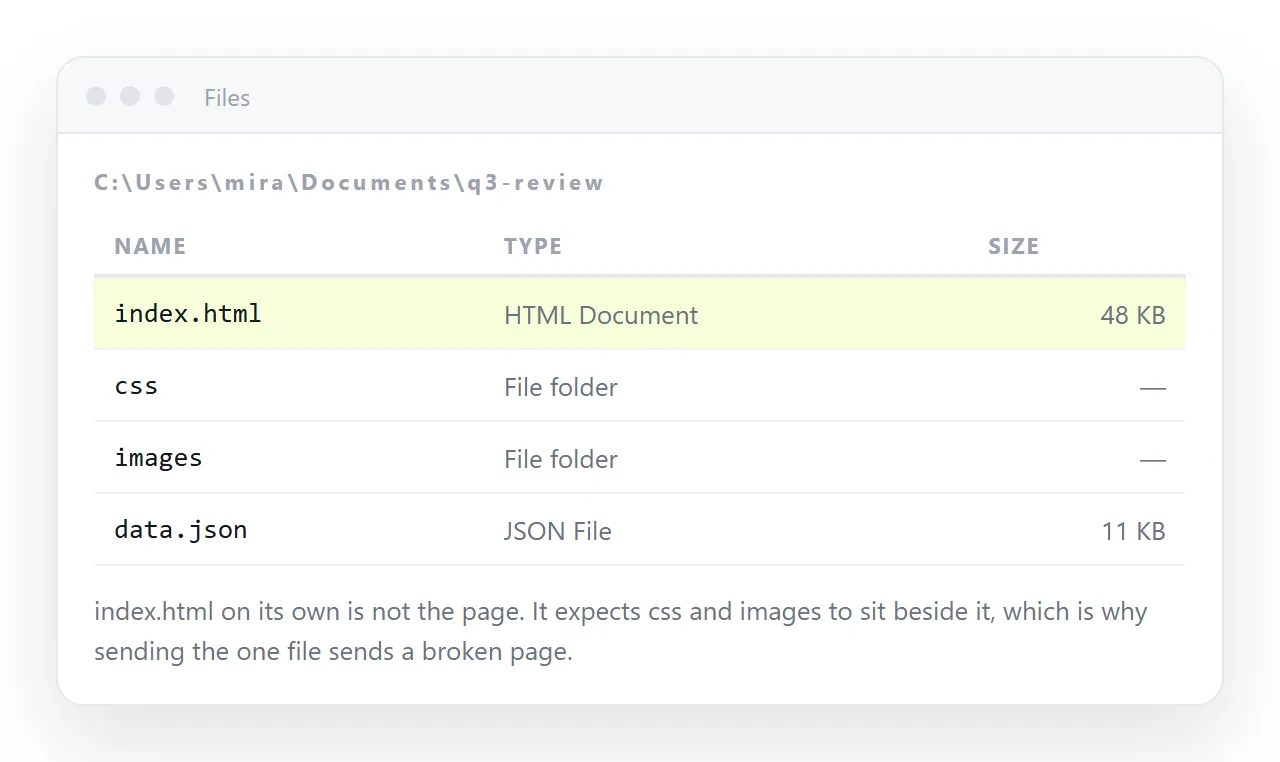
Look at what the page loads from around it, then deal with each kind.
- Stylesheet. If the head links to
styles.css, that file will not travel. Move the rules inside a<style>block in the same document. - Images. A path like
images/chart.pngbreaks the moment the file moves. Embed small pictures in the markup itself, or host them and use full addresses. - Fonts. A local font file behaves like an image. A font loaded from a full web address travels fine.
- Scripts. A local script file has the same problem as a stylesheet. Inline it, or load it from a reachable address.
Self-contained HTML is the general version of this list. A page that passes it opens anywhere, including from a colleague's downloads folder.
Then give it an address
- Open the file in a clean window. The HTML file opener has no access to your folder, so what renders there is the honest version.
- Copy the whole file, doctype line to closing tag.
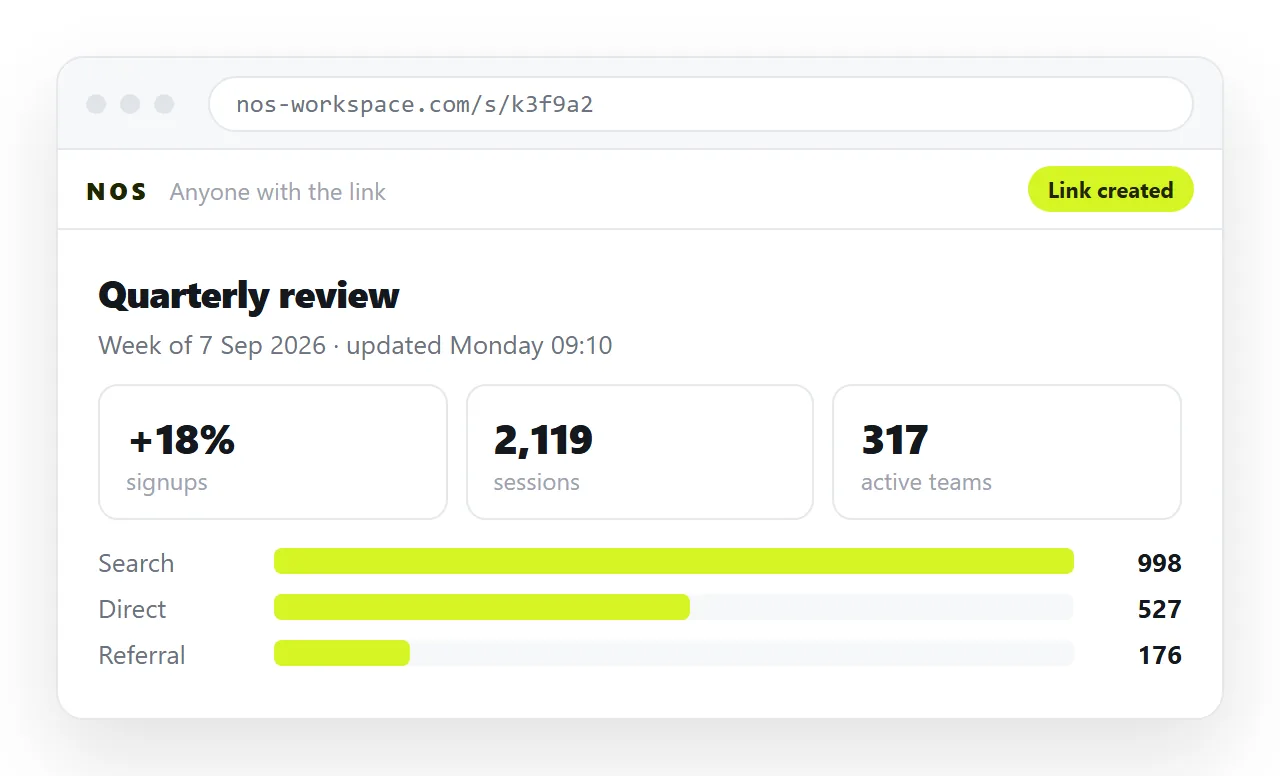
- Paste it into a NOS document. The markup renders as a page of its own, charts and scripts included.
- Create the link. Share, then Share link, then Create link. Unlisted by default, so it opens for whoever holds it and is not listed anywhere.
Local server, static host, document
A local server is worth a paragraph because it is the most common half-answer. Running one gives the page an address on your own machine, and sometimes on the office network. Outside that network it does not exist, and it stops when the laptop sleeps.
A static host gets the page onto the public web and keeps the folder structure, so a multi-file page can travel intact. Every correction is another upload of the file.
A document that renders HTML gives the same address with no upload step, and the text stays editable after publishing. Static host compared with a document sets out where each one fits.
Checks specific to local files
- Absolute paths from your drive. Anything starting with
C:/or/Users/is a guaranteed break. Relative against absolute paths explains the difference. - Case in filenames. Your laptop may not care about capital letters. Most servers do, so
Logo.PNGandlogo.pngbecome two different files. - Spaces in filenames. They survive locally and cause trouble in addresses.
- Anything loaded over plain HTTP. A served page on HTTPS blocks it, so the image or script that worked on disk goes missing once the page has a real address.
Run those four before you conclude the page is broken at the other end. Three of the four are invisible while the file sits on your own disk.
After the link exists
The page is now editable without touching the original file. Click a figure on the rendered page, correct it, and the address is unchanged, so the link you already sent shows the new number.
That removes the pattern local files create, where the current version sits on one laptop and four stale copies sit in four inboxes.
If you only have markup on the clipboard rather than a file, sharing HTML code as a link is the same route from the other direction.
Keep the original file. The document holds the current page, but the file is your record of what you started from, and it costs nothing to leave in the folder.
When the page changes materially, say so in a line at the top of the document rather than sending a fresh link. Readers who bookmarked the address will see the note the next time they open it.
And decide once whether the page should be findable. Unlisted is the right default for client work and internal drafts. Ticking Public on the web is a deliberate act, not a formality.