There are two ways to host static HTML free, and the difference is not the address, it is what you work on afterwards.
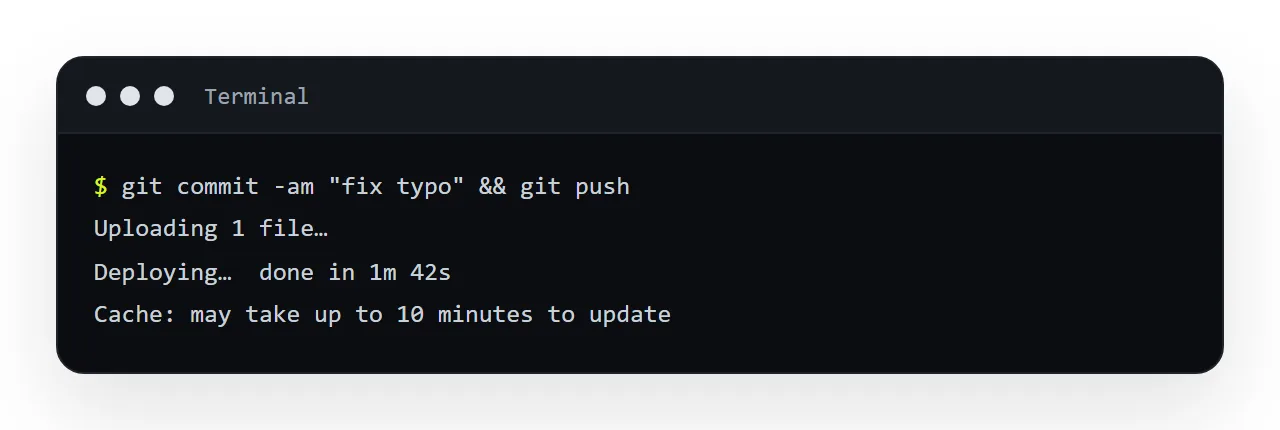
A file host makes the file the unit of work: to change one word you find the file, edit the markup, upload it again and wait for the cache. A document makes the content the unit of work: click the word, type.
This guide compares the two, says where each is the right answer, names the hybrid that is usually the mistake, and gives the four steps to decide.
Both approaches give you an https address serving your HTML. The difference is what you work on.
Two ways to host static HTML free: the unit of work
A file host's unit is the file. You edit a copy on your machine, upload it, and the new bytes replace the old. To change one word: open the local file, find the word, save, upload, and wait for caches to release.
A document's unit is the content. The page lives at the address; you change the text and it is changed.
Every difference below follows from that.
Compared
| Static file host | Document with an address | |
|---|---|---|
| Fix one word | Edit locally, re-upload | Click, type |
| Who can fix it | Whoever has the source and the credentials | Anyone you invited |
| Address when content changes | Same, after a cache wait | Same, immediately |
| Find it by its contents | No | Yes |
| Version history | Whatever your own discipline provides | Kept by the document |
| Control over headers and redirects | Full | Not yours |
| Multi-page site with shared CSS | Natural | Not what it is for |
| Custom domain and paths | Yours | Depends on the service |
Where a file host is the right answer
A page that is genuinely finished. A landing page, a one-off announcement, an archived report. The re-upload cost never arrives, so it is not a cost.
A whole site. Many pages, a shared stylesheet, a build step, hashed asset names. That is exactly what static hosting is for and a document store is not a substitute.
When you need control of the serving. Custom headers, a content security policy, redirects, precise cache rules. You own the configuration.
Where a document is the right answer
Anything revised more than once. Which is most working documents — reports, dashboards, specs, price lists, meeting notes.
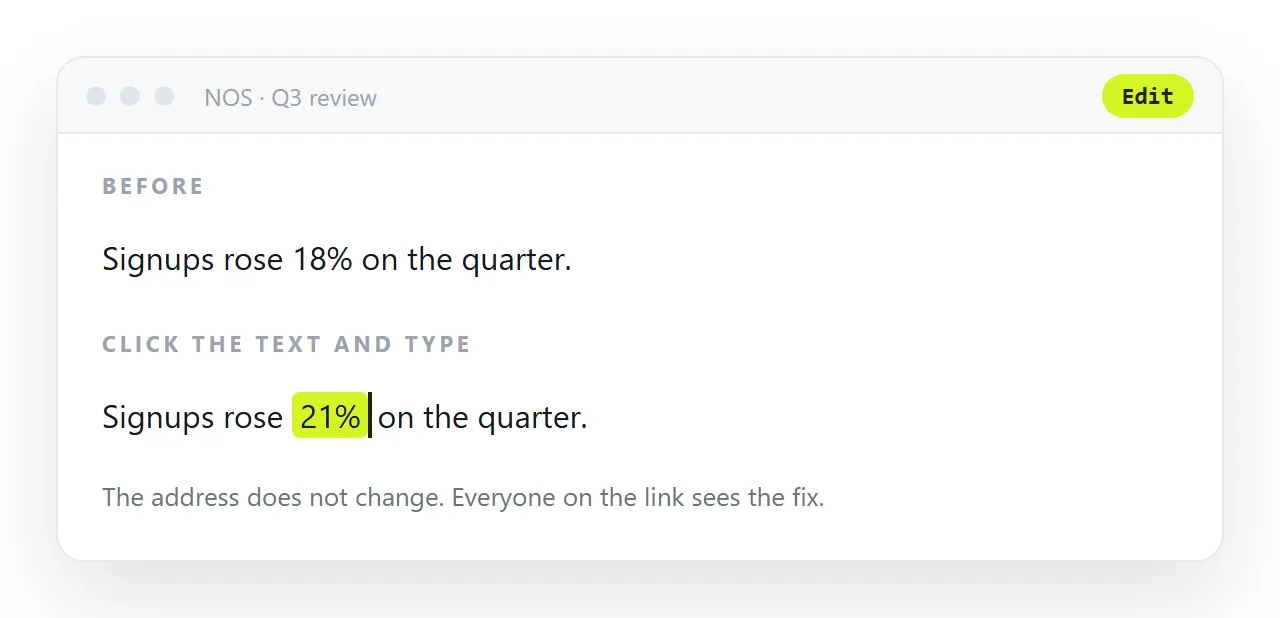
When the person who spots the error is not the person who can fix it. This is the decisive one. On a file host, a correction requires the source file and credentials, so every fix routes through one person and the queue means fixes do not happen. When the rendered text is editable, the person who noticed corrects it.
When you will need to find it again. A file host has no search. A folder of report-final.html files is findable only if you remember the folder, which in three months you will not.
When history matters. "What did this say when we agreed it" is answerable by a document that keeps revisions, and answerable on a file host only by whatever backup discipline you happened to maintain.
The hybrid that is usually the mistake
Keeping the source file in a drive and the served copy on a host. Two things now exist, and they drift — the drive copy gets edited and not uploaded, or the host copy gets a hotfix that never makes it back.
Pick one home for the current version.
Not the same as a cloud drive
Worth separating a third thing: a cloud drive is neither of these. It stores the file and refuses to serve it as a page, so the share link opens a viewer that cannot render HTML. Good storage, not hosting.
Caching, the part people forget
A file host serves the old version for as long as its cache says to, which can be hours, and the person who just uploaded the fix sees the new one because their browser fetched it fresh.
Everyone else sees the old one and reports that the fix did not work. Cache busting covers the workarounds. A document serves the current content on every open, because there is no file to cache.
In practice
Use a static host for your site. Use a document with an address for the things you send people — which is where the re-upload cycle and the "who can fix it" problem actually bite.
In NOS a pasted page renders exactly as written at a fixed address, its text is clickable text, and it is searchable next to your other documents. That is the second column above, without the file-shaped workflow.
Cost and effort, honestly
A file host is often free for a single page and asks nothing of you after the upload. A document costs an account and, past a few documents, a plan.
What you are paying for is the second and every later edit being a click for whoever owns the words, and the page being findable next to the others.
For a page that will never change, that is nothing; for a report that changes weekly, it is the difference between a page that stays right and one that quietly stops being corrected.
Moving a page from one to the other
From host to document: copy the HTML, paste it into the document, share the new address, and put a one-line redirect or notice at the old one. From document to host: export the page's HTML and upload it, and accept that edits now go through the file again. Both take minutes. The mistake is doing neither and keeping both.
Deciding between a file host and a document: 4 steps
- Ask who will correct the page after it is published. If it is someone who reads markup and has the host login, either works. If it is the person who owns the words, a document.
- Ask how often it will change. Never again: a file host is fine. Weekly, or whenever someone spots an error: a document.
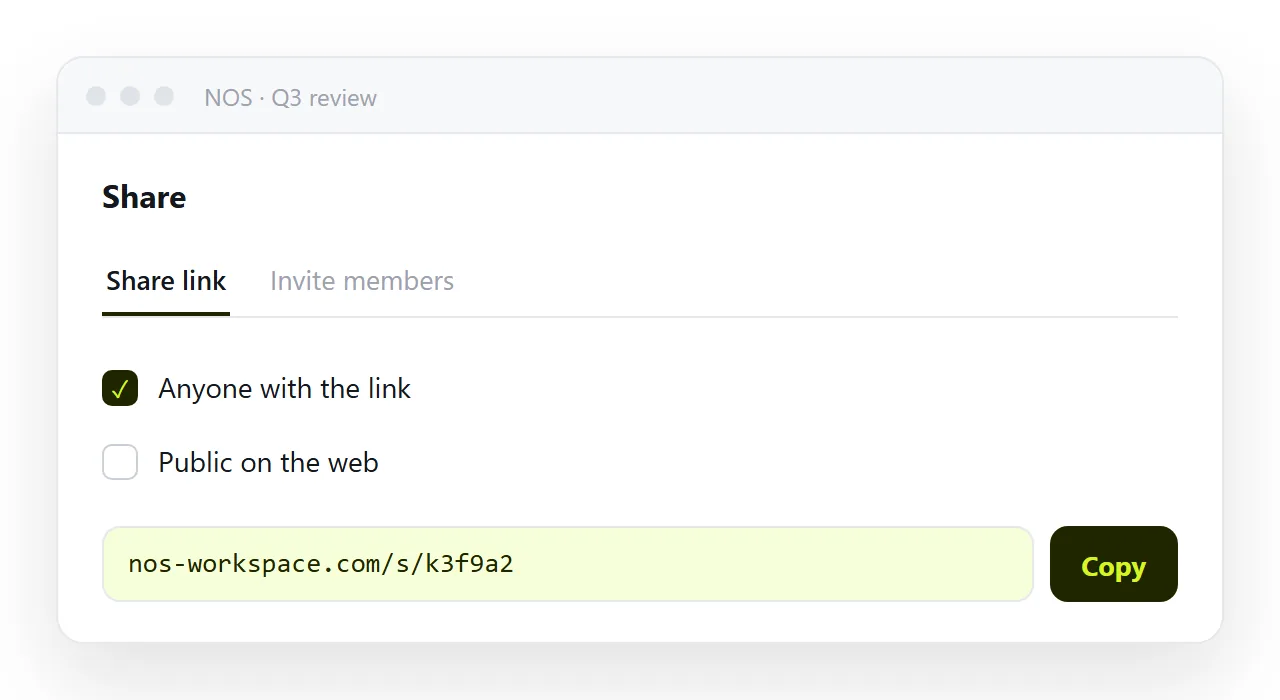
- Ask whether it is one page or a site. A site with a folder of files and a build step belongs on a host. One page that people read and correct belongs in a document. Share, then Share link, then Create link. gives it an address.
- Pick one, not both. Two live copies drift within a fortnight. If a page moves from a host to a document, redirect or retire the old address so there is one.