What is a static page? It is a page the server serves as a file, identical for every reader, with nothing assembled per request. The opposite, a dynamic page, is built by the server each time from a database and whoever is asking.
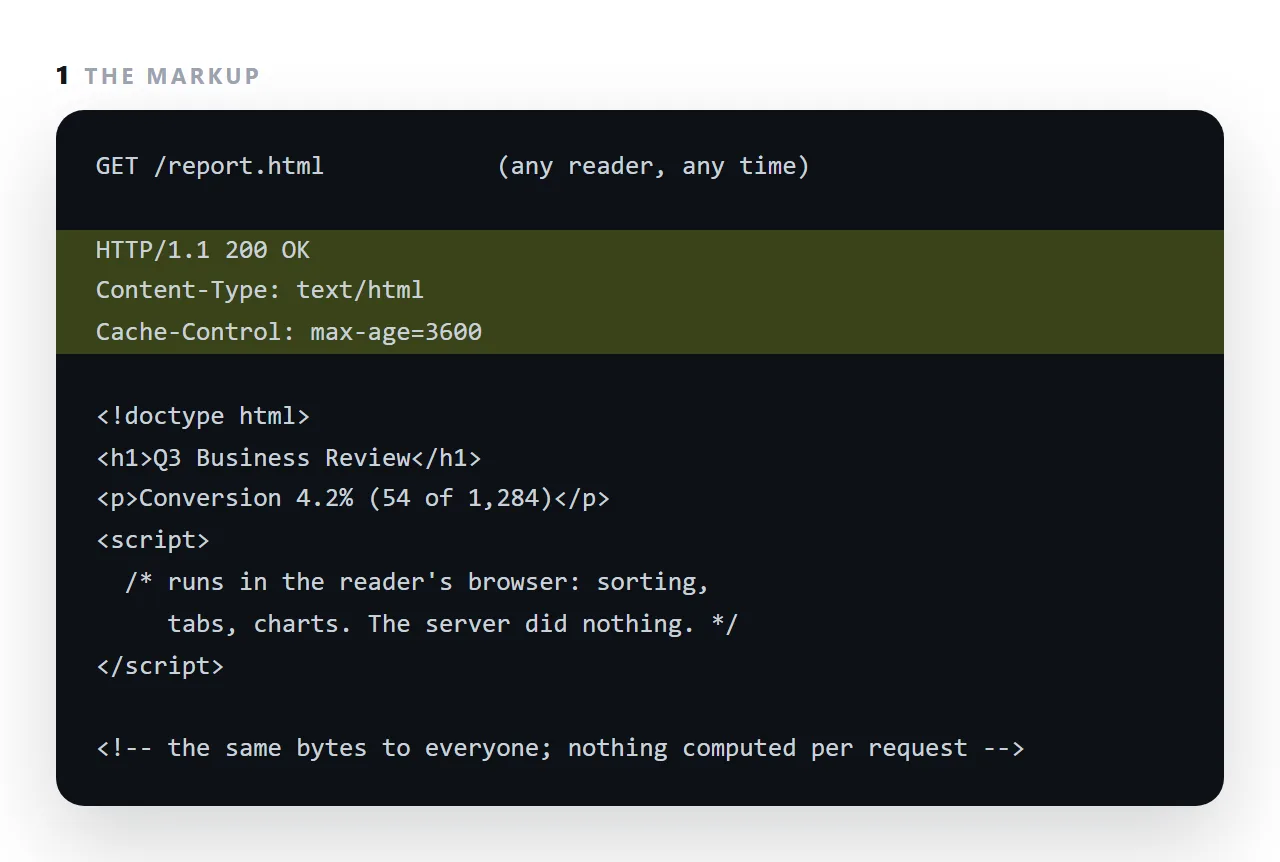
The common misunderstanding is that static means non-interactive; a static page can sort tables, draw charts and run a calculator, because all of that happens in the browser after the file arrives.
This guide covers the precise distinction, why it matters for documents, where static runs out, and the difference between a static file host and a document.
"Static" describes one thing only: what the server does. It stores a file and sends that file. No template rendering, no database query, no per-visitor assembly.
Static page versus dynamic page, precisely
| Static | Dynamic | |
|---|---|---|
| Server work per request | Read a file, send it | Query, render, send |
| Same bytes for every reader | Yes | Not necessarily |
| Can be cached anywhere | Yes | Partly, carefully |
| Typical response time | Milliseconds | Tens to hundreds of milliseconds |
| Fails when the database is down | No database | Yes |
| Can have accounts | No | Yes |
| Can store a form submission | No | Yes |
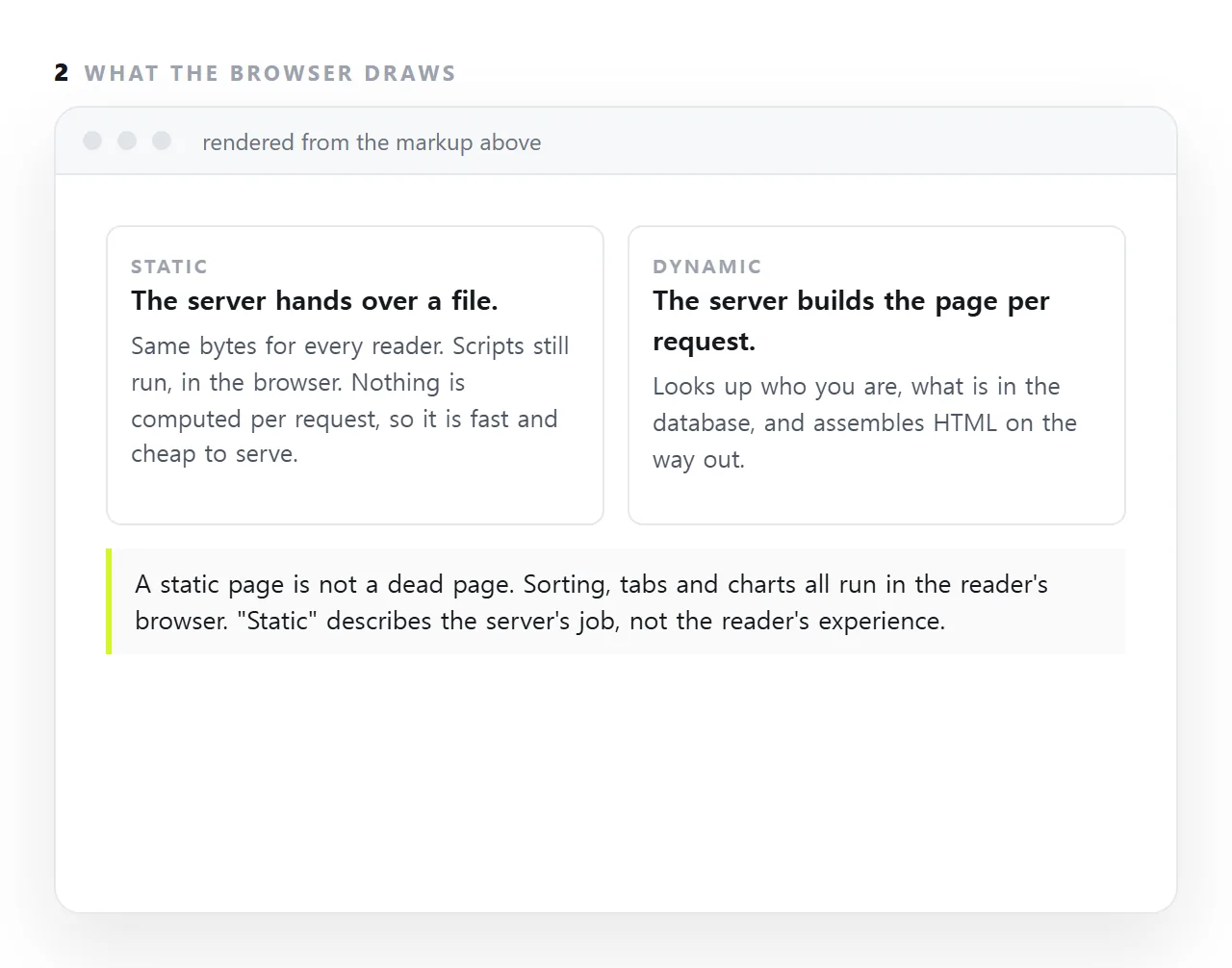
The common misunderstanding
Static does not mean unmoving. Once the file is in the reader's browser, anything can happen:
<!-- a static page, doing arithmetic -->
<input id="seats" type="number" value="12">
<output id="total"></output>
<script>
  seats.addEventListener('input', function () {
    total.textContent = '$' + (seats.value * 9 * 12).toLocaleString();
  });
</script>
That page is static. It is also a working calculator. Charts, tabs, sorting, filtering, animation, dark mode, local storage — all available, because they all run in the browser.
What is genuinely unavailable is anything the server must do: remembering who you are, storing what you typed, showing you something different from what your colleague sees.
Why it matters for documents
Three properties, all of which come from the same simplicity.
Speed. There is nothing to compute. A static page is as fast as the network.
Durability. No database to migrate, no runtime to keep patched, no dependencies to age. A static page written in 2010 still renders today, which is not true of most dynamic applications from 2010.
Cost. Serving a file is close to free, so a page that suddenly gets a lot of readers does not fall over or produce a bill.
For a report, a dashboard, a deck or a one-pager, that combination is exactly right.
Where it runs out
Anything with a submission or an account:
- Receiving a form — see turning a form into a link, where this is the central constraint
- Signing in
- Showing a reader only their own data
- Enforcing who may read a page
The third and fourth are worth being explicit about, because people assume an unlisted address is access control. It is not. An unlisted page is readable by anyone who obtains the link, and links get forwarded.
Static file host versus a document
Both serve pages statically. The difference is what happens when the content changes.
A static file host treats the file as the unit: to correct one number you edit locally, re-upload and wait for caches to let go. A document treats the content as the unit: you change the text, and the address keeps serving the current version.
For a page that will never change, either is fine. For anything revised more than once, the difference compounds — see static host versus a document.
In NOS a pasted page is served with the speed and simplicity of static delivery, while the text inside stays clickable and correctable. You get the durability without the re-upload cycle.
What people think static means, and what it means
The word suggests a page that does nothing.
In practice a static page can be a sortable table, a calculator with live totals, a dashboard drawn from a data array, or a slide deck with keyboard navigation, because every one of those is a script running in the reader's browser.
What a static page cannot do is know who the reader is or fetch a figure from a database at the moment of the request, without a script calling some other service.
For most documents, reports, notes, decks, price lists, that is no limitation at all.
Static and still current
A static page is not a frozen page. Edit the file, or the document behind the address, and the next reader gets the new version.
What makes a page stale is a copy that was sent and cannot be updated, an attachment or a screenshot, not the fact that the server hands over a file. Links versus attachments is that distinction in full.
Static pages and search engines
Search engines index static pages easily: the HTML they fetch is the HTML the reader sees, with the title, headings and text already in it.
A page that assembles its content with a script after loading can be indexed too, but it depends on the crawler running the script and waiting.
For a document that should be found by a phrase inside it, static is the safer shape, and it is why the guides on this site are served as complete HTML rather than built in the browser.
Deciding whether a page can be static: 4 steps
- Ask whether anything must change per reader. A personal greeting or a live account balance needs a server. The same report for everyone does not.
- Keep interactivity in the browser. Sorting, filtering, a calculator, a chart: scripts in the page, not work for the server.
- Serve it as a page, not a download. The content type has to be
text/html, or the browser saves it instead of drawing it. - Pick where it lives by who edits it. A file host if it will never change; a document if the words will be corrected by the people who own them. A NOS page is static to the reader and editable to you: Share, then Share link, then Create link.