A self-contained HTML file is one that carries everything it needs inside itself, so it renders the same wherever it is opened.
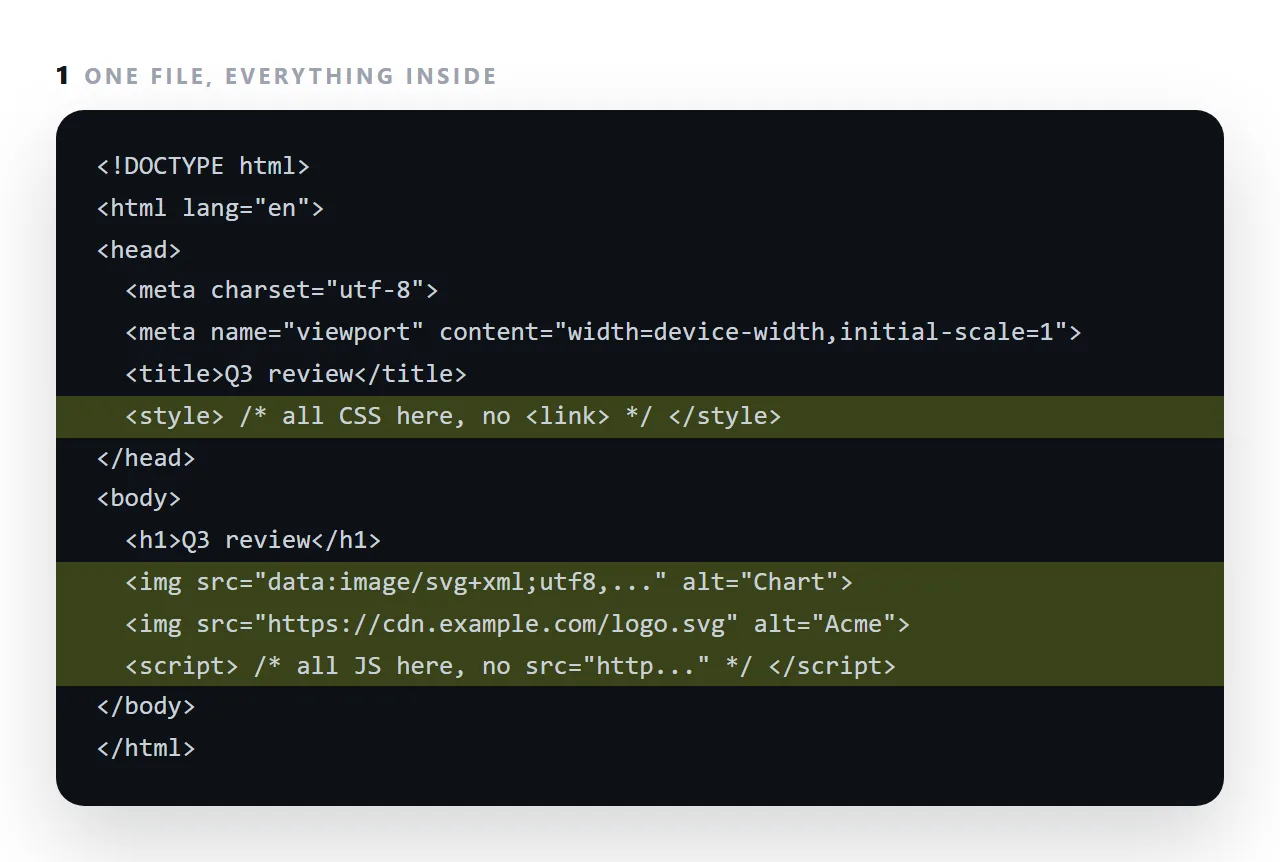
Most "the page looks broken for me" reports come from a file that was complete only in its original folder: it asked for styles.css next to it, or images/chart.png, and the person who received the file received only the file.
This guide gives the checklist, the ten-second check in a viewer that has never seen your folder, and how to fold the missing pieces back in.
A self-contained page has no neighbours. That property is what makes it work when sent as an attachment, dropped in a preview, opened with no network, or found again in five years.
The self-contained HTML checklist
| Element | Self-contained | Not |
|---|---|---|
| CSS | <style> in the head |
<link href="styles.css"> |
| JavaScript | <script> in the body |
<script src="app.js"> |
| Images | Base64 or full https:// |
src="images/chart.png" |
| Icons and diagrams | Inline SVG | An icon font from elsewhere |
| Fonts | System stack or embedded | url("fonts/mine.woff2") |
| Charts | Divs or inline SVG | A library from another address |
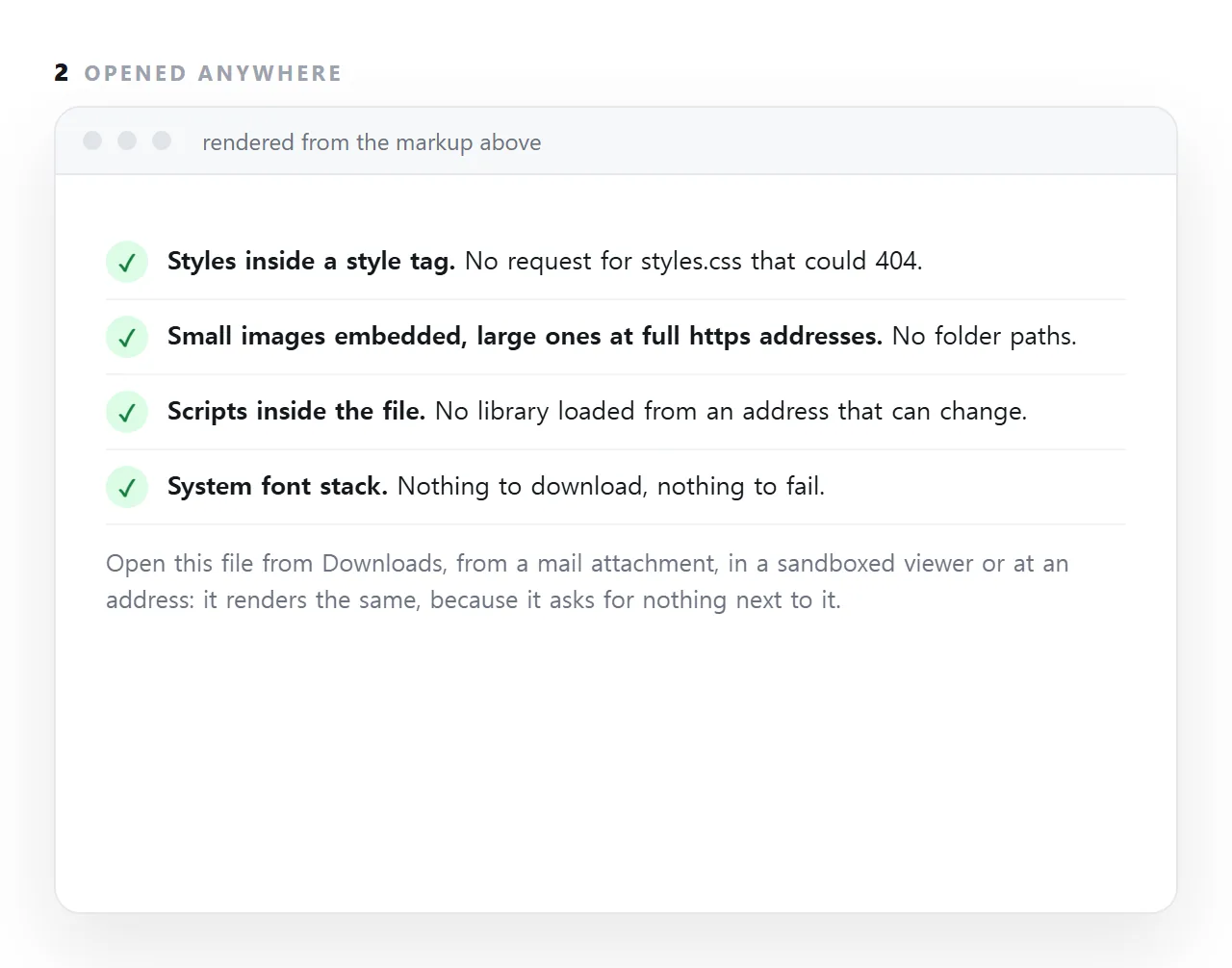
Checking a file in ten seconds
Search for three strings:
src="
href="
@import
Anything pointing at a bare filename or a folder is a dependency that will not travel. Anything pointing at http:// or https:// is a dependency that travels but can die.
Then the practical test: open the file in a browser window that has never seen your project folder. The file opener does exactly this. If it renders correctly there, it will render correctly for your reader.
Embedded versus full addresses
These are different things and the distinction matters.
Embedded — the bytes are inside the file. Works with no network at all. The file gets bigger.
A full https:// address — the file stays small and works anywhere with a network, but depends on that address continuing to serve. Also blocked inside sandboxed frames that forbid outside requests, which is why an embed can render blank while the same file opens fine on its own.
| Requirement | Embed | Full address |
|---|---|---|
| Works offline | Yes | No |
| Works inside a restricted preview | Yes | No |
| Small file | No | Yes |
| Survives the other party's decisions | Yes | No |
| Progressive rendering of images | No | Yes |
Where self-contained is the wrong goal
A multi-page site. Shared CSS should be a shared file — caching it once and reusing it is the entire point. See external stylesheets.
Image-heavy pages. An embedded image is part of the document, so the browser shows nothing until the whole thing arrives. Eight embedded photographs is a blank page until the last one lands — for a portfolio use separate files with loading="lazy".
The prompt line that gets you there
One complete, self-contained HTML file. All CSS in a single style tag,
all JS in a single script tag. No external libraries, fonts, stylesheets
or images. Inline SVG for any icon or diagram. System font stack.
Worth keeping and pasting. Everything in it is a defect you would otherwise fix by hand.
What it buys you
Durability, mainly. A page with no dependencies has nothing that can rot. A page that pulls a library, a font and three images from three addresses has four ways to become broken through no action of yours, and it will — quietly, at some point after you stopped thinking about it.
For a report, a dashboard, an invoice or a deck — anything you might want to open again next year — one file is the right shape.
In NOS a pasted self-contained page renders exactly as written and is served at its own address, so it keeps working for the reader without you maintaining anything.
Three ways a file stops being self-contained without anyone noticing
An export tool wrote it. Report builders, survey tools and dashboards export report.html plus a folder, and only the .html gets forwarded. The page looks complete in the export folder and arrives as bare text.
An assistant split the answer. Markup in one code block, styles in the next, a script in a third. Copying the first block alone produces a page with no design.
A font or library came from an address. The page renders today because the address answers. Inside a restricted preview, offline, or the day the address changes, it does not. Search the file for http and @import and decide each one.
What self-contained does not mean
It does not mean no outside addresses at all. A photograph at a full https:// address you control is fine; the page renders with a blank box until the image arrives and works everywhere else.
It does not mean no scripts; it means the scripts are inside the file. And it does not mean small: a page with three embedded charts can be a few hundred kilobytes and still be one file that opens anywhere.
The test is a single question: does the page ask for anything by a relative path or from an address that might not answer?
Making a file self-contained: 4 steps
- Move the CSS into a
<style>tag. Copy the contents of every linked stylesheet into the head and remove the<link>tags. - Embed small images and use full addresses for large ones. Icons and charts as data URIs or inline SVG; photographs at
https://addresses you control. - Bring scripts inside and drop outside libraries. Paste the script into the file. Bars need no chart library; a system font stack needs no font service.
- Open it in a viewer that has never seen your folder. The HTML viewer has no access to your files. If it renders there, it renders for the reader, and it is ready to be pasted into a NOS document and shared: Share, then Share link, then Create link.