What is a data URI? It is an address whose content is the resource itself, written out, rather than a location to fetch it from: data:image/png;base64, followed by the bytes.
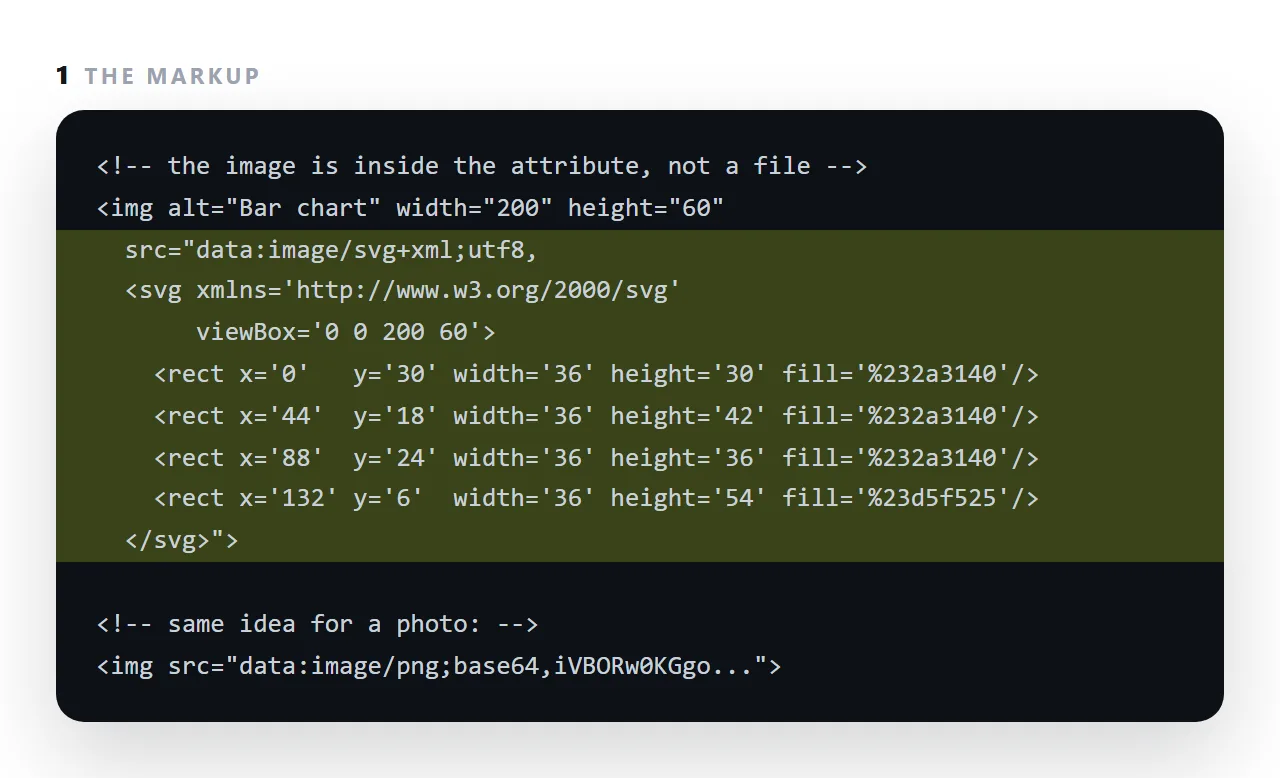
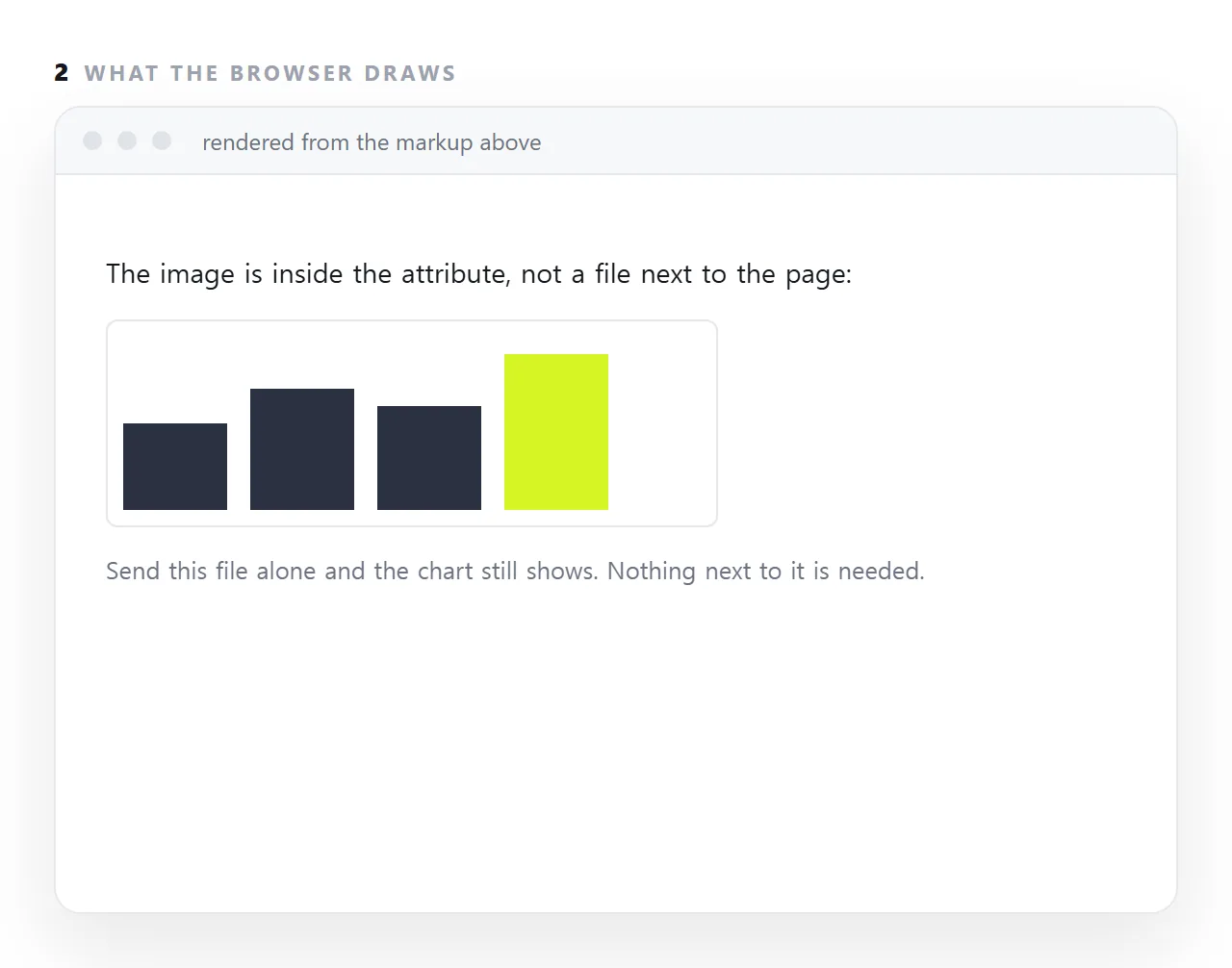
Put one in an img tag and the picture is inside the HTML file, so sending the file alone sends the picture.
This guide covers the syntax, where a data URI earns its place, why photographs are a poor fit, how to produce one, the security restrictions browsers apply, when srcdoc is the better tool, and what the size really costs.
Normally a page points at a file:
<img src="logo.png">
A data URI carries it instead:
<img src="data:image/png;base64,iVBORw0KGgoAAAANSUhEUgAAAAEA...">
No network request. The picture is part of the document.
Data URI syntax
data:[media type][;base64],[content]
Four parts, three of them optional:
<!-- plain text, no encoding -->
<iframe src="data:text/html,<h1>Hi</h1>"></iframe>

<!-- URL-encoded SVG: readable and compact -->
<img src="data:image/svg+xml,%3Csvg xmlns='http://www.w3.org/2000/svg'...">

<!-- base64 for binary -->
<img src="data:image/png;base64,iVBORw0KGgo...">
Binary formats need ;base64. Text formats — SVG, plain text, CSS — are better URL-encoded, because base64 encodes every three bytes as four characters, so it inflates the size by a third by definition, while URL-encoding only escapes the few characters that need it.
Where it earns its place
| Use | Verdict |
|---|---|
| An icon under about 2KB | Good — removes a request |
| A favicon in a single-file page | Good |
| A small SVG diagram | Good, URL-encoded |
| A font, in a file that must work offline | Acceptable, with the size cost |
| A photograph | Poor — see below |
| Anything over a few hundred kilobytes | Poor |
The principle: a data URI trades size for independence. Worth it when the file has to travel alone; not worth it otherwise.
Why photographs are a poor fit
Three compounding costs.
Size. Base64 encodes three bytes as four characters, so the text is a third larger than the original by definition. A 2MB photo becomes about 2.7MB of text.
No progressive rendering. An embedded image is part of the HTML, so the browser cannot show anything until the entire document has arrived. Eight embedded photos means a blank page until the last byte.
No caching of its own. A separate image is cached once and reused across pages. An embedded one is re-downloaded with every copy of the document.
For a portfolio this is decisive — use separate files with loading="lazy".
Producing one
# any Unix-like shell
base64 -w0 logo.png > logo.b64
<script>
  // in a browser, from a file input
  var r = new FileReader();
  r.onload = function () { console.log(r.result); }; // already a data URI
  r.readAsDataURL(file);
</script>
readAsDataURL gives you the complete string including the prefix, which is the least error-prone route.
The security restrictions
A data: document has an opaque origin — it belongs to no site. Two consequences:
Top-level navigation is blocked. You cannot send the browser's main window to a data:text/html address. This restriction exists because such pages were used to show a convincing fake login form with nothing suspicious in the address bar.
Strict policies block them. A Content-Security-Policy that does not list data: in the relevant directive will block data URIs, including images. Worth knowing when an embedded icon works locally and vanishes once published.
Data URI or srcdoc
For rendering HTML in a frame, srcdoc is simpler — assign the string and you are done, with no encoding step. Use a data URI when the content genuinely needs to be a navigable address rather than frame content.
Size, concretely
| Original | As base64 | As a URL-encoded SVG |
|---|---|---|
| 1KB icon | ~1.37KB | Usually smaller than the original |
| 20KB PNG | ~27KB | Not applicable |
| 40KB woff2 font weight | ~54KB | Not applicable |
| 2MB photograph | ~2.7MB | Not applicable |
The ratio is exactly four characters per three bytes, so it is arithmetic rather than an estimate. The right conclusion is not "avoid base64" but "embed small things".
For anything geometric — icons, logos, diagrams — inline SVG beats both columns: it is text in the markup, so there is no encoding overhead at all, and its colours can come from your CSS.
Where they get blocked
Two places, both worth knowing before you rely on one.
A strict Content-Security-Policy that omits data: from img-src blocks embedded images. The symptom is an icon that works locally and disappears once published.
Top-level navigation to a data:text/html address is refused by browsers, because such pages were used to show convincing fake sign-in forms with nothing suspicious in the address bar. You can render one in a frame; you cannot send the window to it.
Three data URI mistakes that cost the most
Encoding a photograph. A four-megabyte camera image becomes five megabytes of text in the middle of the HTML, and the page cannot draw anything until all of it has arrived. Resize first, or leave photographs at an address.
Forgetting the type. data:;base64, with no media type makes the browser guess. Say image/png, image/webp or font/woff2 explicitly.
Using one for a whole document. A data URI can hold an HTML page, but it opens as a separate origin, cannot be bookmarked meaningfully, and is blocked from top-level navigation in most browsers. For a page inside a frame, srcdoc is the tool.
Where data URIs are the right answer
A logo or icon in a page that must open with no network. A small chart drawn as SVG and embedded so it travels with a report. A font subset in a file that must look identical everywhere.
In each case the resource is small, must not go missing, and is used once. The base64 image guide covers the encoding and the size arithmetic.
Making and using a data URI: 4 steps
- Compress and resize the image first. Encoding makes the bytes a third larger, so start from the smallest image that looks right at the size it is shown.
- Encode it. Any base64 tool, or the browser's own
FileReader. Base64 images walks through it. SVG can go in as plain text with a few characters escaped. - Put it in the
srcwith the type.data:image/webp;base64,then the string. The type tells the browser what it is receiving. - Use it only for what must travel with the file. Icons, a logo, a small chart. Photographs go at a full
https://address, or the page becomes megabytes of text.