The iframe srcdoc attribute holds the entire inner document as a string, so the frame renders HTML that exists nowhere but in that attribute: no file on disk, no address to fetch.
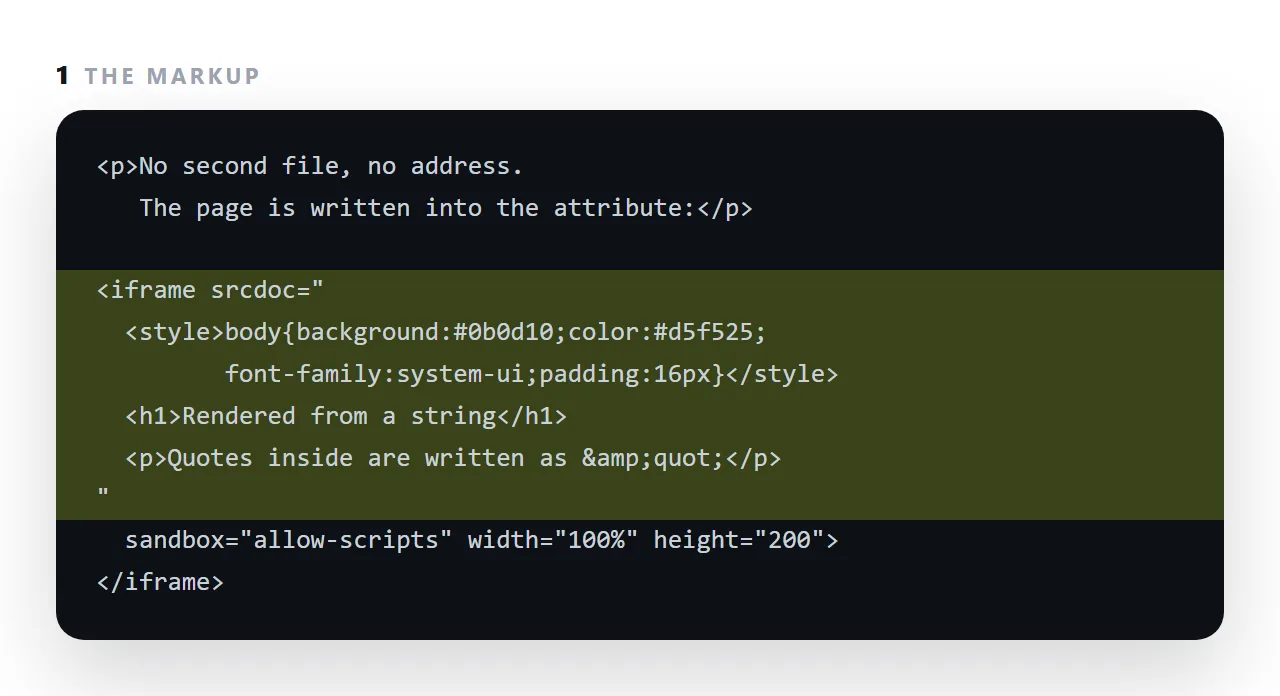
It is the mechanism behind every paste-and-preview HTML tool, including the viewer on this site.
This guide covers the escaping rule that trips people up, why previews use it, why the sandbox attribute belongs next to it, what breaks inside a srcdoc frame, and when a data URI is the better choice.
An iframe normally fetches a page from an address. srcdoc skips that: you hand it the document as text.
<iframe srcdoc="<h1>Hello</h1><p>A complete page, with no address.</p>"></iframe>
No file, no server, no network request. The frame renders that string as a full document.
srcdoc escaping: the rule that trips people up
Inside a hand-written attribute, quotes and ampersands have to be escaped:
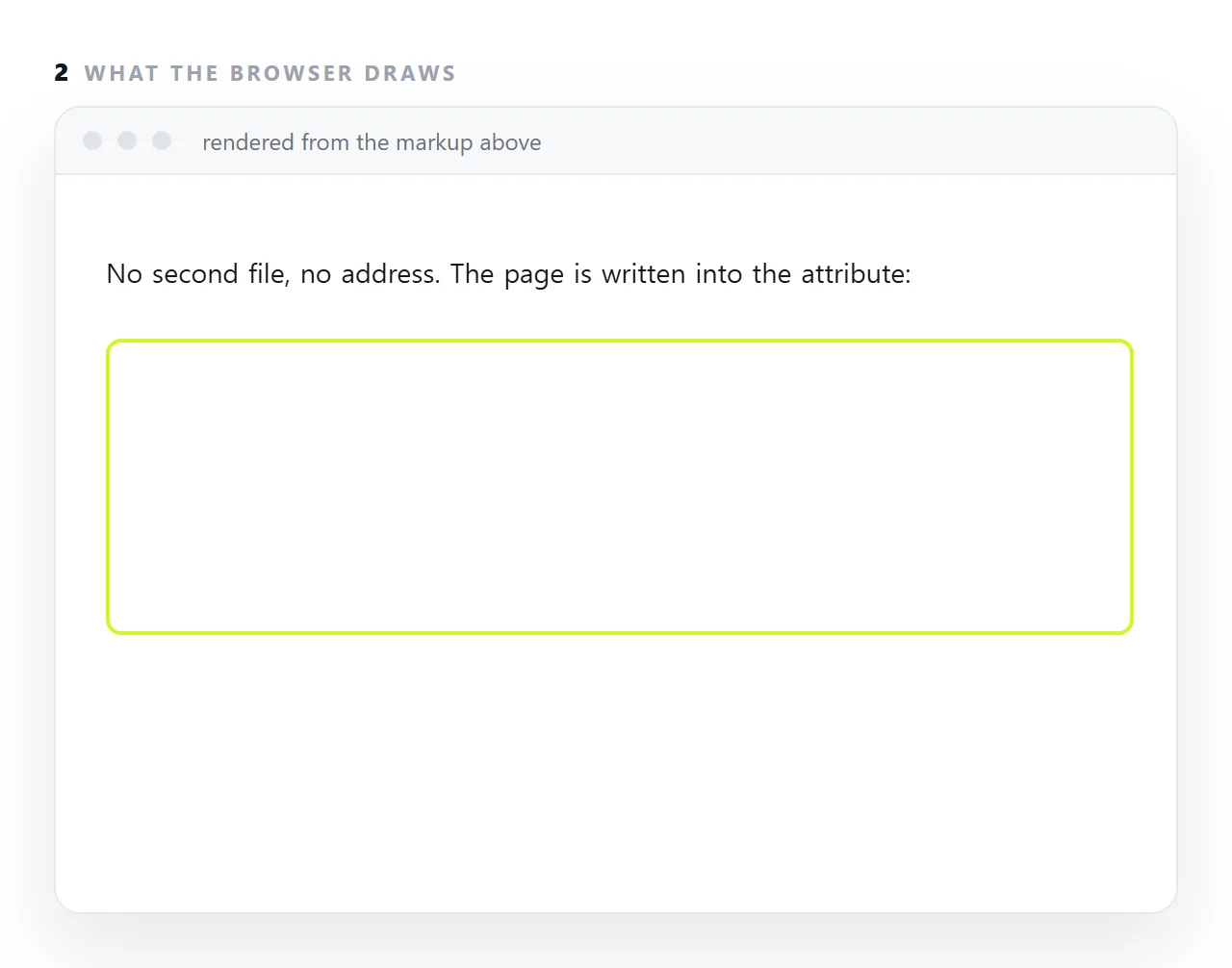
<iframe srcdoc="
<!DOCTYPE html>
<style>body{font-family:sans-serif}</style>
<p class="lead">Escaped by hand.</p>
"></iframe>
Unpleasant, and almost nobody writes it that way. The normal route is JavaScript, where the string is assigned as-is:
<script>
  document.querySelector('iframe').srcdoc = editor.value;
</script>
No escaping at all. This is why srcdoc is effectively a JavaScript feature in practice.
Why every HTML preview uses it
A live preview has to redraw HTML that the reader is typing, with no file and no upload. srcdoc is the only mechanism that does that:
| Approach | Needs a server | Needs a file | Redraws instantly |
|---|---|---|---|
src pointing at a URL |
Yes | Yes | No |
A data URI in src |
No | No | Yes, with escaping overhead |
srcdoc |
No | No | Yes |
| Writing into the frame's document | No | No | Yes, but more code |
The HTML viewer on this site is an iframe whose srcdoc is set from the text box, with a sandbox applied. That is the whole implementation.
The sandbox point, which matters
A srcdoc frame inherits the parent's origin by default. That means the HTML you dropped in can read the parent page's cookies and storage — fine for your own content, unacceptable for a file somebody sent you.
<iframe sandbox="allow-scripts" srcdoc="..."></iframe>
allow-scripts lets the page run. The absence of allow-same-origin is what puts it in its own origin, cut off from everything of yours. Adding both together restores the inheritance and removes the protection — see the sandbox attribute.
What breaks inside srcdoc
Relative paths. There is no document address to resolve them against, so src="images/chart.png" refers to nothing. Use full https:// addresses or embedded images.
Local storage, under a sandbox. Without allow-same-origin the frame has an opaque origin, and storage access throws rather than failing quietly. Any code touching localStorage needs a try/catch — see local storage. This is why a generated table can be typed into in a preview and forgets everything on reload, while working properly once downloaded.
Top-level navigation, unless allow-top-navigation is granted. A link inside the frame targeting _top does nothing, which is deliberate: it stops embedded content hijacking the whole window.
When to use a data URI instead
A data URI in src does a similar job and is what you need when the document must be a real navigable address — something you can open in a new tab or bookmark. For rendering in place, srcdoc is simpler and avoids the encoding step.
Three srcdoc mistakes that cost the most
Forgetting the escaping once. One unescaped " in the inner HTML ends the attribute early, and the rest of the document spills into the outer page as text. If the attribute is built by a script, escape in the script; if it is written by hand, run it through an entity encoder.
Leaving the sandbox off. Without sandbox, the srcdoc document is same-origin with your page and can read whatever your page can. For a preview of a file someone sent you, that is the whole risk.
Expecting relative addresses to work. A srcdoc document has no location of its own, so src="images/chart.png" resolves against the outer page, not against the file the HTML came from. Images and stylesheets referenced by folder path are missing; embedded ones appear.
srcdoc versus a data URI
Both put a document into an attribute.
A data URI in src makes the frame a separate origin automatically, which is safer by default, but the whole document has to be encoded and the size grows. srcdoc takes plain escaped HTML and is easier to write, and the sandbox attribute gives it the same isolation.
For previews, srcdoc plus sandbox is the usual choice; data URIs are for resources rather than documents.
Using srcdoc: 4 steps
- Escape the HTML before it goes in the attribute. Quotes become
"and ampersands&. If a script builds the attribute, escape there. - Add
sandbox="allow-scripts". Without it the inner document shares your page's origin. The sandbox attribute is what makes pasting an untrusted file safe. - Expect outside requests to fail. Inside a sandboxed frame, a stylesheet or font at another address may be blocked. A self-contained page renders; a dependent one does not.
- Use it for previews, not for publishing. A srcdoc page has no address of its own. To hand the page to someone, paste it into a NOS document and Share, then Share link, then Create link.