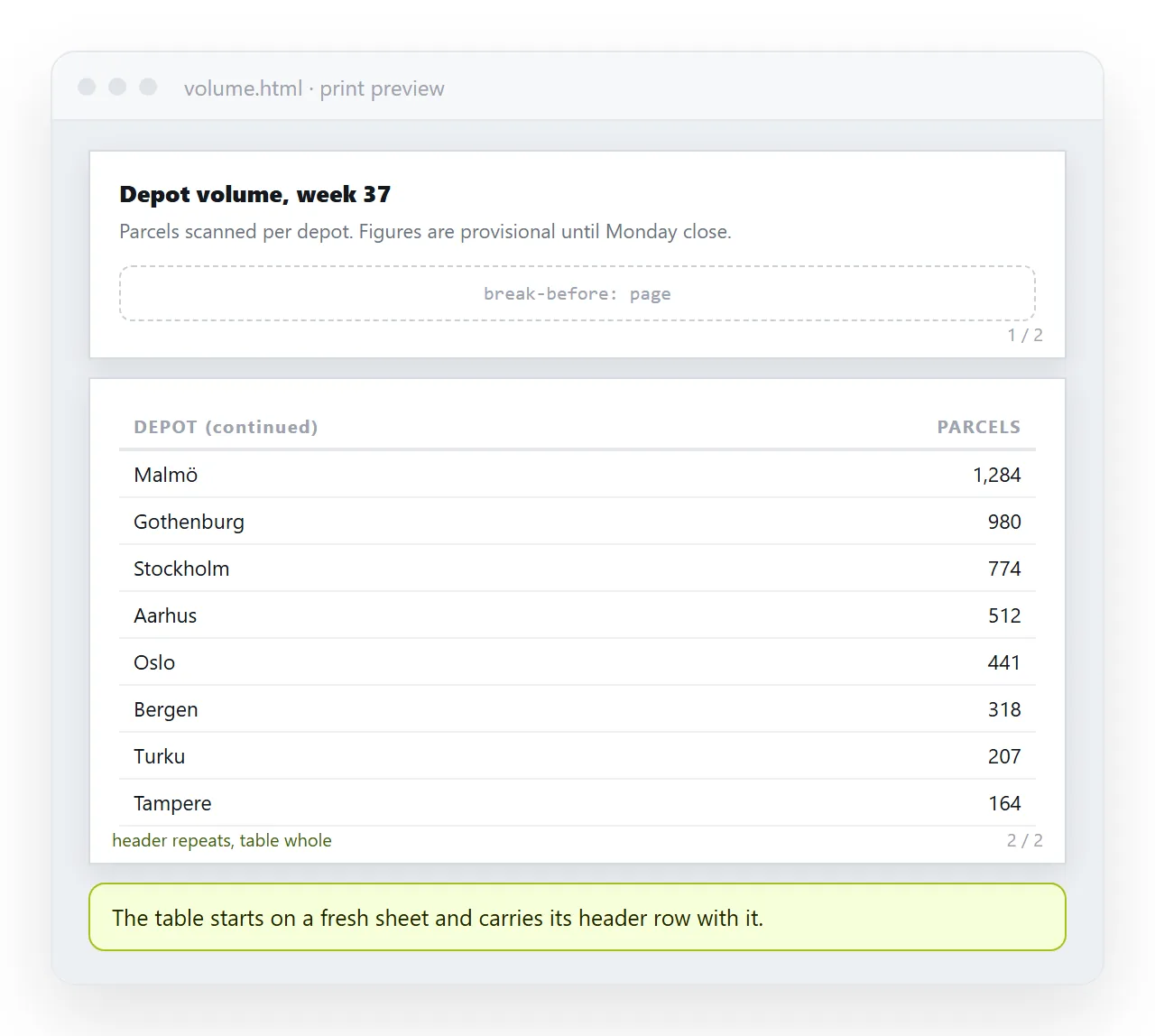
To force an HTML page break for printing, put break-before: page on the element that should start a new sheet, inside a print media query.
@media print {
  .new-page { break-before: page; page-break-before: always; }
}
Both property names are there on purpose. break-before is the current one and page-break-before is the older alias, still honoured, and cheap to keep.
The three properties that cover almost everything
| Property | Value | Does |
|---|---|---|
break-before |
page |
Starts this element on a new sheet |
break-after |
page |
Starts whatever follows on a new sheet |
break-after |
avoid |
Keeps this element with what follows |
break-inside |
avoid |
Tries to keep this element on one sheet |
orphans |
a number | Minimum lines left at the foot of a page |
widows |
a number | Minimum lines carried to the next page |
Everything else in the fragmentation specification is either unimplemented or applies to multi column layout rather than paper.
A print stylesheet that handles the usual report
@media print {
  h2 { break-after: avoid; }
  h2, h3 { break-inside: avoid; }
  table, figure, .card { break-inside: avoid; }
  thead { display: table-header-group; }
  tfoot { display: table-footer-group; }
  p { orphans: 3; widows: 3; }
  .page-break { break-before: page; }
}
Read it as five separate fixes. Headings stay with the text they introduce. Tables and figures stay whole. Table headers and footers repeat on every sheet. Paragraphs do not strand one line. And an explicit class exists for the breaks you place by hand.
The h2 { break-after: avoid; } line is the highest value rule in the block. A heading alone at the foot of a page is the most noticeable printing fault and the easiest to remove.
Why avoid is a request, not a rule
break-inside: avoid asks the browser not to split the element. If the element is taller than one sheet, there is nowhere else for it to go and it splits anyway.
That is why a forty row table with break-inside: avoid still breaks. The fix is not a stronger rule. It is letting the table break and making sure the header repeats, which display: table-header-group on the <thead> already does.
Two other situations defeat it. An element inside a flex or grid container fragments differently, and an ancestor with overflow: auto or hidden can stop fragmentation from reaching the child at all.
Placing breaks by hand
Automatic rules handle structure. Section boundaries usually need a deliberate break.
<section class="page-break">
  <h2>Appendix A</h2>
</section>
Two habits worth keeping. Put the class on the section rather than on the heading, so the whole block moves together. And do not put a break before the first section, which produces a blank first sheet.
For a document assembled from parts, one class on each part is easier to maintain than a rule targeting section + section.
What else changes on paper
A print stylesheet is rarely only about breaks. Four other things go in the same block.
- Backgrounds are dropped. Browsers do not print background colours by default, so zebra striping disappears. Add
-webkit-print-color-adjust: exact;if the tint carries meaning. - Navigation is noise. Hide menus, share buttons and cookie banners with
display: none. - Links lose their targets.
a[href^="http"]::after { content: " (" attr(href) ")"; }prints the address after the text. - Sticky positioning does nothing. A frozen table header has no meaning on paper. The
theadrepeat replaces it.
Print stylesheets covers the whole block, and page size covers the sheet itself.
Checking it without wasting paper
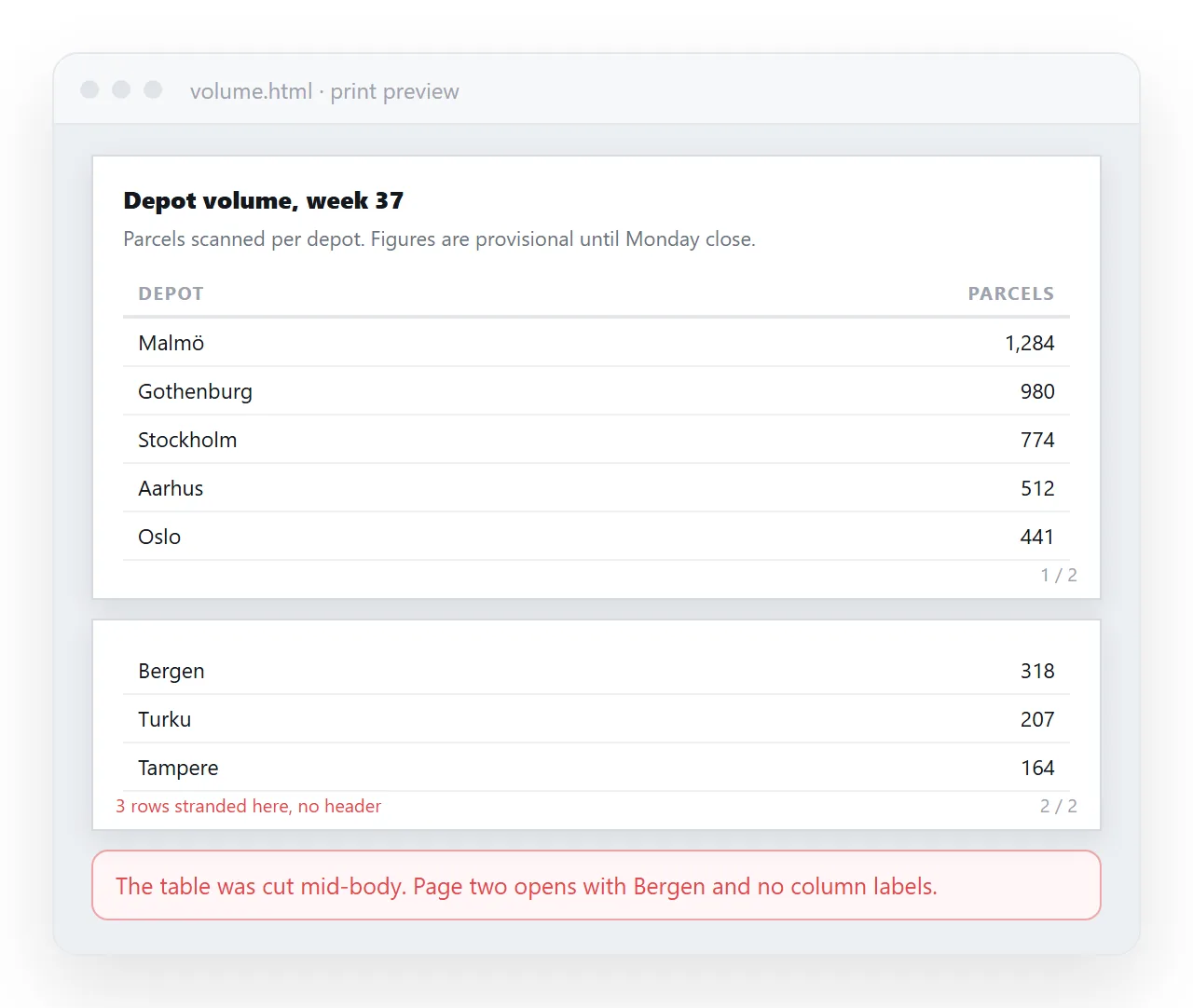
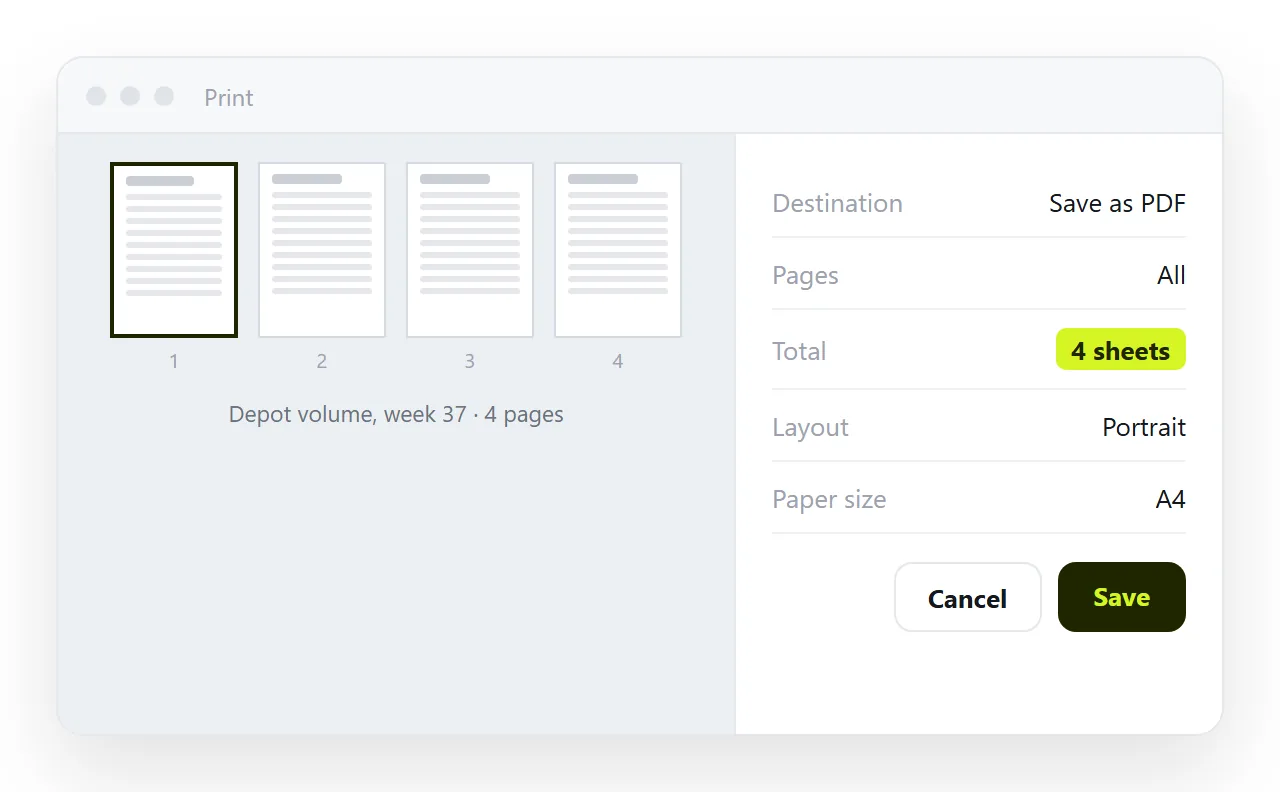
The browser print dialog shows the real pagination, including the page count and thumbnails of each sheet. That preview uses the same engine as the printer, so what it shows is what comes out.
Three things to read in it:
- Is any heading alone at the foot of a sheet? Add
break-after: avoid. - Did a table split with no header on the second part? The header row is in the
tbody, not athead. - Is there a blank sheet? A break landed on an element that was already at the top of a page.
Open the file in the HTML file opener and print from there. It shows the page without your project's screen styles competing.
Printing versus sending the page
A page laid out for paper is not automatically the right thing to send. PDF versus a live page covers the trade: a PDF freezes the numbers, a page keeps them current.
The practical arrangement is both. Paste the HTML into a NOS document and it renders as written, print rules included, at an address of its own. Share, then Share link, then Create link gives a link that opens in one click.
Whoever needs paper prints from that page, and the print stylesheet you wrote is what they get. Edits keep the same address, so nobody is working from a stale printout without knowing it.