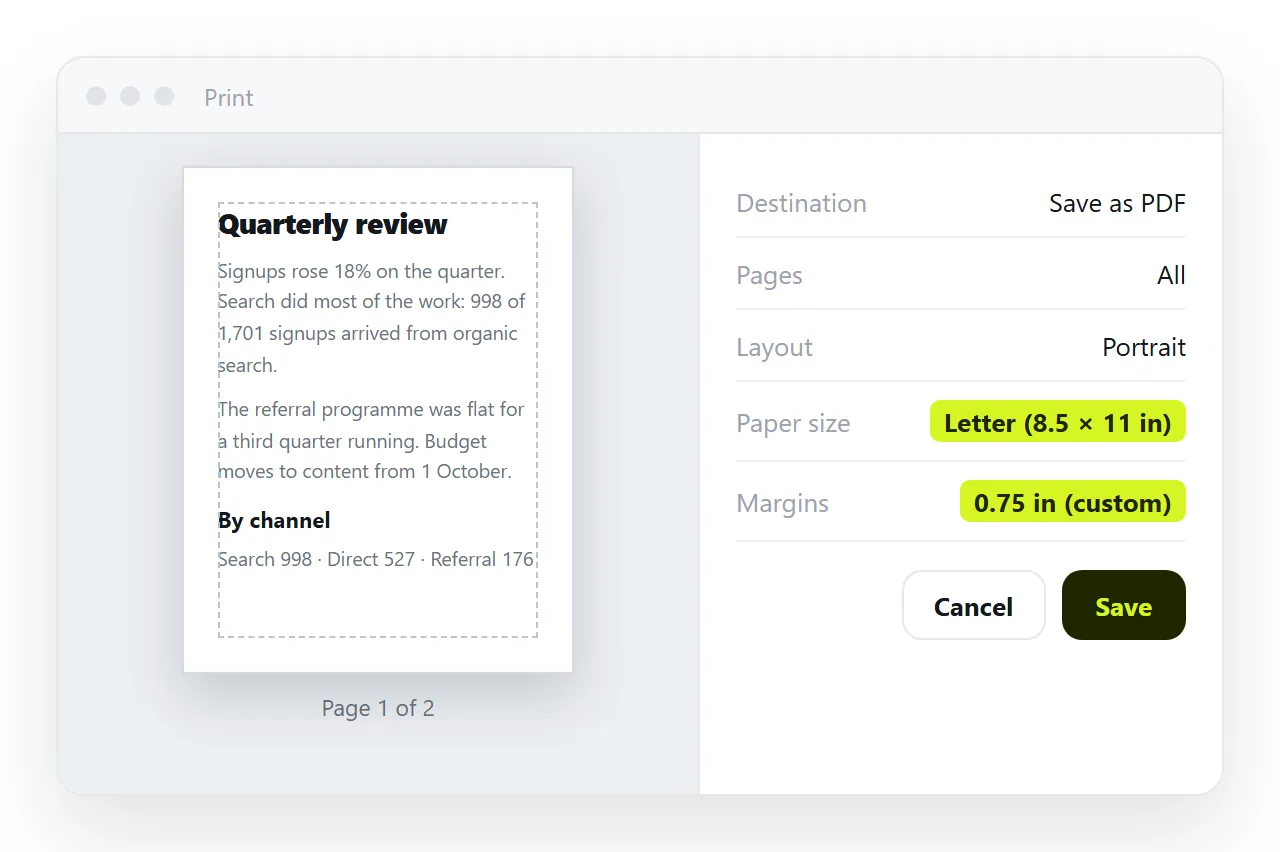
To set an HTML page size of 8.5 x 11, use the @page rule with the letter keyword or the dimensions written out.
@page {
  size: letter;        /* same as 8.5in 11in */
  margin: 0.75in;
}
That controls the paper. It does not change anything on screen, which is the second half of the job and the part people usually mean when the printed result is wrong.
What @page can and cannot do
| Property | Supported | Note |
|---|---|---|
size: letter |
Yes | Equivalent to 8.5in 11in |
size: letter landscape |
Yes | Orientation after the keyword |
margin |
Yes | Accepts in, mm, cm |
@page :first |
Yes | Different margins for the title page |
| Headers and footers | No | Browser supplies its own |
| Page numbers in content | No | The dialog adds them, CSS counters do not print |
The last two rows disappoint people migrating from a word processor. Running headers with a chapter title and page numbers inside the content are not available in browser printing, only in dedicated print engines.
Letter, A4, and why it matters
Letter is 8.5 by 11 inches, or 216 by 279 millimetres. A4 is 210 by 297 millimetres. A4 is narrower and taller.
A layout built to fill letter width has 6 millimetres of overhang on A4 paper, which either clips or forces the browser to scale the whole page down. A document that will cross regions is safer with margins wide enough to absorb the difference.
If the audience is mixed, build to the narrower width and the shorter height. That is A4 width and letter height, and the result prints acceptably on both.
Showing the sheet on screen
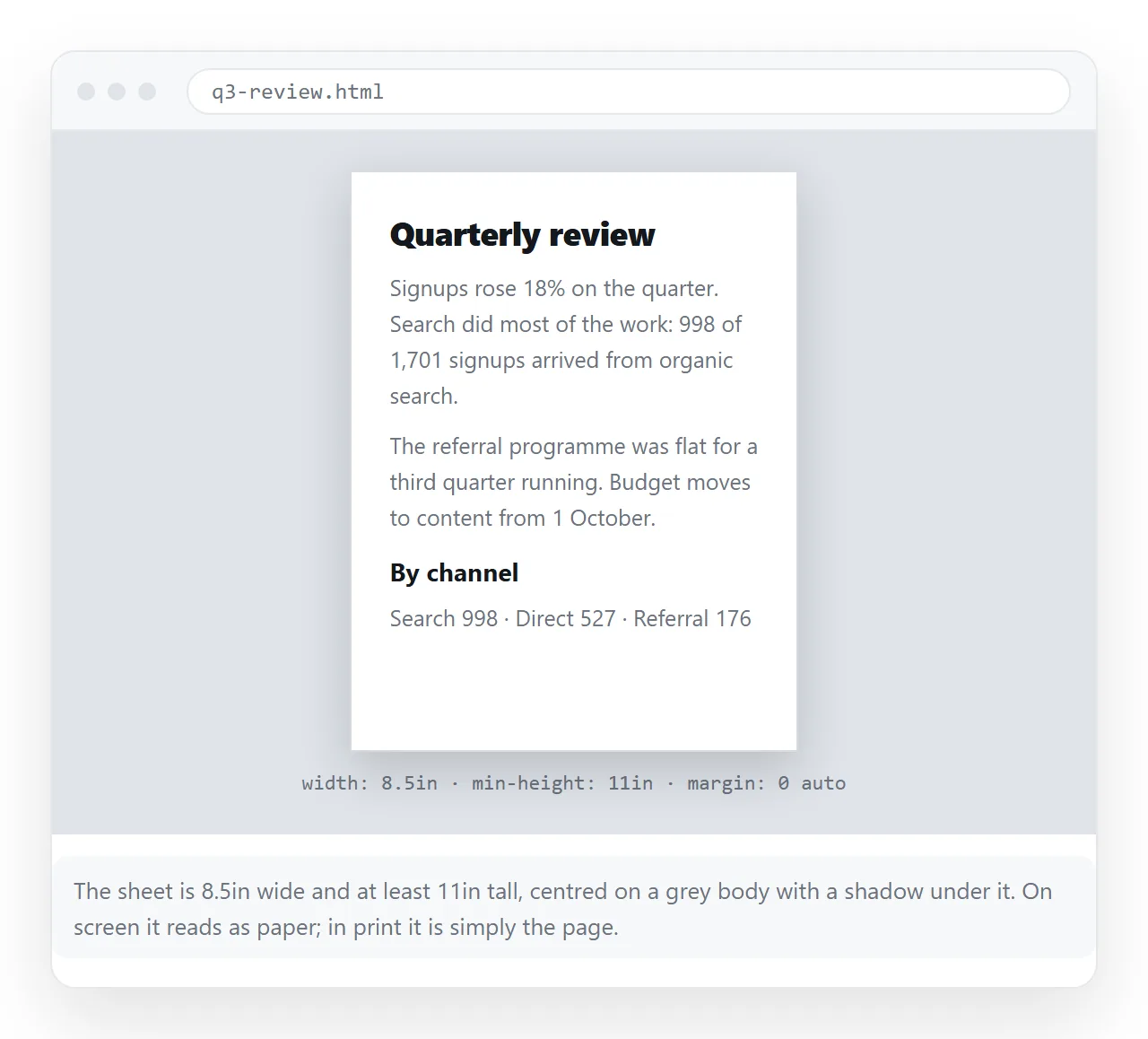
The browser converts CSS inches at 96 pixels per inch, so 8.5 inches is 816 pixels and 11 inches is 1056.
.sheet {
  width: 8.5in;
  min-height: 11in;
  padding: 0.75in;
  margin: 0 auto 0.25in;
  background: #ffffff;
  box-shadow: 0 1px 6px rgba(0,0,0,0.15);
  box-sizing: border-box;
}

@media print {
  .sheet { box-shadow: none; margin: 0; min-height: auto; }
}
box-sizing: border-box is what keeps the padding inside the 8.5 inches rather than adding to it. Without it the sheet is 10 inches wide and every line breaks in the wrong place.
The shadow and the outer margin are a screen convention for "this is paper". Both are removed for the actual print, since the real margin comes from @page.
Why the print dialog can still override you
@page size behaves as a default the browser starts from. The paper selector in the dialog, and the printer driver behind it, can change it.
That means you cannot guarantee letter output from CSS alone. What you can do is make the default correct so nobody has to change anything, and design so that A4 does not break the layout if someone does.
Three checks in the dialog before you trust the result:
- Paper size. Should already read Letter.
- Scale. Should be 100 percent, not "fit to page". A fit-to-page value means the content is wider than the paper.
- Margins. Set to Default, so your
@pagemargin is what applies.
Type and measure for paper
Screen sizing does not transfer. Points are the unit paper is specified in, and browsers map them correctly for print.
@media print {
  body { font-size: 11pt; line-height: 1.45; color: #000; }
  h1 { font-size: 20pt; }
  h2 { font-size: 14pt; }
}
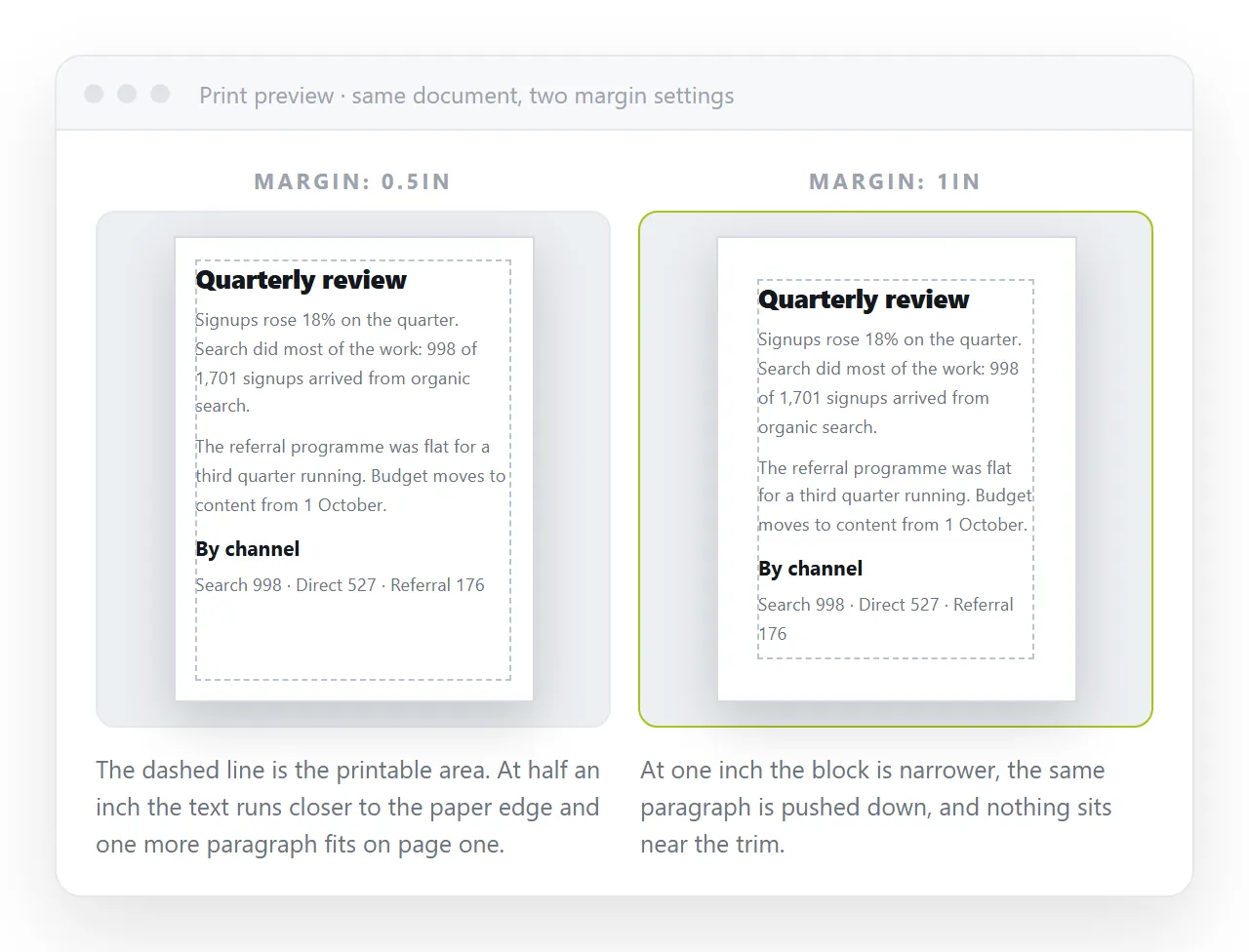
Body text between 10 and 12 points is the readable range on letter paper. With 0.75 inch margins the text column is 7 inches, which at 11 point runs to roughly 95 characters a line, wider than is comfortable.
Either widen the margins to an inch, or set the text in two columns for a dense report.
Breaks, tables and images
Once the paper is right, the remaining printing faults are about where the content splits. break-inside: avoid on tables and figures, break-after: avoid on headings, and an explicit break-before: page on each section.
Page breaks for printing covers all of them, and print stylesheets covers the rest of the print block, including hiding navigation and printing link addresses.
Saving to PDF rather than paper
Printing to PDF uses the same path, so @page and the print media query apply exactly as they would to a printer. The PDF page size is whatever the dialog says, which is another reason to get the default right.
A PDF freezes the content. PDF versus a live page covers when that is what you want and when it is not. If the page is a set of figures that may be corrected, the frozen copy becomes a liability within a week.
Sharing the page as well as the paper
Most documents get read on a screen and printed by one person. Both need the same source.
Paste the HTML into a NOS document. It renders as written, sheet styling and print rules included, at an address of its own. Share, then Share link, then Create link produces a link that opens in one click.
Whoever needs paper prints from that page and gets the letter size layout you specified. Edit a figure later and the address does not move, so nobody prints from a version you have already corrected.
To capture the sheet as a picture instead, HTML to image does that in the browser.