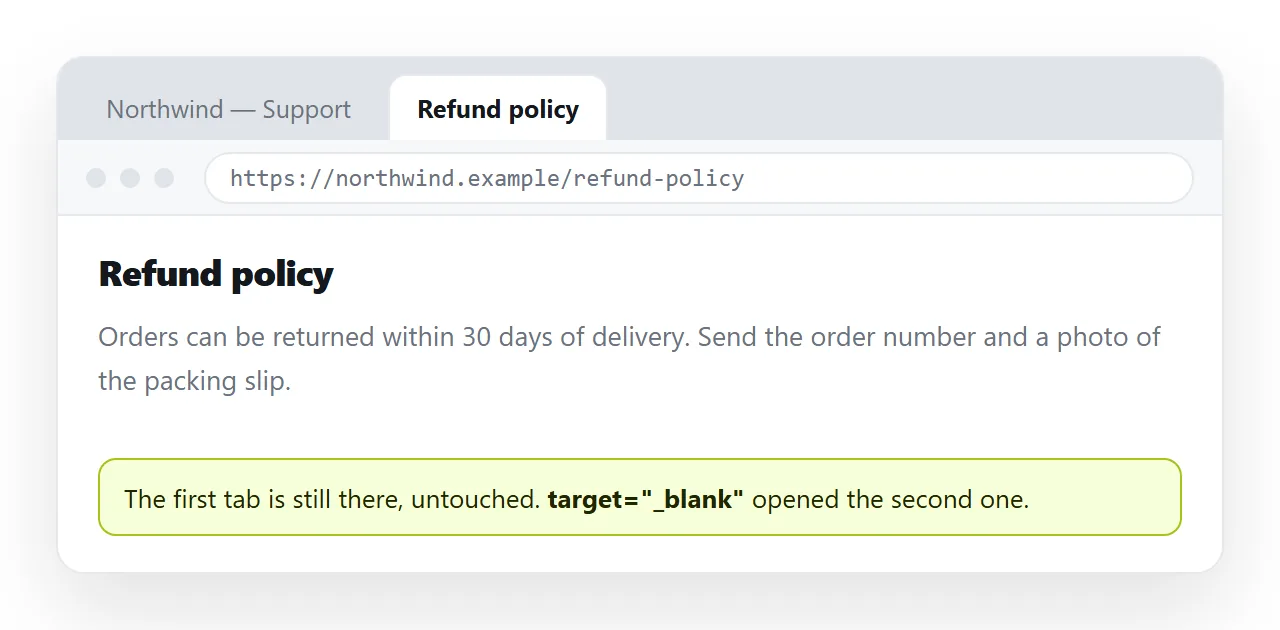
To make an HTML link open in a new tab, add target="_blank" to the anchor, and add rel="noopener noreferrer" alongside it.
<a href="https://example.com/report" target="_blank" rel="noopener noreferrer">
  Quarterly report
</a>
That is the complete answer to the mechanics. The rest of this page is when it is the right thing to do, which is less often than it is used.
What each part does
| Attribute | Effect |
|---|---|
target="_blank" |
Opens the destination in a new browsing context |
rel="noopener" |
The new page cannot reach the opener through window.opener |
rel="noreferrer" |
The destination is not told which page sent the visit |
target="_self" |
The default, same tab, rarely written out |
target="_parent" |
The parent frame, only relevant inside an iframe |
target="_top" |
The whole window, breaking out of every frame |
The noopener and noreferrer values go in the same rel attribute, separated by a space. They are not two attributes.
Why noopener existed
Without it, the page you opened receives a reference to your page through window.opener, and can redirect it. A reader clicks a link, reads the new tab, returns to the original tab, and it is now a different page.
Current browsers apply noopener behaviour automatically whenever target="_blank" is used, so the hole is closed in up-to-date engines.
It is still worth writing. It states the intent in the markup, and it covers older browsers and the embedded webviews inside chat and mail apps, which lag behind.
noreferrer is a separate decision. It withholds the referrer, which is a privacy improvement and also removes the destination's ability to see where its traffic comes from. Drop it if you need that attribution.
When a new tab actually helps
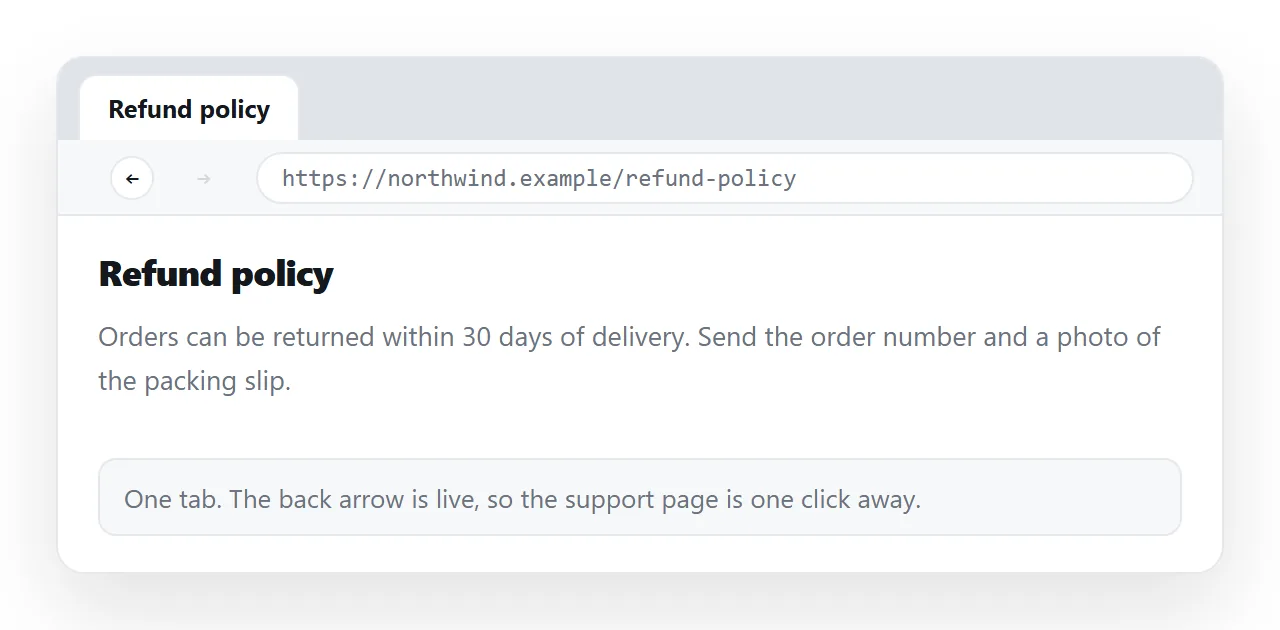
The default should be the same tab. The reader has a back button and knows how to use it, and can open a new tab themselves at any time.
Three cases genuinely justify _blank:
- Work in progress would be lost. A form half filled, an editor with unsaved text, a video part watched.
- A reference used alongside the page. A specification opened from a checklist the reader is working down.
- A file that will download. A PDF or an archive, where navigating away and back is pointless.
Everything else is a habit. Marketing pages open external links in new tabs to keep the visitor, which is a business preference rather than a reading improvement.
Telling the reader before they click
A new tab that arrives unannounced is disorienting, and more so for anyone using a screen reader or a magnifier, who may not notice that the context changed.
- Say it in the text. "Quarterly report (opens in a new tab)" is the plainest version.
- Say it to assistive technology only. A visually hidden span with the same words keeps the visible text short.
- Use an icon with a label. An external link glyph with
aria-labelor an adjacent hidden span. The icon alone is not enough, since it means nothing without the label.
<a href="/spec.pdf" target="_blank" rel="noopener">
  Specification
  <span class="visually-hidden">(opens in a new tab)</span>
</a>
The visually-hidden class is the standard clip pattern. display: none would remove it from the accessibility tree too, which defeats the purpose. Aria labels covers the alternatives.
Opening every external link in a new tab
If a document really needs it across the board, a base target is the shortest route:
<base target="_blank">
That applies to every link in the document, including internal ones, which is rarely what you want. A small script that targets only external hosts is more precise:
<script>
for (const a of document.querySelectorAll('a[href^="http"]')) {
  if (a.host !== location.host) {
    a.target = '_blank';
    a.rel = 'noopener noreferrer';
  }
}
</script>
Keep it in the same file as the page. A script in a separate file next to the document does not travel with it. Self-contained HTML covers folding in the parts.
Links inside an iframe or a shared page
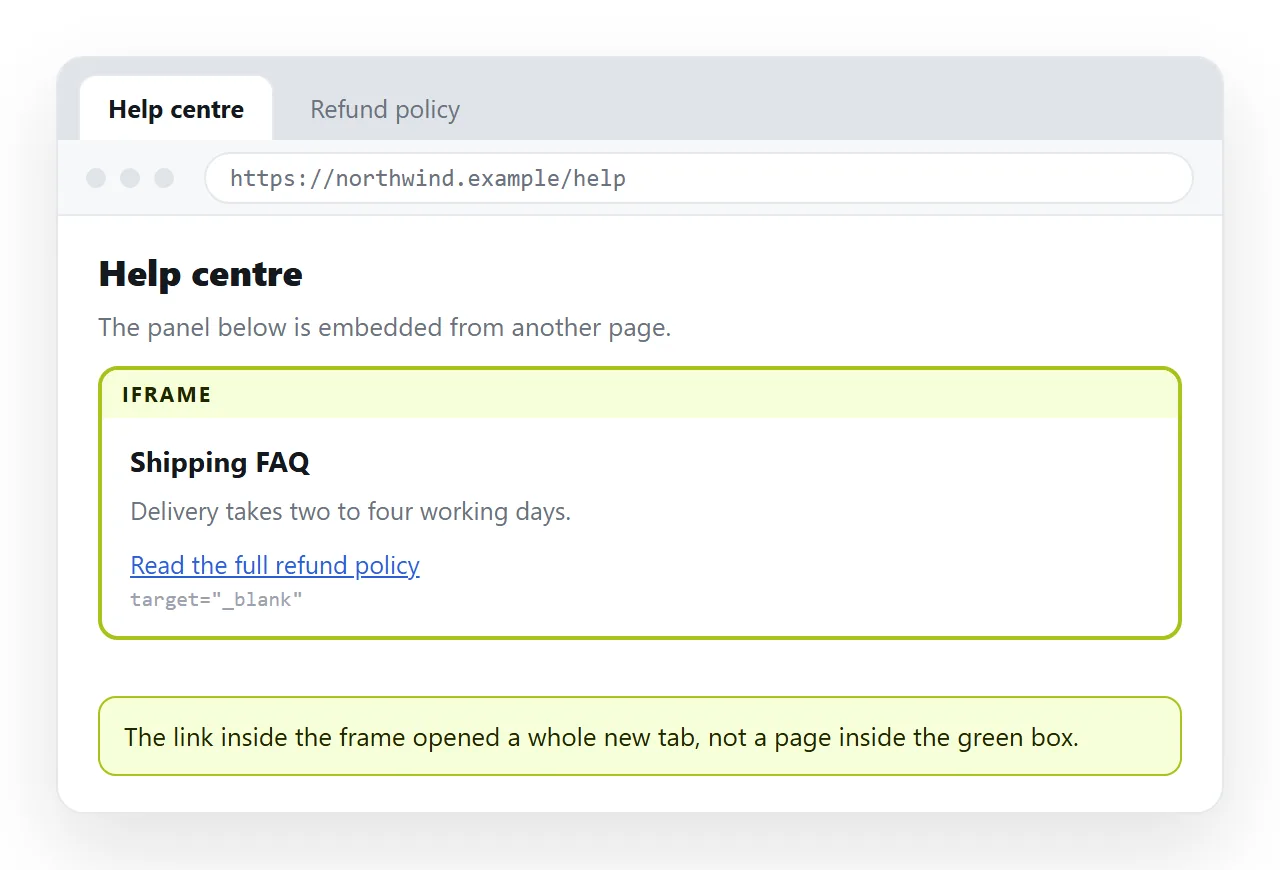
Inside an iframe, a link with no target replaces the frame contents, which usually looks broken. target="_blank" or target="_top" is often correct there for that reason.
If the frame carries a sandbox attribute, allow-popups has to be present or the new tab never opens. That is a common cause of a link that works standalone and does nothing when embedded.
Checking it before you send the page
Open the file somewhere that has never seen your project. The HTML file opener renders it as a browser would, and you can click through the links there.
Two things to confirm. The link opens where you intended, and the address it opens is absolute. A relative path that worked in your folder will not resolve once the page is somewhere else, and _blank opens a blank tab with an error.
Sharing a page whose links matter
Links are the part of a page most damaged by sending the file rather than the page. Attachments open from a local path, so every relative link breaks, and a page opened from a downloads folder has no host to compare against.
Paste the HTML into a NOS document and it renders as written, at an address of its own, with the links working as links. Share, then Share link, then Create link produces an unlisted link that opens in one click.
That is also the shorter argument for links over attachments: the page arrives in a browser, where a link behaves the way you wrote it.