An HTML meta tags list is short once you sort it by effect. Four tags change rendering or appearance, five or so control crawlers and preview cards, and the remainder do nothing.
All of them sit inside <head>, before the content.
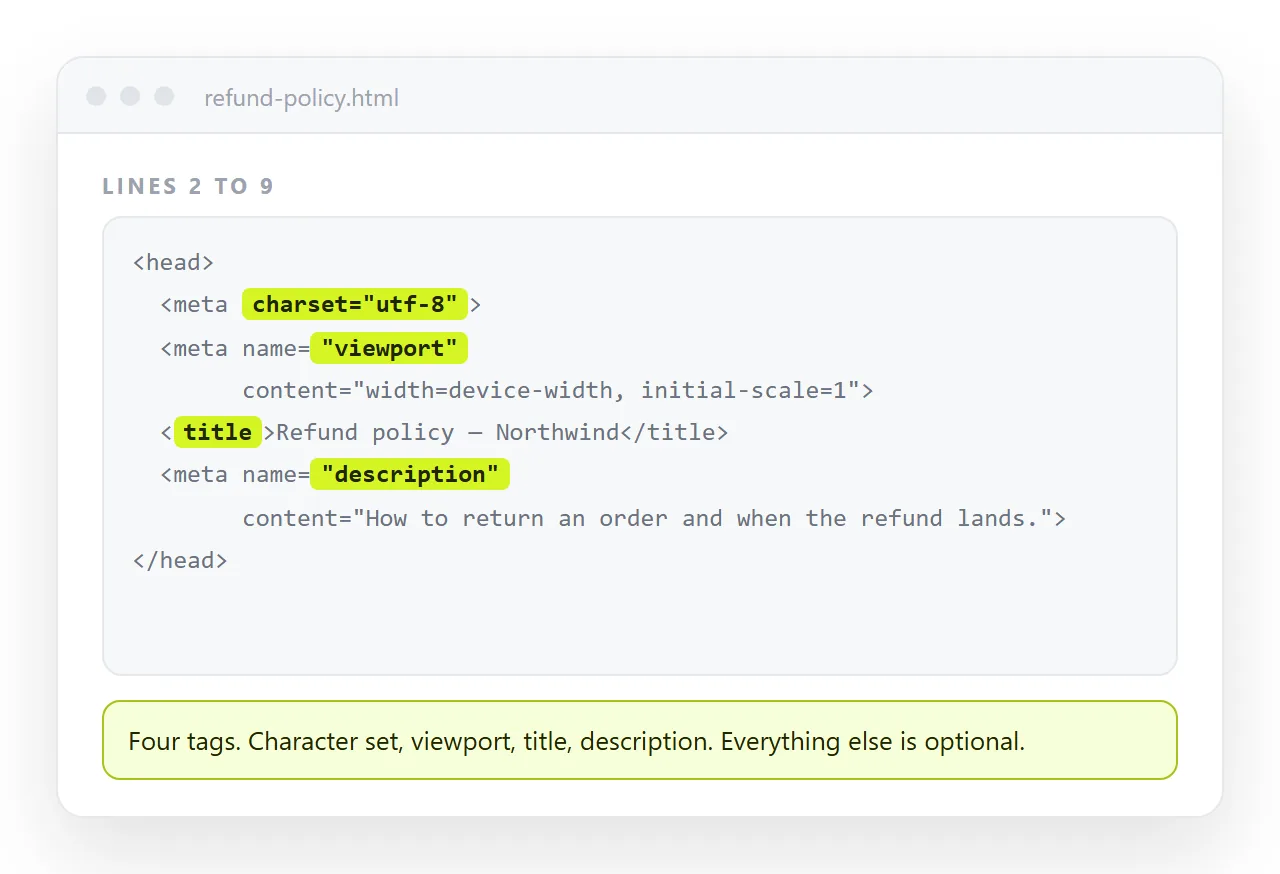
The required four
<meta charset="utf-8">
<meta name="viewport" content="width=device-width,initial-scale=1">
<title>Quarterly summary</title>
<meta name="description" content="Revenue, headcount and pipeline for Q3, with the two figures that moved.">
<title> is not strictly a meta tag, but it belongs in the same block and is the single most visible line in the head.
| Tag | Affects | What breaks without it |
|---|---|---|
charset |
Text decoding | Accented and non-Latin characters show as mojibake |
viewport |
Mobile layout | The page renders at desktop width on a phone |
title |
Tab, bookmark, search result | The URL is shown instead, which reads as spam |
description |
Search snippet | The engine writes its own from page text |
charset must appear within the first 1024 bytes. Put it on the first line of the head and the constraint takes care of itself.
Crawler control
<meta name="robots" content="index,follow">
<meta name="robots" content="noindex">
<link rel="canonical" href="https://example.com/report">
robots is the one people need most often, and usually in the noindex form. An internal report published at an address should say so explicitly rather than relying on the link being unlisted.
Useful values, comma separated in one content attribute:
noindexkeeps the page out of results.nofollowstops link equity passing from the page.noarchivesuppresses the cached copy.max-snippet:-1allows a full-length snippet.nosnippetsuppresses the snippet entirely.
Canonical is a link, not a meta, but it is part of the same decision. It names which address is the real one when several serve the same content.
Preview cards
Chat and social apps read Open Graph tags to build the card. Without them the link shows as bare text.
<meta property="og:title" content="Q3 summary">
<meta property="og:description" content="Revenue, headcount and pipeline.">
<meta property="og:image" content="https://example.com/card.png">
<meta property="og:url" content="https://example.com/report">
<meta property="og:type" content="article">
<meta name="twitter:card" content="summary_large_image">
Note property rather than name on the og tags. Mixing the two is the most common reason a card does not appear.
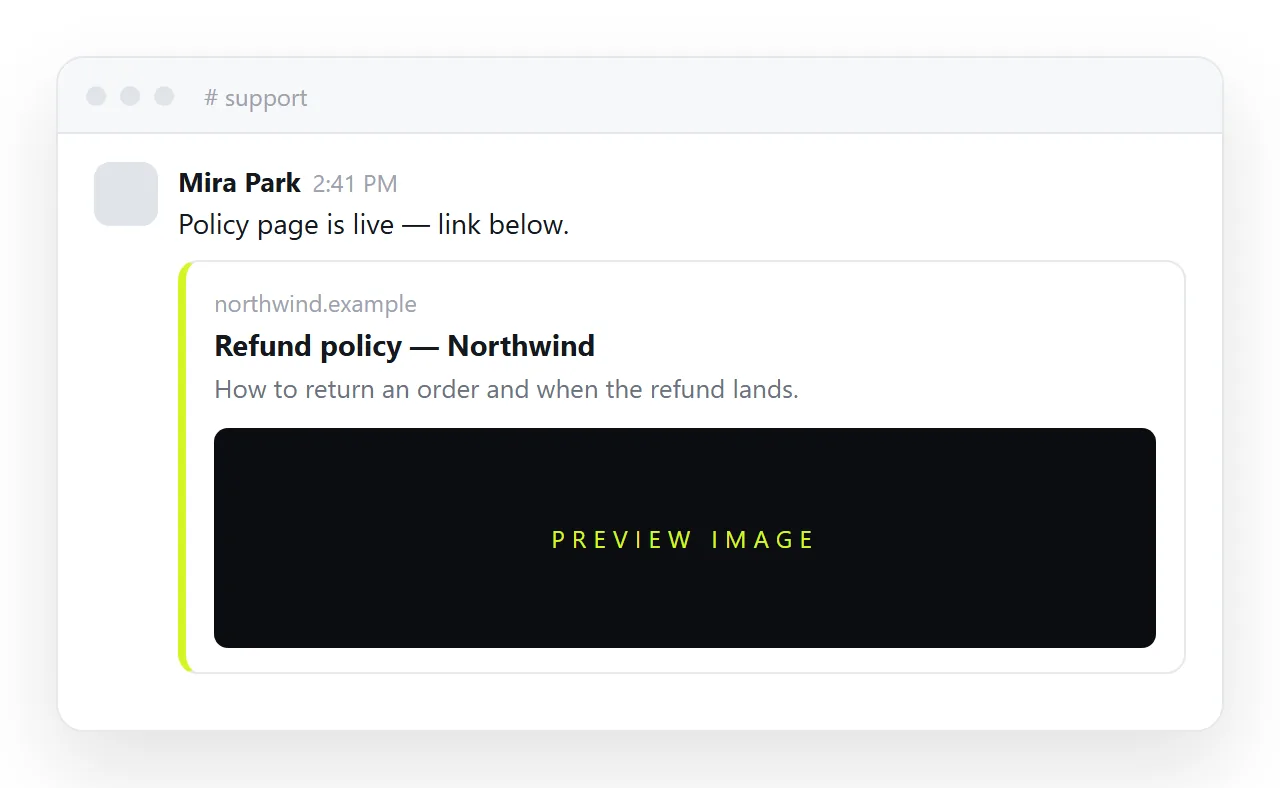
The image must be at a full address. A folder path cannot be fetched by a remote crawler. Open Graph tags goes into the sizes and the debugging.
Tags that do nothing
| Tag | Status |
|---|---|
keywords |
Disregarded by major search engines |
author |
Not used in results; structured data covers it |
revisit-after |
Never supported by any crawler |
rating |
Not a general web standard |
generator |
Informational only |
http-equiv="refresh" |
Works, but harms accessibility and history |
None of them break the page. They just occupy space in a head section that should be readable at a glance.
Theme and behaviour
<meta name="color-scheme" content="dark light">
<meta name="theme-color" content="#0b1220">
<meta name="format-detection" content="telephone=no">
color-scheme tells the browser which themes the page supports, which fixes white form controls on a dark page before any CSS runs. It pairs with a dark theme stylesheet.
theme-color tints the browser chrome on mobile. format-detection stops iOS turning every number sequence into a phone link, which matters in financial tables.
Writing the description
The description does not affect ranking, but it affects whether anyone clicks. Search engines rewrite it when it does not match the query, so a vague one gets replaced by a sentence pulled from the page.
- Around 150 characters. Longer gets truncated in most result layouts.
- Say what the page answers, not what it is. "Revenue, headcount and pipeline for Q3" beats "Our quarterly report page".
- One per page. Duplicated descriptions across a site are ignored.
- No keyword lists. A comma separated string of terms reads as spam to a person and does nothing for the engine.
The meta description article has the longer treatment.
Tags that need a full address
Three values break if written as a folder path, because something other than the reader's browser has to fetch them.
| Tag | Fetched by |
|---|---|
og:image |
The chat or social app's crawler |
og:url |
The app, to canonicalise the link |
link rel="canonical" |
Search engine crawlers |
A path like images/card.png means nothing to a remote crawler. These have to be absolute, starting with https://. Relative and absolute paths covers the distinction.
http-equiv and what it can still do
http-equiv was designed to let a document stand in for HTTP response headers. Only a narrow set of values is honoured now.
<meta http-equiv="content-type" content="text/html; charset=utf-8">
<meta http-equiv="content-security-policy" content="default-src 'self'">
<meta http-equiv="refresh" content="5; url=/new-page">
The first is superseded by <meta charset> and is only seen in older documents. The second is a real mechanism, though the header version is stronger and harder to tamper with.
The refresh version works but should be avoided. It hijacks the back button and gives a reader using assistive technology no warning before the page changes.
Caching headers cannot be set this way at all. http-equiv="expires" and http-equiv="cache-control" are ignored by every current browser.
A head block worth copying
<head>
  <meta charset="utf-8">
  <meta name="viewport" content="width=device-width,initial-scale=1">
  <title>Weekly update, week 38</title>
  <meta name="description" content="What shipped, what slipped, and the two decisions needed this week.">
  <meta name="color-scheme" content="dark light">
  <meta property="og:title" content="Weekly update, week 38">
  <meta property="og:description" content="What shipped, what slipped, and the decisions needed.">
  <meta name="robots" content="noindex">
</head>
That is the full working set for an internal document. Add the og image and remove noindex when the page is meant to be found.
Checking the tags resolve
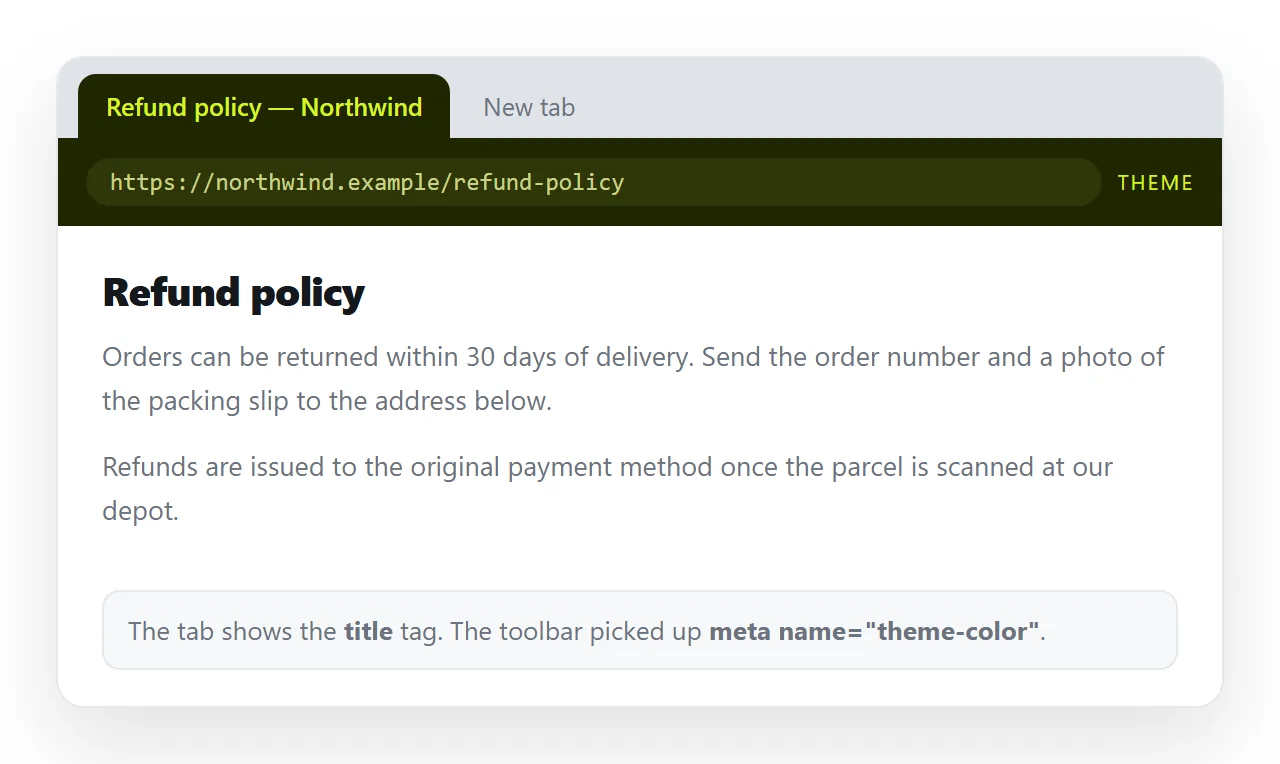
Meta tags are inert in a local file for the purposes that matter. A preview card only exists when a chat app can fetch an address.
Open the file in the HTML file opener to confirm the head parses and the title shows. Then paste the HTML into a document and create a link, and paste that link into a chat window to see the card the tags produce.
Related: meta description, viewport meta tag, and the last modified meta tag, which is the one on this list most often used incorrectly.