There is no HTML meta tag for last modified that browsers or search engines read. <meta name="last-modified"> and <meta http-equiv="last-modified"> are both inert.
They appear in a lot of older templates, which is why the question keeps coming up. Neither is in any specification.
What carries the date instead
| Mechanism | Read by | Set where |
|---|---|---|
Last-Modified HTTP header |
Browsers, caches, crawlers | The server |
dateModified in JSON-LD |
Search engines | A script block in the page |
<time datetime> in the body |
People, some parsers | The page content |
<lastmod> in the sitemap |
Crawlers | The sitemap file |
document.lastModified |
Scripts on the page | Derived from the header |
Only the first is a true header. The rest are claims the page makes about itself, and search engines treat them as signals rather than facts.
The HTTP header
Last-Modified is sent by the server with the response.
Last-Modified: Tue, 16 Sep 2026 09:14:00 GMT
A browser that already has the page can send If-Modified-Since with that value. If nothing changed, the server answers 304 Not Modified and no body is transferred.
This cannot be set from inside the HTML. It is a property of how the file is served, which is why a local file has no meaningful one.
For the related problem of a browser holding on to an old copy, see cache busting.
Structured data
The version search engines can actually act on is dateModified inside a JSON-LD block.
<script type="application/ld+json">
{
  "@context": "https://schema.org",
  "@type": "Article",
  "headline": "Quarterly summary",
  "datePublished": "2026-07-02T09:00:00+09:00",
  "dateModified": "2026-09-16T09:14:00+09:00"
}
</script>
Use ISO 8601 with a timezone offset. A bare date is accepted but less precise, and a mismatch between this value and the visible date on the page is treated as a reliability problem.
JSON-LD covers the wider markup.
The visible date
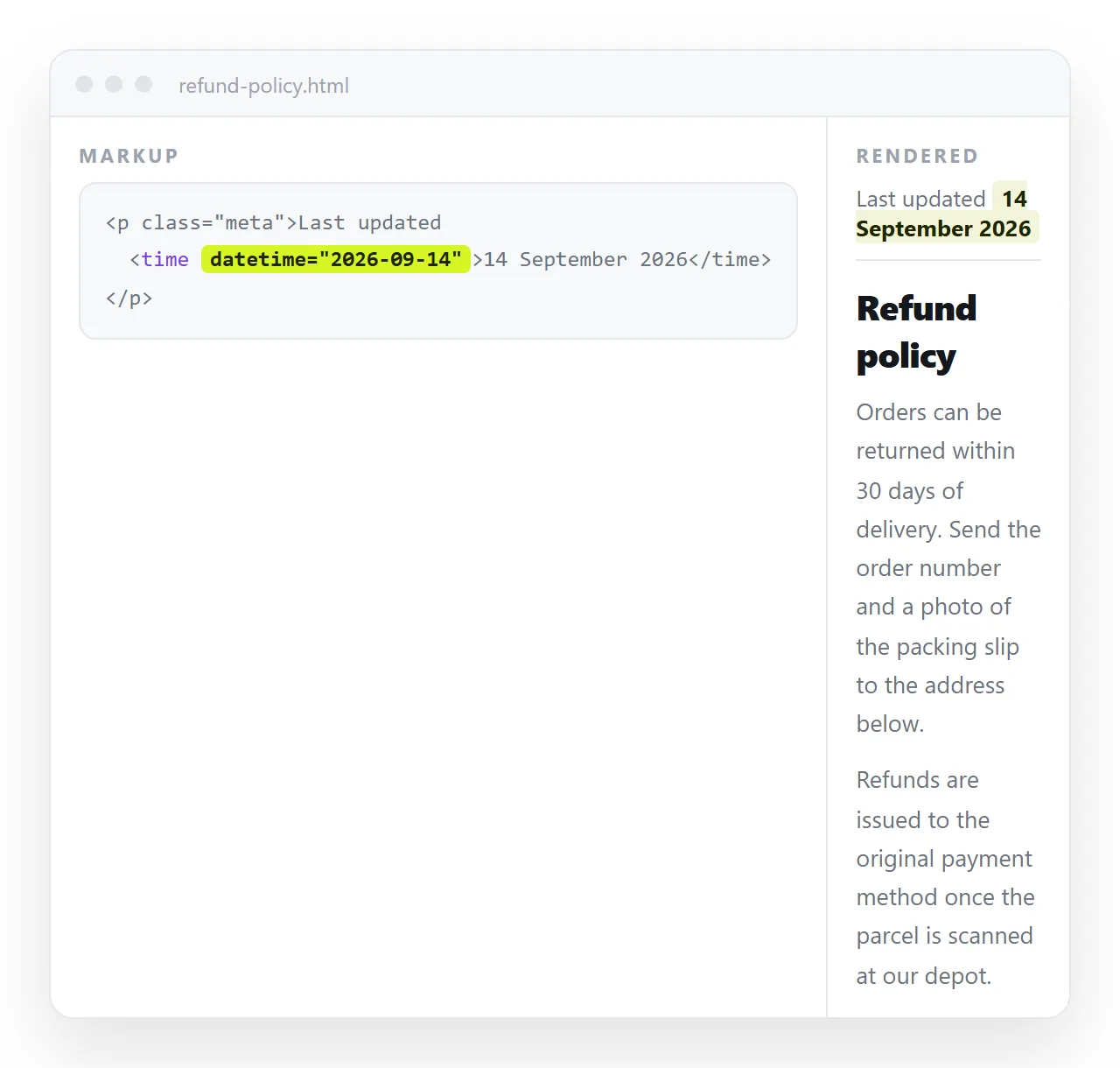
The one readers care about. Write it as text and wrap it for machines.
<p class="meta">
  Last updated <time datetime="2026-09-16">16 September 2026</time>
</p>
The datetime attribute is the machine readable form. The text inside can be formatted however your readers expect.
Two rules make this useful rather than decorative:
- Only change it when the content changed. A date that moves on every deploy tells the reader nothing.
- Say what changed when the change is material. "Updated 16 September: pricing table corrected" is worth more than a bare date.
Reading the date from a script
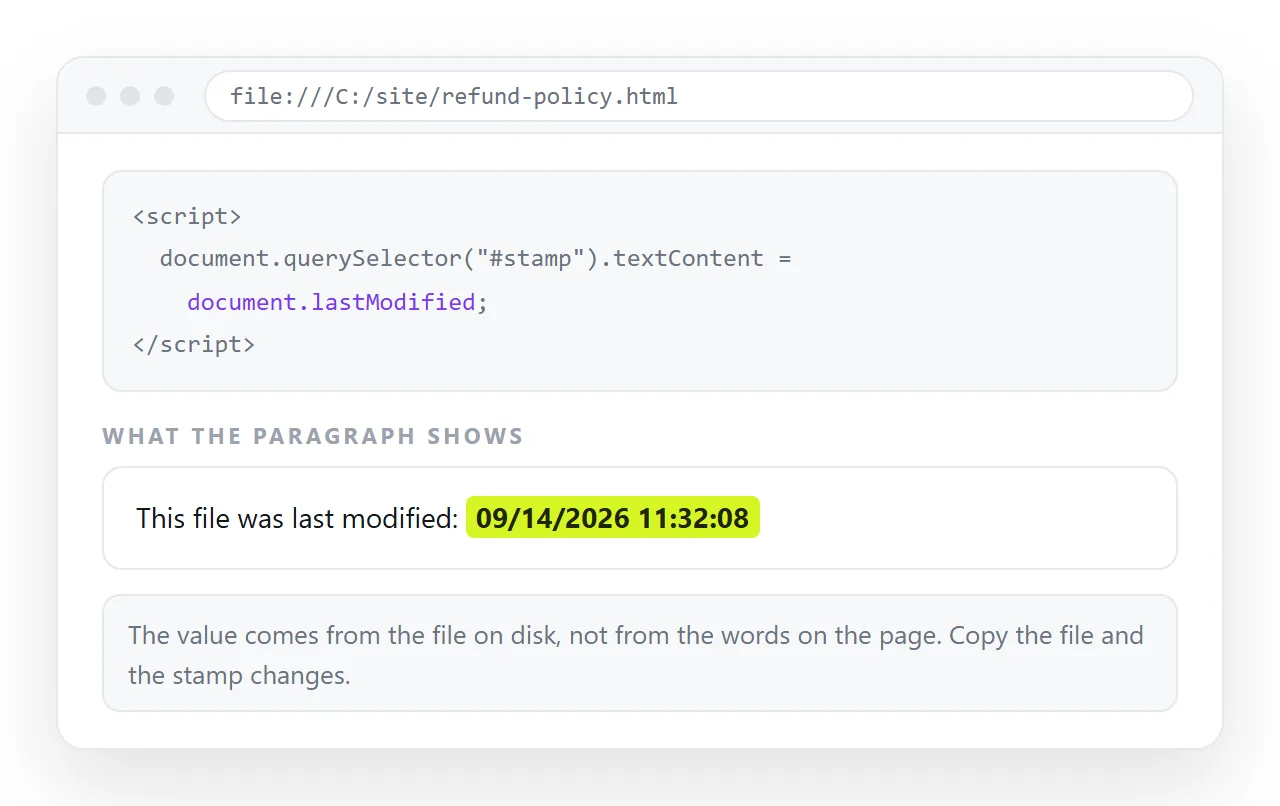
document.lastModified returns a string derived from the response header, or the current time when no header exists.
<p>Source file date: <span id="mod"></span></p>
<script>
  document.getElementById('mod').textContent = document.lastModified;
</script>
The caveat matters. Open the same file locally and you may get the file system timestamp or the moment of opening, depending on the browser. It is not a dependable value to display on a served page.
Sitemap lastmod
For a site rather than a single page, the <lastmod> element in the XML sitemap is the signal crawlers weight most heavily for scheduling a recrawl.
<url>
  <loc>https://example.com/report</loc>
  <lastmod>2026-09-16</lastmod>
</url>
It is trusted only as long as it is accurate. A sitemap that stamps today's date on every URL at every build is discounted, because the pattern is obvious from a few crawls.
Update it when the content changes, not when the file is regenerated. Those are different events, and conflating them is the usual mistake.
Which signal to use when
| Situation | Use |
|---|---|
| A page served from your own server | Last-Modified header |
| An article you want dated in results | JSON-LD dateModified |
| A document read by colleagues | A visible Last updated line |
| A whole site, for crawl scheduling | Sitemap lastmod |
| A local HTML file | None of them work reliably |
The last row is worth stating plainly. A file on disk has a file system timestamp and nothing else. It cannot tell a reader whether they have the newest copy, which is the actual question behind most searches for this tag.
Keeping the date honest
Three habits keep a modification date worth reading.
- Separate publication from revision. Show both if the page is dated content.
datePublishedanddateModifiedexist as separate fields for this reason. - Do not touch it for typo fixes. A date that moves for a comma teaches readers to ignore it.
- Keep the visible date and the structured data in agreement. A mismatch is treated as a quality signal against the page, and it confuses readers who notice.
The tags people write that do nothing
<!-- none of these have any effect -->
<meta name="last-modified" content="2026-09-16">
<meta http-equiv="last-modified" content="2026-09-16">
<meta name="revised" content="2026-09-16">
<meta name="date" content="2026-09-16">
<meta name="revisit-after" content="7 days">
They are not errors and they will not break validation in any meaningful way. They simply are not read. HTML meta tags list sorts the whole set by whether it does anything.
What to do for a document you share
For a working document the update date is mostly a human problem, not a markup one. The reader wants to know whether they are looking at the current version.
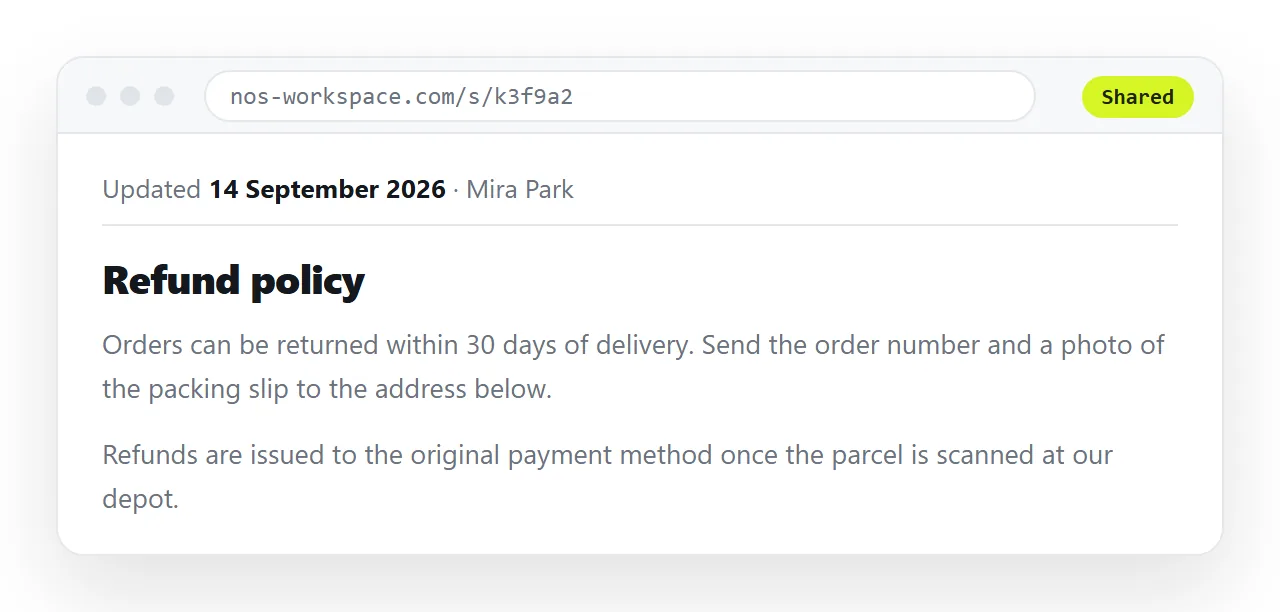
A page at a fixed address solves most of it structurally. Paste the HTML into a document and turn it into a link, and the address stays the same when you correct the content.
There is then only ever one current version, so nobody has to compare timestamps between two attachments.
Add a visible Last updated line at the top and edit it when the substance changes. That is more reliable than any header, because it is the line the reader actually sees.
To confirm the markup parses before you send it, open the file in the HTML file opener. Related: canonical URL for deciding which address is the real one when several serve the same content.