The meta description and the title tag are the two lines a search result is made of: the title in blue, the description in grey underneath. Both live in the head, both are written by you, and both decide whether someone clicks.
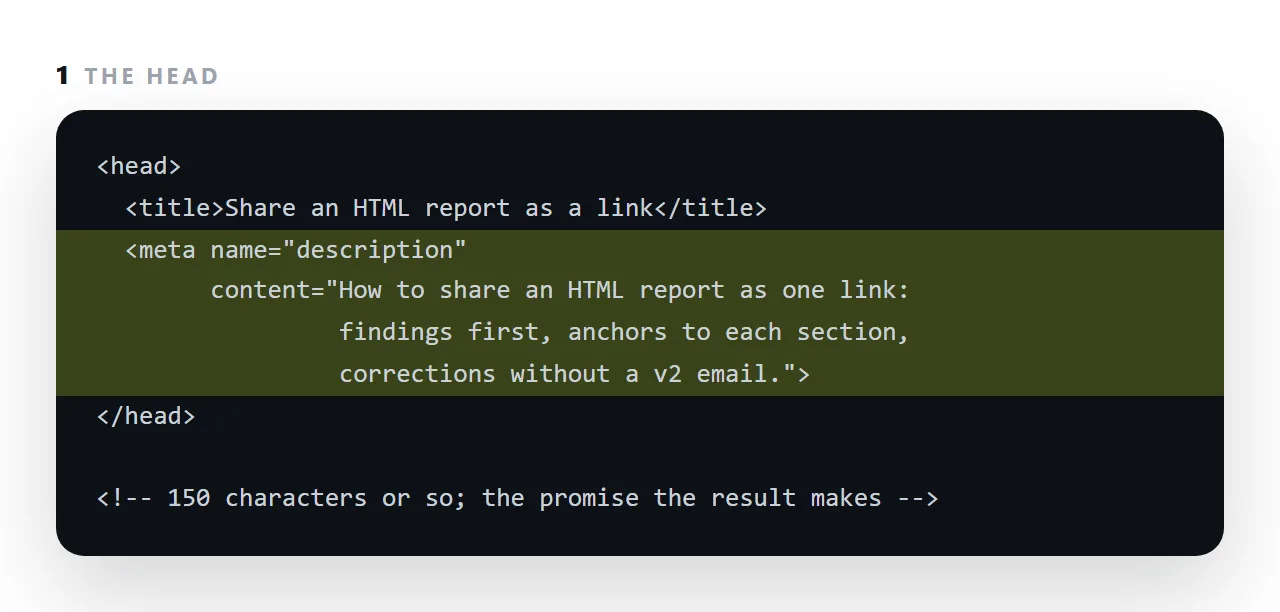
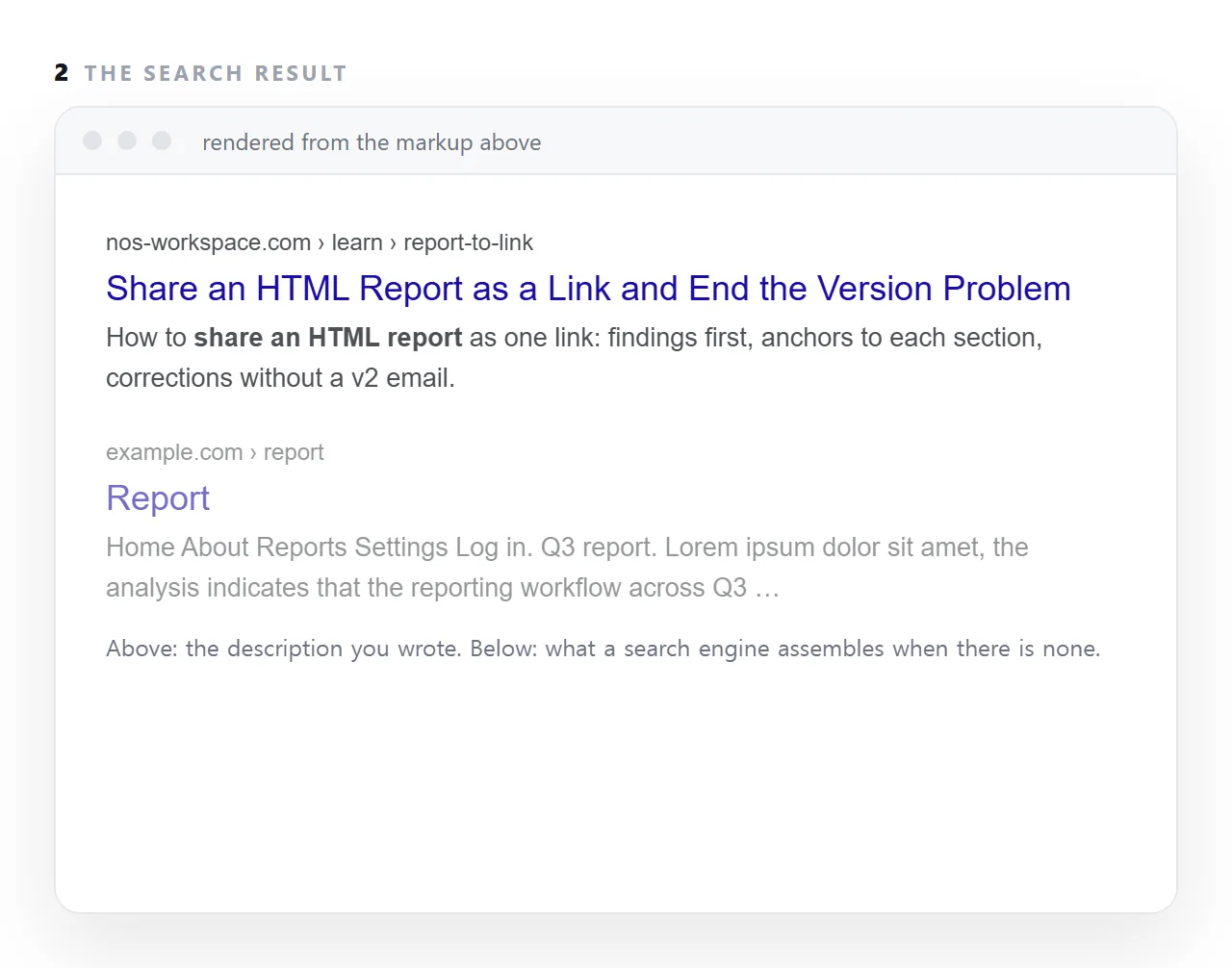
Without a description the engine assembles one from the first text it finds, which is often the navigation.
This guide covers what each does, the lengths that survive, how to write a title that carries the search phrase and a description that makes a promise, and how they relate to the Open Graph tags that chat apps read.
<title>HTML Viewer — Open and Preview an HTML File Online</title>
<meta name="description" content="Paste HTML or drop a file to see the finished page instantly. Scripts and charts run, nothing is uploaded, and no account is needed to look.">
Those two lines are what a person reads in a list of ten results before choosing one.
What the title and meta description each do
| Title | Description | |
|---|---|---|
| Shown as | The clickable blue line | The grey text beneath |
| Affects ranking | Yes, somewhat | No |
| Affects clicks | Strongly | Strongly |
| Also used by | Browser tabs, bookmarks, shares | Sometimes nothing |
| Length that survives | ~60 characters | ~155 characters |
The description does not influence ranking. It influences whether your result is the one chosen, which is the outcome you were after anyway.
Writing a title
Put the term people search for first. HTML Viewer — Open and Preview an HTML File rather than Preview Your Documents With Our Free Online Tool. Titles are truncated from the right, and the reader's eye stops early.
Say what the page is, not how good it is. "Free", "best", "ultimate" occupy characters and persuade nobody.
Make it different from every other page. A site where fifteen titles begin with the same eight words is a site where the reader cannot tell the results apart.
One brand mention, at the end, if at all. … | NOS costs six characters and helps a reader recognise a source they know. It is not worth putting first.
Writing a description
The job is to answer "will this page solve my problem" in one sentence, then add the reason to prefer it.
<!-- weak -->
<meta name="description" content="Learn about HTML viewers and how they can help you with your documents and files.">

<!-- better -->
<meta name="description" content="Paste HTML or drop a file to see the finished page instantly. Scripts and charts run, nothing is uploaded, and no account is needed to look.">
The second one states what happens, what works, and what is not required. The first states that the page exists.
Three habits:
- Lead with the action. "Paste HTML and see it render" beats "This tool allows you to…".
- Name the objection. "No signup", "nothing uploaded", "works offline" — whatever the reader is worried about.
- Write a sentence, not keywords. Repeated terms read as spam and are ignored.
When search engines ignore what you wrote
They regularly substitute a passage from the page body when they judge it a closer answer to the specific query. That is not a failure — it means the page is being matched to more queries than one description could serve.
What it does mean is that the body text has to be good, because the body is what gets shown. A page whose relevant passage reads well has nothing to lose here.
Do not duplicate them
Every page needs its own title and description. Identical ones across a set of pages are a signal that the pages are thin or duplicated, and the pages compete with each other rather than accumulating.
If writing fifteen distinct descriptions feels like a chore, that is often a sign the pages should be fewer and longer.
The related tags
Open Graph tags are the sharing card, which is a separate mechanism. The same sentence usually works for both, and og:description does not substitute for <meta name="description">.
Canonical decides which address gets the result at all.
JSON-LD can add extra elements to the result, such as expandable questions.
Of the four, the title is the one that matters most and takes the least time.
Three mistakes in the two lines
The same title on every page. A site whose every page is titled with the company name gives the engine and the reader nothing to choose between. The page's subject first, the site name last, if at all.
Keyword lists. A description that reads "html report, share html, report link, html sharing" is not a promise and gets rewritten by the engine. Write a sentence.
Writing them last. The two lines are the first thing a searcher sees and the last thing most authors write. Write them when the page's point is clear, before the body if possible, and let them keep the body honest.
When the engine rewrites your description
Search engines replace the description when it does not match the query or the page. A page about sharing an HTML report searched for "report version control" may show a sentence from the body instead. That is fine; it means the body contains the phrase.
What you write is the default, shown when the query matches it, and it should be the best two lines about the page for the phrase you expect.
Writing the two lines: 4 steps
- Write the title with the search phrase near the front. Under 60 characters, so it is not cut off, and different from every other page's title on the site.
- Write the description as the promise the page keeps. Under about 155 characters. Say what the reader gets, with the phrase in it, in words a person would use.
- Match them to the page. The title should be the h1 or close to it. A description that promises what the page does not deliver costs the next click and the one after.
- Check the result. Search for the page's own title and look at the two lines. Fix what got cut off. The same title feeds the Open Graph card when the link is pasted into a chat.