To embed a website into another website, use one iframe:
<iframe src="https://example.com" title="Example, embedded" width="100%" height="600"></iframe>
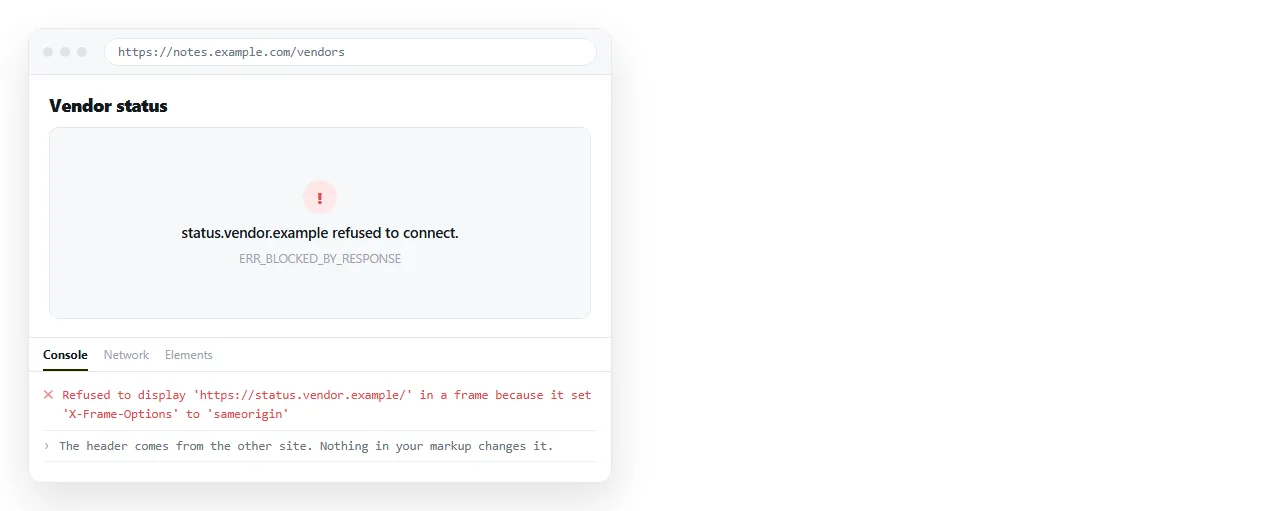
The markup is settled. The interesting part is that roughly half the addresses you try will refuse, and the refusal comes from them, not from your code.
Two headers decide the outcome
X-Frame-Options is the older one. Set to DENY it forbids all framing, and SAMEORIGIN allows only the site itself.
Content-Security-Policy: frame-ancestors is the current mechanism and it is more precise. It names which domains may frame the page, so a site can permit a partner and refuse everyone else.
Banks, mail providers, social networks and most large applications set one of these. They are protecting against clickjacking, where an invisible frame sits under a decoy button.
Neither is something your page can override. No allow, sandbox or referrerpolicy value turns a refusal into an acceptance. Content Security Policy covers the header itself.
Before you embed a website into another page, test it
Do the test first. It takes a minute and saves an afternoon.
- Put the address in an iframe on a scratch page.
- Open it and watch the console. A refusal is logged there by name.
- If it loads, resize the window and check the site is usable at your frame width.
- Check on a phone. Many sites that frame fine on a desktop are unusable in a narrow frame.
| What you see | What it means |
|---|---|
| The site renders | No framing restriction on that path |
| Blank white frame | Often a policy refusal, check the console |
| Refused to connect | X-Frame-Options or frame-ancestors |
| Renders then redirects away | Frame-busting script on their side |
| Renders but logged out | Cookies marked SameSite are not sent in a frame |
The last row surprises people. A site can allow framing and still behave as though you have never signed in, because third-party cookie rules apply inside the frame.
Sandboxing what you did not write
If the source is not yours, restrict it. sandbox starts from no permissions and you add back only what is needed:
<iframe src="https://example.com"
  sandbox="allow-scripts allow-same-origin allow-popups"
  title="Embedded site" loading="lazy"></iframe>
Adding allow-scripts and allow-same-origin together largely undoes the sandbox for a same-origin document, because framed code can then reach out and remove the attribute. It is fine for a cross-origin page, worth avoiding for your own.
The sandbox attribute lists the tokens and what each one permits.
Sizing
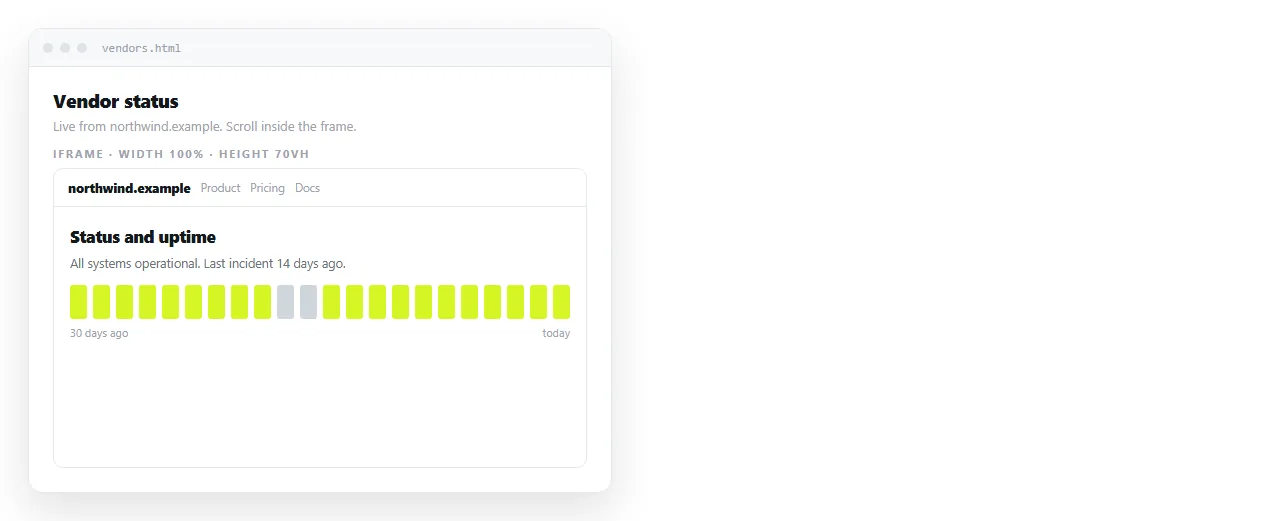
The rule is the same as every frame. Set a height.
.site-frame {
  width: 100%;
  height: 70vh;
  border: 1px solid #333;
  display: block;
}
A width with no height collapses to a thin strip. Setting 70vh fills most of the window while keeping your own heading in view.
You cannot scroll the frame from outside, and you cannot measure the height of a cross-origin page. Any script promising to autofit a third-party frame relies on cooperation from the other side.
Markup instead of an address
srcdoc puts the HTML directly in the attribute rather than fetching it:
<iframe srcdoc="<h1>Hello</h1><p>Rendered in its own document.</p>"></iframe>
That is the tool for isolating a fragment you control, not for embedding somebody else's live site. It is useful for previews, examples and untrusted snippets. srcdoc covers the quoting rules, which are the fiddly part.
When framing is blocked
| Goal | Alternative |
|---|---|
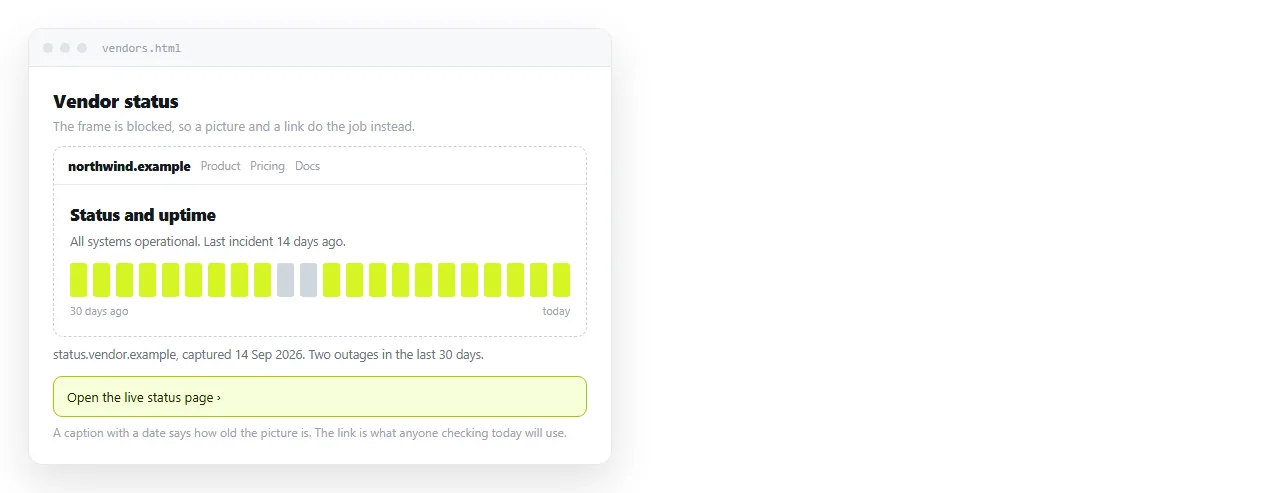
| Show what a page looks like | A screenshot with a link under it |
| Quote a social post | The embed code that platform publishes |
| Show a video | The platform player embed |
| Show live data from a service | Their API, rendered in your own page |
| Give the reader the page itself | A plain link, which is what they wanted |
The screenshot route is underrated. A current image with a caption and a link communicates more than an empty frame, and it cannot break when the other site redesigns.
Permission is a separate question
A site that permits framing has not necessarily agreed to appear inside your product. Presenting another company's pages as part of your interface is a different matter from linking to them.
For internal dashboards and demos this rarely matters. For anything public, use the embed code the source publishes, or ask.
Sending the page you built
A page full of frames still has to open for the reader. As an .html attachment it gets filtered, and from disk the frames often fail anyway because the file protocol has no proper origin.
Paste the HTML into a NOS document. It renders as written, frames included, and the document has an address you can send in a message.
Editing does not move that address, so swapping a blocked embed for a screenshot does not mean sending a second link.
Turning HTML into a link is that step by itself, and the HTML file opener shows quickly whether a frame survives outside your folder.
A note on embedding your own pages
Framing something you control is a different situation, and mostly a simpler one. You can set frame-ancestors to permit exactly the host page and nothing else.
You also gain the ability to size the frame properly. A page on your own origin can post its height to the parent with postMessage, and the parent can resize the frame to match.
<script>
  addEventListener('message', function (e) {
    if (e.origin !== 'https://app.example.com') return;
    document.getElementById('f').style.height = e.data.height + 'px';
  });
</script>
Check the origin on every message, as in the second line. A listener that accepts anything is an open door, and this is the usual place that check is left out.