HTML to link means one thing: a page that only exists as a file on your disk gets a web address anyone can open. You have a finished HTML page and someone needs to see it.
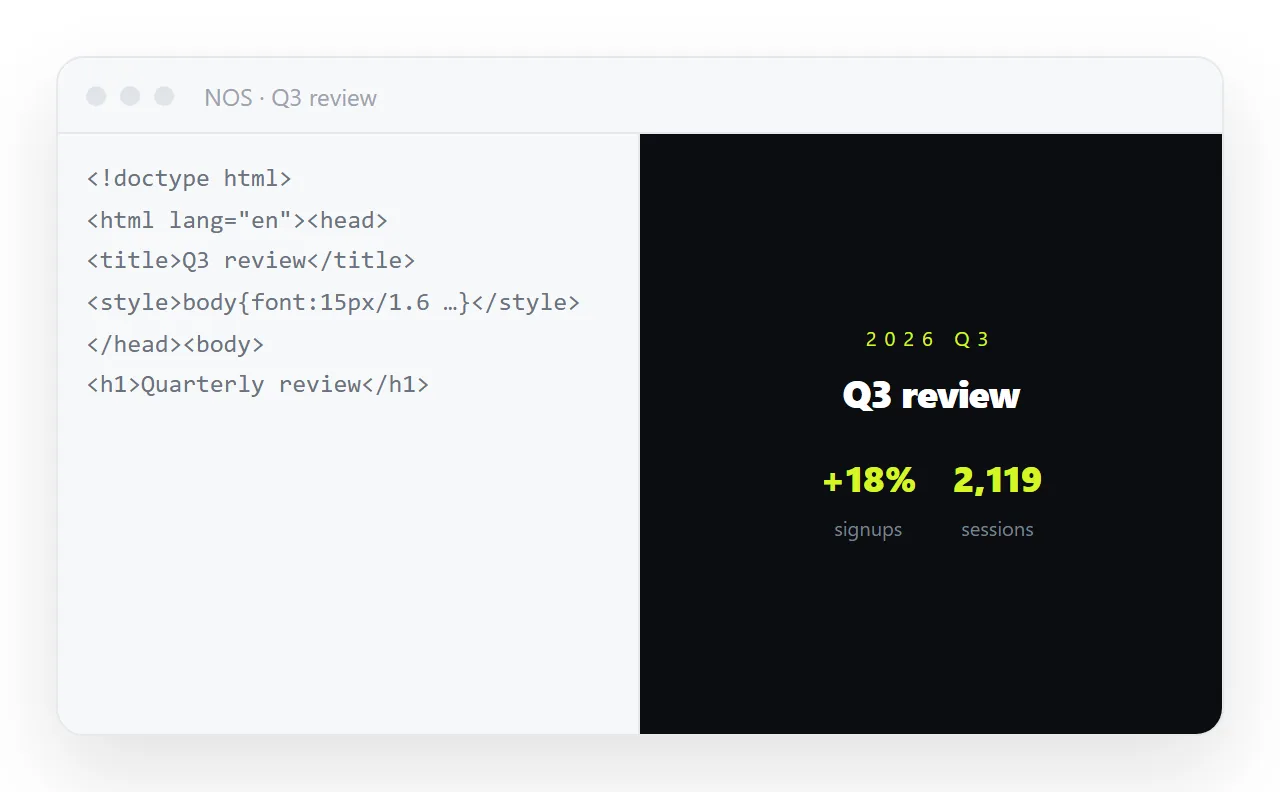
Sending the file has three separate ways to fail before anyone reads it; sending an address has none of them. This page checks the HTML, and the five steps below turn it into a link that keeps working after every edit.
What "HTML to link" actually means
A file describes a page. An address is a page. That difference decides everything downstream.
A file on your own disk is reachable from exactly one place: that disk. Open it and the browser shows file:// in the bar, which is its way of saying "this is not on the web".
Some browser features stay switched off in that mode on purpose, because a page loaded from a disk is treated as less trustworthy than one served properly.
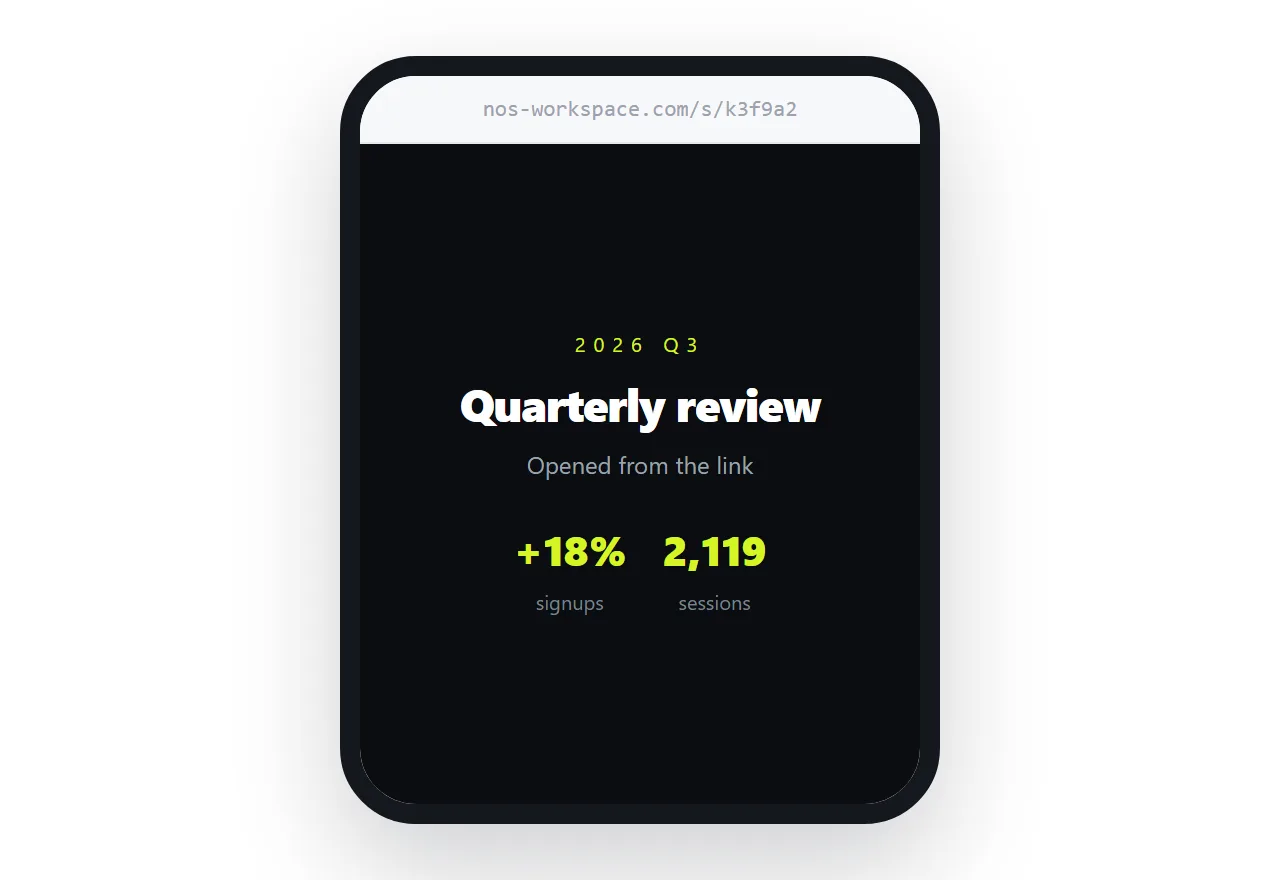
Once the same HTML sits at an https:// address, all of that goes away. It opens on a phone. It opens on a machine that has never seen your folder. Chat apps can fetch it and draw a preview card. And it has one canonical location, which means there is no longer such a thing as "the newer copy".
How to turn HTML into a link: 5 steps
- Check the page in the viewer above. Paste or drop the HTML and confirm it renders the way you expect. If styles or images are missing, fix that now; the link will show exactly what the viewer shows.
- Paste it into a NOS document. Open NOS, create a document, paste the same HTML. It renders as written, dark theme, charts and scripts included, as a page of its own.
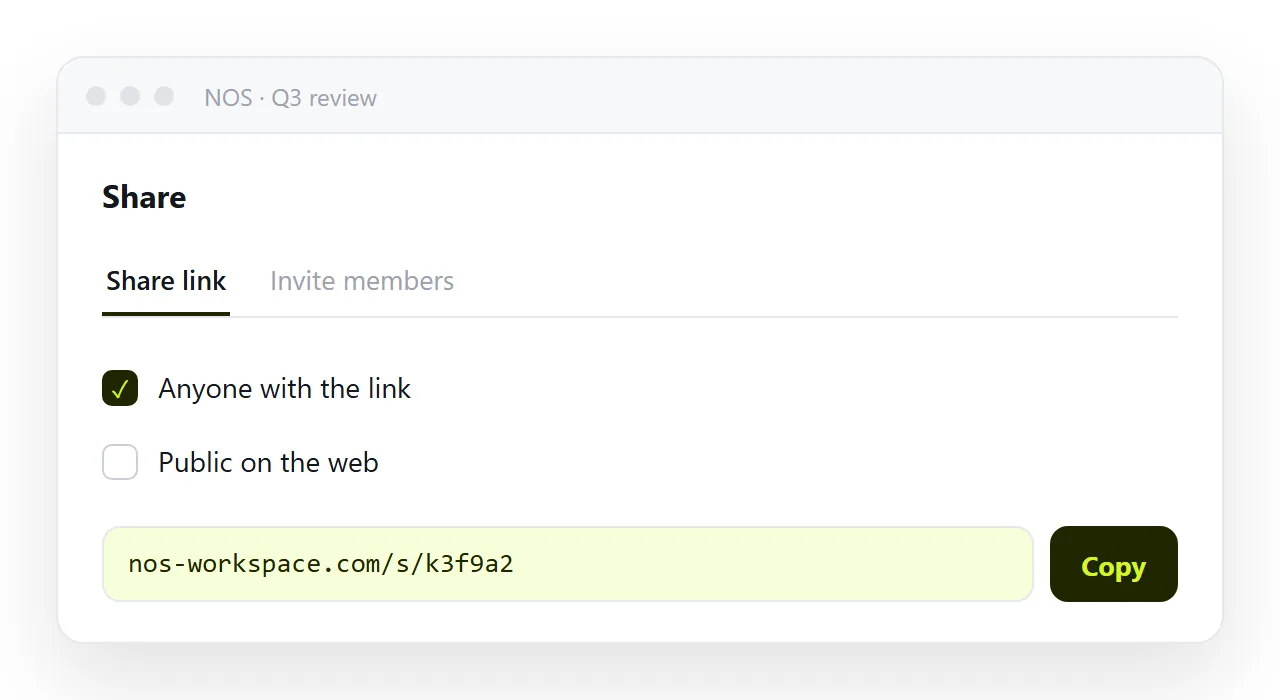
- Open Share and copy the link. Click Share, open the Share link tab and click Create link. The address looks like
nos-workspace.com/s/followed by a token; copy it. By default it is Anyone with the link: it works for whoever has it but is not listed anywhere. Tick Public on the web only if search engines should find the page. - Send the address. Paste it into mail, chat, a calendar invite, a document, wherever. It is one line of text, so no attachment filter touches it.
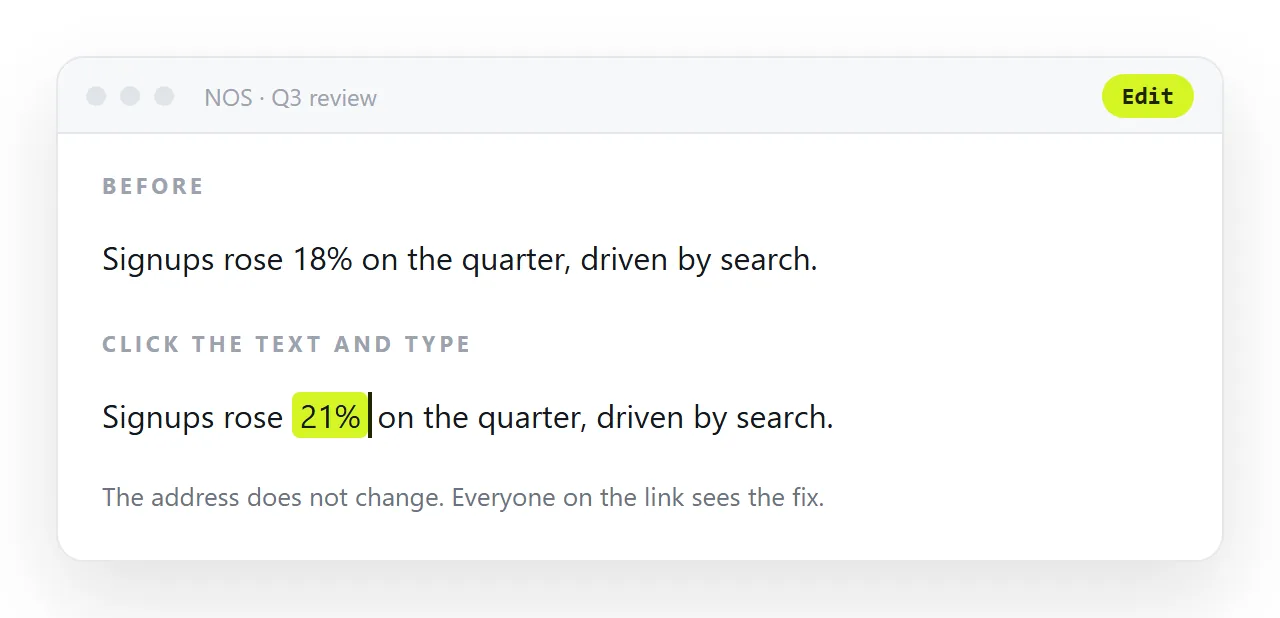
- Revise without resending. Click a heading or a number in the document and change it. The address does not move. People who already have the link see the corrected page the next time they open it.
Step five is the one people underestimate. Most of the pain in sharing a document is not the first send; it is the fourth revision, when three versions are circulating and nobody knows which is current.
Other ways to get a URL for an HTML file
There are several, and they suit different jobs. None of them is wrong; the question is what happens after the first send.
| Method | Good for | What it costs you later |
|---|---|---|
| A static host or drag-and-drop deploy | A finished site that will not change | Every correction is edit, re-upload, wait for the cache |
| A code playground | Showing developers how something works | Readers get your page inside someone else's editor |
| A cloud drive share link | Sending a file for download | It does not render HTML; the reader gets a download |
| A file host that serves HTML as a page | A quick one-off | Often a download instead of a page, depending on its headers |
| A NOS document | A page that will be read, revised and found again | Nothing; the link is the document |
The static host is a perfectly good answer for a page that will never change again. It stops being a good answer the moment the page has to change, because the unit of work is the file.
A code playground gives you an address too, but its address is built around the source code: the page you want people to read is a panel inside a code editor.
What is missing from both is the ordinary case: the page is a working document. It will be revised. It should be findable next to your other documents in three months.
It should be editable by the person who wrote the words, not only by the person who can read markup.
What happens to the file you already sent
Nothing, and that is the problem. Every copy you have ever attached is a separate, permanent, frozen thing. Here is the same task done both ways.
| Sending the file | Sending an address | |
|---|---|---|
| First send | Attach, hope it passes the filter | Paste one line of text |
| Recipient on a phone | Often saves to storage without opening | Opens in the browser |
| You spot a typo | Fix, re-attach, re-send, explain | Fix. Done. |
| Three weeks later | Someone opens the first version | Everyone lands on the current one |
| Someone forwards it | A copy of a copy | The same address |
| You need it back | Search your sent mail | It is where you left it |
Common problems after converting HTML to a link
The page is unstyled at the address. The HTML referenced styles.css next to it, and that file did not come along. Put the styles inside a <style> tag. The viewer above shows this before you publish.
Images are missing. They were referenced by folder path. Use full https:// addresses, or embed them in the file.
The link downloads instead of opening. That is a hosting problem, not a file problem: the host sent a download header. See downloads instead of opening. A document address does not have this problem because it serves a page, not a file.
No preview card in chat. The page has no title or description for the app to read. Add a <title> and Open Graph tags.
Someone forwarded it who should not have. An unlisted address is not a password. If the content should not be readable by whoever receives a forwarded link, it does not belong on a shared page.
Editing without touching the markup
In NOS the published page is a document, not an upload. Rendered HTML stays exactly as the HTML says; nothing is reformatted behind your back. But the text in it is text: click a heading, type a new one. Fix a name, change a date, drop a sentence. No markup, no re-upload, no new address.
That is what makes the link genuinely stable rather than technically stable. A link that survives only until the next correction is not much of a link.
Before you publish, check three things
- Is the page self-contained? Styles inside a
<style>tag, images either embedded or on fullhttps://addresses. Anything referenced by folder path will vanish. - Does it have a title? The
<title>tag is what chat apps and browser tabs display. An untitled page shows as a bare address and looks like spam. - Is anything in it private? If yes, invite named people from the Invite members tab instead of sharing by link, or revoke the link when the page is done.
What to read next
| Question | Answer |
|---|---|
| Why will my file not open for them? | HTML file opener |
| Why did my attachment get blocked? | Sending an HTML file by email |
| Why does the channel show a file card? | Sending an HTML file in a chat channel |
| Why does it download instead of opening? | Downloads instead of opening |
| What makes a page survive being sent? | Self-contained HTML |
| How do I get a preview card in chat? | Open Graph tags |
Every row is the same underlying fact in a different disguise: a file is a copy, and a page is a place.