To embed an HTML link in an Outlook email, select the words you want clickable, press Ctrl+K, and paste the address. Outlook keeps your words as the label and puts the address behind them.
What you cannot do is put a live page inside the message. Mail clients strip frames, so no version of an email renders another page in place.
The arrangement that survives every client is a still image of the page, a labelled link under it, and nothing attached.
Ways to embed an HTML link in an Outlook email
| What you send | Reader sees | Survives gateways | Stays current |
|---|---|---|---|
| A labelled link | One clickable line | Yes | Yes |
| Image plus link | A preview and a way in | Yes | Image no, page yes |
| HTML as the body, via Insert as Text | A styled email, imperfectly | Usually | No |
The .html file attached |
Often nothing | Frequently stripped | No |
| A PDF attached | A frozen document | Usually | No |
The attachment row is the one most people try first, and it is the one that quietly disappears at the gateway. Sending an HTML file by email explains why security filters treat those files the way they do.
Step one: give the page an address
Paste the HTML into a NOS document. It renders as written, dark theme, charts and scripts included, as a page of its own.
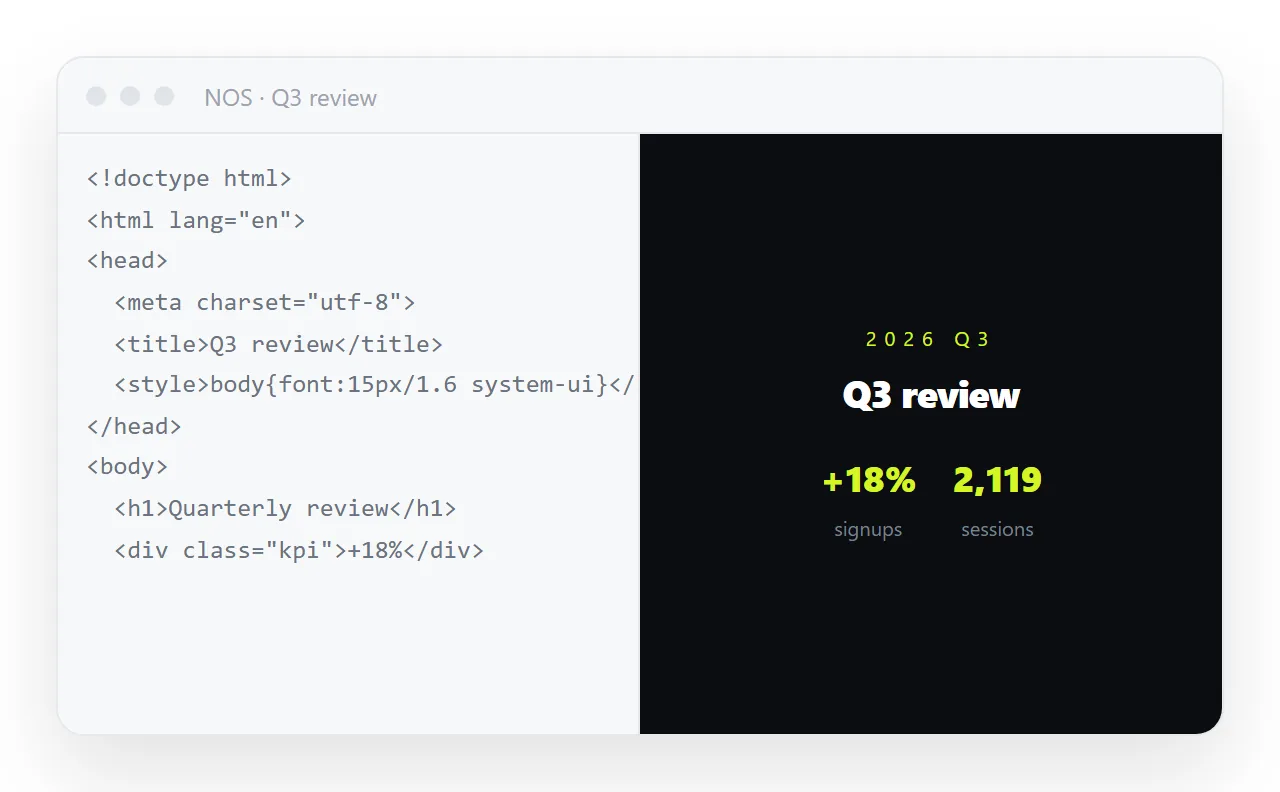
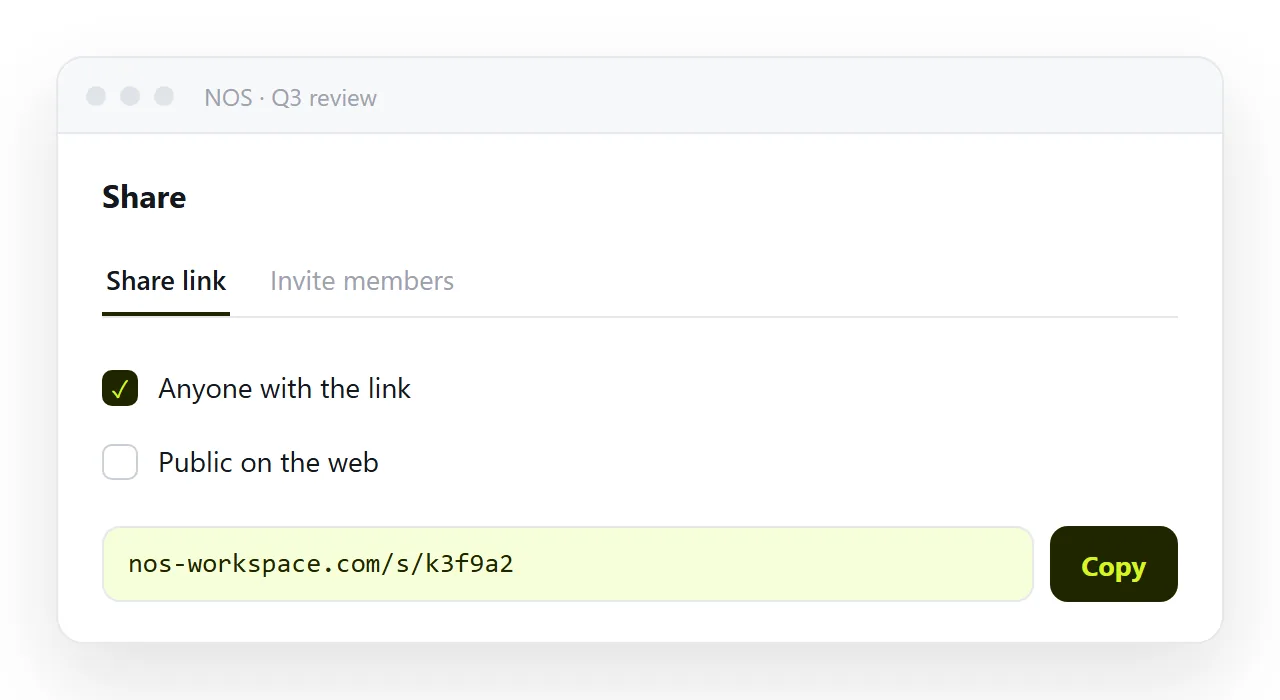
Then Share, then Share link, then Create link. For an internal email, leave the link unlisted. It opens for anyone holding the address and is not indexed. Turning HTML into a link is this step end to end.
If the material is sensitive, remember an unlisted link is not a password. Invite named people to the document instead, so that only those accounts can open it.
Step two: write the link so it gets clicked
- Label it with the destination. "The Q3 channel report" beats "click here" and beats a bare address, which looks like spam and wraps badly on a phone.
- Use the full
httpsaddress. Shorteners attract extra scrutiny from mail security tools and hide the domain from a cautious reader. - Put one line of context above it. What is on the page and what you want the reader to do with it.
- Put a still image under that. A capture of the top of the page tells the reader whether the click is worth it.
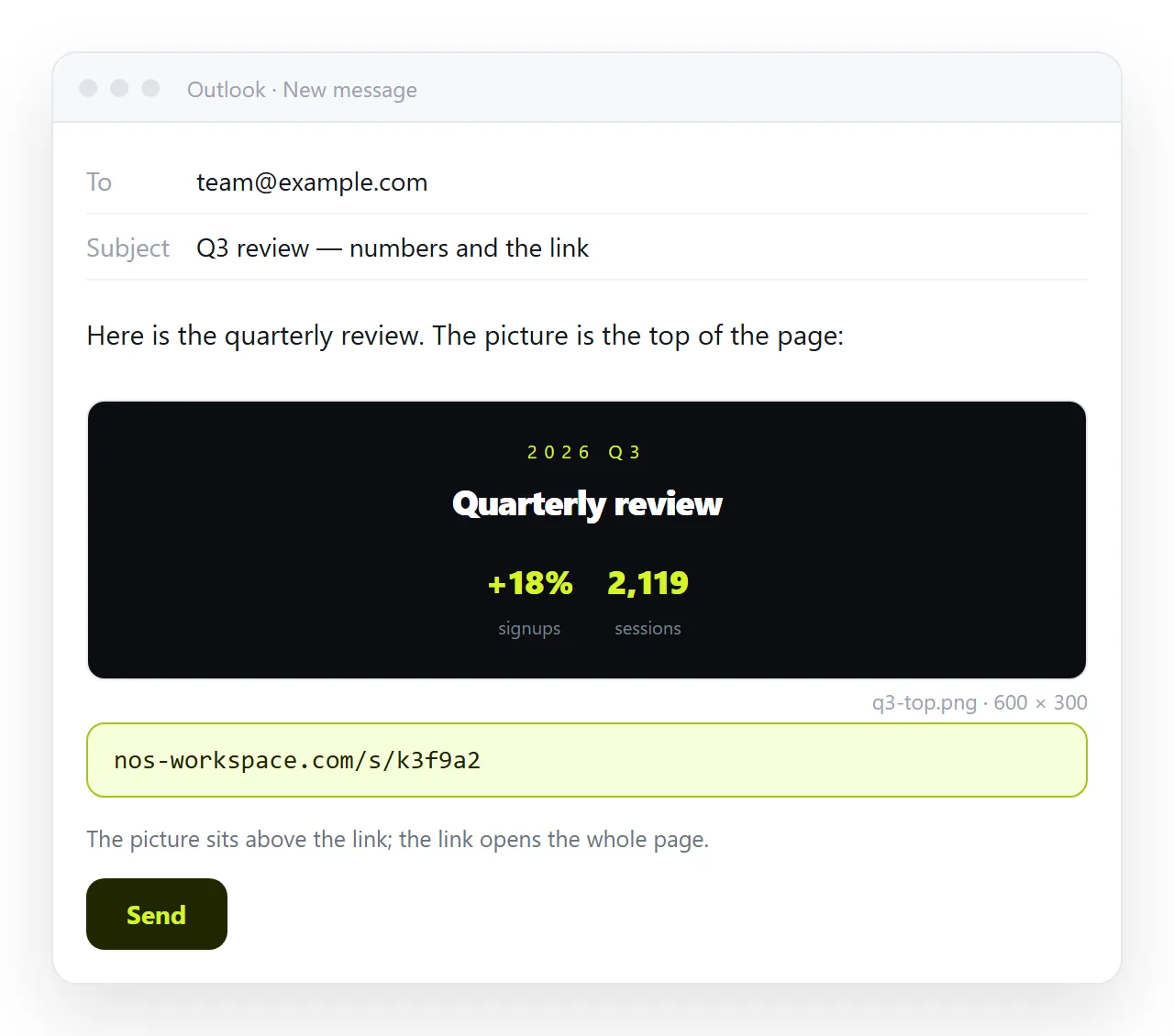
Expect your link to be rewritten in transit. Corporate mail scanners wrap outgoing and incoming addresses so clicks pass through a checker. The label stays yours, and the rewritten address still lands on your page.
Two habits reduce the number of unread reports you get back. Put the link near the top of the message rather than under three paragraphs of context, because a reader on a phone sees the first screen and decides there.
And write the sentence around the link so the label reads as part of it. A link is more likely to be clicked when the surrounding sentence already explains what happens after the click.
When the HTML is supposed to be the email
Different job. Here the markup is not a page you link to, it is the message body itself, for example a newsletter or a templated notice.
In Outlook for Windows, use Attach File, then Insert as Text. Outlook reads the file and uses its content as the body rather than attaching it.
Two constraints to plan around. Outlook on Windows renders mail with the Word engine, so flexbox, grid and most modern layout properties are ignored.
Remote images are also blocked until the reader allows them, so anything carried only by an image is invisible on first open.
Build those emails with tables, inline styles and absolute image addresses. Turning a Word document into an HTML email covers the conversion path when the draft started in Word.
Checking before you send
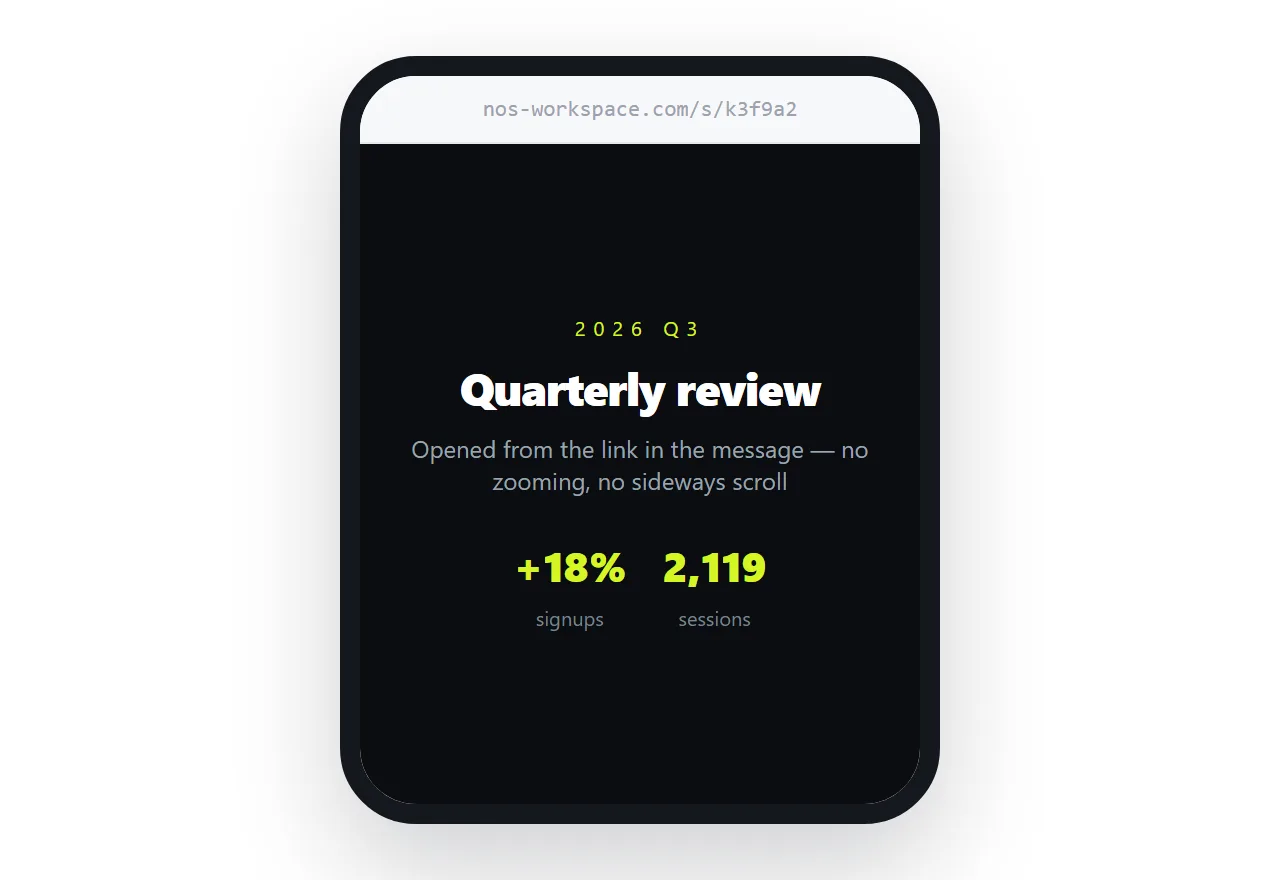
- Open the link in a private window. If it only works for you, it is unlisted and you are signed in, or the address is internal.
- Send yourself a copy and read it on a phone. Most recipients will.
- Confirm the link is not a download. An address that serves the file as an attachment gives the reader a download prompt rather than a page. HTML downloading instead of opening has the cause.
- Check the page has a
<title>. It becomes the browser tab and any preview card that a client chooses to build.
Why one address beats a second attachment
The temptation is to send both, the link and the file, so the reader has a fallback. In practice that creates two versions.
Someone opens the attachment in October and quotes a figure you corrected in September. Nobody can tell from the quote which copy they read.
The same applies to a forwarded thread. A link forwarded six times is still one page. An attachment forwarded six times is six copies, all of them frozen at different moments.
With a single address, a correction reaches everyone who opens it afterwards. In NOS that correction is made by clicking the text and typing, and the address does not change.
The email sent last month still points at the current page, which is the whole reason to prefer a link over a file.
If the material is genuinely confidential, do not rely on the link being unguessable. Invite named people to the document so only those accounts can open it, and send the email to the same list.