To send an HTML file by email, you can attach it in Gmail or Outlook, and both will deliver it.
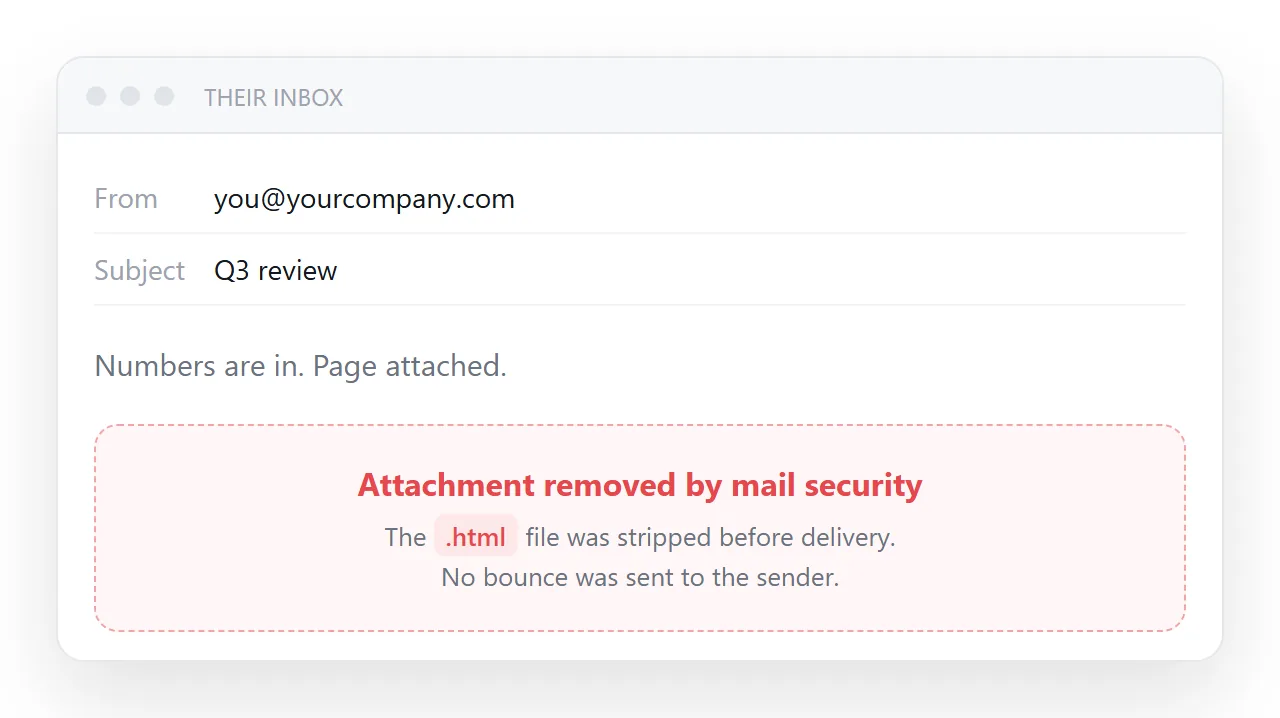
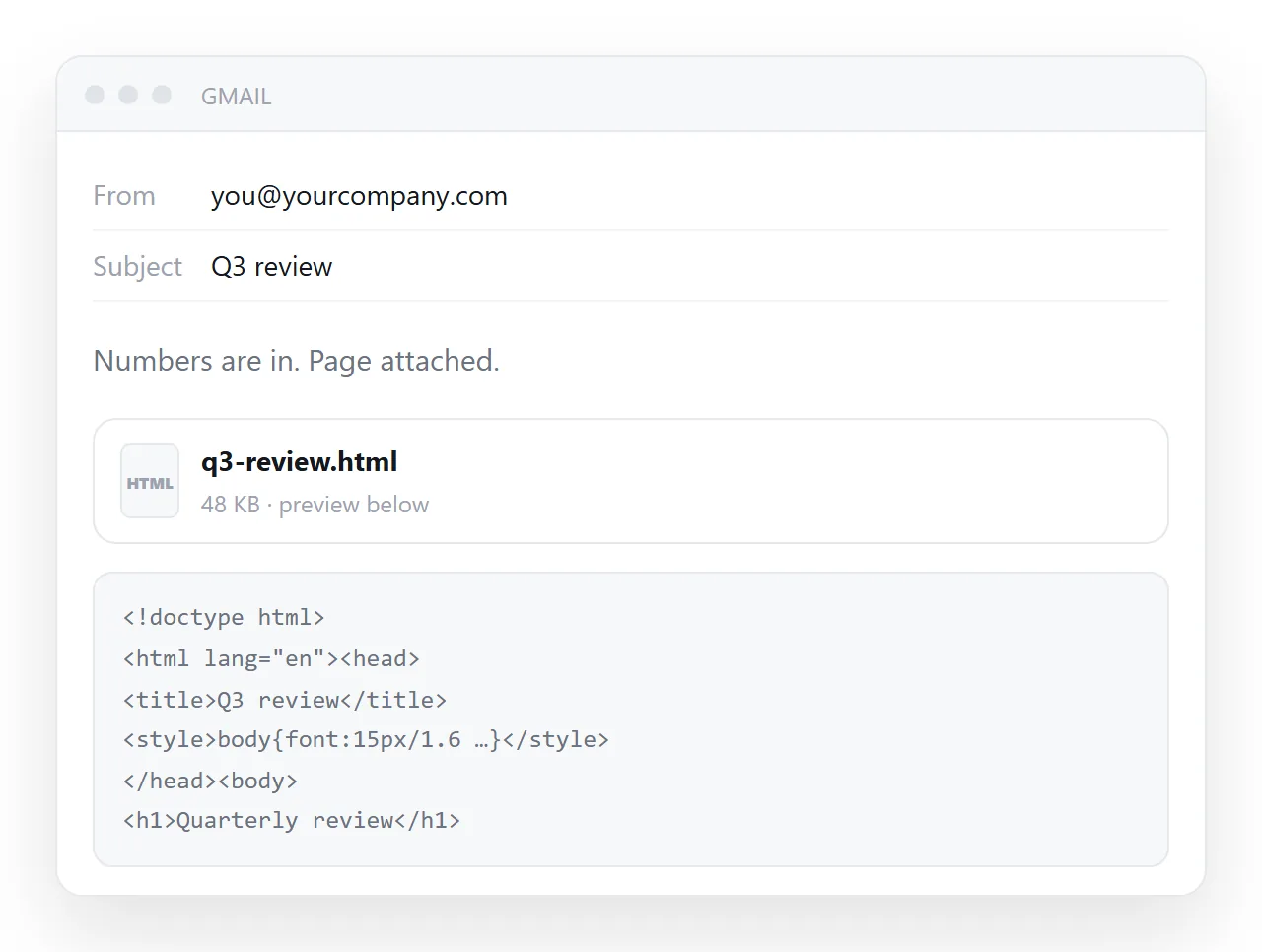
What arrives is an attachment whose preview shows raw code instead of the page, so the reader has to download it and open it themselves, and on many company mail systems nothing arrives at all, because gateways strip .html on sight.
The reliable way to send an HTML page by email is to send its address. This guide covers exactly what each mail system does with an HTML attachment, why the usual workarounds make it worse, and the four steps for sending the page instead.
What Gmail and Outlook actually do with an .html attachment
The two big mail services are more permissive than people think, and company gateways are stricter than people think.
| Mail system | .html attachment | What the recipient sees |
|---|---|---|
| Gmail | Not on the blocked list | Attachment chip; the preview shows the source code, not the page |
| Outlook.com and Outlook desktop | Not blocked by default (.hta is) |
Attachment, opens in whatever program owns .html |
| Microsoft 365 with attachment policies | Often blocked by the administrator | Message arrives with the attachment removed, or is quarantined |
| Google Workspace with attachment compliance rules | Often blocked | Same |
| Any gateway with anti-phishing filters | Frequently blocked or sandboxed | Stripped, held for review, or delivered late |
Gmail's published blocked list is executables and scripts: .exe, .js, .hta, .ps1, .bat and their compressed forms. Outlook's list is similar. Neither includes .htm or .html. So a personal-to-personal send usually arrives. What you cannot know is what sits in front of the recipient's mailbox at work, and that is where most "it never arrived" reports come from.
Why mail security dislikes the format
An HTML file is self-contained and can include a form and a script. That combination is the classic construction for a credential-harvesting page: the victim opens a local file, sees a familiar-looking sign-in form, types a password, and the script posts it somewhere.
No website to take down, nothing suspicious in a link, and it renders from the recipient's own disk. The technique even has a name, HTML smuggling, and it is common enough that security teams block the whole format rather than inspect each file.
None of this is about your file. It is about the format. Your dashboard and a phishing page look identical to a filter: one .html file with a script in it.
The workarounds, and why each one is worse
| Workaround | What happens | Verdict |
|---|---|---|
Rename to .txt |
Filters read content anyway; the recipient's browser no longer opens it | Breaks both ends |
| Zip it | Gmail and Outlook look inside archives; strict gateways flag archives containing HTML; adds two steps for the reader | Worse, not better |
| Paste into the message body | Scripts stripped, most CSS unsupported, layout collapses | Only for very plain content |
| Put it in a cloud drive and send that link | Passes the filter, but the drive does not render HTML; the reader gets a download | Half a solution |
| Attach a PDF export | Gets through cleanly, loses everything interactive | Fine for final, static content |
| Send a link to the published page | Passes as ordinary text, opens on a phone | The actual answer |
About pasting into the body
Worth knowing precisely, because it is the workaround people try first. Mail clients render a deliberately restricted subset of HTML. Scripts are removed without exception.
Support for modern layout is inconsistent, which is why marketing email is still built with nested tables and inline styles, a technique otherwise abandoned two decades ago.
So a dashboard, a sortable table, a chart, or anything with a tab strip will not survive the paste. A plain text-and-table summary might.
What the recipient goes through even when it arrives
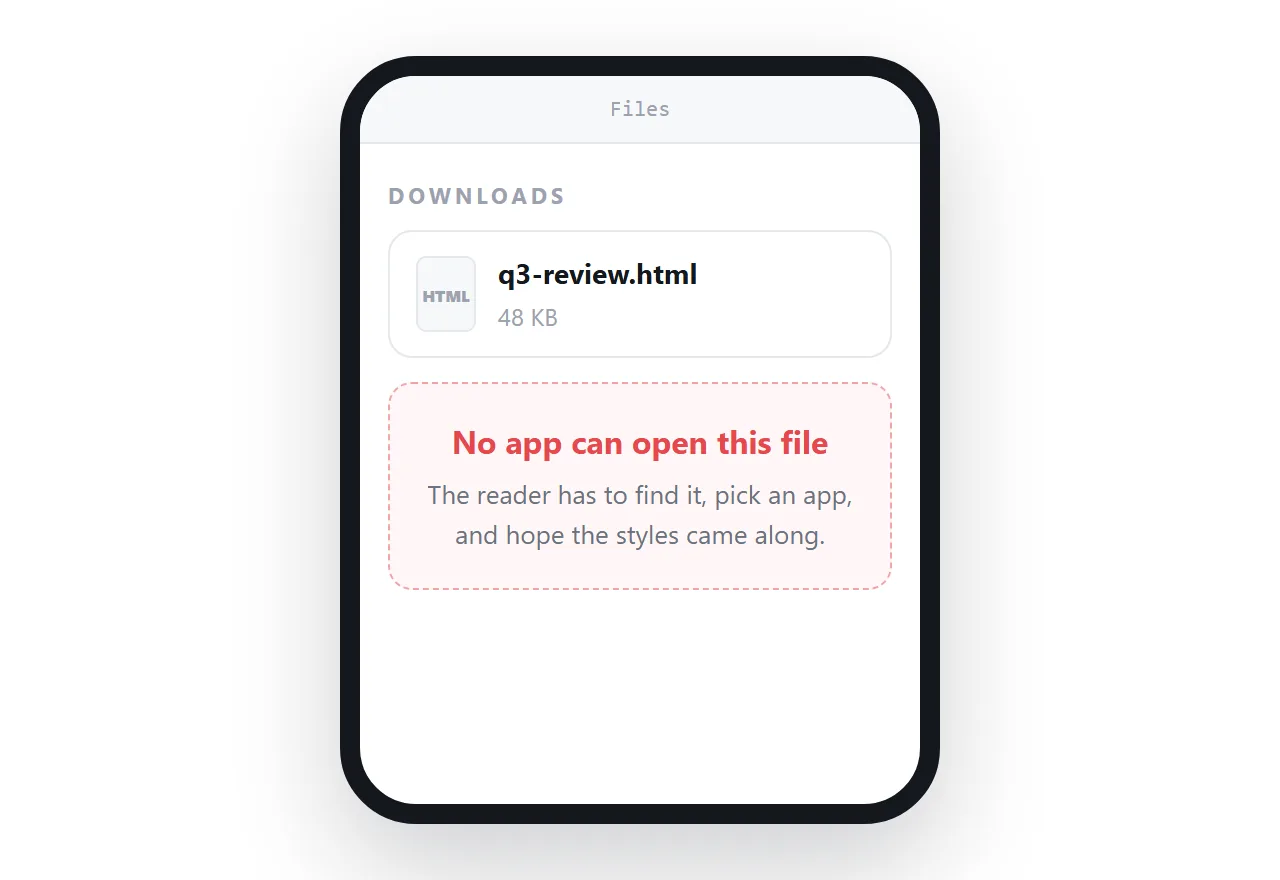
Suppose the attachment gets through. On a desktop it downloads, and then opens in whatever program claims .html: a browser if you are lucky, a code editor if they have ever installed one. On a phone it lands in storage and stops.
If the page reached for a stylesheet next to it, that file did not come along and the page is bare text.
And if you find a mistake afterwards, every copy you sent is frozen and wrong, so you write the second email that says "please use the attached corrected version", and now two versions are in circulation.
How to send the page by email instead: 4 steps
- Give the page an address. Paste the HTML into a NOS document and copy the share link. Turning HTML into a link is one paste. A link is text, so there is nothing for a filter to strip.
- Give the page a real title. The
<title>is what a link preview shows. An untitled page shown as a bare address looks like spam to both filters and people. - Put the link in the message with one sentence of context. "Weekly numbers, same link as last week." One sentence does more than any technical measure, because the recipient knows what they are clicking.
- Use the same address every time. A link the recipient has opened before is a link they open again without thinking. Revise the page; the address stays.
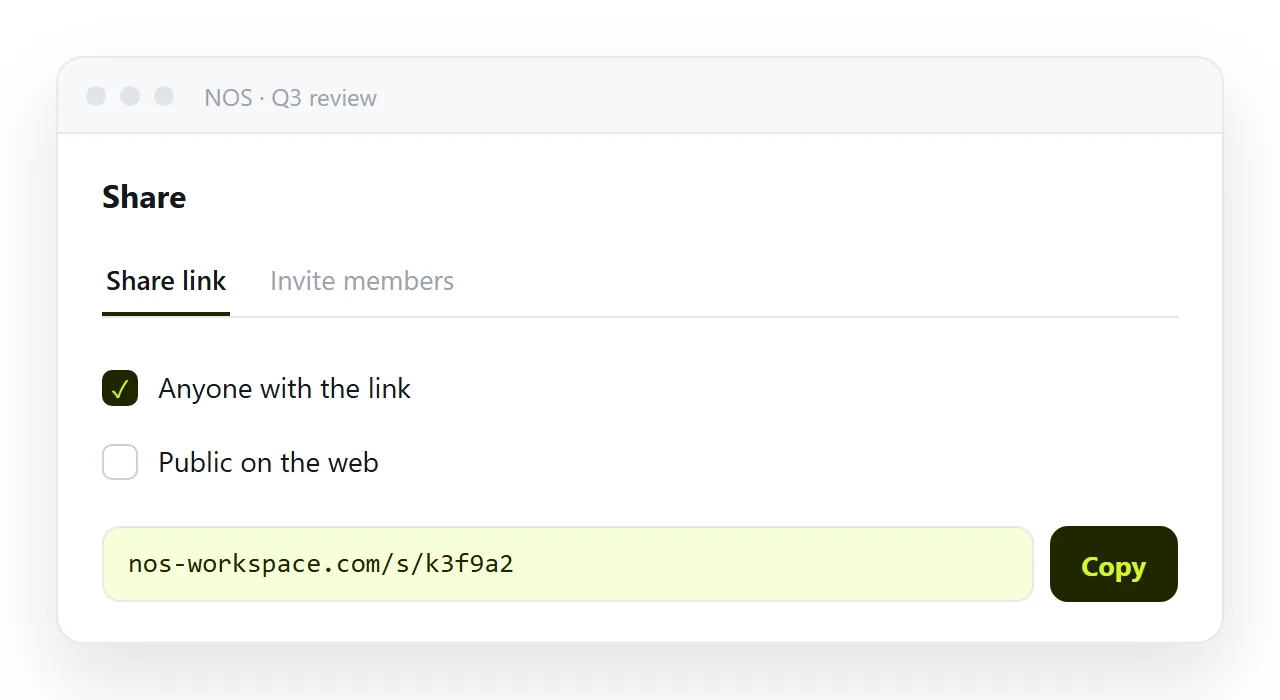
In NOS the pasted HTML renders exactly as written at its own address, the wording stays editable by clicking it, and the address does not move when you revise. So the mail you already sent stays accurate.
If the recipient's organisation rewrites or sandboxes links
Some organisations rewrite every link in incoming mail through a scanning service, or open it in a sandbox first. That is normal and the link still resolves; it may take a second longer. Two things help in a strict environment.
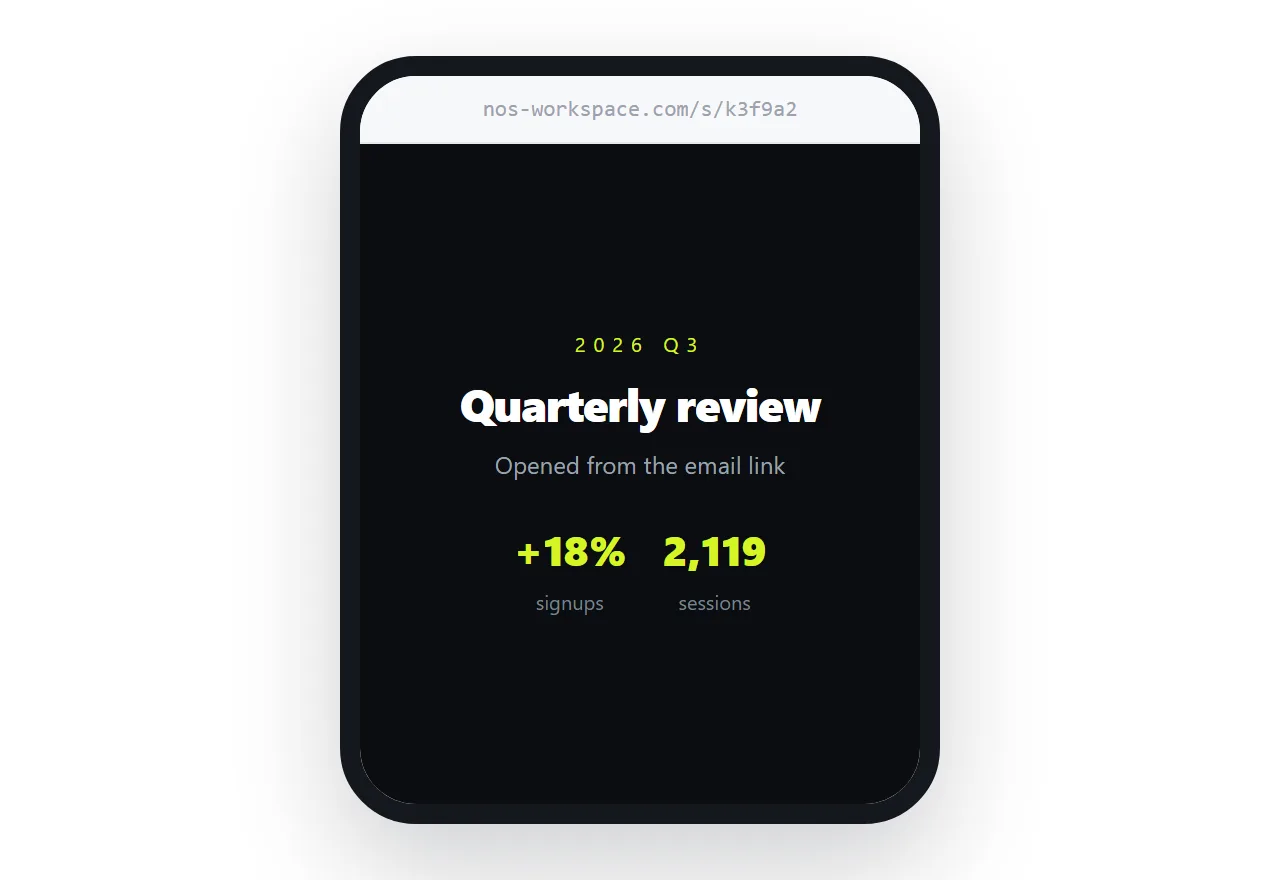
Make sure the page is reachable without a login, because a scanner cannot log in. And keep the page's own address stable, because a link that has been seen and passed before is one the scanner passes again.
Checking whether your attachment arrived
You usually cannot tell from your side. The message leaves your outbox and nothing bounces, because a gateway that strips an attachment delivers the rest of the message.
Two signs: the recipient replies "there was no attachment", or your sent copy shows the file while theirs shows a line such as "attachment removed by policy". If either happens once with a recipient, it will happen every time. Switch that recipient to a link and stop guessing.
When an attachment is the right call
If the content is final, will never change, and the recipient needs a copy they can keep offline, attach a PDF. PDFs pass every filter, preview inline in most clients, and print. What you give up is anything interactive and the ability to correct it afterwards. For anything with numbers that move, send the address.