To send an HTML file in Slack and have people see the page, send it as an address, not as a file. Drag the .html file into a channel and Slack shows a grey file card with a download icon.
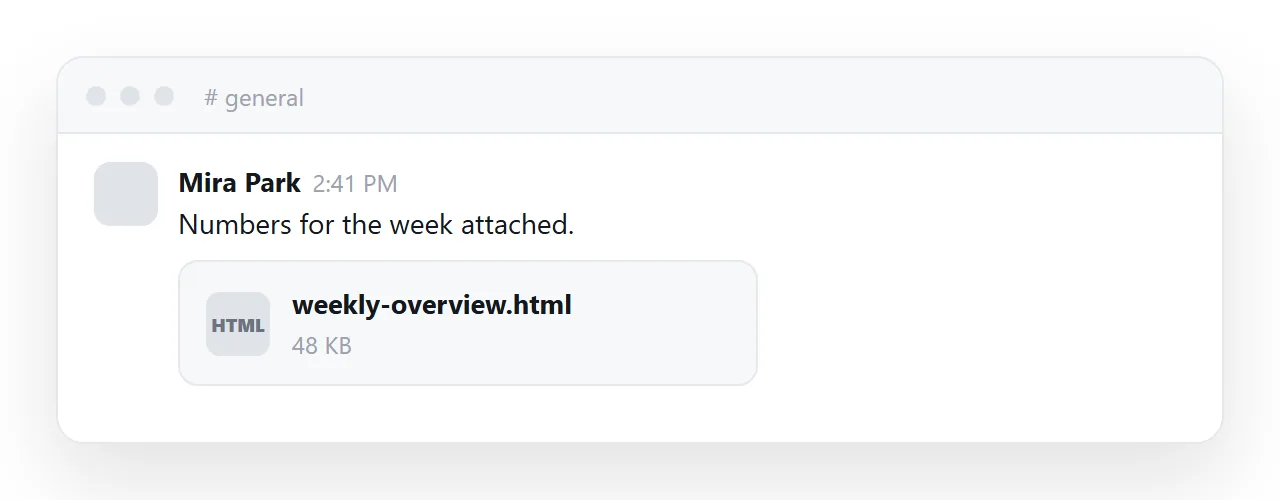
Nobody clicks it, and the ones who do get a file in their Downloads folder. Paste a link to the same page and Slack draws a preview card with the title and image, and the page opens in one click, on a phone too.
This guide covers what Slack does with each thing you might send, the one exception, and how to get the card right.
What Slack does with an uploaded .html file
Slack previews what it can draw without risk. An image is pixels. A PDF is a fixed document. A code file is text. HTML is different: it can load remote content, run scripts and draw a form that looks like a login page.
A chat client that rendered every uploaded HTML file inline would be handing every uploader a way to run code inside everyone else's client. So Slack does the safe thing for most workspaces: a file card, a download button, and it stays out of it.
That is not a size problem. Slack accepts files up to 1 GB. The upload works; the card is the result.
The exception. From mid-2026, some Slack workspaces started showing an inline preview for a complete, self-contained .html file attached to a message.
It is a gradual rollout with no setting to turn on, so the same file can render for one team and show a card for another.
Where it does render, it is still a preview inside Slack: HTML pasted into the message body stays text, a page that depends on a stylesheet or images in other files shows without them, and the page cannot be opened outside the workspace or found later by anyone who was not in the channel. Do not plan on it.
What each thing you could send actually produces
| What you send | What the channel shows | What the reader has to do |
|---|---|---|
The .html file |
A file card, or in some workspaces a preview | Download it, find it, open it with a browser |
| A code snippet | Coloured source code | Read markup instead of the page |
| A screenshot | The picture | Nothing, but the page is now frozen and uncopyable |
| A PDF export | An inline preview | Nothing, but interactive parts are gone |
| A link to the page | A preview card with title, description and image | Click once |
Only the last row gets anyone to the actual page in one action. The screenshot and PDF rows are fine when the content is final and static. They stop being fine the moment a number in it can change, because the copy in the channel is now permanently wrong and looks authoritative.
What the download path costs the reader
For the people who do click the file card: the file lands in Downloads, they have to find it, and then it has to open.
On a desktop that depends on whether .html is associated with a browser or a code editor. On a phone it usually stops at the file manager.
If the page reached for a stylesheet or images next to it, those did not come along, so it renders as bare text. Several places to fall off, and a file card gives nobody a reason to start.
How to send the page as a link: 4 steps
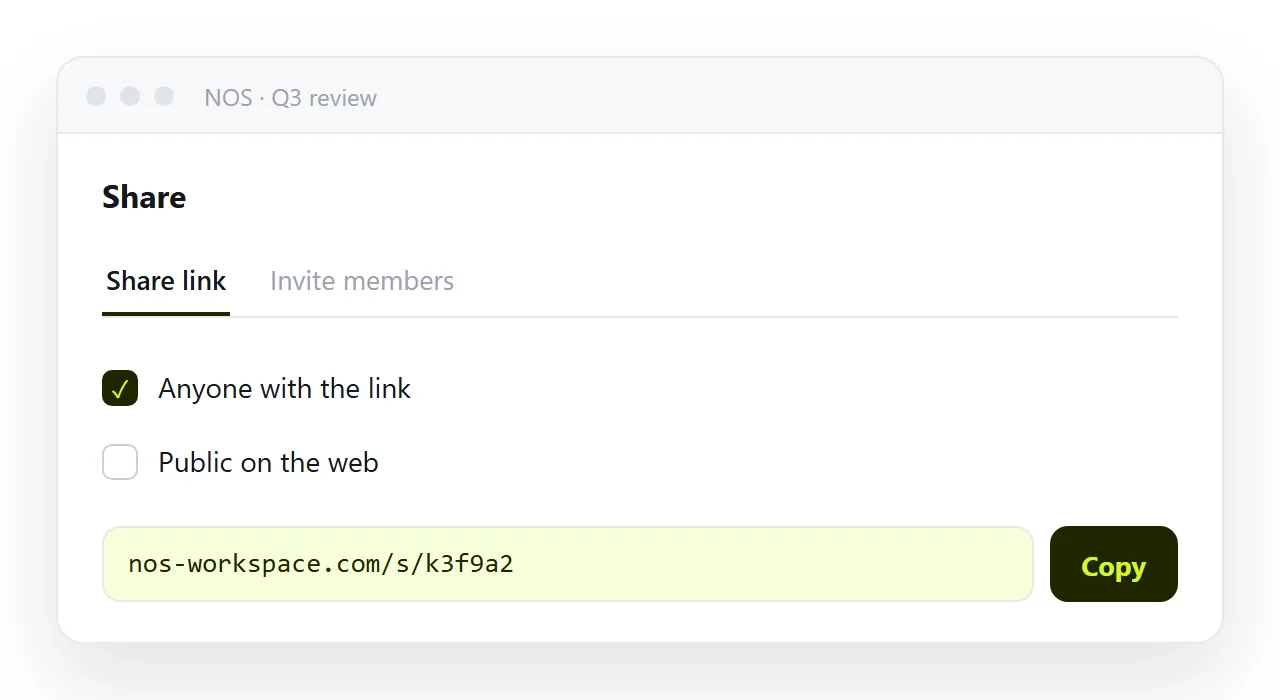
- Give the page an address. Paste the HTML into a NOS document and copy the share link from Share › Share link. Turning HTML into a link is one paste.
- Check the page has a title, description and image. Slack builds the preview card from these tags in the page's head:
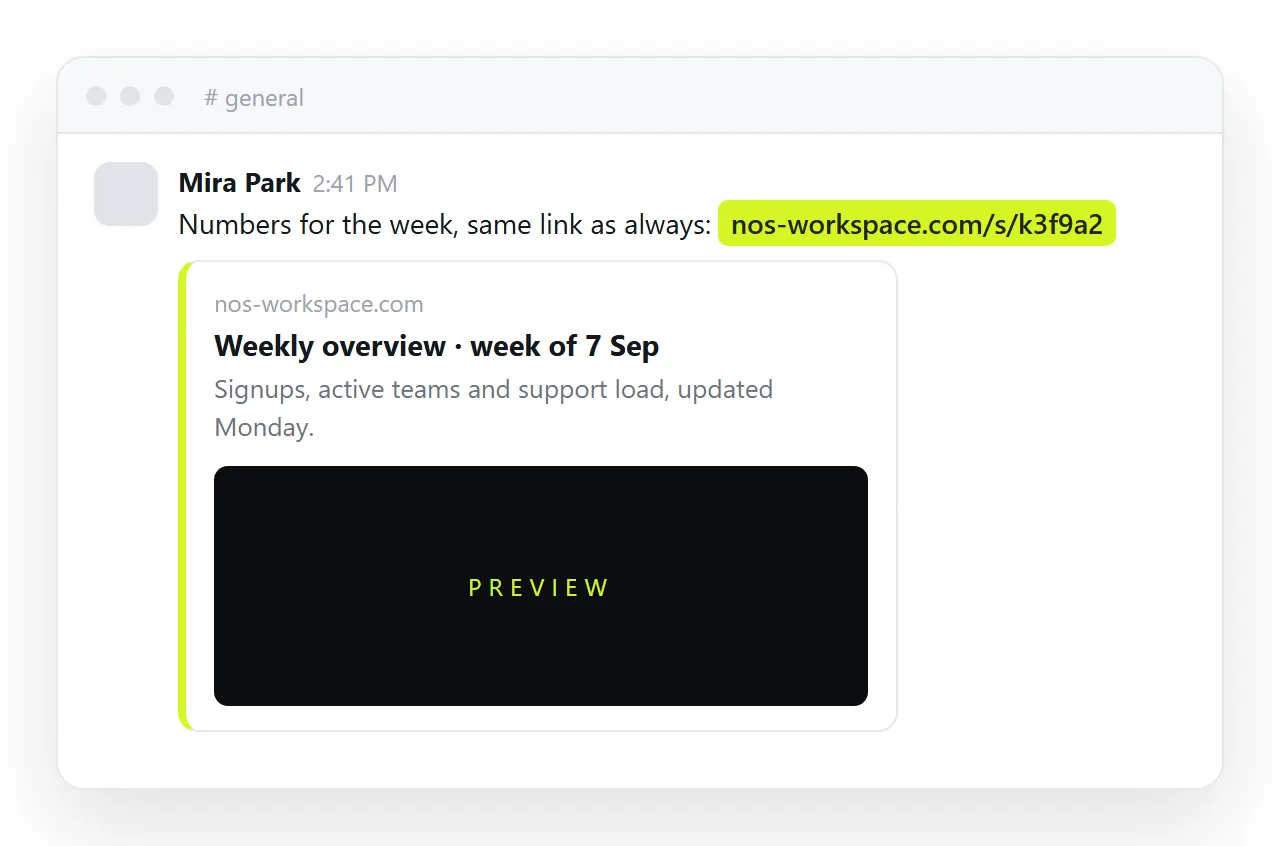
<title>Weekly overview — week of 7 Sep</title>
<meta property="og:title" content="Weekly overview — week of 7 Sep">
<meta property="og:description" content="Signups, active teams, and where support time went.">
<meta property="og:image" content="https://example.com/preview.png">
See Open Graph tags for what each line does. A page without them unfurls as a bare address, which looks like spam and gets ignored almost as thoroughly as a file card.
- Paste the link with one line of context. "Weekly numbers, signups up 12%." Slack unfurls the card under the message. If you paste several links, only the first unfurls by default; put the one that matters first.
- Revise the page, not the message. When someone spots an error, fix the page. The link in the channel already points at the corrected version. There is no "ignore that file, here is v2" message, which is the message everybody has had to send at some point.
If you only need to show the code
Sometimes the markup is the point: a colleague asks how a chart was built, or you want a review of the structure. Then a snippet is right. Type a message, click the plus, choose Create a text snippet, set the type to HTML and paste.
Slack highlights it and folds it after a few lines, and readers can expand or download it. Just know that nobody will see the page this way, and a 40 KB dashboard makes a very long snippet.
Controlling the preview
Slack lets you remove an unfurl after posting by clicking the small x on the card, and workspace admins can turn link previews off for everyone.
If your link shows no card at all, check three things in order: the page is reachable without login, it has a <title>, and the og:image address is a full https:// address to a real image file. The preview card guide has the checklist.
To check the markup renders before sending it, use the HTML viewer.
Why this matters more than it sounds
In a channel, the cost of a bad share is not the download. It is that the conversation moves on. A file card generates no discussion because nobody has seen the contents. A preview card puts the title and the headline number in front of everyone scrolling past, and the ones who care click through.
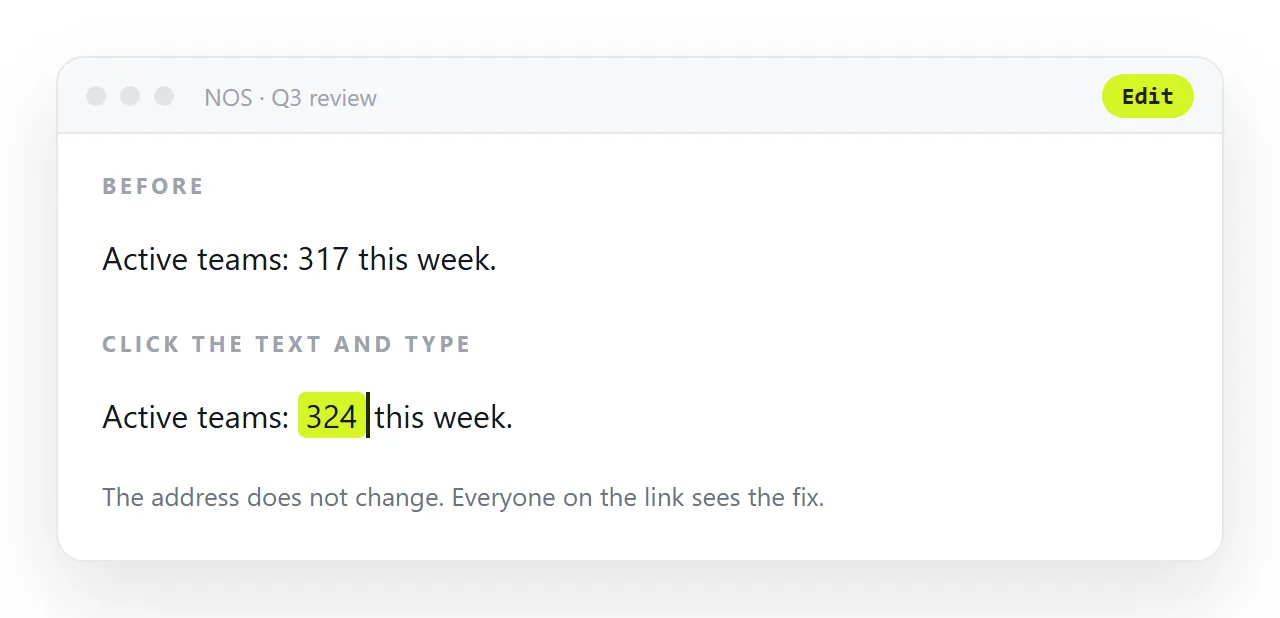
In NOS the pasted HTML becomes a page at a fixed address. The wording stays editable by clicking, so a correction is a click rather than a re-export, and the card in the channel keeps pointing at the current version however many times you revise it.
The same problem in other tools
| Tool | Uploaded .html | Link |
|---|---|---|
| Slack | File card, or inline preview in some workspaces | Preview card |
| Teams | Stored in the channel's file library; viewer offers a download | Preview card, or a pinned website tab |
| Discord | Source code preview with a download | Preview card |
| Warning banner, no preview, sometimes stripped | Plain link |
Every row is the same trade. Chat and mail clients draw what they can trust and hand out the rest as files. An address is the one thing all of them treat the same way.