To send an HTML file in Discord and have people see the page, send a link to the page, not the file. Upload the .html file itself and Discord shows its source code in a preview box, with an Expand button and a download icon.
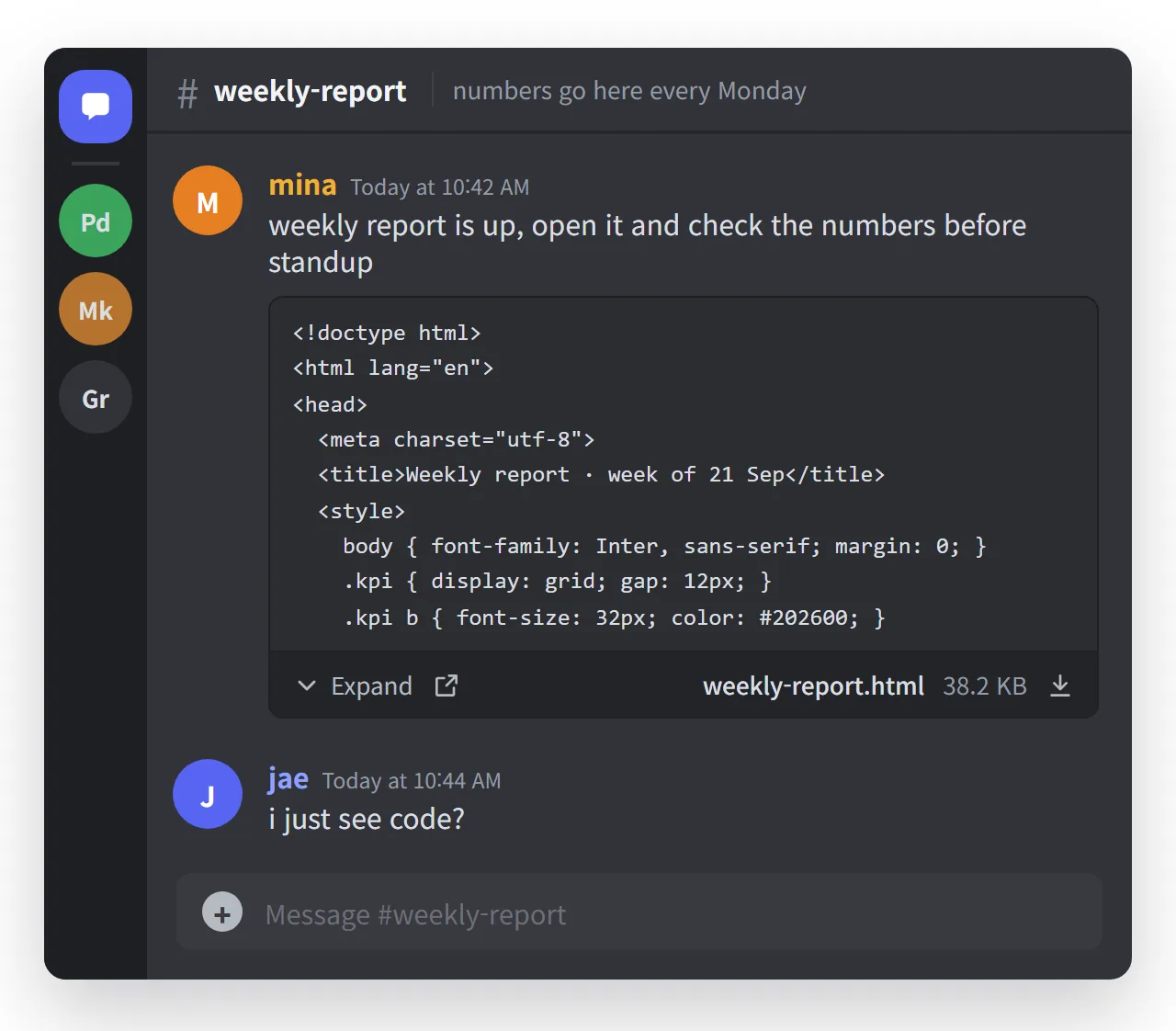
The page is in there somewhere. Nobody in the channel will see it without downloading the file and opening it in a browser. Most people will not, and the ones on a phone mostly cannot.
This guide covers what Discord does with each way of sending HTML, why it will not change, and how to make the link card look right.
What Discord does with an uploaded .html file
Discord treats .html like any other text file. Its file preview shows the contents as plain text: the first several lines, an Expand button that shows up to 100 lines in the chat, and a pop-out view that shows up to 50 KB of the file.
That is useful for a config file. It is useless for a web page, because the reader sees <!doctype html> and a style block instead of the charts and numbers the markup draws.
Size is not the issue. Free accounts can upload files up to 20 MB, Nitro Basic 50 MB and Nitro 500 MB. The upload works; source code is what comes out the other end.
Why Discord will not render it
HTML is not a document format like a PDF. It is a small program. It can run scripts, load content from other sites, and draw a login form that looks exactly like Discord's.
A chat app that opened every uploaded page inside itself would let anyone who can post a file run code in the client of everyone who reads the channel. People have asked for HTML previews in Discord's feedback forum since 2021, and the reply in those threads is always the same: it would be an easy way to steal accounts.
So plan around it. Discord is not going to fix this for you.
Pasting the code in a code block does not help either
The next thing people try is pasting the markup between three backticks with html after them. Discord colours it nicely:
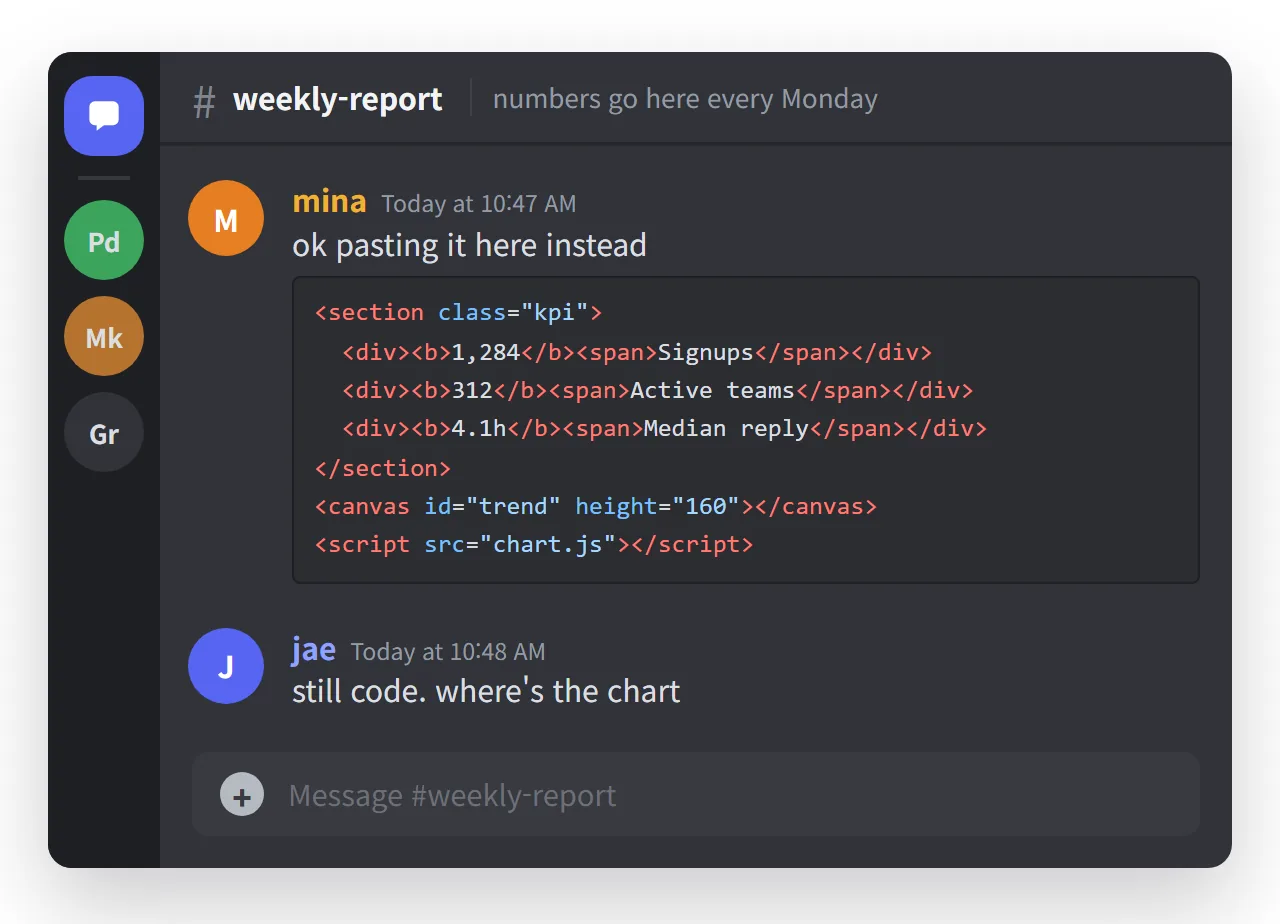
It is still code. Nobody sees the chart, and a real page is long. Discord caps a message at 2,000 characters, or 4,000 with Nitro. Paste past that and Discord offers to send it as a message.txt file, which puts you back at the first screenshot.
A code block is right when the markup is the point: someone asked how you built a layout, or you want the structure reviewed. It is wrong when the point is what the markup draws.
What each way of sending produces
| What you send | What the channel shows | What the reader has to do |
|---|---|---|
The .html file |
Source code preview with Expand and download | Download it, find it, open it in a browser |
| A code block | Coloured source code | Read markup instead of the page |
| A screenshot | The picture | Nothing, but the page is frozen and uncopyable |
| A PDF export | A file card with a download | Download it, and any interactive parts are gone |
| A link to the page | A card with title, description and image | Tap once |
Only the last row gets anyone to the actual page in one action. The screenshot is fine for a quick look at something final. It stops being fine the moment a number in it can change, because the copy in the channel is now permanently wrong.
How to send the page as a link: 4 steps
- Give the page an address. Paste the HTML into a NOS document and copy the link from Share › Share link. Turning HTML into a link is one paste.
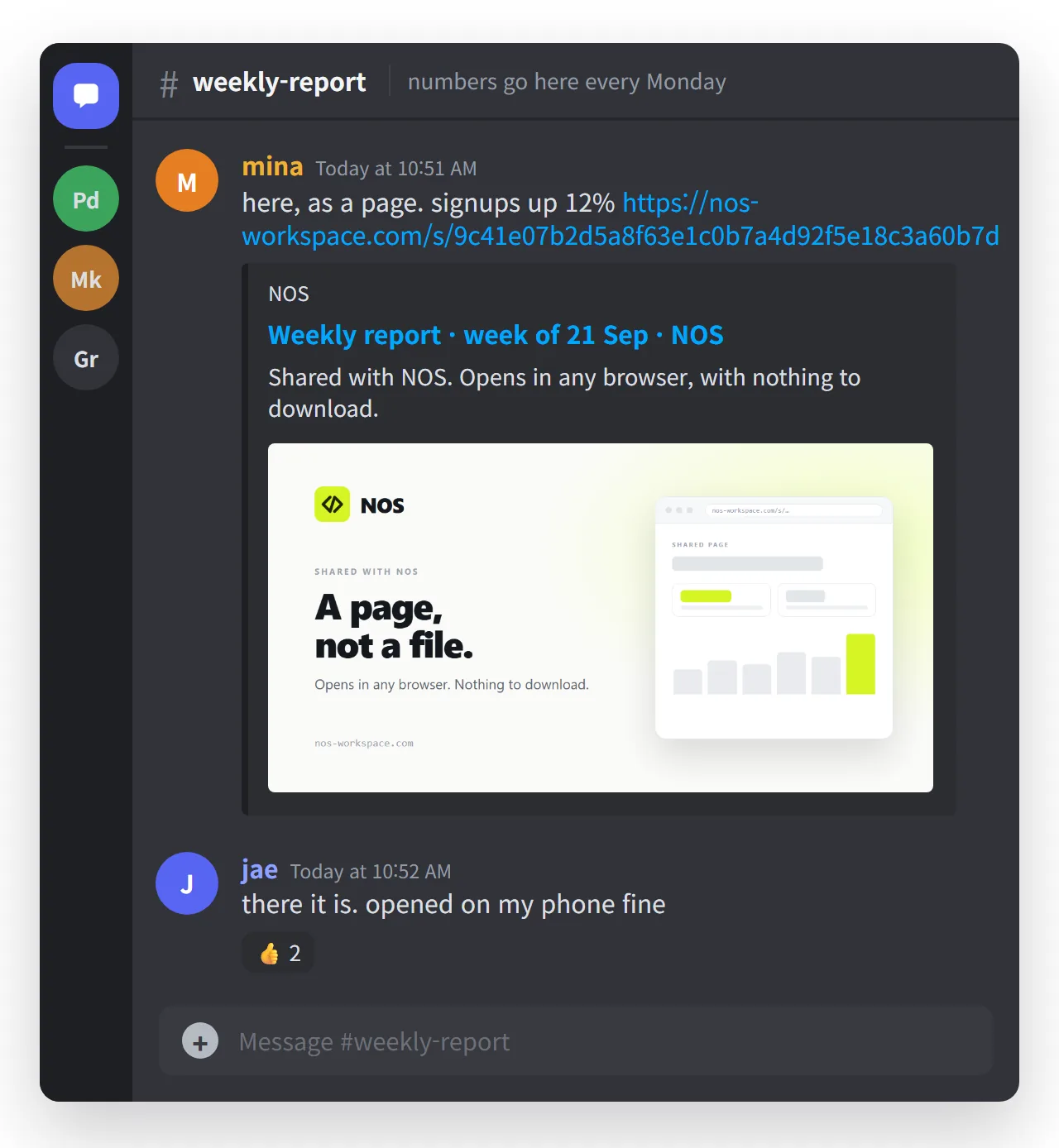
- Check the title, description and image. Discord builds the card from tags in the page's head. It shows the site name, the title as a link, the description and the image:
<title>Weekly report · week of 21 Sep</title>
<meta property="og:site_name" content="NOS">
<meta property="og:description" content="Signups, active teams and reply time.">
<meta property="og:image" content="https://example.com/card.png">
<meta name="twitter:card" content="summary_large_image">
<meta name="theme-color" content="#d5f525">
The last two lines are the Discord-specific ones. summary_large_image asks for the full-width picture instead of a small thumbnail, and theme-color sets the coloured strip down the left of the card. Open Graph tags explains the rest. NOS share links already carry their own title, description and image.
- Post the link with one line of context. "Weekly numbers, signups up 12%." The card appears under your message.
- Fix the page, not the post. When someone spots a mistake, edit the page. The link already in the channel points at the fixed version, so there is no "ignore that, here is v2" message.
What the reader sees on a phone
On a phone the file route breaks down completely. A downloaded .html file usually ends up in a file manager or a code viewer, not a browser. See opening an HTML file on a phone for why.
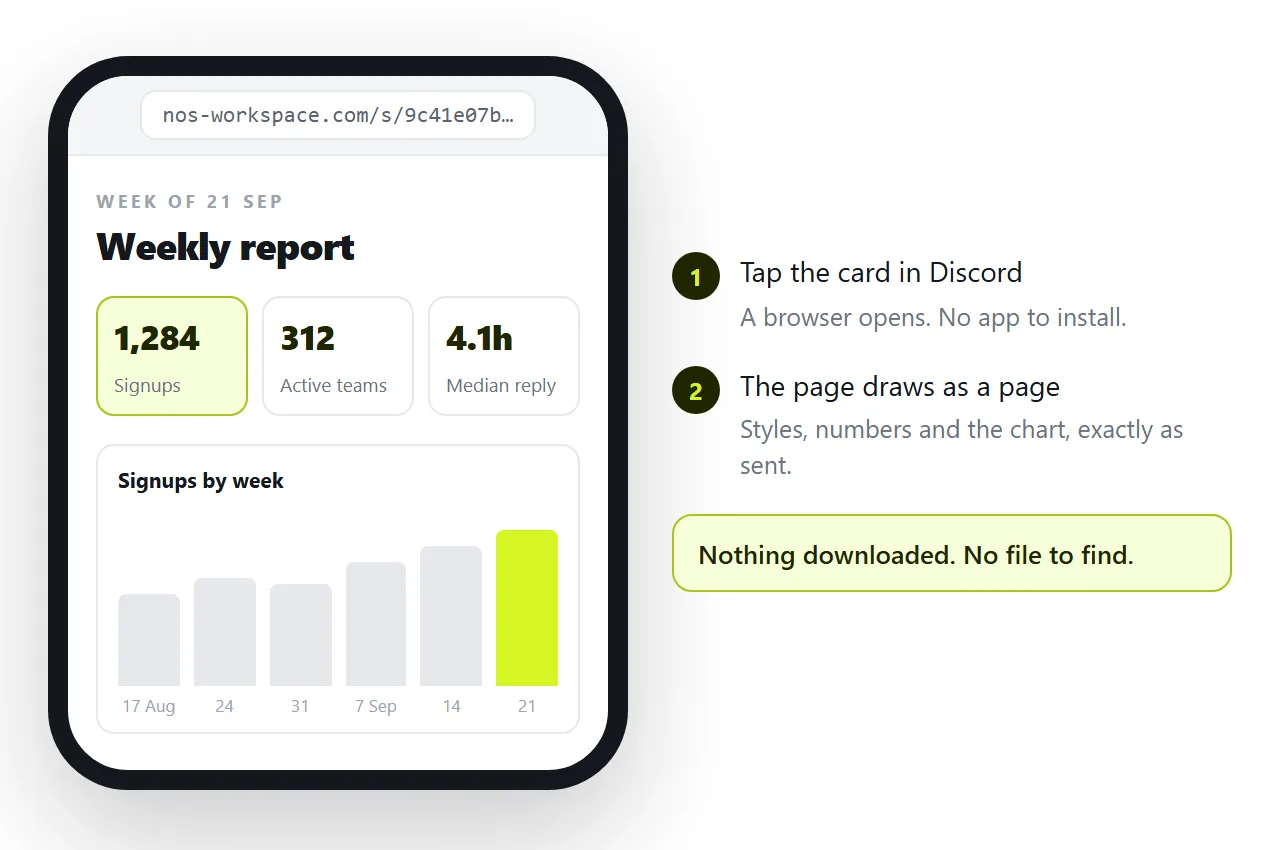
A link has none of that. The reader taps the card, a browser opens, and the page draws the way you built it.
When the card does not appear
If you post a link and no card shows up, check these in order:
- The page needs a login. Discord fetches the address as a logged-out visitor. If that visitor hits a sign-in wall, the card shows the sign-in page or nothing.
- The page has no title or og tags. Discord has nothing to put on the card.
- The image address is relative.
og:imagemust be a fullhttps://address to a real image file. - Link previews are switched off. Server admins can remove the permission to embed links in a channel, and each reader can turn previews off in their own settings.
- The card is cached. Discord remembers a card for a while after first fetching it. Changed the image? Add
?v=2to the end of the address so Discord fetches it fresh.
To check the markup renders before you send it, open it in the HTML viewer.
The same problem in other apps
Discord is not unusual here. Slack shows a file card, Teams files it in the channel's library, and WhatsApp hands the reader a document. Every chat app draws what it can trust and hands out the rest as a file.
A link is the one thing all of them treat the same way, which is why a link beats an attachment almost everywhere.
In NOS the pasted HTML becomes a page at a fixed address. The wording stays editable by clicking it, so a correction takes seconds, and the card in the channel keeps pointing at the current version however many times you revise it.