The short version of how to share HTML page on WhatsApp: send a link to the page, not the HTML file. WhatsApp is built around links, and it hands a document to a phone that has nothing to open it with.
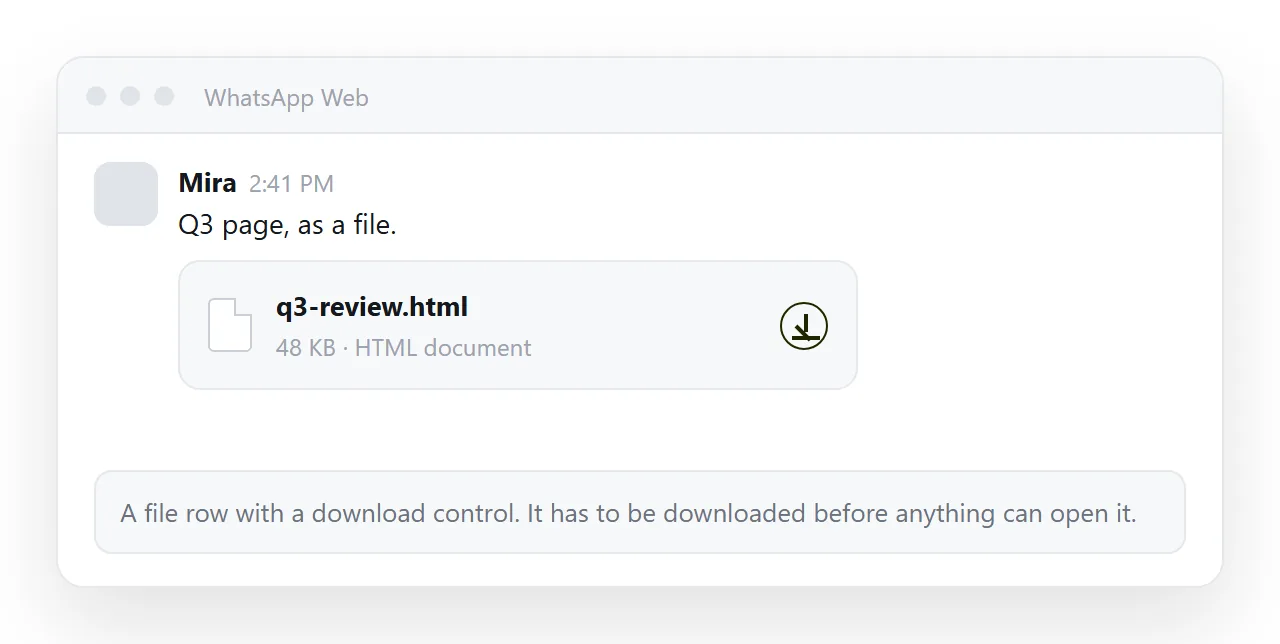
That file row is where most attempts end. The reader taps it, the phone downloads it, and no app offers to display it. A link skips all of that, because the browser already handles web addresses.
What WhatsApp does with each thing you send
| What you send | What the reader sees | Opens the page |
|---|---|---|
| A link to a served page | A preview card with a title | Yes, in one tap |
| An HTML document | A file row | Rarely on a phone |
| A screenshot | The top of the page | No, it is a picture |
| A PDF export | A readable document | Yes, without interaction |
| Pasted markup | A wall of angle brackets | No |
The first row is the only one where the reader sees your page as a page, with charts and tables working.
How to share HTML page on WhatsApp in four steps
- Paste the HTML into a NOS document. It renders exactly as written, dark theme, charts and scripts included, as a page of its own.
- Create the link. Share, then Share link, then Create link. The link is unlisted by default, so it opens for whoever holds it and is not listed anywhere.
- Open the link on your own phone. This is the step people skip, and it is the one that catches layout problems.
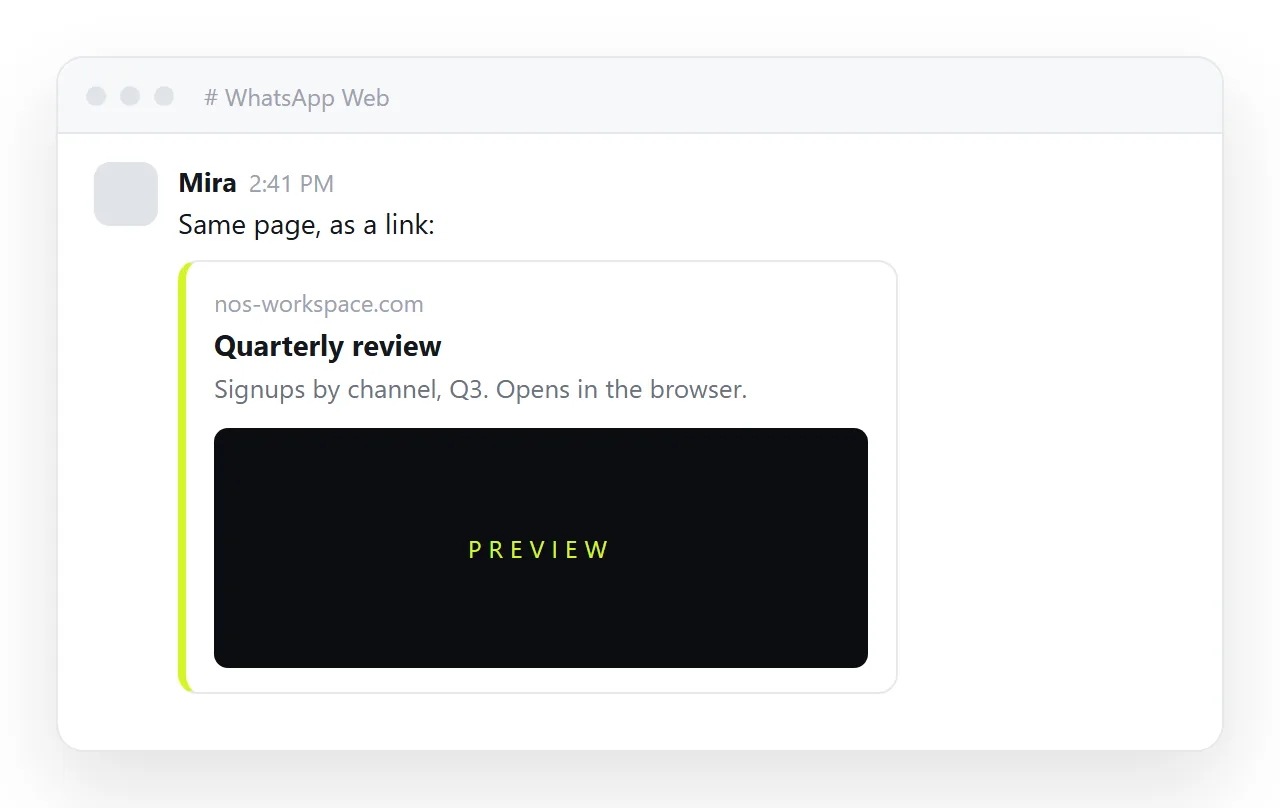
- Paste the link into the chat. WhatsApp builds a card from the page title and preview image.
Make the card look like something worth tapping
A link with no card is a bare address, and in a chat that reads as spam. Three things in the page head control this.
The title. It is the headline on the card and the label in the browser tab.
A description. One sentence that says what the page is. Without it the card shows nothing under the title.
A preview image. A card with an image gets tapped more often than a card without one. Open Graph tags are where that image is declared.
Open Graph tags covers the exact lines. They live in the head and take about a minute to add.
The phone is the real test
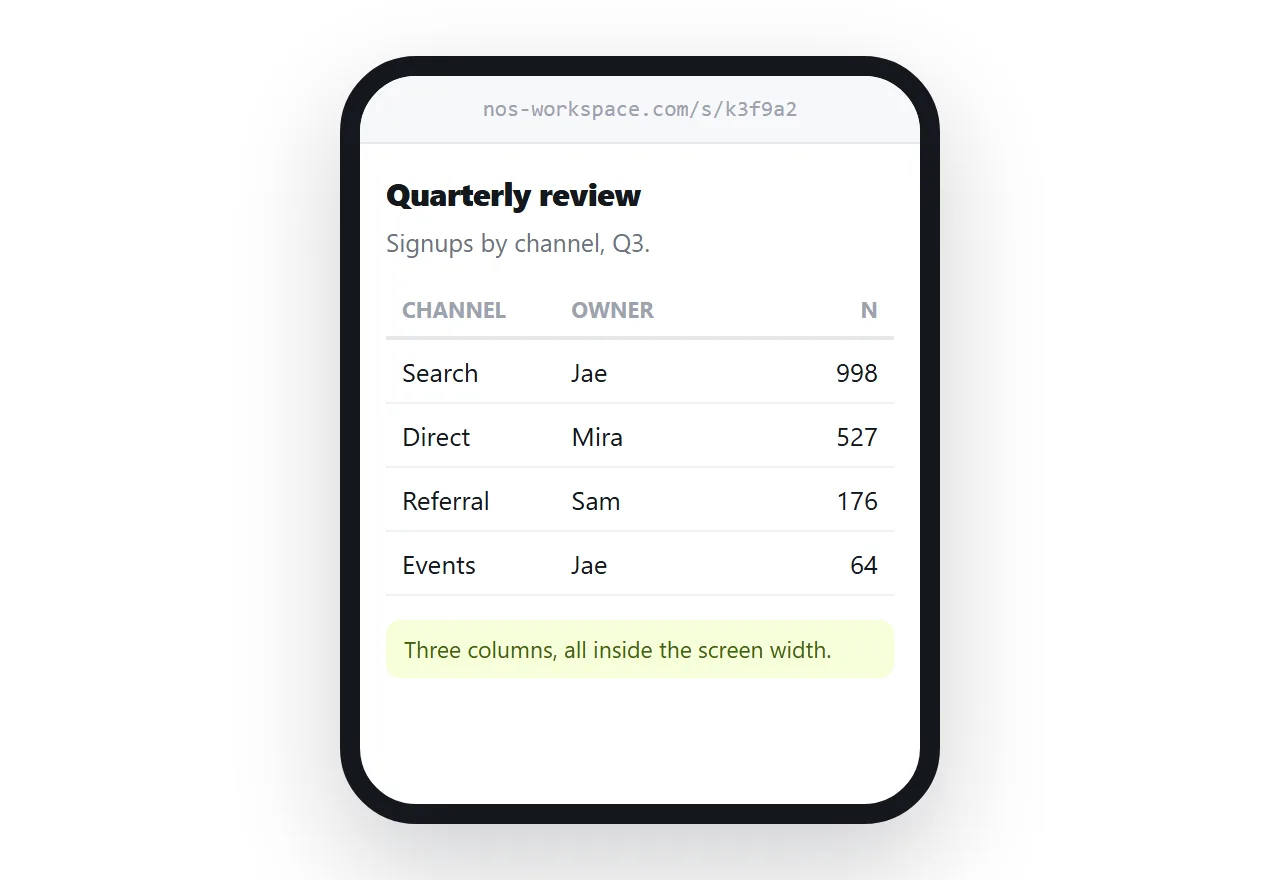
Most WhatsApp readers are on a phone, so check the page on one before sending anything.
Two failures account for nearly all complaints. Without the viewport line the page renders at desktop width, and the reader pinches to read a table. The viewport meta tag is the one-line fix.
The other is missing images, usually because the markup points at a folder that never travelled with the file. Embedded pictures and full web addresses both survive the trip.
When a file or a picture is the better answer
Three cases where a link is not what the reader needs.
- No connection at the other end. If the page has to open with no network, they need the bytes, and the page must be fully self-contained to work at all.
- One chart, no interaction. A rendered image sits in the chat and needs no tap. HTML to image produces one from the page.
- A formal record. A PDF is what people forward to accounting. It freezes every interactive part, which is the point.
Outside those, the link wins because it survives forwarding. Group chats forward things constantly, and a forwarded link still resolves to the current page.
A forwarded file does not. It arrives in the second chat as the version you sent on Tuesday, with no indication that Thursday changed three of the numbers on it.
Keeping the link current after you send it
A chat message cannot be corrected once the group has read it. A page can.
Edit the document, and the address stays the same, so the link already sitting in the thread points at the corrected page. No follow-up message, no "ignore the one above".
That is the practical reason to prefer the link inside a chat app: a message is a snapshot, and an address is a place.
If you are set on sending the document itself, sending an HTML file in WhatsApp covers what the reader has to do to open it.
It is also worth telling the group what the page is for in the same message. A card plus one sentence gets opened. A bare address in a busy thread gets scrolled past, however good the page behind it is.
Before you paste the link
- Open it in a private window. That is the only honest test that a stranger can open it.
- Check the title. It is what the card shows and what people judge the link by.
- Check the visibility. Unlisted for work, Public on the web only when the page should be findable.
- Read the page once for anything private. Links leave group chats.
The paste-and-share step on its own is HTML to link, and the same four steps for a file on your disk are in sharing an HTML file as a link.