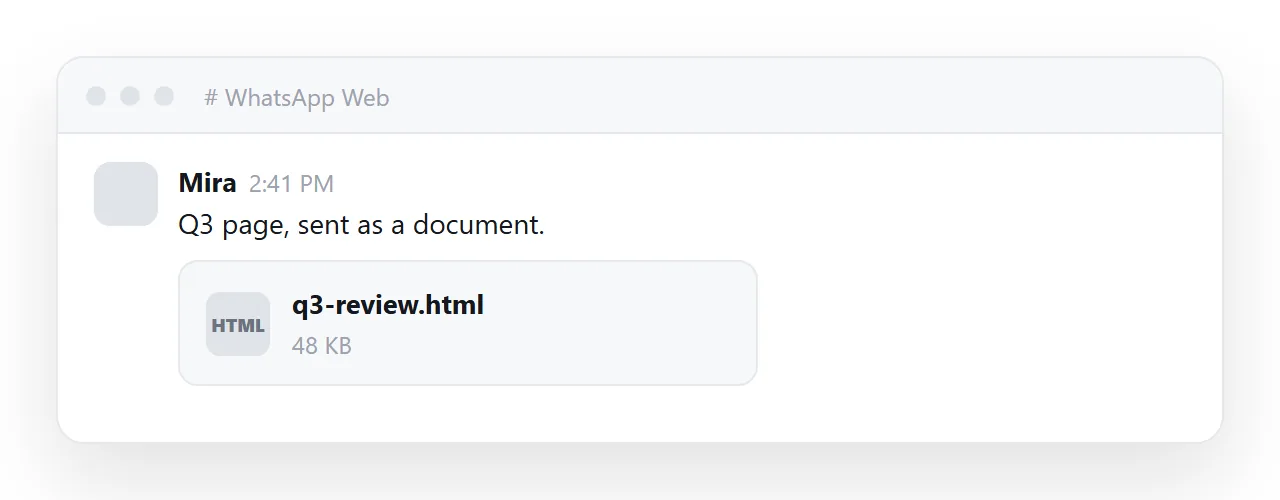
How to send HTML file in WhatsApp: attach it through the document option, the same way as a spreadsheet. The file arrives. What usually fails is the tap that follows.
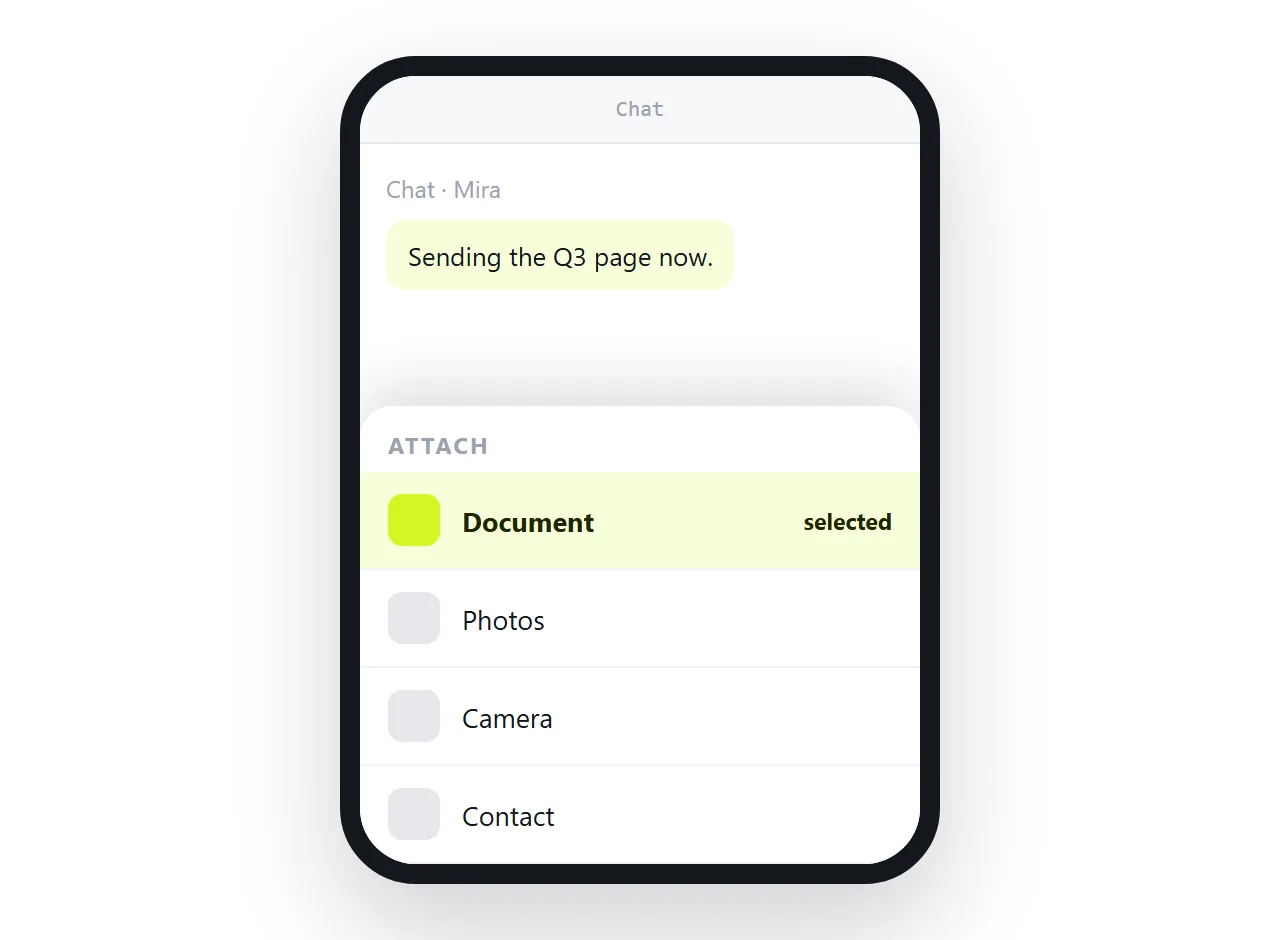
A phone opens a file with whatever app claims that file type. Most phones have nothing claiming HTML, so the document downloads and stops.
The reader sees a file row, taps it once, and nothing happens. Most people do not ask why. They stop there, and you find out days later that the page was never read.
What happens at each end
| Step | On your phone | On the reader's phone |
|---|---|---|
| Attaching | Works, as a document | Arrives as a file row |
| Tapping | Not applicable | Downloads, often with no handler |
| Opening | Not applicable | Needs a browser, opened manually |
| Styling | Looks right to you | Only what travelled inside the file |
| Correcting a number | Means a new file | Means a second download |
The fourth row is the one that produces the "it looks broken" reply, and it is decided before you attach anything.
If you are sending the file anyway
- Make it self-contained. Styling in a
<style>block, images embedded or on full web addresses, fonts from a reachable address. Self-contained HTML is the checklist. - Test it in a clean window. The HTML file opener has never seen your folder, so it shows what the reader gets.
- Attach it as a document. The photo option will not take it.
- Tell the reader how to open it. They open their browser, then the downloaded file. Without that sentence, most people give up at the file row.
How to send HTML file in WhatsApp so it actually gets read
The shorter route is to send the address of the page instead of the bytes of the file.
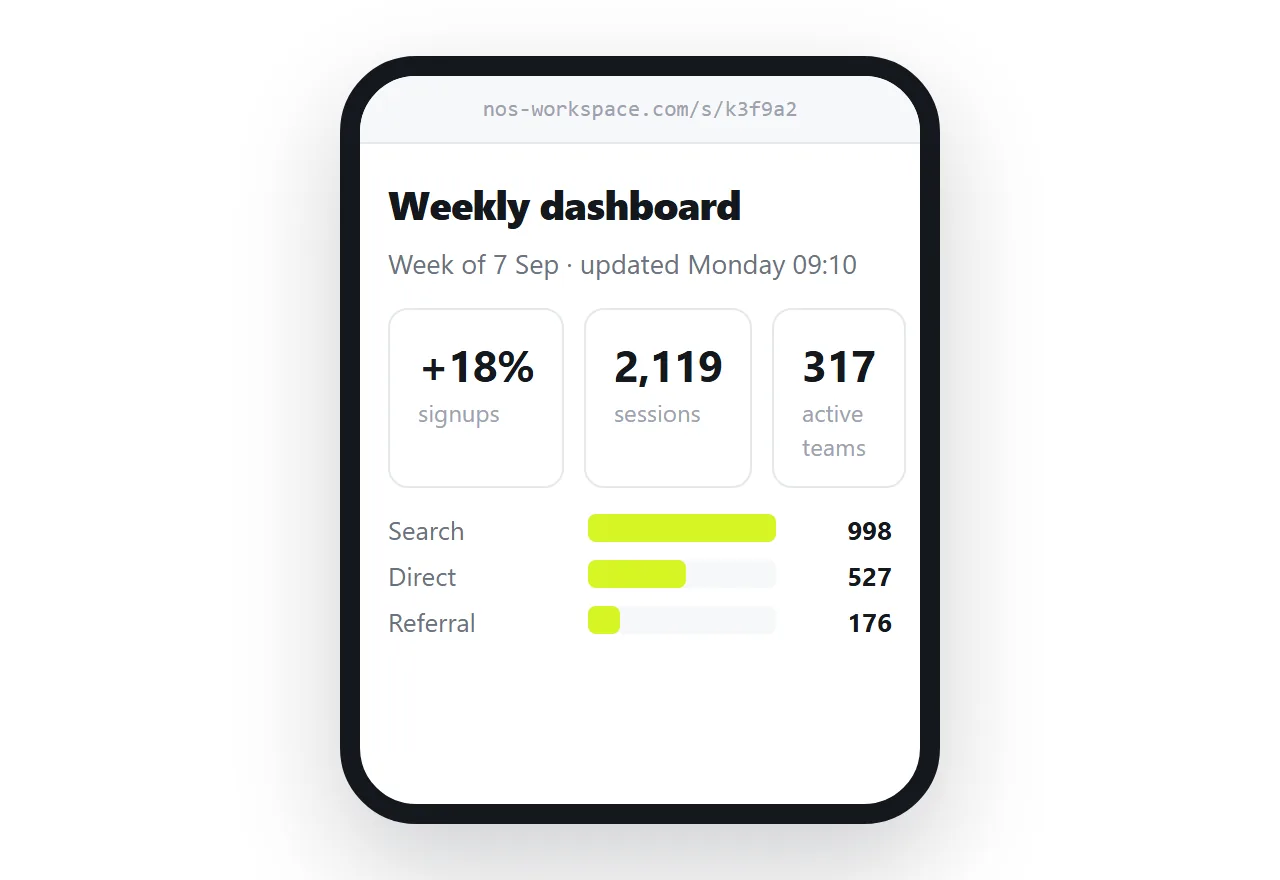
Paste the HTML into a NOS document. It renders exactly as written, dark theme, charts and scripts included, as a page of its own.
Then Share, Share link, Create link. The link is unlisted by default, so it opens for whoever holds it and is not listed anywhere.
Paste that line into the chat. WhatsApp builds a preview card from the page title, and one tap opens the page in the browser that was going to be needed anyway.
Why the phone is the hard part
Opening an HTML file on a phone is awkward by design, not by accident. File managers on phones are built around media and documents, not around web pages that happen to be stored locally.
Even when the reader finds the file, a page opened from storage has restrictions that a served page does not, which is why some pages behave oddly. Opening an HTML file on a phone goes through what works.
None of this applies to an address. A link is handled by the browser, which is the one app every phone has and the one that renders pages properly.
When the file is still the right thing
Two cases justify the attachment.
- Offline reading. If the reader will be without a connection, they need the file, and it has to be fully self-contained to be worth anything.
- An archive copy. Someone wants the page as it stands today, kept on their own device, independent of any address.
In both cases, send the link as well. The link is what people will open, and the file is what sits in their downloads folder unopened.
There is no cost to sending both. One line of text and one attachment, with a sentence saying which is for reading and which is for keeping.
Correcting something after you sent it
A sent file cannot be changed. You send a second file, and now the thread has two versions with no label on either.
A page can be changed. Edit the document, and the address stays the same, so the link in the chat resolves to the corrected page without a new message.
That difference matters most in group chats, where forwarding is normal and nobody tracks which copy is newest. Sharing an HTML page on WhatsApp covers the link route in full, including what the preview card needs.
It also removes the awkward follow-up. Sending a corrected file means explaining which of the two attachments to read, in a thread where both are still visible and identically named.
With an address there is nothing to explain. The page changed, the link did not, and anyone who opens it later sees the current version.
Quick checklist before you press send
- Does the page survive outside your folder? If not, fix that first. Nothing else matters.
- Is there a title? It fills the preview card if you send a link, and the browser tab if you send a file.
- Is the viewport line present? Without it the page arrives at desktop width on a phone.
- Does the reader know what to do? One sentence of instruction, or one link that needs none.
The last point is the one that decides whether the page gets read. A file with no instructions puts the work on the reader, on a device where that work is awkward, in an app built for a single tap.