To turn a Word document into an HTML email, export it as filtered HTML, strip the Word specific markup, and rebuild the layout with tables and inline styles. The export alone is not a usable email.
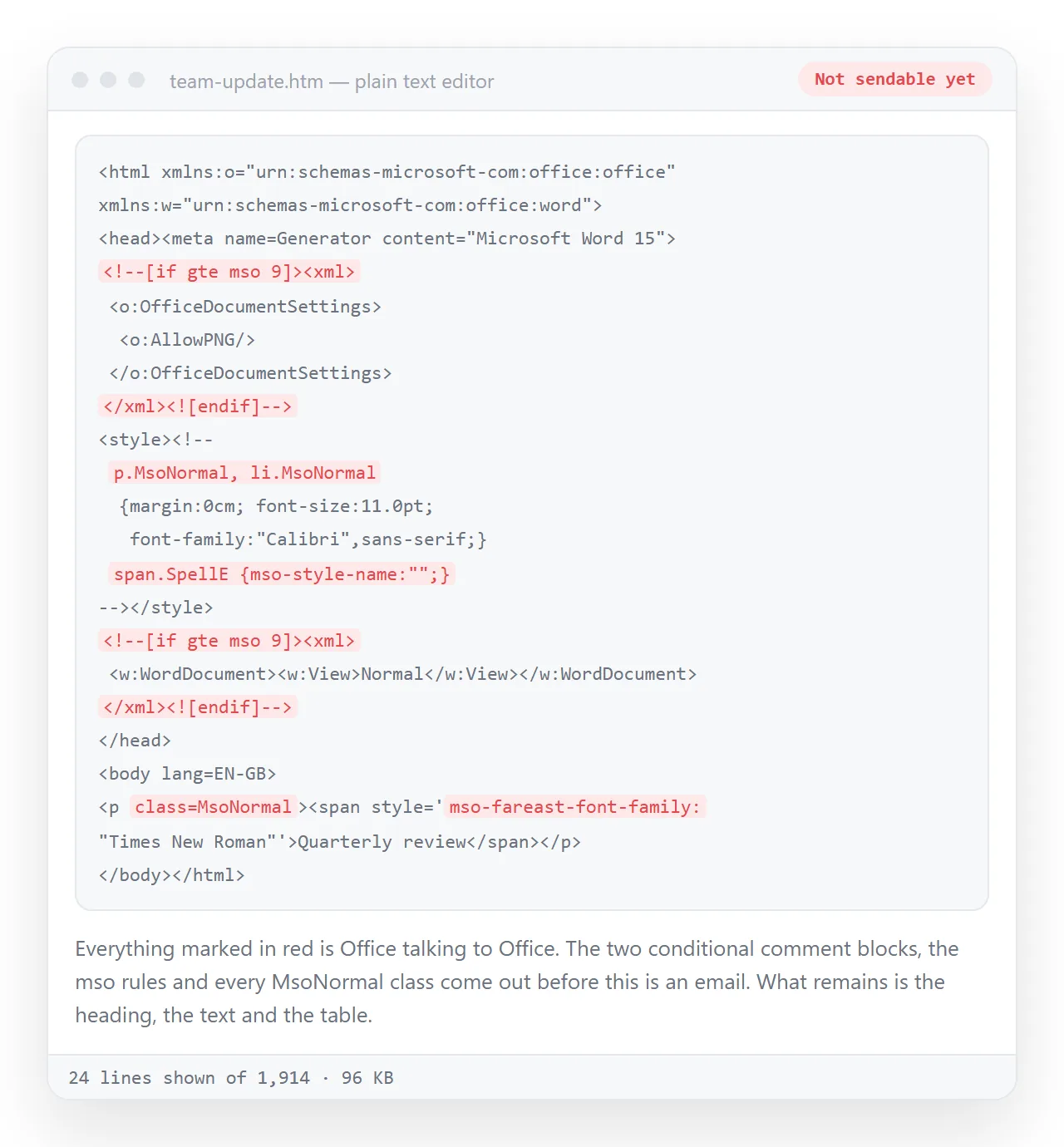
The reason is that mail clients are not browsers. Outlook on Windows renders messages with the Word engine, so modern layout properties are ignored. Gmail uses a browser engine but removes style blocks from the head.
Word writes markup aimed at browsers, with class names pointing at a stylesheet and a large amount of Office specific detail. Almost none of it applies where the message will be read.
What a Word to HTML email export gets wrong
| What you wrote | Outlook on Windows | Web clients | Phone clients |
|---|---|---|---|
| Flexbox or grid layout | Ignored | Works | Works |
| A style block in the head | Partly applied | Often stripped | Often stripped |
| Inline styles on elements | Applied | Applied | Applied |
| Tables for layout | Applied | Applied | Applied |
| Remote images | Blocked until allowed | Blocked until allowed | Blocked until allowed |
| Background images | Usually ignored | Usually works | Usually works |
The two rows that behave the same everywhere are inline styles and tables. That is the whole design constraint.
The rules that hold up
- One outer table for the width. Around 600 pixels is the conventional reading width, and it fits the Outlook reading pane without a horizontal scrollbar.
- Inline every declaration.
<td style="font-family:Arial,sans-serif;font-size:15px;line-height:22px">rather than a class. - Nest tables instead of using columns. A two column section is a table row with two cells, not a flex container.
- Absolute addresses for images.
https://example.com/logo.png, never a folder path, because the folder is on your machine. - Alt text on every image. It is what the reader sees before they allow images, which for many is the only thing they see. Alt text covers how to write it.
- Real text for anything important. A number rendered inside an image is invisible on first open and unreadable to a screen reader.
- A plain text alternative. Most mail tools let you supply one. It is what some clients and most filters read, and a message without one looks worse to a spam scorer.
None of these are preferences. They are the intersection of what every client renders the same way, which is a much smaller set than the web.
Sending it from Outlook
Outlook for Windows can use an HTML file as the message body. Choose Attach File, then Insert as Text. Outlook reads the file and puts its content in the body rather than attaching it.
Check two things afterwards. The markup is re-rendered by the Word engine on the way out, so confirm it still looks right in the sent copy rather than only in the composer.
And remember that an attached .html file is a different thing entirely, and one that many corporate gateways strip. Sending an HTML file by email covers why.
Length, and the clipping problem
Gmail clips long messages and replaces the tail with a link to view the entire message. The threshold is around 102 KB of message source, which Word exports reach quickly because of the styling it writes onto every paragraph.
Clipping does not only hide content. It also cuts the tracking pixel at the bottom, so opens are undercounted, and it hides the unsubscribe line if you have one.
Stripping the Word markup usually brings a document well under the limit. If it still does not fit, the content is too long for an email body.
The simplest way to check is to look at the file size of the HTML before you send. Anything approaching a hundred kilobytes of source is heading for a clipped message.
A second reason to keep it short: every recipient downloads the whole body, including the parts nobody reads, and phone clients render long messages slowly.
The alternative that removes all of this
If the document is long, has a table worth sorting, or contains figures that will change, the email should carry a link rather than the content.
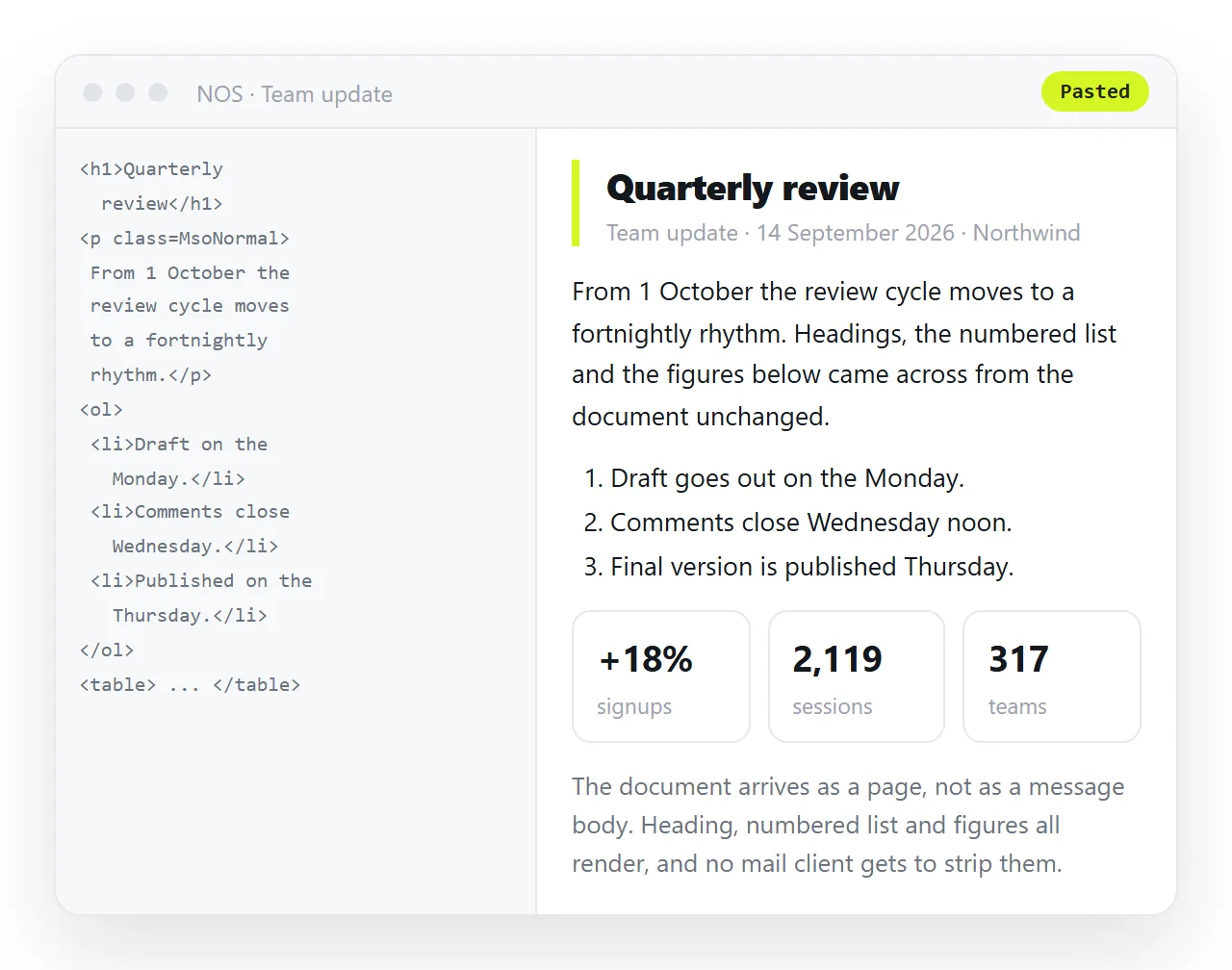
Paste the HTML into a NOS document. It renders as written, as a page of its own, with charts and scripts intact, none of which is possible in a message body.
Then Share, then Share link, then Create link. Leave it unlisted for an internal note, which means it opens for anyone with the address and is not indexed.
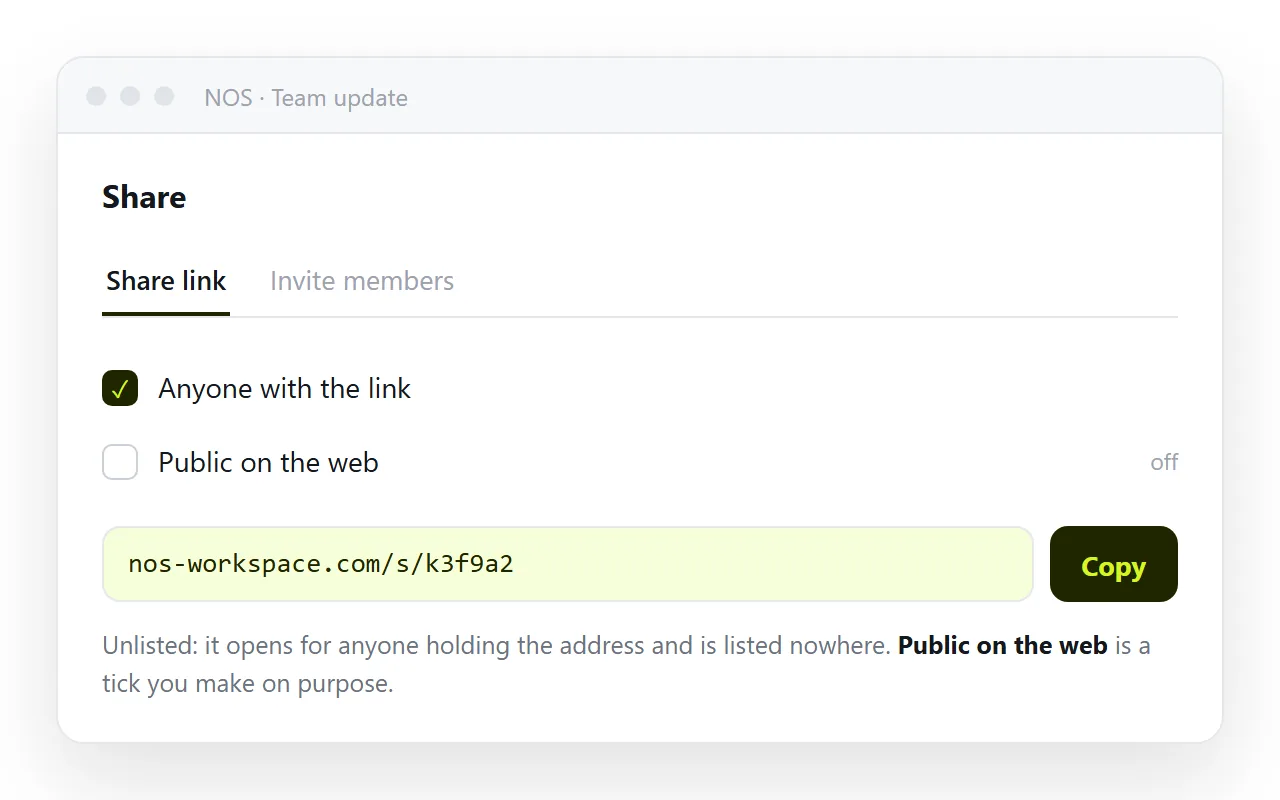
Write three lines of email, label the link with the destination, and send. Embedding an HTML link in an Outlook email covers the wording and the security rewriting that mail scanners apply.
Deciding between the two
| If the content | Send |
|---|---|
| Is a short notice everyone must see in the inbox | An HTML email body |
| Is a long report | A link |
| Has a chart or a sortable table | A link |
| Will be corrected after sending | A link |
| Must be readable with images blocked | An HTML email body, text first |
| Is a template sent repeatedly | An HTML email body, built once |
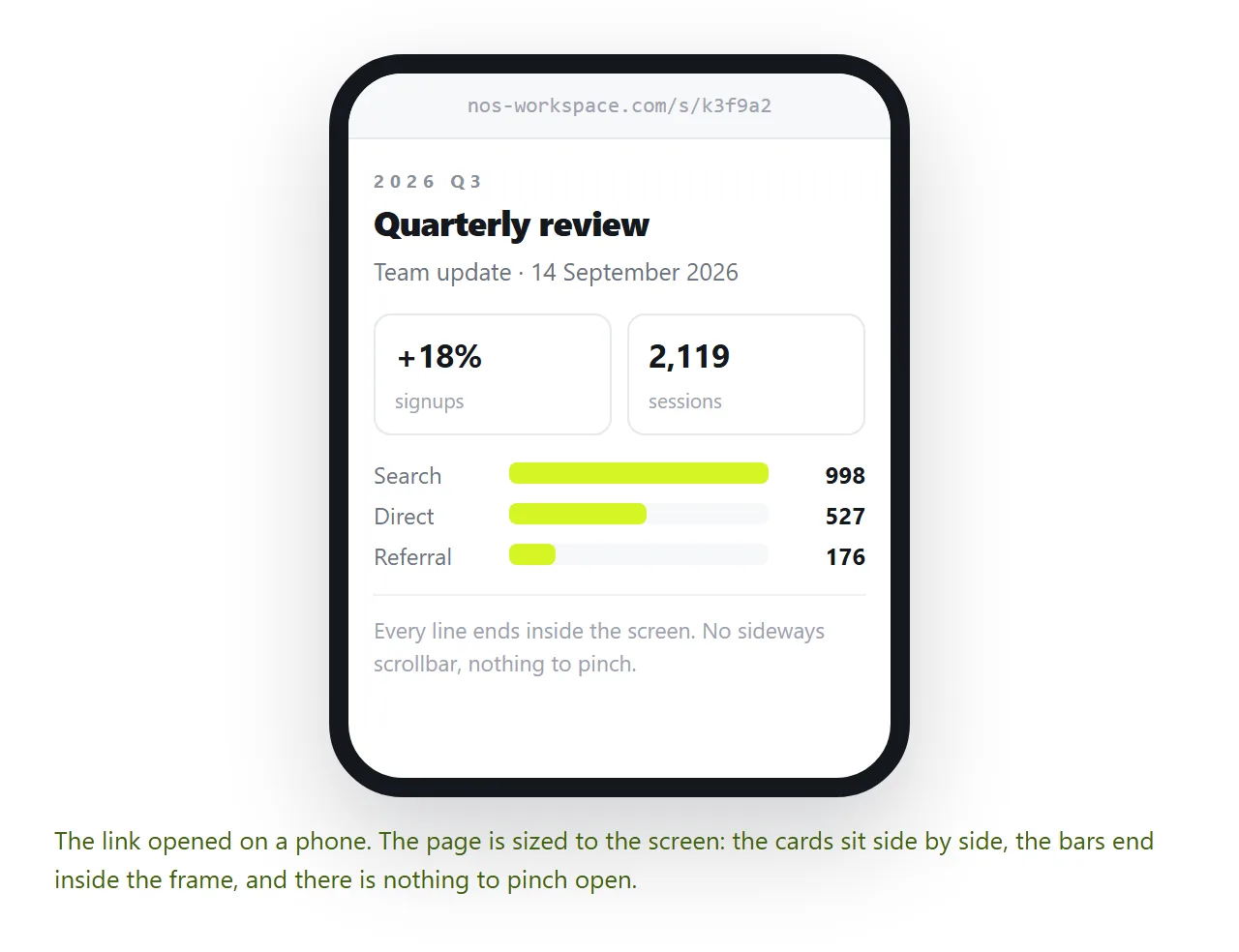
The deciding question is whether the content has to be corrected later. A sent message cannot be, and a page can.
Email versus a link for documents goes through that trade in full, and converting Word to HTML covers the export step on its own.