Free HTML file hosting means putting your file at an address where a server returns it labelled as text/html, so the browser renders the page instead of downloading it.
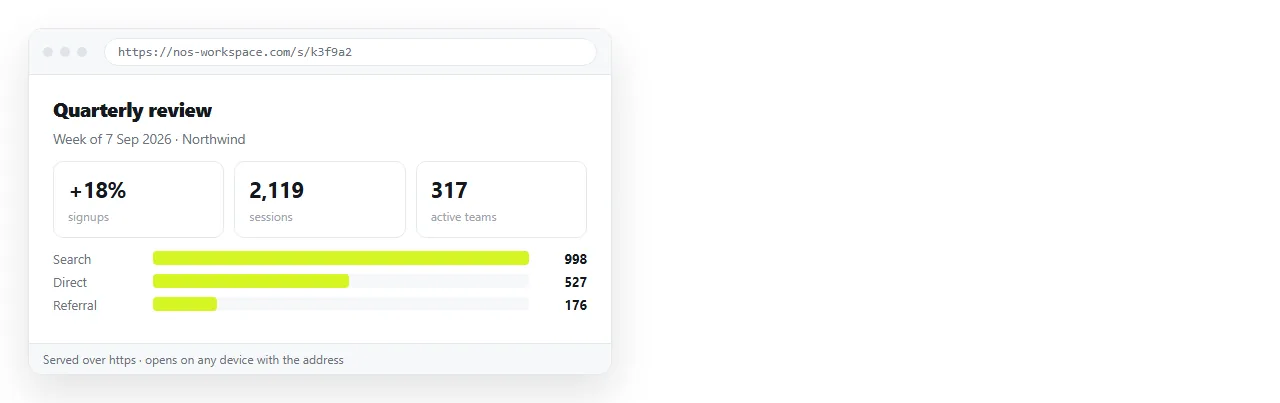
That definition rules out more options than it sounds like it does. Storage services hold files without serving them as pages, which is why a shared drive link shows markup or starts a download.
What free HTML file hosting gives you
| Route | Publish the first version | Publish the tenth | Access control |
|---|---|---|---|
| Document that renders HTML | Paste the HTML | Click the text and type | Unlisted link, or named people |
| Static host, drag and drop | Drag a folder | Re-upload the folder | Public unless configured |
| Pages from a repository | Commit and enable | Commit, push, wait | Public, even from a private repo |
| Cloud storage | Upload | Replace the file | Per-file sharing, but not served |
Read the third column before the second. The first publish is short on every route. The tenth is where the routes stop resembling each other.
The requirement people skip
Hosting does not repair a page. It serves whatever you hand it, and a page that depended on files sitting beside it arrives incomplete.
- Open the file in the HTML file opener, which has never seen your project folder.
- Check fonts, images, charts and layout.
- Whatever is missing there is a file the page was borrowing from its neighbours.
- Fold those pieces in before publishing. Self-contained HTML explains how.
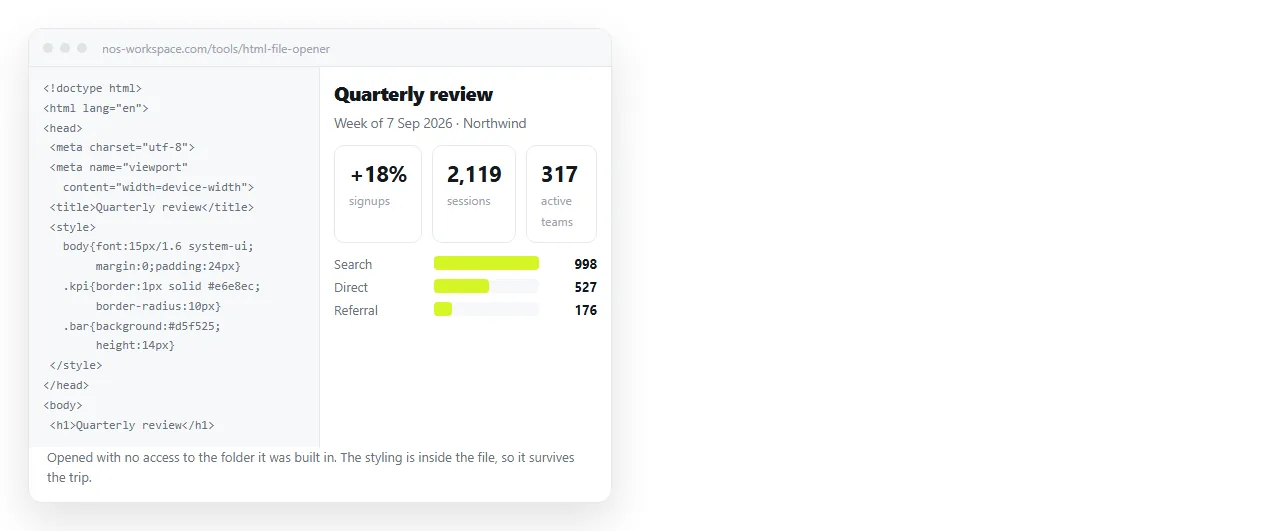
This one check accounts for most of the reports that free hosting "broke" a page. The page was never portable, and hosting only made that visible.
Static hosts
A static host takes a folder and serves it. The model is old, well understood and reliable for finished pages.
Name the entry file index.html in lowercase. Drag the folder that directly contains it rather than its parent. Filenames are matched exactly by the server, so a capital letter in a stylesheet name is a 404.
The free tiers give you a generated subdomain over HTTPS. You can attach a custom domain, and doing so changes the address, so decide before circulating the link.
Hosting on Netlify and hosting on Cloudflare cover the specifics. The pattern is the same on both.
The structural cost is that the unit of work stays the file. Correcting a single word means editing locally and uploading again, and anyone else who spots the error has to come to you.
Documents that render HTML
Paste the HTML into a NOS document. It renders exactly as written, dark theme, charts and scripts included, as a page of its own. Then Share, Share link, Create link.
The link is unlisted by default, so it opens for whoever holds it and appears in no listing. Public on the web is an explicit tick when you want search engines to index the page.
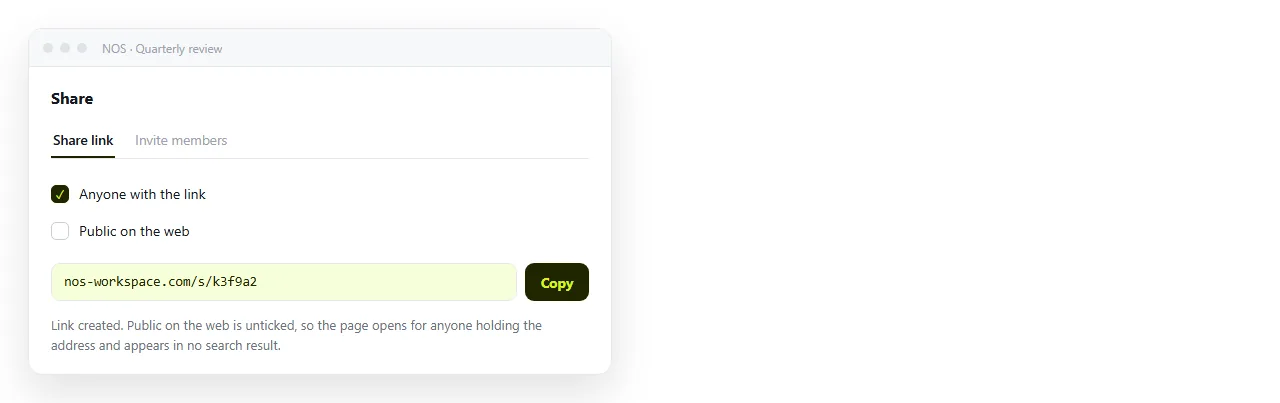
Editing does not move the address. The link sent in one month still resolves to the corrected page in the next, so two versions never circulate at once.
The text also stays clickable, which means a colleague can fix a wrong figure without touching markup. The free plan covers three documents.
Picking one
- Static host when the page is finished, public facing, or produced by a build.
- Static host when you need a custom domain on it.
- Document when the page is a report, a summary or a proposal going to named people.
- Document when the wording is still moving, or the HTML came out of an AI chat and needs editing.
Static host versus document sets out the difference in full, including the cases where a host is clearly the right answer.
Before the link leaves your hands
Four checks, and they take about a minute between them.
- Open the live address in a browser that has never opened the file locally.
- Narrow the window or use a phone. A page with no viewport line is unreadable on small screens.
- Confirm there is a title, because the browser tab and every preview card use it.
- Decide whether anything on the page is private, then choose the sharing setting to match rather than accepting the default.
Free hosting is not hard to find. The thing worth choosing carefully is what happens on the second version, because that is the version you will publish most often.
What hosting does not fix
Putting a file at an address solves delivery. It solves nothing about the page itself, and three problems survive the move intact.
A page with no title shows the address in the browser tab and in any preview card, which reads as untrustworthy in a chat channel.
A page with no viewport line renders at desktop width on a phone, so the reader gets a wall of tiny text and closes it. Most readers of a link sent in a message are on a phone.
A page that loads a font or a script over an insecure connection has those requests blocked, because the hosted page itself is secure and the browser will not mix the two.
None of these produce an error on upload. They produce a page that loads and looks wrong, which is harder to diagnose than a page that fails outright. Check them before you publish rather than after someone else notices.