To host a single HTML file, give it an address that serves it as a page. The shortest route is pasting the HTML into a document that renders it and copying the share link.
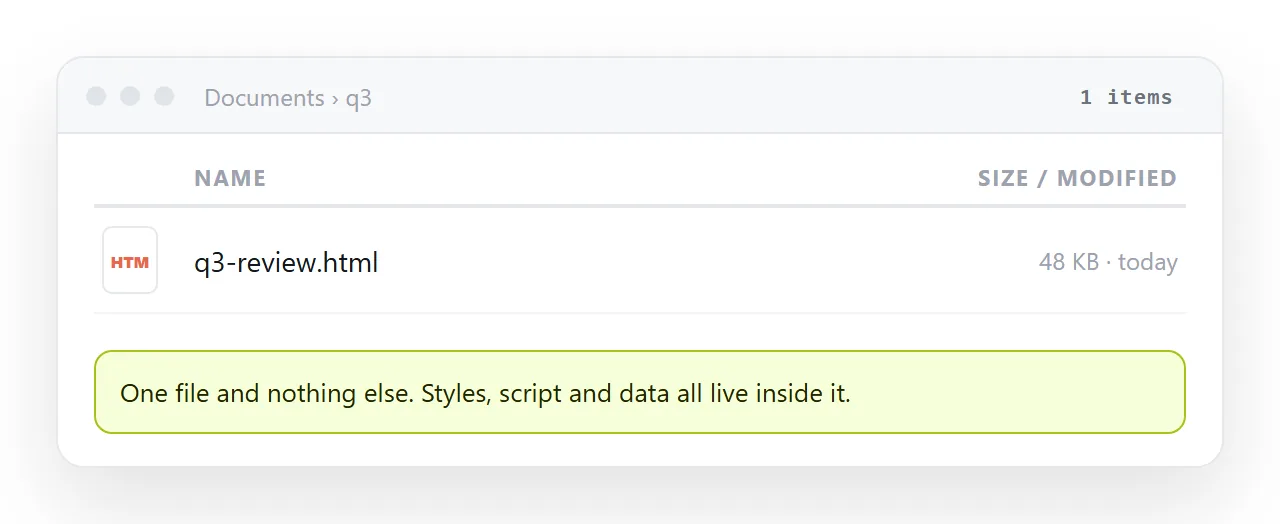
Everything else in this guide is about the two questions that follow. Is the file actually self-contained, and is this the last version of it.
How to host a single html file: four routes
| Route | What you hand over | Correcting it later |
|---|---|---|
| Paste into a document | The HTML itself | Click the text and type |
| Static host, drag and drop | A folder with index.html | Edit locally, upload again |
| Static host, from a repository | A branch | Commit, push, wait for build |
| Cloud storage link | The file | Replace the file, and hope the viewer renders it |
The last row is where most people start and it is the weakest. Storage services show a preview of the markup or hand the file over as a download, because serving a page is not what they do.
The check that decides everything
A single file is only single if nothing outside it is doing work. Run one test before choosing a route.
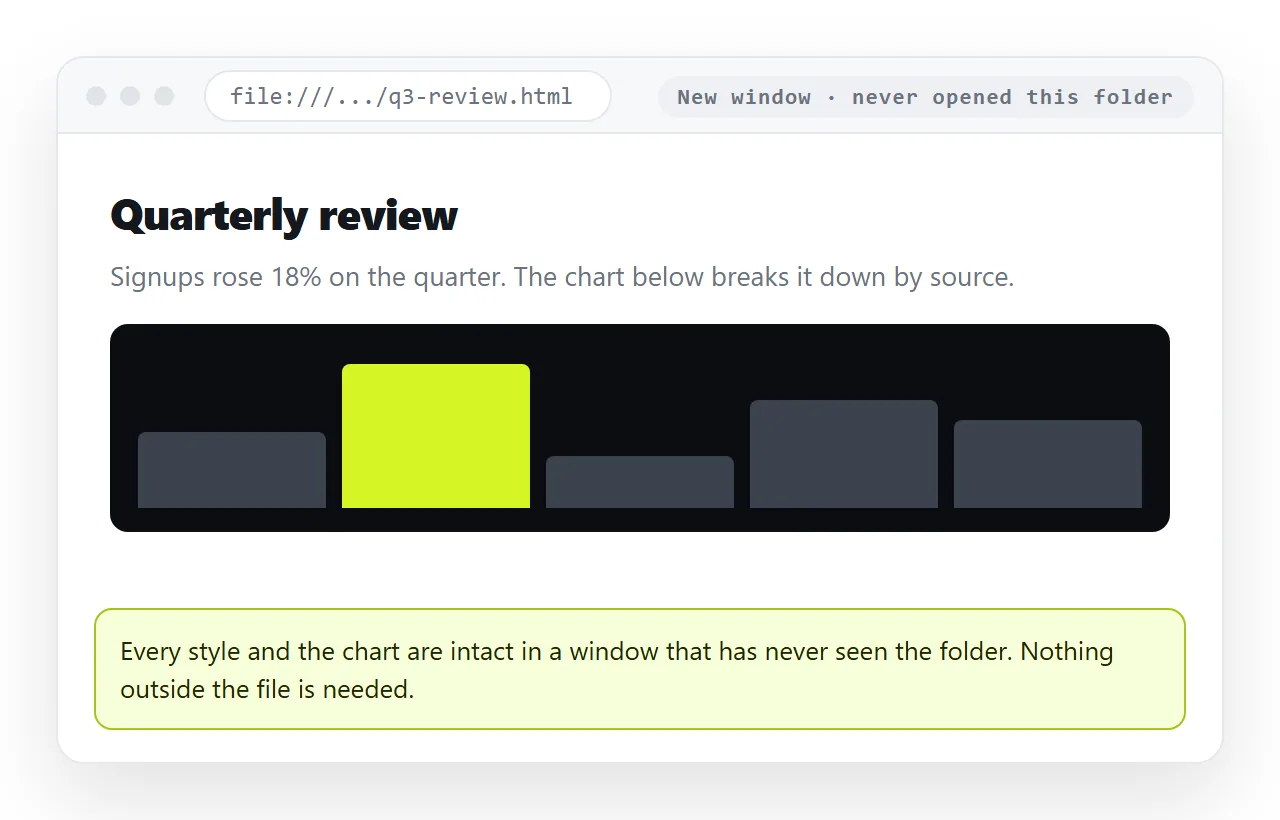
- Open the file in the HTML file opener. It has never seen your project folder.
- Look at fonts, images, charts and layout.
- Anything missing there is a file that lived beside the page and did not travel.
- Fold those pieces in. Self-contained HTML covers how.
This is the difference between a file you can host anywhere and a folder you have to keep together. Most reports exported from a tool are already self-contained. Most pages built by hand are not.
What an address has to do
Three requirements, and they are smaller than the word hosting suggests.
- Serve the file as
text/html. That is what makes a browser render it rather than download it. - Hold still. The address should not change when the content does, or every link already sent goes stale.
- Carry the whole page. Either the file is self-contained or its neighbours are served alongside it.
A static host covers the first and third, and mostly the second. A document that renders HTML covers all three, and adds the thing a file cannot do: the words stay editable without becoming a new file.
The static host route in practice
If the page is finished and public, a static host is a reasonable fit. The steps are short.
Put the file in a folder and name it index.html, lowercase. Drag the folder, not its parent and not a zip, onto the host. Open the address it returns and check the page in a browser that has never seen the file locally.
Two details cause most failures. File paths on a server are case sensitive, so Chart.css linked as chart.css returns a 404. And the folder level matters, because the root of the site is the root of what you dropped.
Hosting on Netlify and hosting on Cloudflare go through the specifics for each.
The paste route in practice
Paste the HTML into a NOS document. It renders exactly as written, dark theme, charts and scripts included, as a page of its own. Then Share, Share link, Create link.
The link is unlisted by default. It opens for whoever holds it and is not listed anywhere. Ticking Public on the web is what makes it findable in search, and that is a deliberate choice.
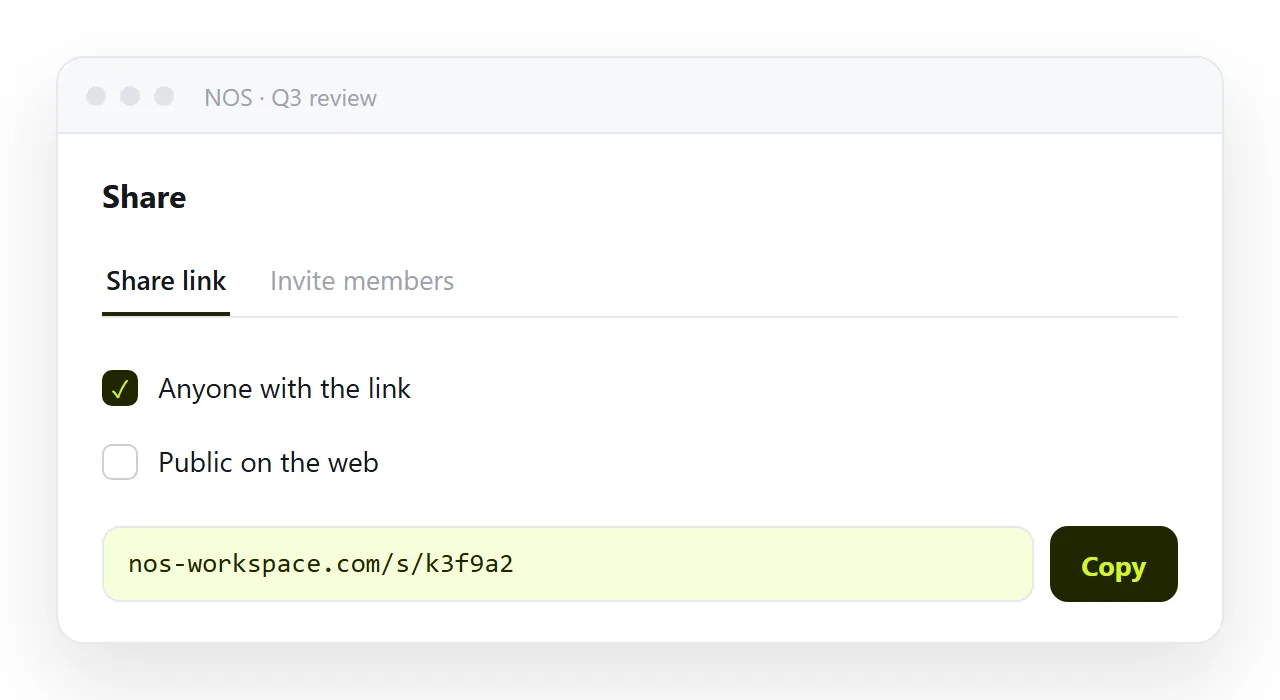
The address does not move when the content does. That removes the pattern where two versions of the same report circulate and nobody can tell which is current.
You can also correct the page by clicking the words, without opening the HTML again. That matters when the fix is a wrong figure and the person who spotted it is not the person who wrote the markup.
Which route for which file
| If the file | Choose |
|---|---|
| Is finished and meant for the public | A static host |
| Is a report with numbers that may move | A document at a fixed address |
| Came out of an AI chat and needs edits | A document |
| Is part of a codebase already in Git | A static host from the repository |
| Needs a custom domain | A static host |
| Is going to two named people this week | A document with an unlisted link |
There is no case where emailing the raw file is the best option available, for the reasons set out in why links beat attachments.
What to do before you send the link
A short pass, and it catches most of the replies that say the page looks wrong.
- Open the live address in a browser that has never opened the file locally.
- Check the page on a phone, or at least narrow the window, since a missing viewport line makes the page unreadable on small screens.
- Confirm the page has a
<title>, because that is what the browser tab and any preview card display. - Decide whether the content is private. An unlisted link is not a password, and it can be forwarded.
The free NOS plan covers three documents, which is enough to host a single page and see whether the editable route matches how your pages change.