Here is how to send someone HTML file content reliably: send the address of the page rather than the file. The file has three separate ways to fail, and any one of them is enough.
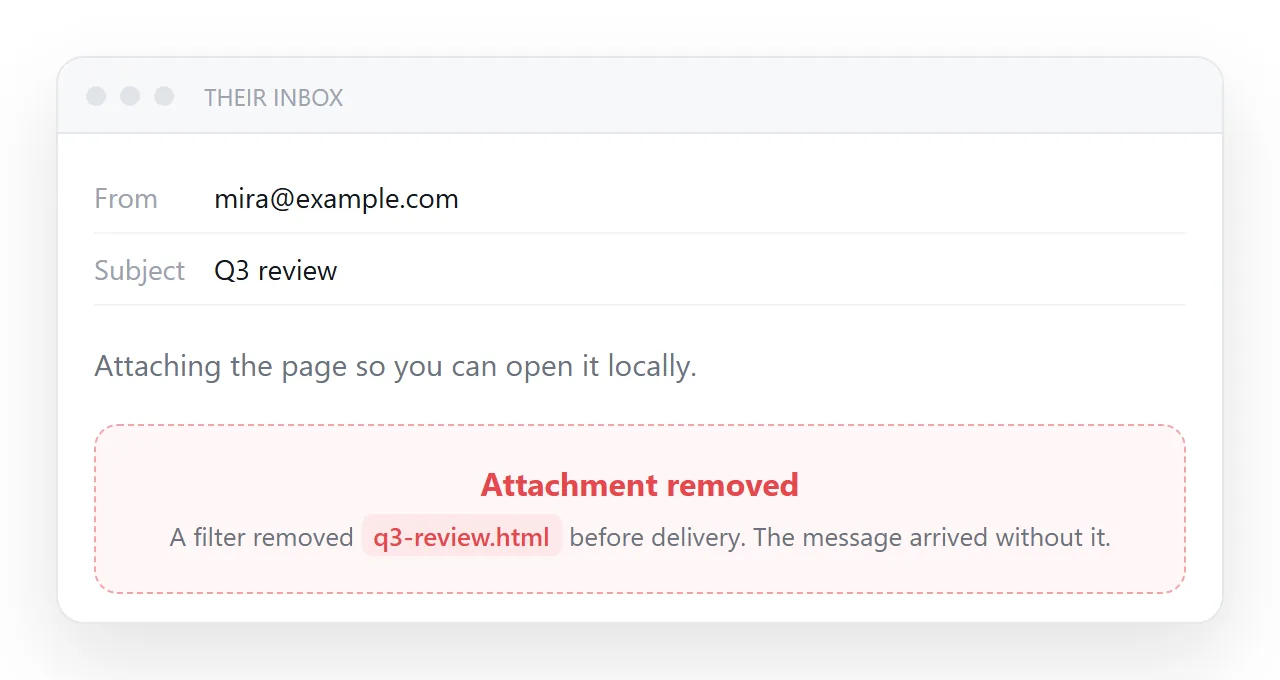
Those three are delivery, opening and staying correct. They are independent, so fixing one does nothing for the other two.
Each one also fails quietly. Nobody writes back to say the attachment was stripped or that tapping it did nothing, so a page can sit unread for a week before anyone mentions it.
The three failures, in the order they happen
| Stage | What goes wrong | Who it affects |
|---|---|---|
| Delivery | Gateways strip HTML attachments | Anyone on a managed mail system |
| Opening | The file has no handler, or the wrong one | Phone readers, and some desktops |
| Staying correct | Every copy is frozen at send time | Everyone, one day later |
The third is the one that costs the most over a month, and it is the one nobody thinks about while pressing send.
Delivery. An HTML file with a form and a script is the standard construction of a fake sign-in page. A filter cannot tell yours apart, so it removes the attachment.
Opening. On a desktop the file opens in whatever claims the extension, which can be a code editor. On a phone it lands in storage with nothing offering to display it.
Staying correct. Send five copies and five versions exist. A correction is a second mail, and now the reader has to guess which attachment is current.
How to send someone HTML file content as a link
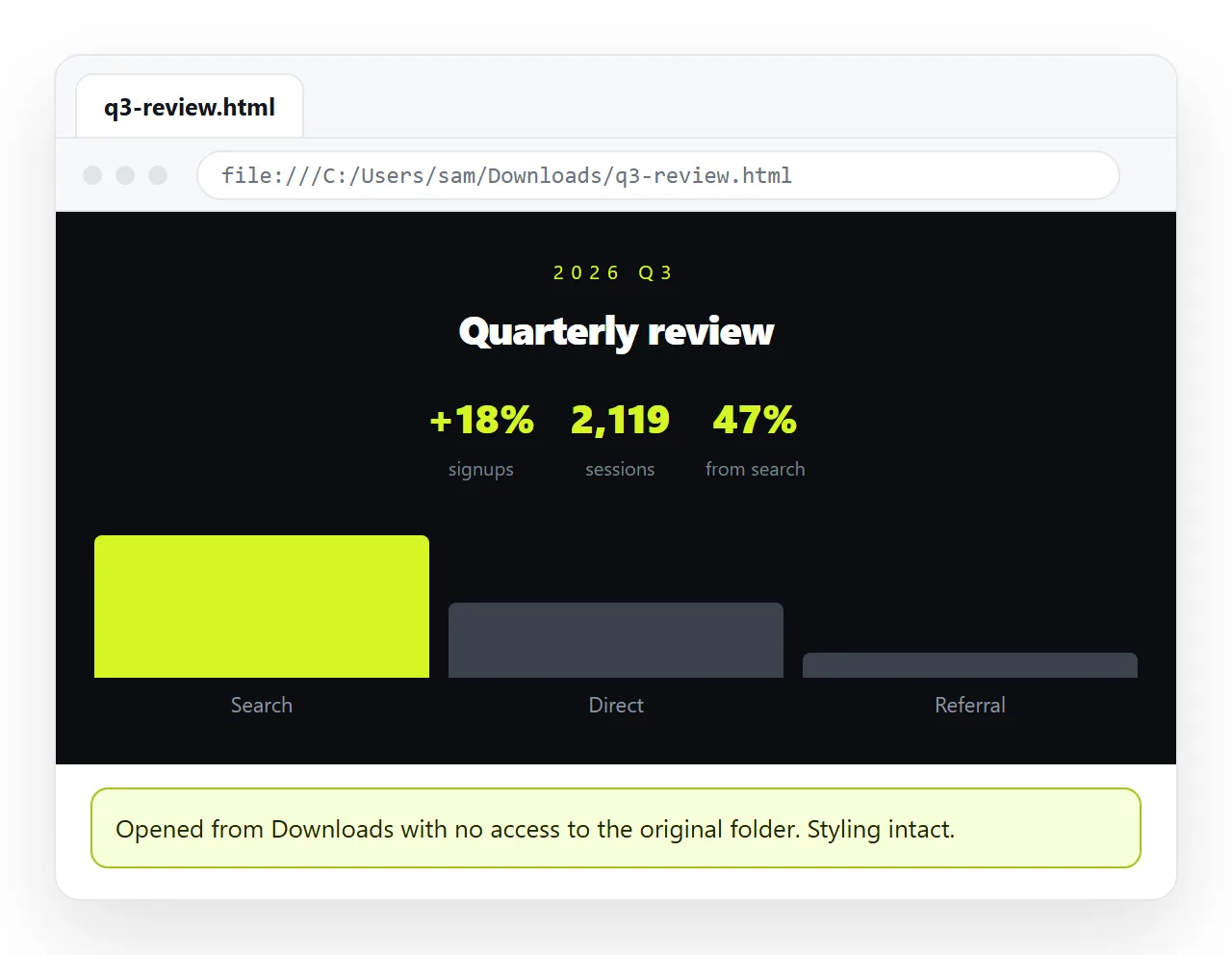
- Check the page survives outside your folder. The HTML file opener has never seen your project, so what renders there is what the reader gets.
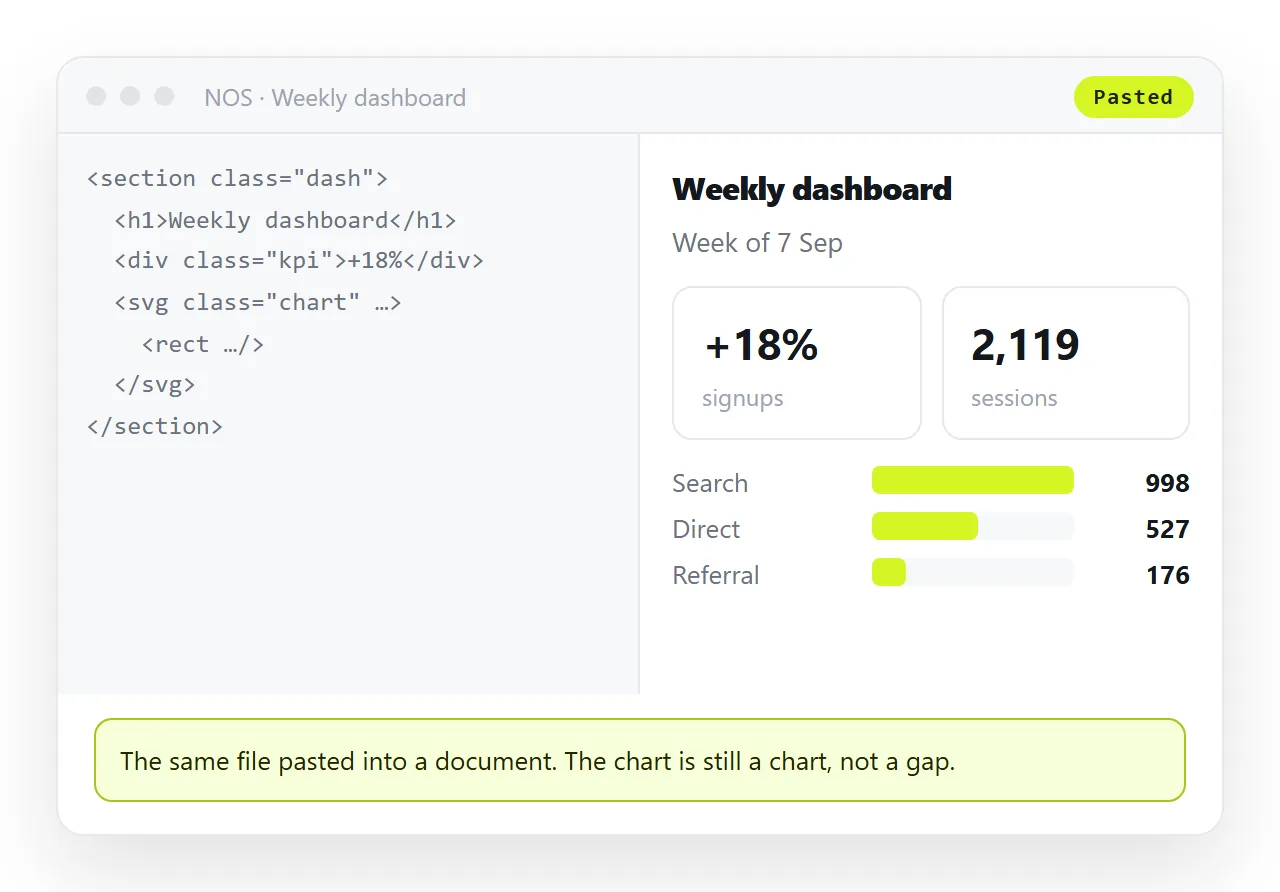
- Paste the HTML into a NOS document. It renders exactly as written, dark theme, charts and scripts included, as a page of its own.
- Create the link. Share, then Share link, then Create link. Unlisted by default, so it opens for whoever holds it and is not listed anywhere.
- Send the address with one line of context. What the page is, and what you want from them.
Why this works where the file does not
A link is plain text, so no filter removes it. It opens in the browser, which is the one program every device has. And it points at a place rather than a copy.
That last property is what changes the week after. Edit the page and the address is unchanged, so the person you sent it to sees the corrected figures without another message.
Why links beat attachments sets the two against each other in more detail, including what happens in chat.
If you have to send the file itself
Sometimes the recipient wants a copy on their own disk, and that is fair.
- Make it self-contained. Styling in a
<style>block, images embedded or on full addresses, fonts from a reachable address. Self-contained HTML is the list. - Test it clean. Open it in a window with no access to your folder before you attach anything.
- Name it clearly.
launch-report-2026-02.htmltells the reader what they have.index.htmldoes not. - Send the link as well. If the attachment is stripped, the message still works.
Match the route to the reader
Different recipients fail in different places, so the choice is not always the same.
A colleague on a managed work laptop is most likely to lose the attachment to a filter. A client reading on a phone is most likely to lose it at the opening step.
Someone who wants to keep a record is the only case where the file is genuinely the deliverable, and even then a PDF often serves better because it prints predictably.
When you are unsure which reader you have, send the link and offer the file. That costs one extra line and covers both, rather than guessing and finding out a week later.
For a whole site rather than one page, sending an HTML website to someone covers the folder problem and the entry page.
What to write alongside the link
One sentence of context changes how often a link gets opened, particularly outside your own team.
Say what the page is, say what you want from the reader, and put the address on its own line. Links buried in a paragraph get missed on a phone.
If this is a second look at something they have seen, say what changed. That is the sentence that decides whether the page is opened now or left for later.
The short pre-send checklist
- Does it render in a clean window? If not, nothing else matters.
- Is there a title? It fills the browser tab and the preview card.
- Is the viewport line present? Without it the page arrives at desktop width on a phone.
- Is anything in it private? Decide between an unlisted link and a named invitation now, not after it is forwarded.
Under a minute, and it removes most of the replies that begin with "it looks broken on my end". The paste-and-share step on its own is HTML to link.