How to send HTML website to someone, in practice: put the site at an address and send that address with one sentence of context. Do not send the folder.
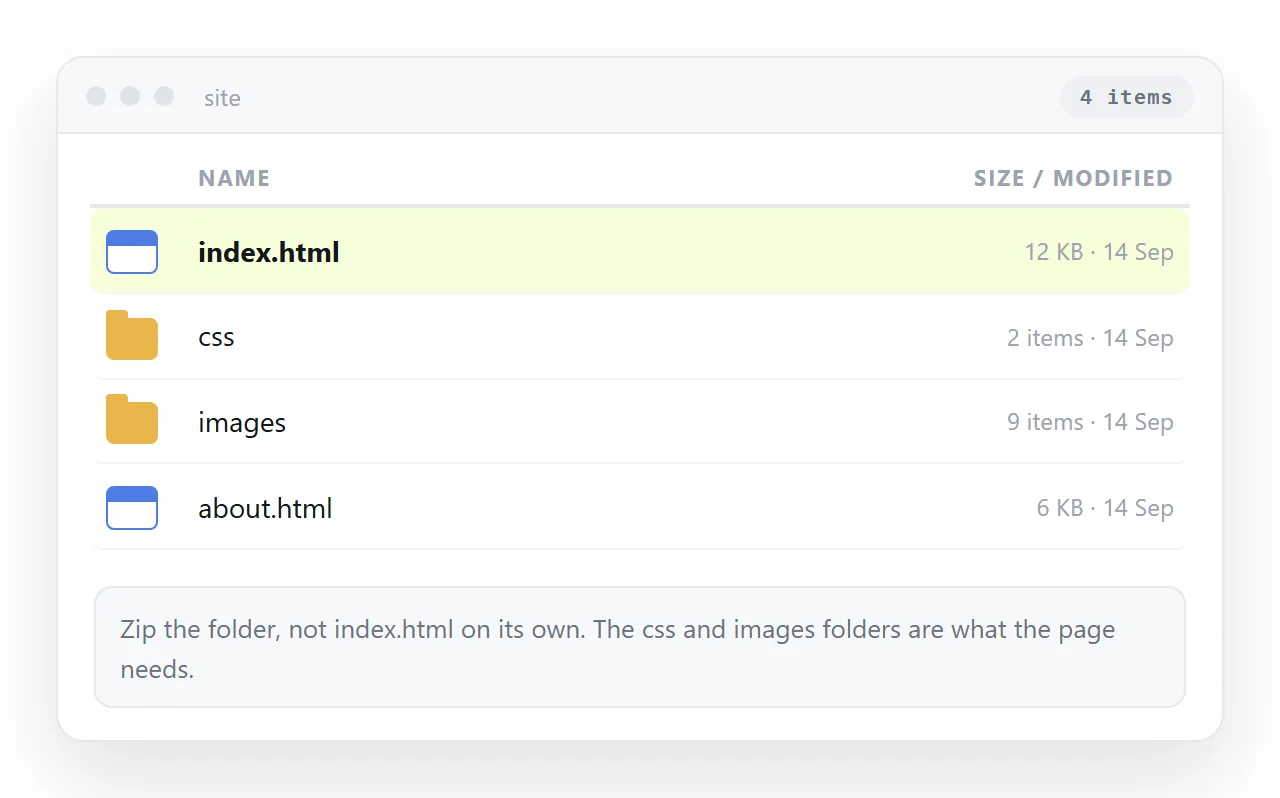
Sending files puts the work on the reader. They download, unpack, hunt for the entry page and open it from disk, where pages behave differently.
Most people stop somewhere in that sequence, usually without telling you. The site was fine. The delivery was the problem.
What the reader has to do for each route
| What you send | Steps for the reader | Likely outcome |
|---|---|---|
| A link to a served page | Tap it | The page opens |
| A zip of the folder | Download, unpack, find, open | Half give up |
| A single HTML file | Download, find a handler | Fails on phones |
| A cloud drive link | Open, see source or download | Confusion |
| A PDF export | Open it | Readable, nothing interactive |
Only the first row costs the reader nothing. Everything below it converts your page into a small project for somebody who did not ask for one.
That cost is invisible from your side. You sent something, so the task feels finished, and the silence that follows reads as agreement rather than as a reader stuck at step two.
Getting the site served
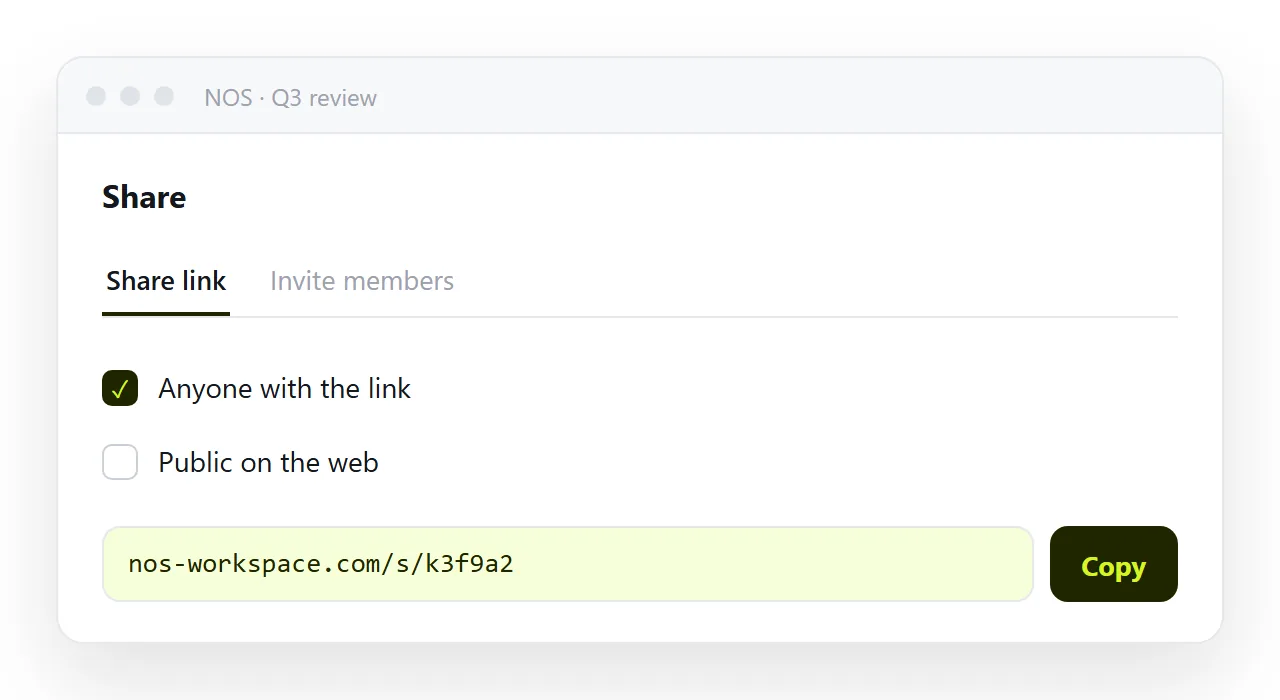
For a single page, paste the HTML into a NOS document. It renders exactly as written, dark theme, charts and scripts included, as a page of its own. Then Share, Share link, Create link.
The link is unlisted by default, so it opens for whoever holds it and is not listed anywhere. Tick Public on the web only when the page should turn up in search.
For a folder of pages that link to each other, a static host keeps the structure and serves every file at a stable path. Static host compared with a document sets out where each one fits, and what a correction costs in each.
How to send HTML website to someone outside your company
External readers need more care, because they have no context and every filter is stricter.
Test the address signed out, in a private window. Your own session hides permission problems, and the failure mode is a sign-in prompt for a client who then says nothing and forgets about it.
Check the page has a title and a preview card. A link with no card looks like something nobody should click, particularly in mail from an unfamiliar address.
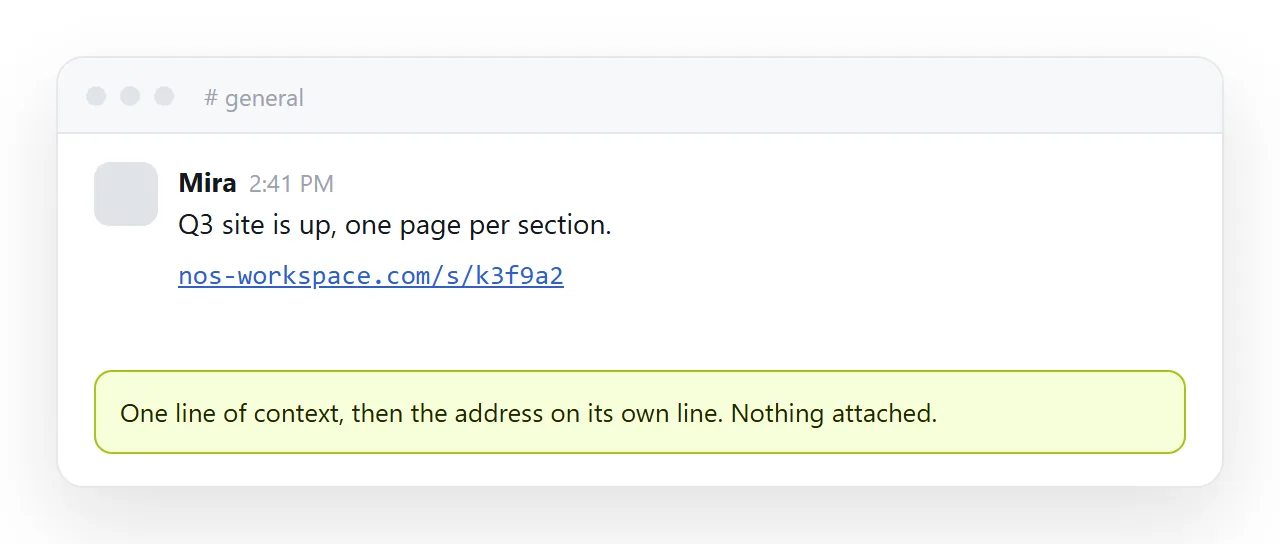
Then write one sentence: what the page is and what you want from them. Why links beat attachments covers the delivery side of the same argument.
What to write with the link
- Say what it is. "The launch page for the February release" beats "here you go".
- Say what you want. Review, approval, or nothing at all. Readers act faster when the ask is explicit.
- Say what changed, if this is a second look at something they have seen.
- Put the link on its own line. Links buried mid-paragraph get missed on a phone.
Four short lines is the whole message. Anything longer competes with the page you are sending.
Multi-page sites and internal links
A site with several pages needs a decision about how those pages find each other.
On a static host, keep internal links relative so they resolve wherever the folder is served. Relative against absolute paths explains which form breaks when the site moves.
If each page is a separate document, link them by their own addresses. That survives moves and edits, because a document address does not change with its contents.
Either way, send the entry page and let the reader navigate from there. A message with five links makes the structure their problem.
If one page answers the question that started the conversation, link that page directly and say where the entry page is.
When the reader genuinely needs files
Two cases, and both are narrower than people assume.
The first is offline use, where the page has to open with no network. The file has to be fully self-contained for that, with styling and images folded in.
The second is an archive, where someone wants a frozen copy of today's page for their records. A PDF usually serves that better, because it prints predictably.
In both cases send the link as well, and say which is for reading. The link is what people open.
After the link is out
Edit the page rather than sending a replacement. The address holds, so the correction reaches everyone who already has the link, including anyone they forwarded it to.
Avoid creating a second link for version two. Two addresses for one page produces the confusion the link route was meant to remove.
When the change is material, put a line at the top of the page saying what moved. Readers who bookmarked the address will see it the next time they open the page, without a mail from you.
If what you have is a single file rather than a site, sending someone an HTML file is the shorter version of this, and HTML to link is the paste-and-share step on its own.