How to share HTML website link, in one sentence: the page has to be served from an address, and that address is the link.
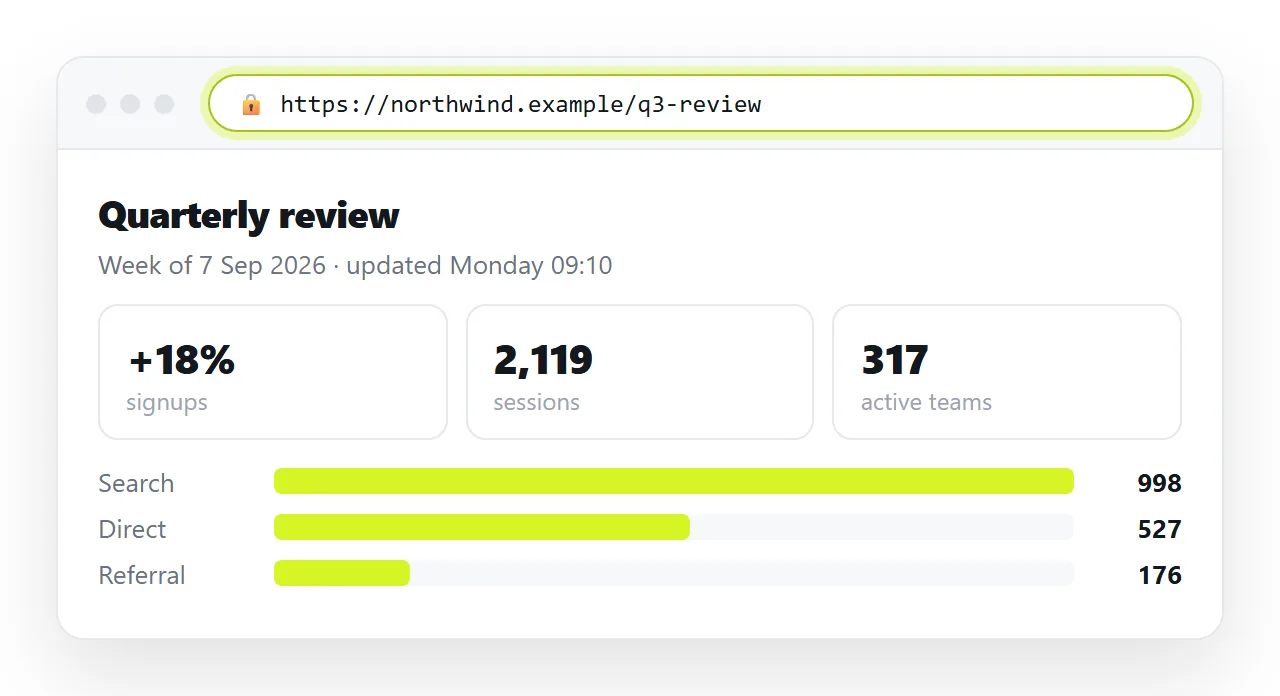
That sounds obvious until you notice what people usually have instead. A file on a disk, a file in a drive, a file in a chat thread. None of those is an address, so none of them produces a working link.
What separates an address from a file
| What you have | Opens for others | Why |
|---|---|---|
| A page served over https | Yes | It is a web address the browser renders |
| A file:// path | No | It points at your own disk |
| A cloud drive file | Usually as source or a download | Storage serves bytes, not pages |
| A chat attachment | Only after a download | The receiver still has to open it somewhere |
| A local server address | Only on your network | It disappears when the machine sleeps |
Only the first row is a link in the sense the reader means. The rest need a step from the reader, and that step is where most shares stop.
Getting the page served
- Paste the HTML into a NOS document. The markup renders exactly as written, dark theme, charts and scripts included, as a page of its own.
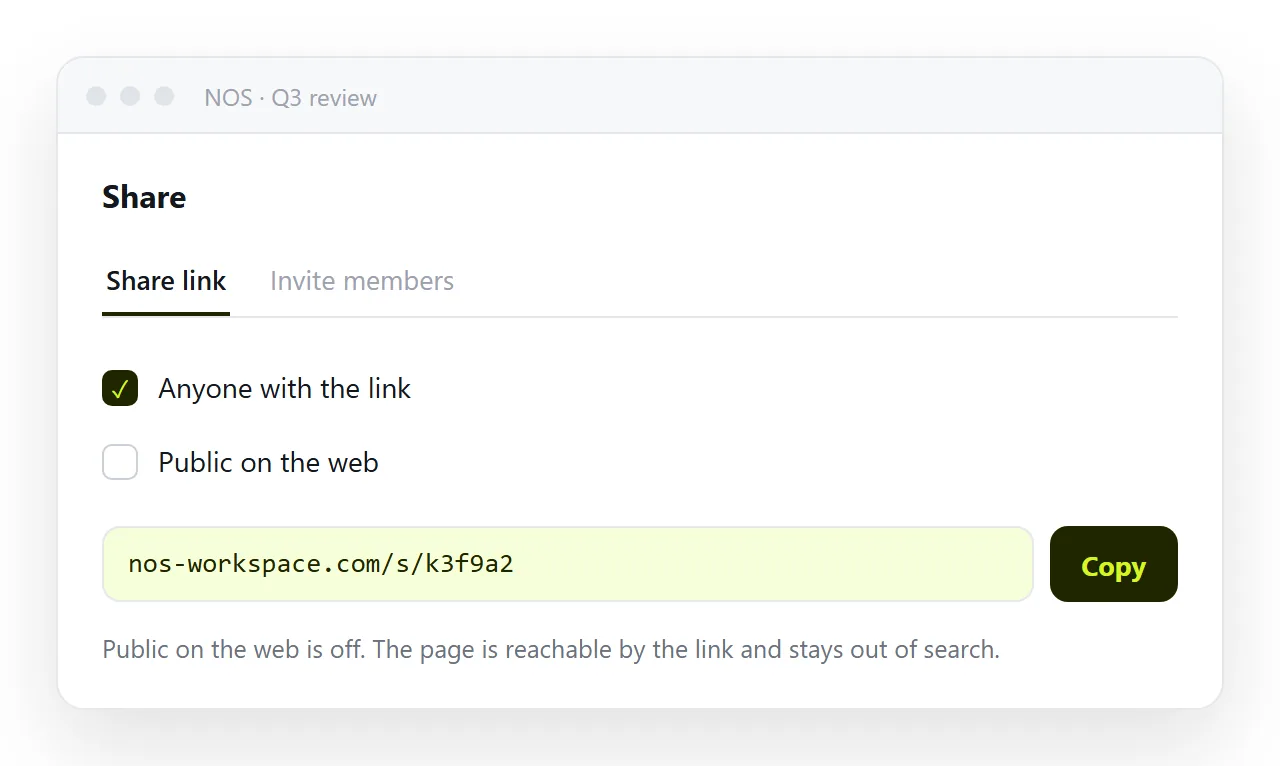
- Create the link. Share, then Share link, then Create link. Unlisted by default.
- Decide visibility deliberately. Leave it unlisted for client work. Tick Public on the web only when the page should be findable in search.
A static host is the other route. It keeps a folder of files intact, which suits a multi-page site, and it costs an upload on every correction. Static host compared with a document sets out where each fits.
How to share HTML website link so it behaves
Four properties decide whether a link looks credible and opens cleanly.
The title. It fills the browser tab and the preview card in chat and mail. Untitled pages read as spam and get fewer clicks.
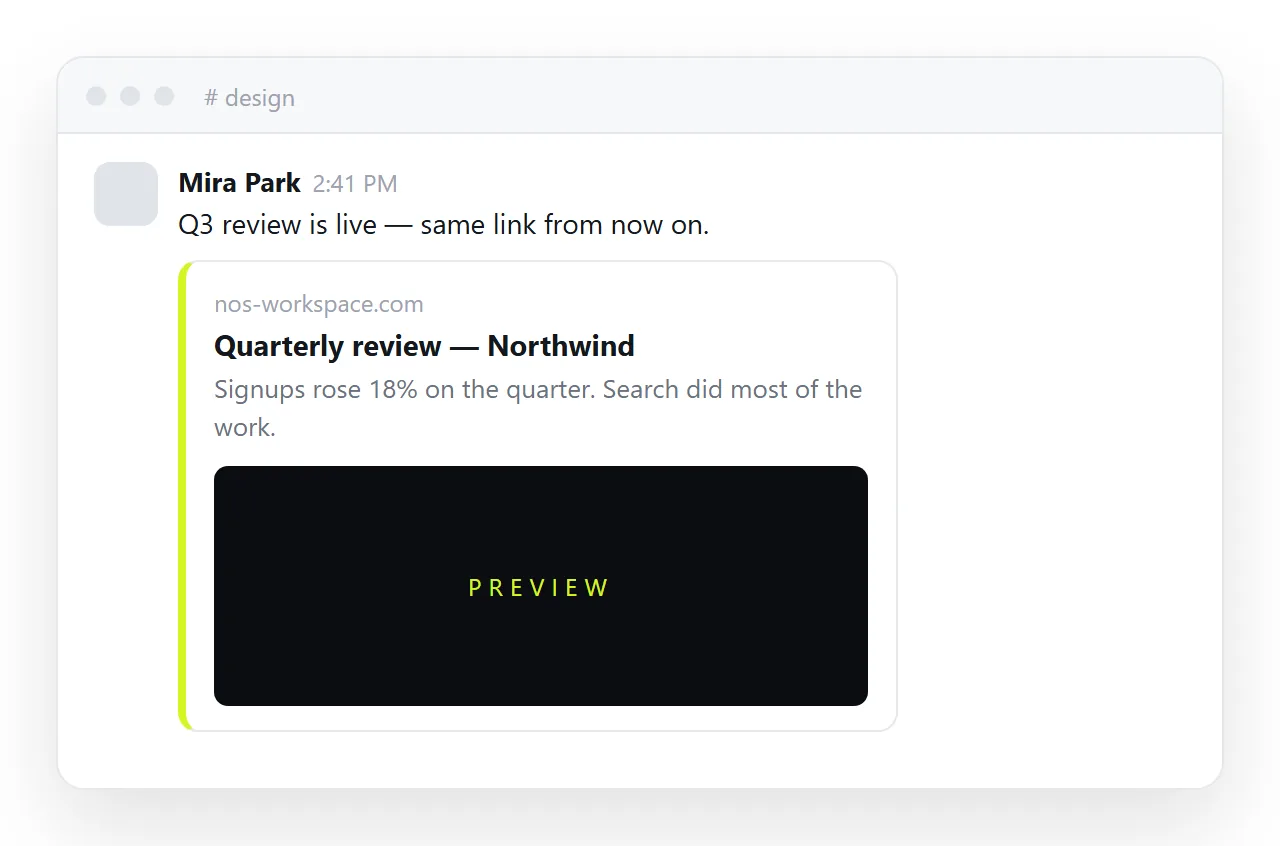
The preview card. Chat apps look for tags in the head and build a card from them. Without those tags the link is a bare grey line.
The phone layout. Without the viewport line, the page renders at desktop width and the reader pinches. Most readers are on a phone.
The visibility. Unlisted is not a password. If the content is sensitive, invite named people to the document instead.
Test the link the way a stranger would
Open it in a private window, signed out. That is the only reliable test, because your own session hides permission problems.
This catches the failure that is hardest to spot from your own desk: a link that works for you because you are the owner, and shows a sign-in prompt to everyone else.
Then open it on a phone. The two most common complaints, unreadable width and a missing image, both show up immediately there.
On the phone, check the title in the tab and the first screen of content. If a reader has to scroll before anything makes sense, the page needs a heading, not a fix to the link.
If the page looks different from what you built, work through the usual causes: a stylesheet that never travelled, an image on a folder path, a font loaded from somewhere the reader cannot reach.
The HTML file opener is a quick way to see the same thing before you publish, since it has never seen your project.
Several pages, one link
Sites with more than one page need a decision about how the pages find each other.
If the pages live in a folder on a static host, keep internal links relative so they resolve wherever the folder is served. Relative against absolute paths explains the difference and when each breaks.
If each page is its own document, link them by their own addresses instead. That is more durable in practice, because a document address does not move when the content changes.
Either way, send the entry page and let the reader navigate. Sending five links at once puts the structure problem on them.
One exception is worth making. If a specific page answers the question that started the conversation, link that page directly and mention where the entry page is.
After the link is out
Edit the page rather than sending a replacement. The address belongs to the document, so the correction is live on the link people already have.
Say what changed in a line at the top when the change is material. Readers who bookmarked the address will see it on their next visit.
Resist the habit of creating a second link for version two. Two addresses for one page produces exactly the confusion the link route was meant to remove.
When the page is genuinely finished and has to be archived, export it then. Until that point the live address is the deliverable, and every correction reaches the reader without a new message.
If the page is going to one specific person rather than a channel, sending an HTML website to someone covers what to write alongside the link. The paste-and-share step on its own is HTML to link.