To deploy an HTML website on Netlify without GitHub, drag the folder onto Netlify Drop. Netlify uploads it, publishes it, and hands back an address. No repository, no git command, no build configuration.
The CLI route does the same thing from a terminal, which helps when a script regenerates the folder. Both are first class. The git connection is one way in, not a requirement.
This guide covers both routes, what each costs on the second deploy, and the case where a static host is more machinery than the job needs.
Ways to deploy an HTML website on Netlify without GitHub
| Route | Needs a repo | Suits | Cost per update |
|---|---|---|---|
| Netlify Drop | No | A finished folder you rarely touch | Re-drag the whole folder |
| Netlify CLI | No | Output a script regenerates | One command |
| Git connection | Yes | Code several people change | A commit and a push |
| A document that renders HTML | No | One self-contained page | Edit the text in place |
The bottom row is not Netlify, and it is worth naming, because a large share of people reaching for a host have exactly one file.
Route one: drag the folder
- Put
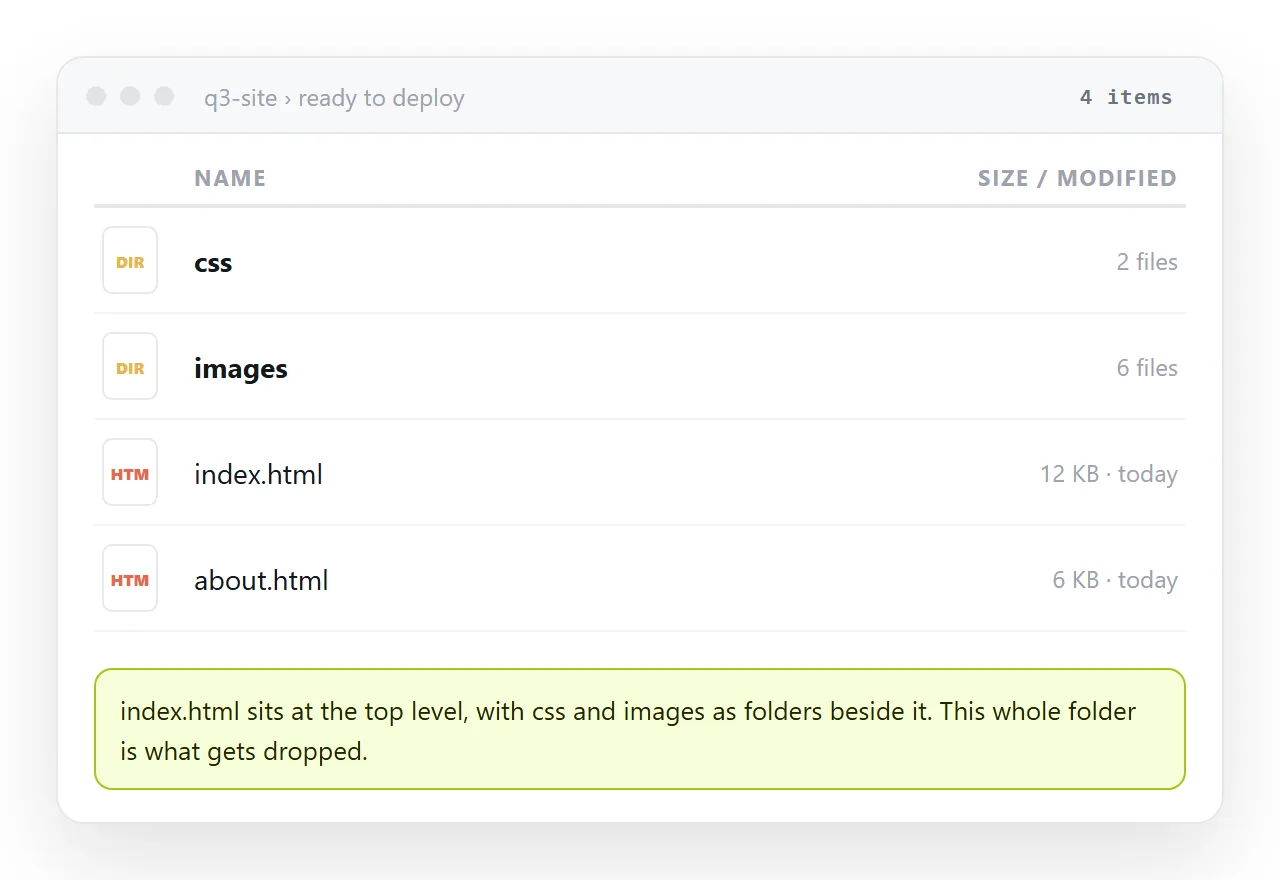
index.htmlat the top level of the folder. Netlify serves it as the front page. If it sits inside a subfolder, the address lands on a file listing or a not found page. - Open Netlify Drop and drop the folder onto it. Drop the folder itself, not its contents. Netlify keeps the internal paths, so
css/style.cssstill resolves. - Wait for the address. Netlify assigns a subdomain on
netlify.appbuilt from random words. The site is live from that moment. - Log in and claim the site. A drop made while logged out belongs to nobody, so there is no settings screen you can reach later.
- Rename the subdomain. The generated name is random. Change it in site settings before you send the link to anyone.
The whole sequence takes a couple of minutes on a small site, and none of it involves a version control system.
Route two: the CLI, still without a repo
Install the CLI, then deploy the folder directly.
npm install -g netlify-cli
netlify deploy --dir=.
netlify deploy --dir=. --prod
The first command publishes to a draft address so you can check the result. The --prod run promotes it to the main address. netlify link attaches the folder to an existing site, so later deploys keep going to the same place.
Nothing here reads git history. The CLI uploads the directory you point at, which is why it works on a folder a build script has produced seconds earlier.
Two flags are worth knowing. --message labels the deploy so the list in the dashboard is readable later. --site targets a specific site when your account holds several.
What breaks between your machine and the server
Two things account for most of the "it worked locally" reports.
Case sensitivity. Netlify serves from a case sensitive filesystem. A file named Logo.PNG referenced as logo.png works on Windows and fails once deployed. Check relative and absolute paths if images vanish on the live site.
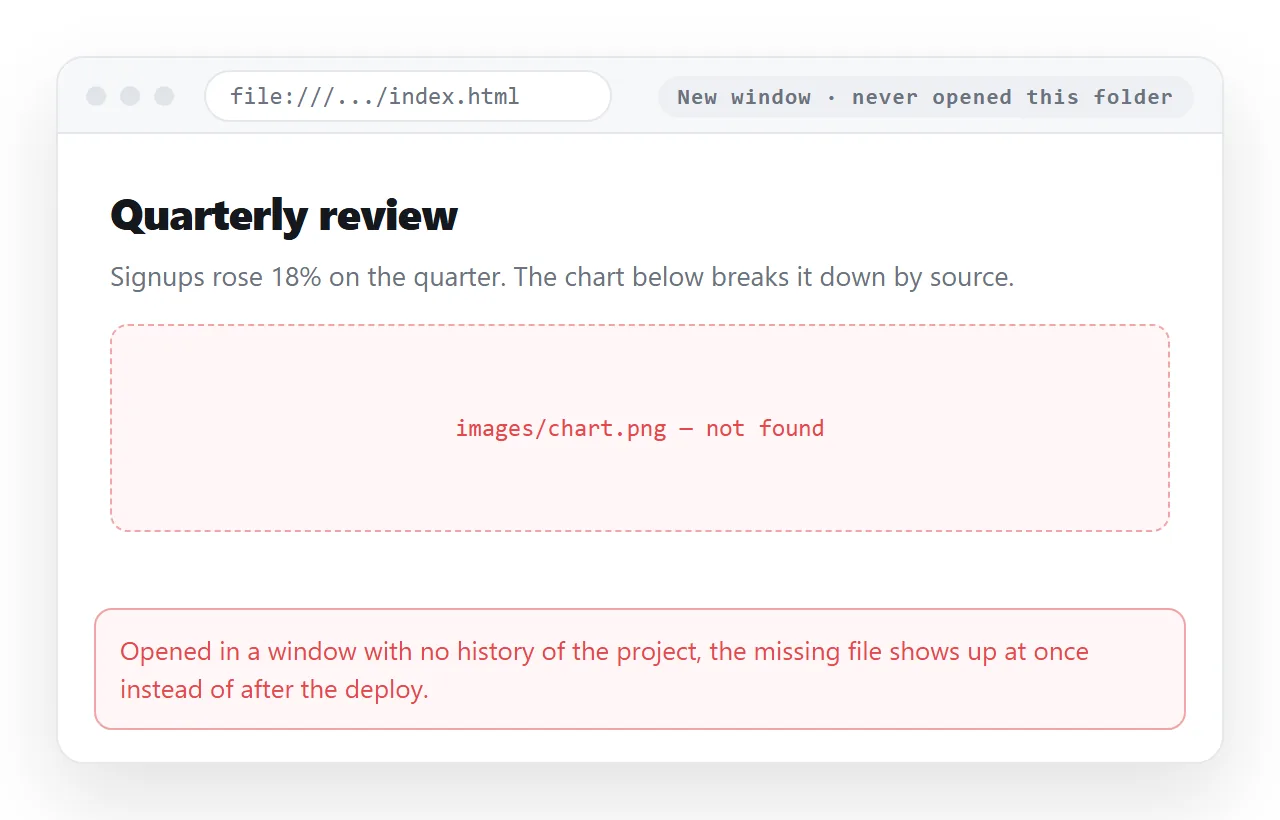
Files outside the folder. A stylesheet one level above the folder you dropped never gets uploaded, so the page arrives as unstyled text.
Open the file in the HTML file opener before you deploy. That window has never seen your project, so anything surviving there will survive on the server.
The second deploy is where the cost shows up
The first deploy is quick on any route. The differences appear when a number in the page turns out to be wrong.
- Drop: open the folder, edit the file, drag the whole folder in again.
- CLI: edit the file, run the deploy command again.
- Git connection: commit, push, wait for the build to finish.
In all three the unit of work is the file. You change text on your machine, then move bytes to a server. That is the right trade for a site with several pages, shared assets, and more than one person touching it.
It is the wrong trade for one page that you wrote once and now correct twice a week.
When a document beats a host
If what you have is a single self-contained HTML file, a static host hands you an address plus a redeploy loop you did not need.
Pasting the same HTML into a NOS document renders it as a page of its own, dark theme, charts and scripts included.
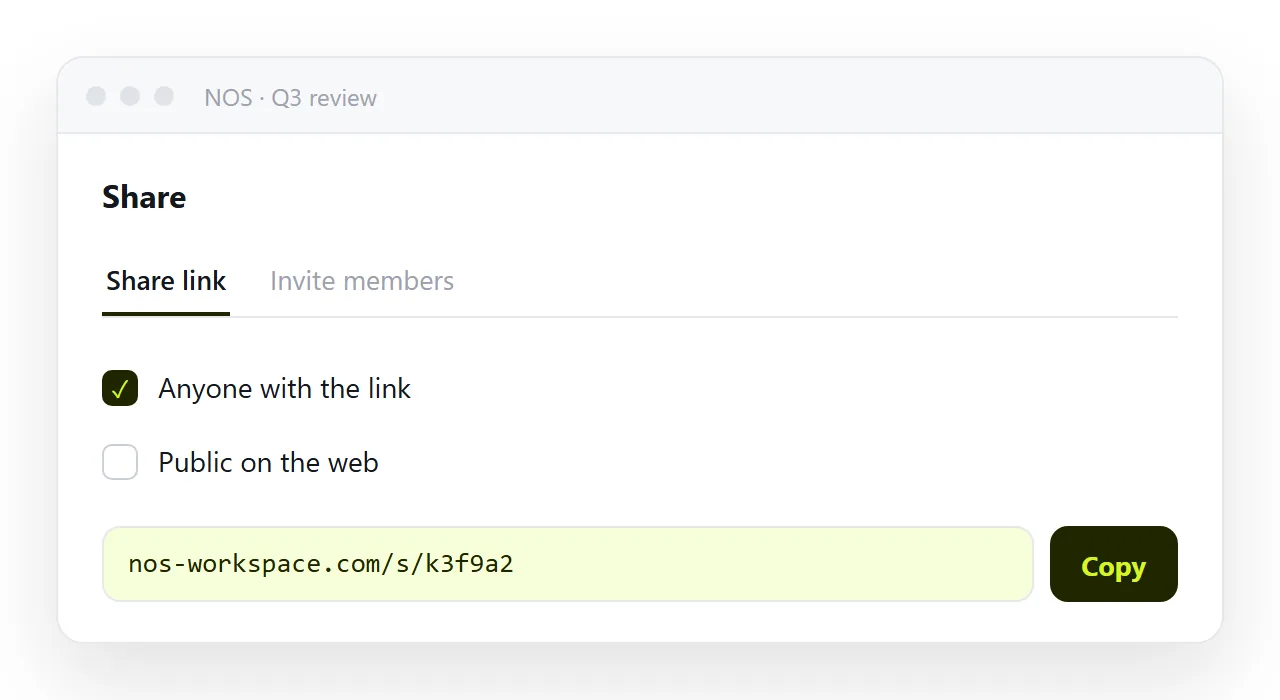
The document gets an address through Share, then Share link, then Create link. That link is unlisted by default, so only people who have it can open the page.
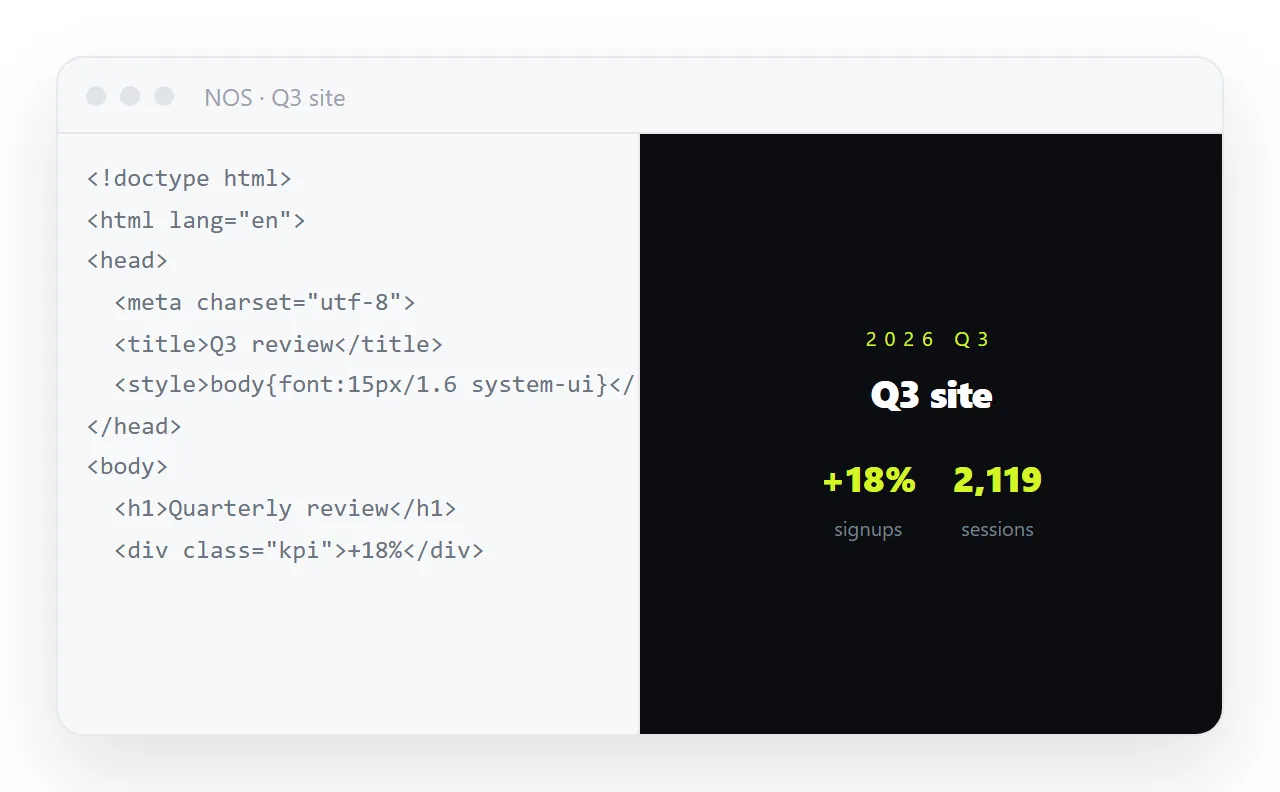
After that, corrections are made by clicking the text and typing. The address does not move, so the link you already sent points at the corrected page.
Turning HTML into a link is this route end to end, and static host versus document sets out where each one wins.
Choosing between them
| If your site | Use |
|---|---|
| Has several pages and shared assets | Netlify, dropped or via CLI |
| Is regenerated by a build script | Netlify CLI |
| Is one page you correct often | A document that renders HTML |
| Needs a custom domain and redirects | Netlify |
| Is read by a handful of named people | A document with an unlisted link |
Netlify without GitHub is a real path, well supported, and the right answer for a folder. It is more machinery than a single file requires.
For the wider free question, see deploying an HTML, CSS and JS site for free.