An HTML file opener does one thing: it draws the page an .html file describes, when your machine will not.
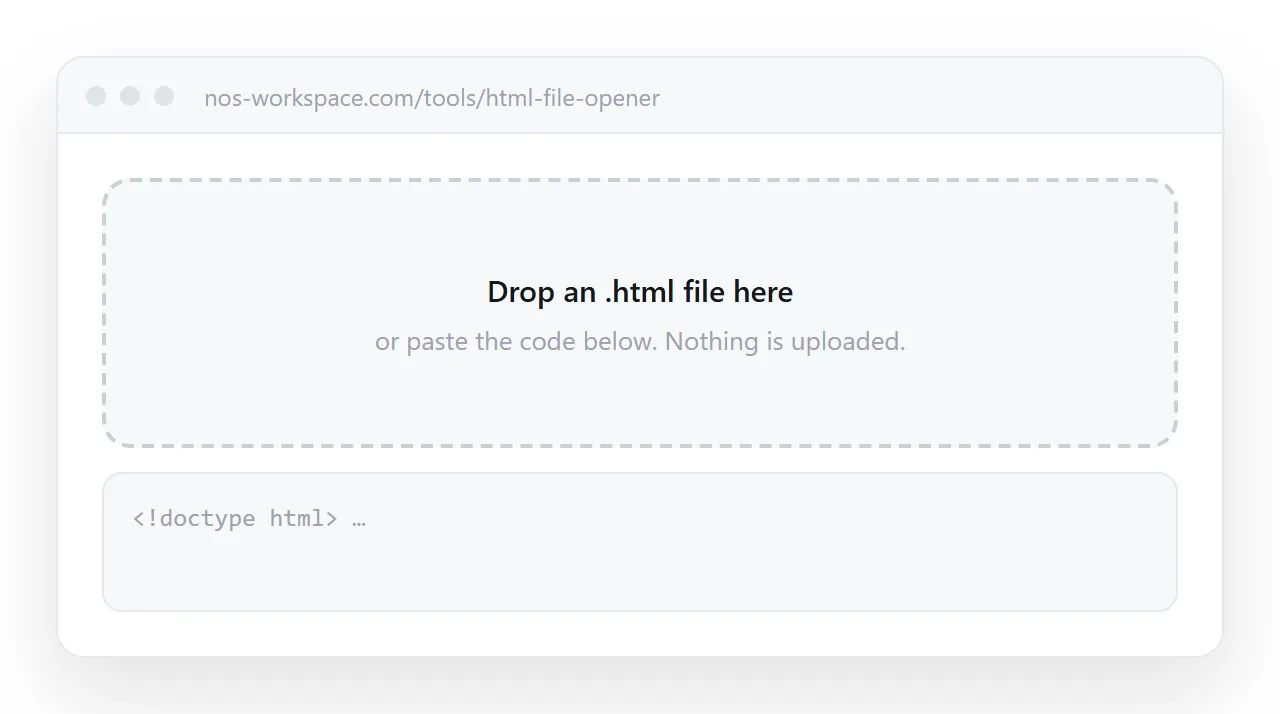
An .html file is a complete page, but nothing on a modern computer is confident about what to do with one, so double-clicking it gives three different unhelpful results depending on where you are. Drop the file above and it renders.
Below is why it failed, how to make double-click work again, and what to do for the person you want to send it to.
How to open an .html file here
- Drop the file onto the tool, or paste its contents into the box under the preview. The page is drawn immediately.
- Read the page. Scroll it, click it, sort its tables. Scripts run.
- If the styling is missing, the file depends on others that did not come with it, covered below.
- If someone else needs to open it, do not send the file. Paste the HTML into a NOS document and send the address.
What you can drop here
Any .html or .htm file, from any source: a report exported by a tool, a page an AI assistant wrote, a saved web page, a mail template. A whole document or a fragment both render.
What does not work is a .zip of a site or a folder; unzip it and drop the main page, and expect anything stored in the other files to be missing. Nothing you drop is uploaded. The browser reads the file and draws it on the spot.
The three failures, and what each one means
You see a wall of code
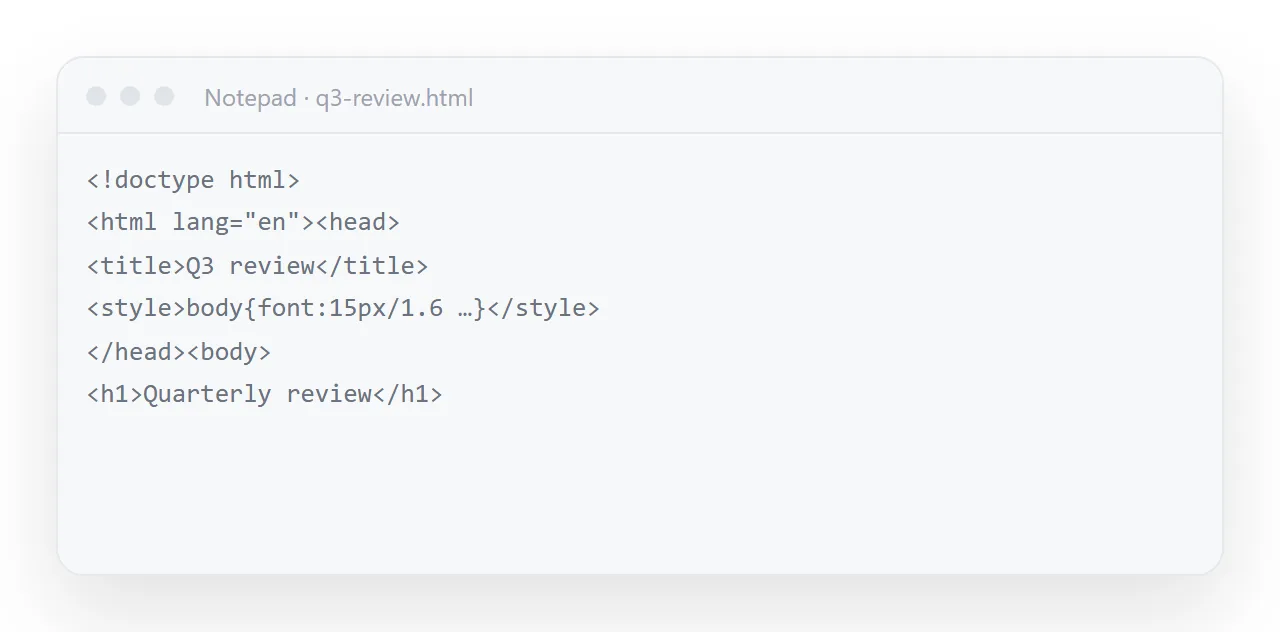
The file opened in a text editor. Nothing is broken. .html is simply registered to the wrong program, which happens the moment you install any code editor.
Windows: right-click the file, choose Open with, then Choose another app, pick a browser and tick Always use this app to open .html files. Or Settings › Apps › Default apps, search .html, and set the browser.
macOS: right-click the file, choose Get Info, change Open with to a browser, and click Change All so every .html file follows.
Nothing happens, or it lands in Downloads
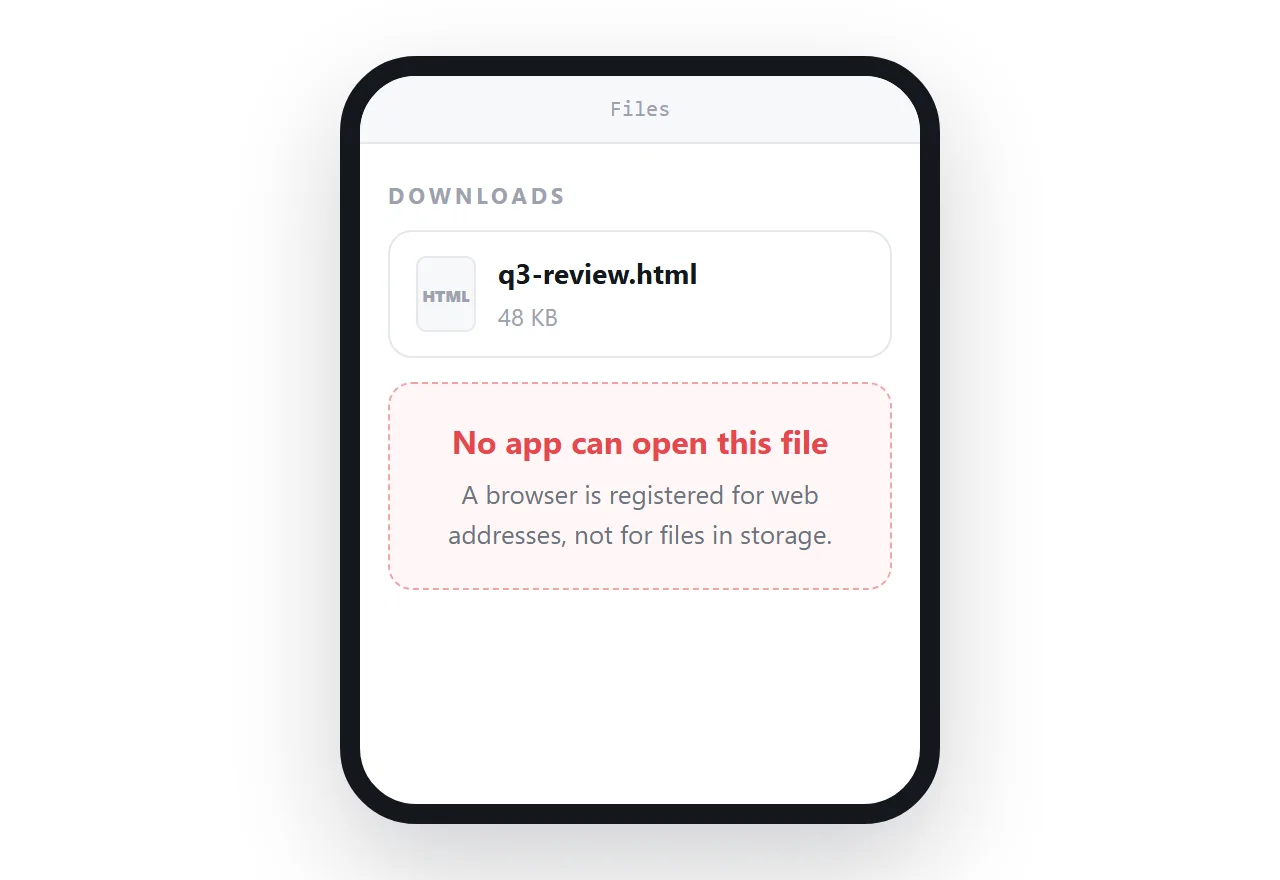
This is the phone case, and it is not a mistake you can fix from the file. Phone operating systems have no default owner for a downloaded .html file.
It goes into Files or Downloads and sits there. iPhone's Files app previews it without scripts; Android asks which app to use, and offers a browser only on some phones. Opening an HTML file on a phone has the steps for both, and the honest summary is that the recipient usually gives up here.
You get a security warning
Some browsers and mail clients warn before opening a local HTML file, because HTML can contain scripts. The warning is reasonable: a local page runs with fewer restrictions than one served from a website. Dropping the file into the tool above sidesteps the question.
It renders inside a sandboxed frame that cannot reach your accounts, this site, or anything else on the machine. Why the warning appears.
Why the file works for you and not for them
This is the important part, and it is the reason so many HTML files never get read.
When you open a file from your own disk the browser shows file:// in the address bar. That is the browser telling you the page is not on the web. Consequences follow:
- Only that machine can reach it. There is no address to give anyone.
- Neighbour files must be present. A stylesheet referenced as
style.cssmeans "a file called style.css sitting right here". Send only the HTML and the styling is gone. - Some browser features stay off. A local page is treated as less trustworthy than a served one, so certain capabilities are withheld on purpose. The file protocol explains which.
- Chat apps cannot preview it. There is nothing to fetch.
None of that is a flaw in your file. It is the difference between a document and a published page.
Opening HTML files from the usual places
| Where the file came from | What happens | What to do |
|---|---|---|
| A mail attachment on a laptop | Opens in a browser, or warns first | Save it and drop it here if the warning worries you |
| A mail attachment on a phone | Saves to storage, preview without scripts | Save first, then open from Files or the file manager |
| A chat upload | Downloads; the app shows a file card | Same, or ask for an address instead |
| A cloud drive | The viewer offers a download | Download, then open it here |
| A link that downloads instead of opening | The server sent a download header | Downloads instead of opening |
| An AI assistant's export | Usually opens; often unstyled | Check it here; fix missing styles before sending |
Making it open for everybody
| The problem | Local file | Page at an address |
|---|---|---|
| Opens on a phone | Rarely | Always |
| Opens for someone who never got the file | No | Yes |
| Survives being forwarded | As a copy | As the same page |
| Shows a preview card in chat | No | Yes |
| Fix a typo after sending | Re-send everything | Fix it; the link is unchanged |
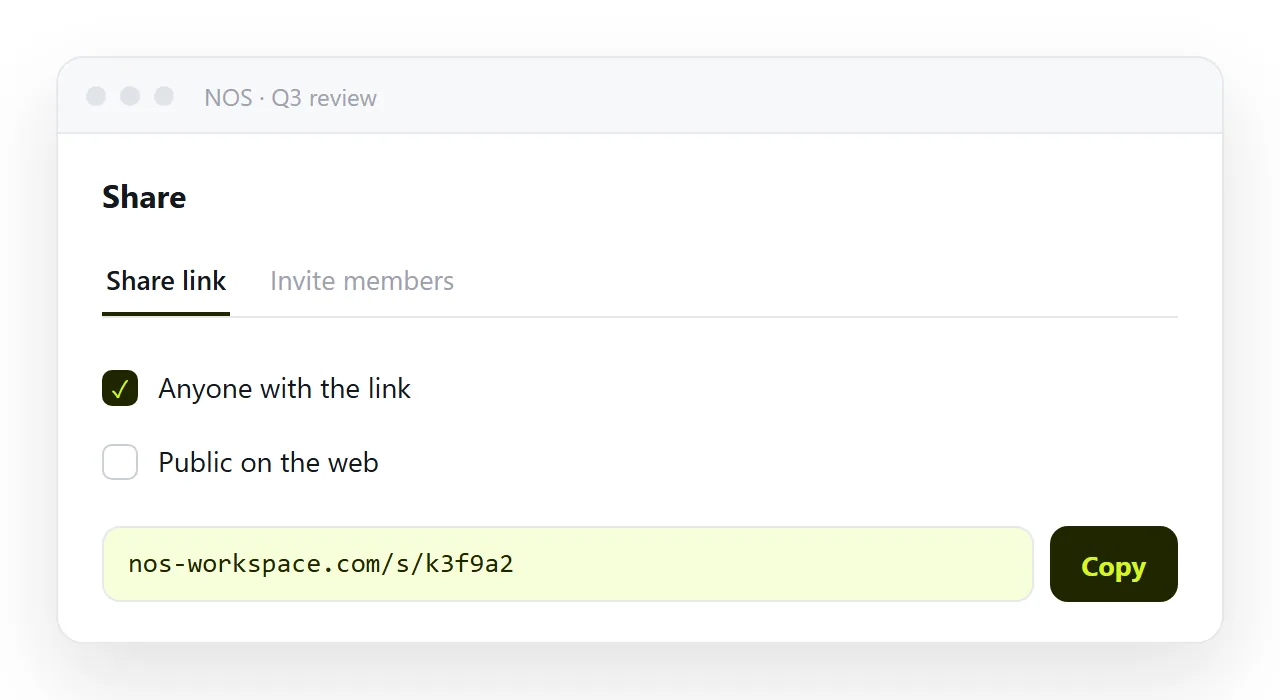
Once the same HTML sits at an https:// address, all five rows flip. That is what publishing a page does, and it is a smaller job than it sounds, because the file does not change at all.
In NOS the pasted HTML renders as-is in a document of its own. The text in it stays editable by clicking, so corrections do not mean a new file, and the share link you gave people does not move when you make them.
Before you send an HTML file to anyone
Two checks, thirty seconds:
- Open it in something that has never seen your folder: this tool, or a fresh browser window. If the styling survives, the file is self-contained. If not, the recipient will see the unstyled version. Self-contained HTML shows how to fix it.
- Ask whether they are likely to be on a phone. If yes, an attachment will not be opened. Send an address.
Symptom to cause
| What happened | Cause | Where to read more |
|---|---|---|
| A wall of code | .html opens in a text editor |
Change the default program, above |
| Nothing, on a phone | No default owner for the file | Opening on a phone |
| A security warning | A local page runs with fewer restrictions | The browser warning |
| Saved to Downloads from a link | A server header, not your file | Downloads instead of opening |
| Renders unstyled | Neighbour files did not travel | Self-contained HTML |
| Empty image boxes | Folder paths | Images not showing |
Six different-looking symptoms, two underlying causes: the file was opened by the wrong program, or the file expected company that did not arrive.