Are HTML files safe to open? Usually yes, and the warning you see is not a verdict on the particular file you were sent.
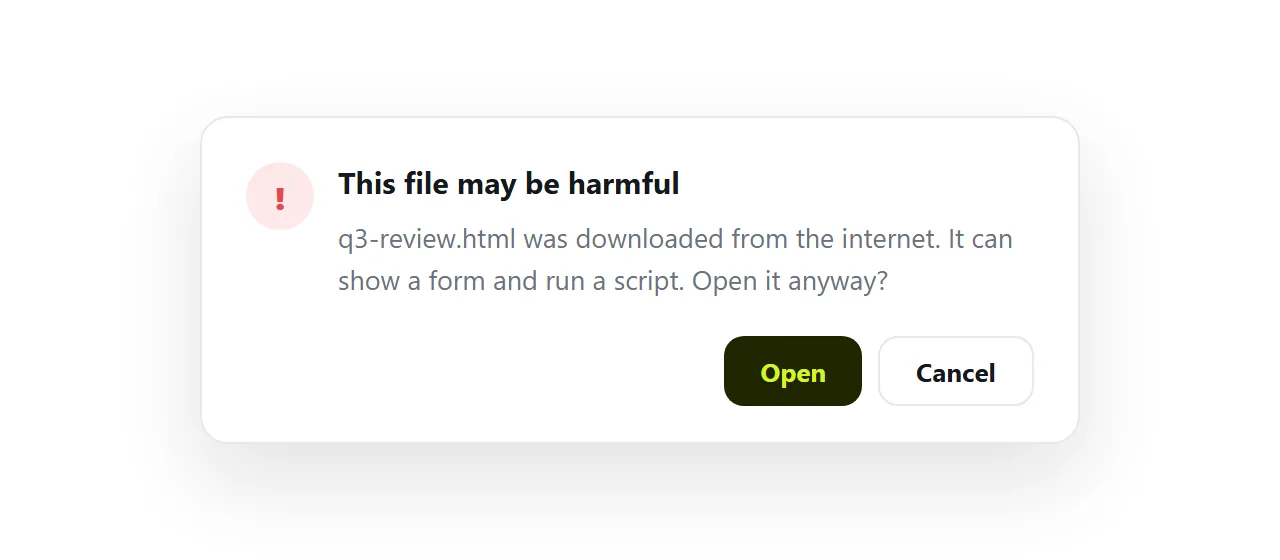
Chrome, Outlook and Windows warn before opening a downloaded .html because any HTML file can show a form, run a script and send what you type somewhere, and nothing in the file tells them yours will not.
The safe way to look at one is a sandboxed viewer. The way to stop your own readers seeing the warning is to send a link instead of a file.
This guide covers what each warning is reacting to, the four-step check, and why local files are treated as less trustworthy than web pages.
Are HTML files safe to open: what the warning is reacting to
An HTML file is not a document that gets displayed. It is a set of instructions the browser carries out, and it can include a script and a form. Downloaded from a source your machine cannot vouch for, that is code from a stranger about to run locally.
The specific worry is well established: a page that imitates a sign-in screen, collects what you type, and sends it elsewhere.
Running from a local file it is particularly effective, because there is no suspicious web address to notice and nothing for a link filter to block.
Security teams call the delivery method HTML smuggling, and it is common enough that whole organisations block .html attachments outright.
Your report is not that. But nothing in the file distinguishes it from that, which is the whole difficulty.
The warnings you are likely to meet
| Where | What it says | What triggered it |
|---|---|---|
| Chrome download shelf | "may be dangerous" or "blocked" | The download came over plain http, or Safe Browsing could not verify it |
| Outlook, before opening an attachment | "You should only open attachments from a trustworthy source" | Outlook prompts for any attachment type that can carry scripts |
| Windows, on opening a downloaded file | "Open File - Security Warning" | The file carries a mark saying it came from the internet |
| Gmail attachment preview | The source code, not the page | Gmail no longer renders HTML attachments in the preview |
| A company mail gateway | Nothing; the attachment is gone | The gateway strips .html by policy |
Different wording, one reason. Chrome, Outlook and Windows are each reacting to the file type and where it came from, not to what is inside.
Why local is treated as less trustworthy, not more
Counter-intuitive but important. Web pages are kept apart from one another by origin rules: a page from one site cannot read another site's data.
A file opened from your disk does not have a normal origin, so those rules do not apply in the usual way. Browsers respond by restricting local pages in their own ways and by warning before opening them.
This is also why some features of your page may silently not work when opened from a disk and work fine once served from an address.
How to check a file you were sent: 4 steps
- Do not open it from Downloads yet. A double-click runs the file with the fewest restrictions your system allows.
- Read it as text first. Open it in any text editor. You are looking for three things: a form asking for a password, a script posting to an address you do not recognise, and imagery imitating a service you use. A report has none of those.
- Render it somewhere contained. Drop it into the HTML file opener. It draws the page in a walled-off frame with no access to your accounts, storage or the surrounding site, so a malicious page has nothing to steal and a good page looks exactly as intended.
- If it turns out to be your own page, send an address next time. The whole class of warning belongs to file delivery, and disappears with it.
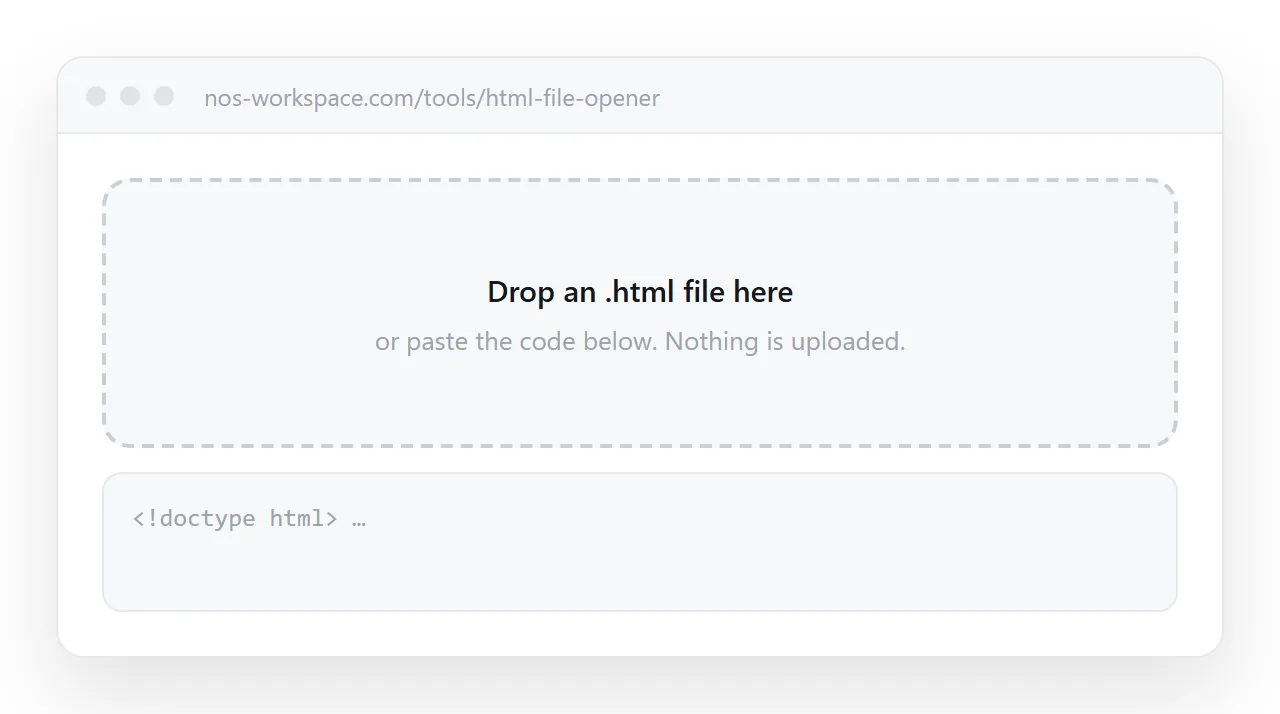
What the sandbox actually is
The frame restriction is a single attribute:
<iframe sandbox="allow-scripts" srcdoc="..."></iframe>
allow-scripts lets the page run. What is not granted matters more: without allow-same-origin the frame is treated as a separate origin, so it cannot read the parent page's cookies or storage, and without allow-top-navigation it cannot send you somewhere else.
Granting scripts and same-origin together undoes the protection entirely. See the sandbox attribute for the full list of permissions and what each one gives away.
Avoiding the warning for your own readers
There is no way to sign or mark an HTML attachment as trustworthy. The warning belongs to the delivery method.
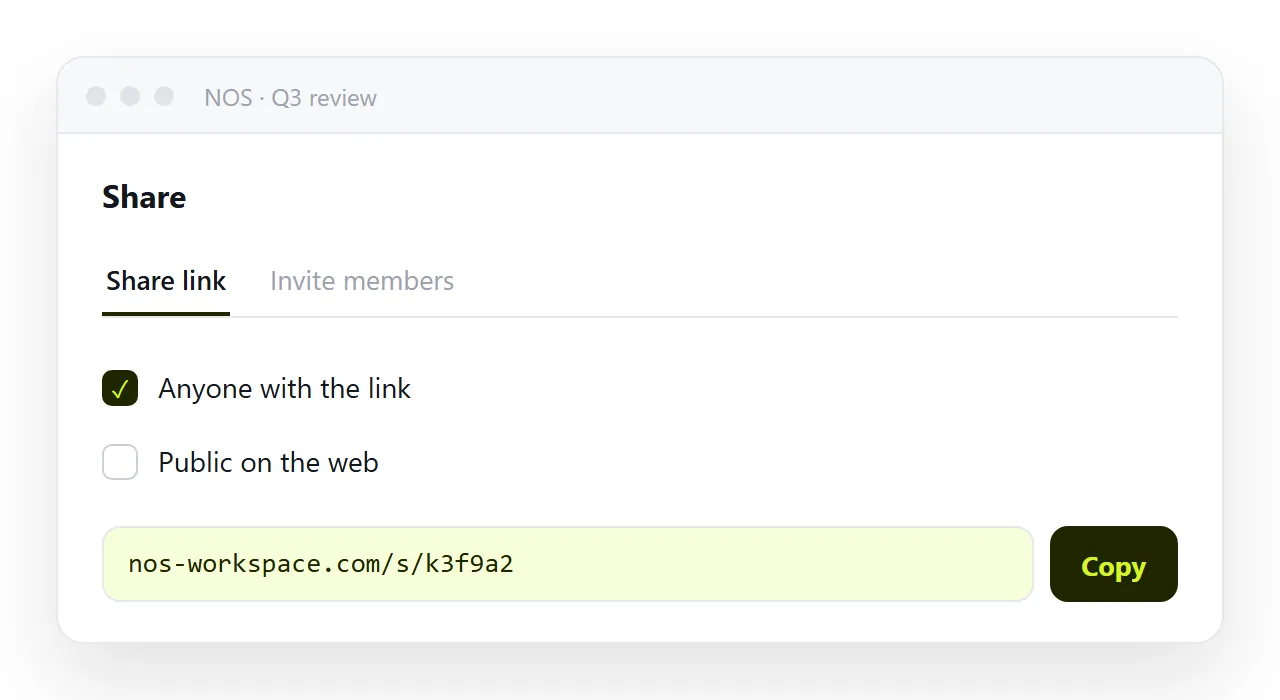
Send an address instead. Fetching a page over https is ordinary browsing: no warning, no download, no decision for the recipient to make. It also removes the attachment filtering problem and the phone problem at the same time, because all three have the same root: you were handing over a file where a page was wanted.
Publishing the page is the fix. In NOS the pasted HTML is served as a page from a normal web address, so there is nothing for the recipient to download, decide about, or be warned about, and the address stays the same when you revise.
Can the warning be turned off?
Technically, parts of it. Chrome's download protection can be lowered in its safety settings, Outlook's attachment prompt can be silenced per file type in the registry, and the Windows mark can be cleared from a file's properties. All three are the wrong fix.
They remove the warning for every file, including the one that deserves it, and none of them does anything for the person you send files to, who has their own settings. Treat the warning as information about the delivery method, and change the delivery method.
If you must send the file anyway
Sometimes the recipient's rules require a file, or they will read it offline. Three things reduce the friction. Zip it, so the mail system sees an archive rather than an HTML attachment; some gateways look inside, but many pass it.
Tell the recipient in the message what the file is and that their system will warn. And make the file self-contained, so that when they do open it, it renders rather than arriving as unstyled text and making the warning look justified.
The short version
| Local HTML file | Page at an address | |
|---|---|---|
| Warning on open | Often | No |
| Runs outside normal origin rules | Yes | No |
| Some features withheld | Yes | No |
| Recipient has to make a judgement call | Yes | No |
| Opens on a phone | Rarely | Always |