The practical answer to how to send html email gmail users will actually see: paste the rendered page into the compose window, not the markup, and link out to anything interactive.
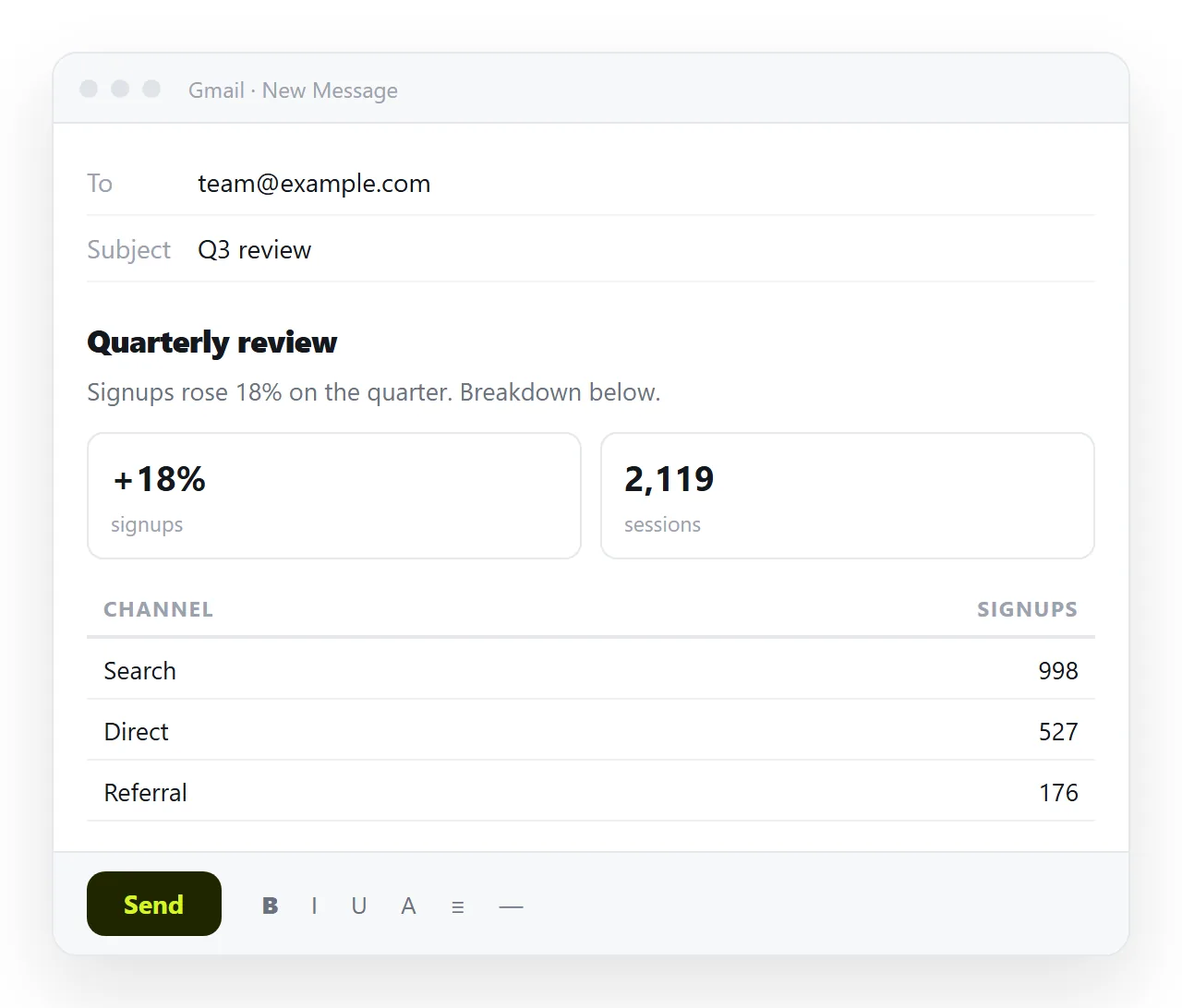
Gmail has no field for raw HTML. Paste markup into the body and the recipient receives the markup, angle brackets included. Copying the rendered page instead carries the formatting across.
What survives the trip into a mail client
| Part of the page | In a browser | In a mail client |
|---|---|---|
| Headings and paragraphs | Yes | Yes |
| Tables | Yes | Yes, with simple styling |
| Inline styles | Yes | Mostly |
| External stylesheet | Yes | Unreliable |
| Scripts and charts | Yes | Never run |
| Modern layout properties | Yes | Inconsistent |
The bottom two rows decide most cases. If the page has a chart or a filter, mail is the wrong container for it.
Getting formatted content into the message
- Open the page in a browser. This is the version you want, not the file and not the code.
- Select the rendered page and copy it. Formatting travels with the selection.
- Paste into the compose window. Structure, tables and images come across. Interactive parts do not.
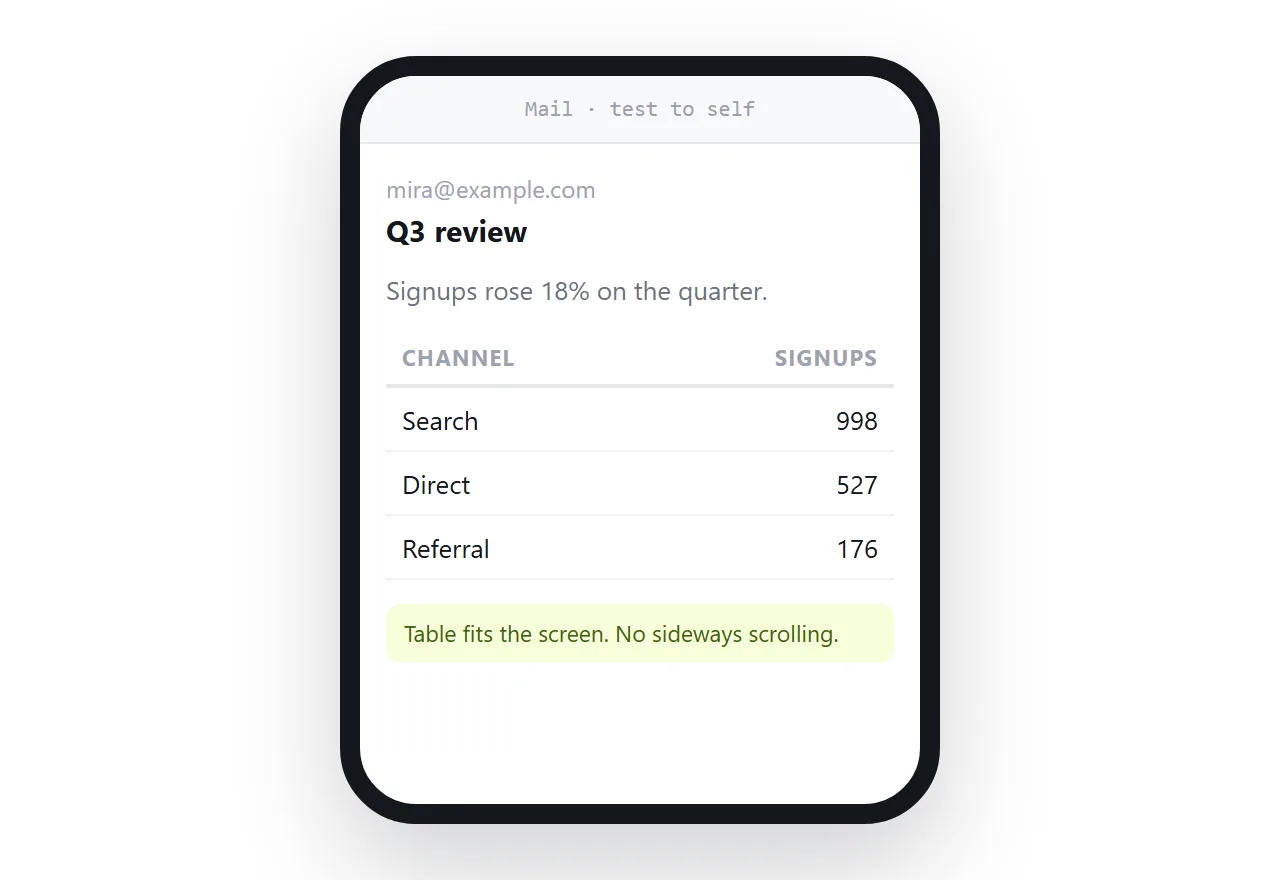
- Send yourself a test first. Read it on a phone, which is where most mail is read.
How to send html email gmail will not clip
Gmail cuts long messages and hides the rest behind a link that says the message was clipped. Most readers never open it, so anything below the cut is effectively unsent.
Two habits avoid the cut. Keep the message short, and put the long version at an address rather than in the body. A note that points somewhere is read more often than a document pretending to be a note.
That is the general shape of the answer here. A mail is a note. A page is a page. Trying to make the mail be the page is what produces clipped messages and broken layouts.
There is a second reason to keep it short. A message that fits one screen on a phone gets read on the spot. A long one gets marked unread and returned to on a laptop, or never.
Send a link when the content is a page
Paste the HTML into a NOS document. It renders exactly as written, dark theme, charts and scripts included, as a page of its own.
Then Share, Share link, Create link. The link is unlisted by default, so it opens for whoever holds it and is not listed anywhere.
Put one sentence of context in the mail and the address on its own line. The reader opens it in a browser, where the page looks the way you built it.
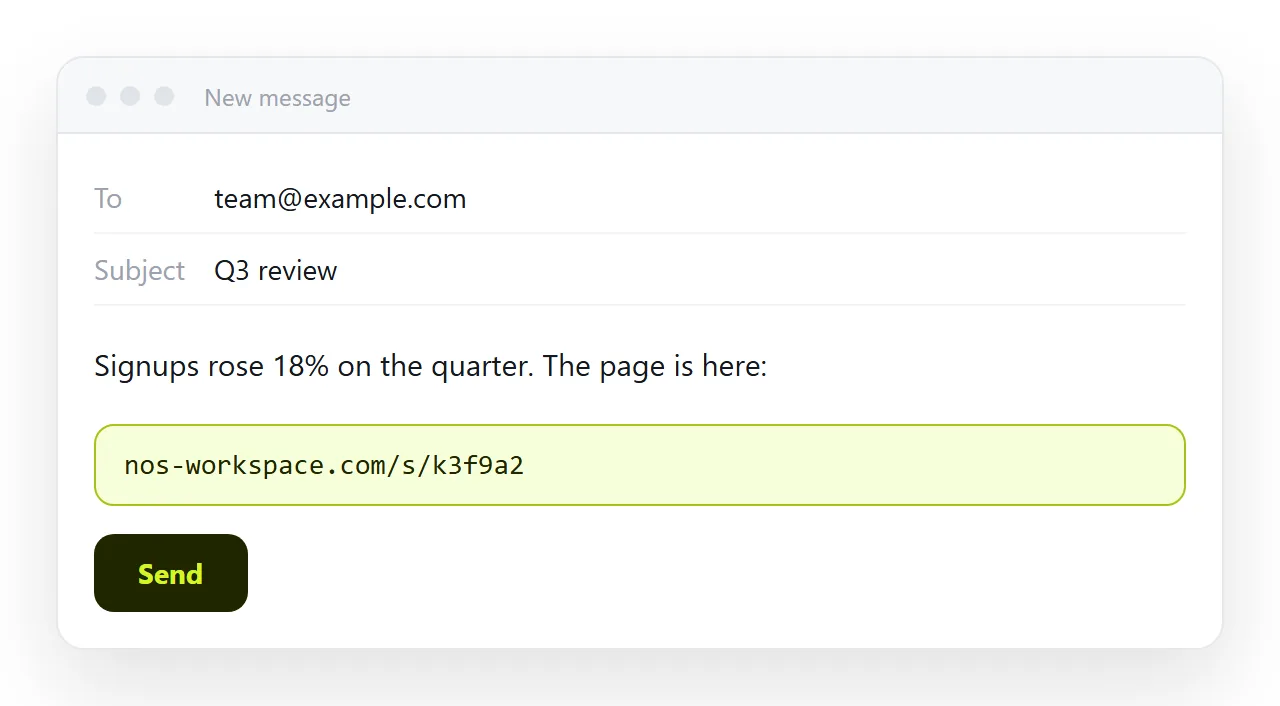
Corrections then happen on the page. The address does not move, so the link already in someone's inbox points at the current version, and there is no second mail.
What to do with charts and images
A chart drawn by script will not run in mail, so decide what the reader needs.
If they need to see it, put a still image of the chart in the body and link to the live page underneath. HTML to image produces the still from the page.
If they need to use it, sorting and filtering included, the body cannot help. The link is the only route that keeps the behaviour intact.
A still image plus a link covers both readers in one message. The person skimming on a phone sees the shape of the numbers, and the person who needs to dig has somewhere to go.
Images in the body should sit on full web addresses, not folder paths. A path that works on your disk resolves to nothing once the message has left.
Expect images to be hidden until the reader allows them. Many clients block remote pictures by default, so a message that carries its meaning only in images arrives blank for part of your audience.
Attachments, and why they are a poor third option
Attaching the HTML file is the route people try when the body version disappoints them. It is the weakest of the three, for reasons that have nothing to do with your page.
Mail gateways commonly strip HTML attachments, because a page with a form and a script matches the shape of a fake sign-in page. Sharing an HTML file by email covers what filters do and why.
If it does arrive, it opens in whatever claims the extension on that device, which on a phone is usually nothing.
And the copy is frozen. A correction means a second mail with a second attachment, after which the reader has to work out which of the two is current.
Choosing per message
- Short notice, no visuals. Write it in the body. Nothing to render.
- Formatted update with a table. Paste the rendered page into the body and keep it short.
- Report with figures that change. Link. The address stays current after edits.
- Dashboard or calculator. Link. Nothing interactive survives a mail body.
- Formal record for filing. PDF attached, with the link alongside for reference.
Email compared with a link for documents works through the same choice for longer documents, and sending an HTML file in Outlook covers the same ground on the other common client.