The question of how to send HTML file in Outlook has three answers, and they differ in what the reader ends up seeing: attach the file, put its content in the message body, or send a link to the page.
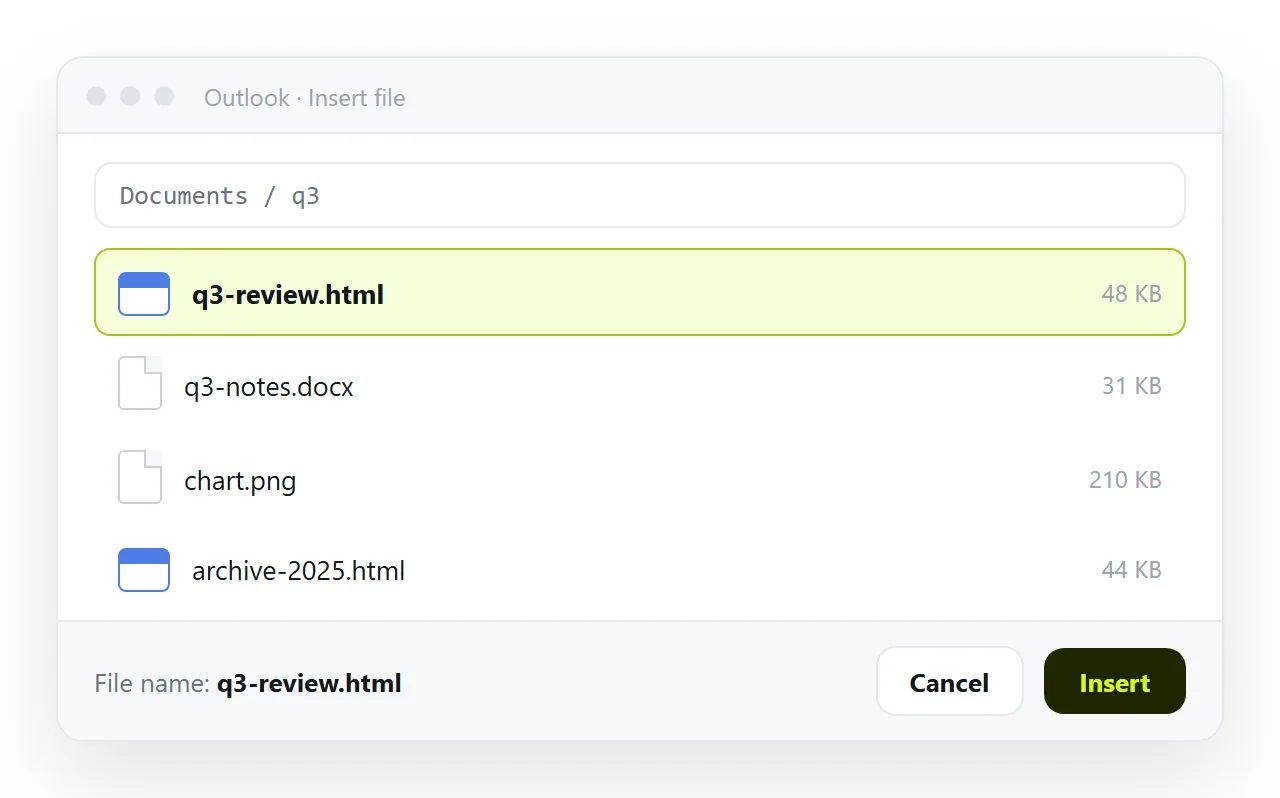
The attachment is the route most people reach for first. It is also the one most likely to be removed in transit, and the one least likely to open cleanly if it arrives.
The three routes side by side
| Route | Reader sees the page | Survives filters | Correctable later |
|---|---|---|---|
| Link to a served page | Yes, in the browser | Yes, it is plain text | Yes, edit the page |
| Content in the message body | A reduced version | Usually | No, the mail is sent |
| HTML file attached | Only after opening it | Often stripped | No, send a new file |
Read the last column. Reports and figures change, and only the first row lets you fix something without writing a second email.
Why attachments get removed
An HTML file with a form and a script is exactly the construction used for fake sign-in pages. Filters cannot inspect intent, so many gateways remove the attachment regardless of who sent it.
Even when it arrives, the file opens in whatever program claims the extension. On a work desktop that can be a code editor. On a phone, usually nothing at all.
And the copy is frozen. A correction means a second mail, after which two versions are circulating with no way for the reader to tell which is current. Sharing an HTML file by email covers the filter behaviour in more detail.
What happens when you put HTML in the body
Mail is not a browser. Message HTML is rendered by the mail client, and every client supports a narrower set of styling than a browser does.
Scripts never run. External stylesheets are unreliable. Modern layout properties are inconsistently supported, and the Windows desktop client renders message bodies with the Word engine rather than a browser engine.
What survives is plain structure: headings, paragraphs, tables, inline styling, images on full web addresses. What does not survive is anything interactive, which is most of what makes a page worth building.
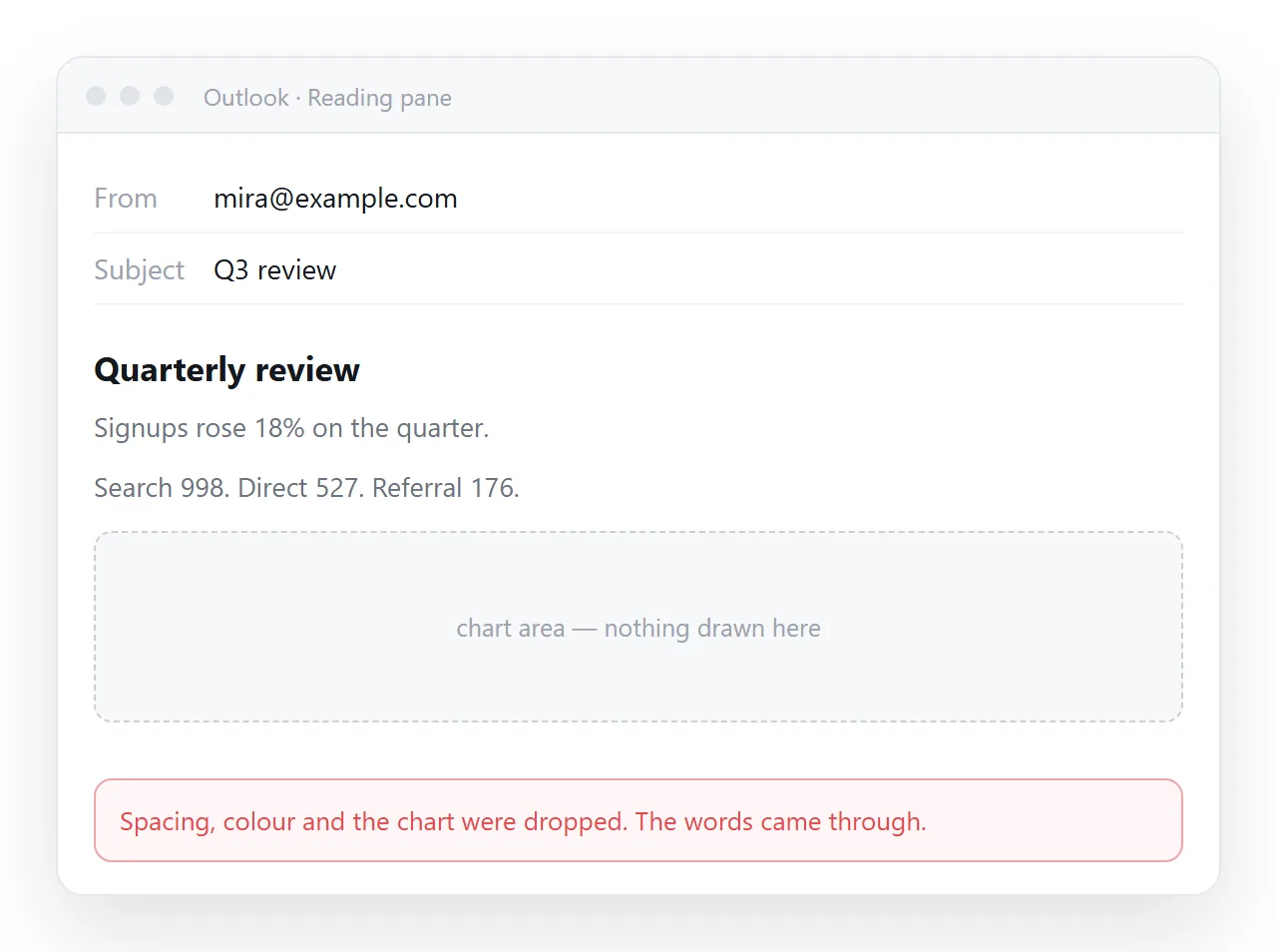
If the content is a short notice with a table, the body is fine. If it is a dashboard, the body will disappoint both of you.
How to send HTML file in Outlook as a link
- Paste the HTML into a NOS document. It renders exactly as written, dark theme, charts and scripts included, as a page of its own.
- Create the link. Share, then Share link, then Create link. Unlisted by default, so it opens for whoever holds it and is not listed anywhere.
- Write the mail around it. One sentence saying what the page is, then the address on its own line. That is enough.
- Correct the page afterwards. The address does not move, so the link in the sent mail points at the current version.
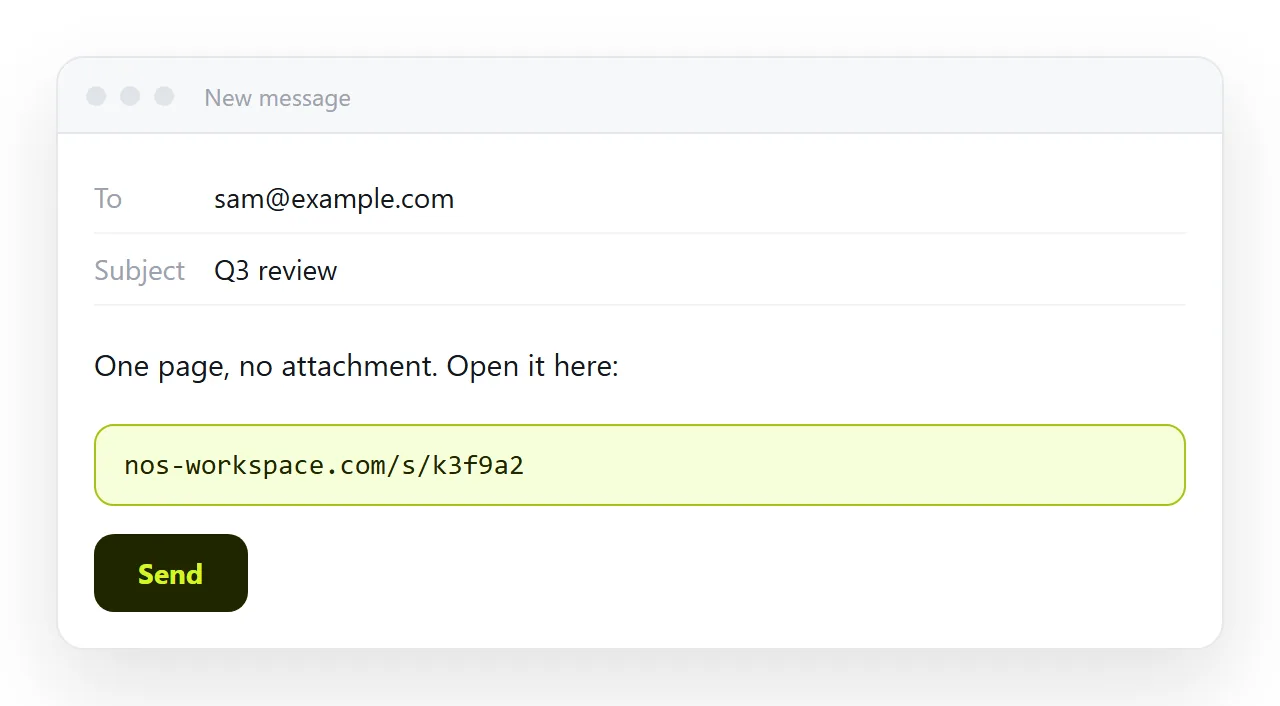
A link also passes the filter that quarantined the attachment, because it is one line of text. And it opens on a phone, which is where a large share of mail is read.
Sending both, when the recipient wants a file
Some recipients want a copy for their records, and that is a reasonable request.
Put the link in the body for reading, and attach a self-contained copy for keeping. Say in one line which is which, so nobody opens the wrong one.
Before attaching, check the file survives outside your folder. The HTML file opener has never seen your project, so whatever renders there is what a recipient gets. Self-contained HTML is the list of what to fold in.
If the attachment is stripped on the way, the link in the same message still works, and the reader never has to write back about a missing file.
Choosing per message
- A weekly report with figures. Link. The numbers change and the address does not.
- A one-paragraph notice. Body text. There is nothing to render.
- A signed record for a file system. PDF, attached. Freezing it is the point.
- A dashboard or a calculator. Link. Nothing interactive survives a mail body.
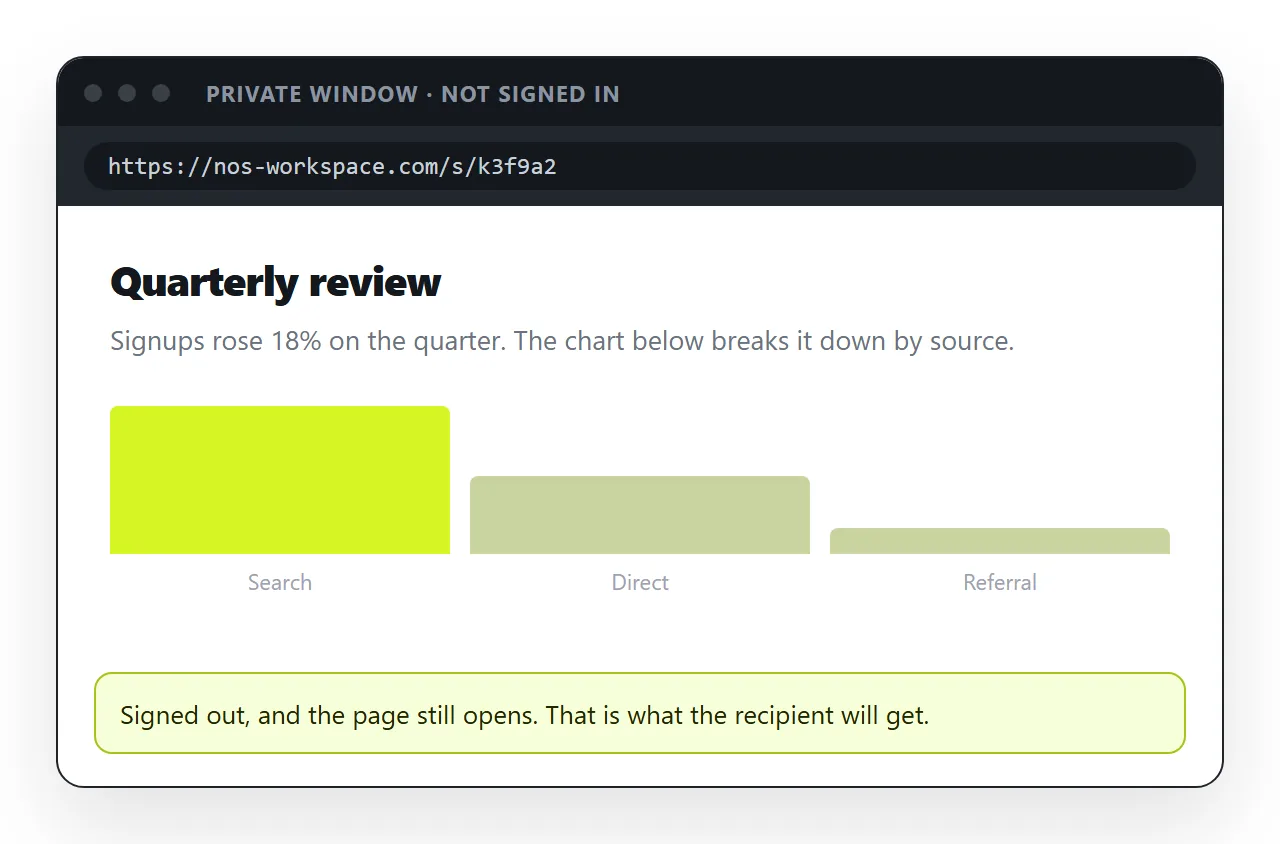
- A page for someone outside the company. Link, and check it opens in a private window first.
Email compared with a link for documents works through the same decision for longer documents.
One habit that removes most of the trouble
Treat the address as the deliverable and the mail as the note that points at it.
That inverts the usual pattern, where the mail carries the document and every revision produces another mail. With an address, the revision happens on the page and the mail history stays short.
It also gives you one version to answer questions about. When somebody asks whether the figures are current, the answer is that the link is the figures, rather than a search through three attachments to work out which one they opened.
The habit costs nothing to start. The next report you would have attached becomes a page with an address, and the mail around it gets shorter every week after that.