You can upload HTML to Notion, and it will not render. Notion imports an HTML file by converting the markup into Notion blocks, so you get the headings, paragraphs, lists, tables and links as native content. The design goes away.
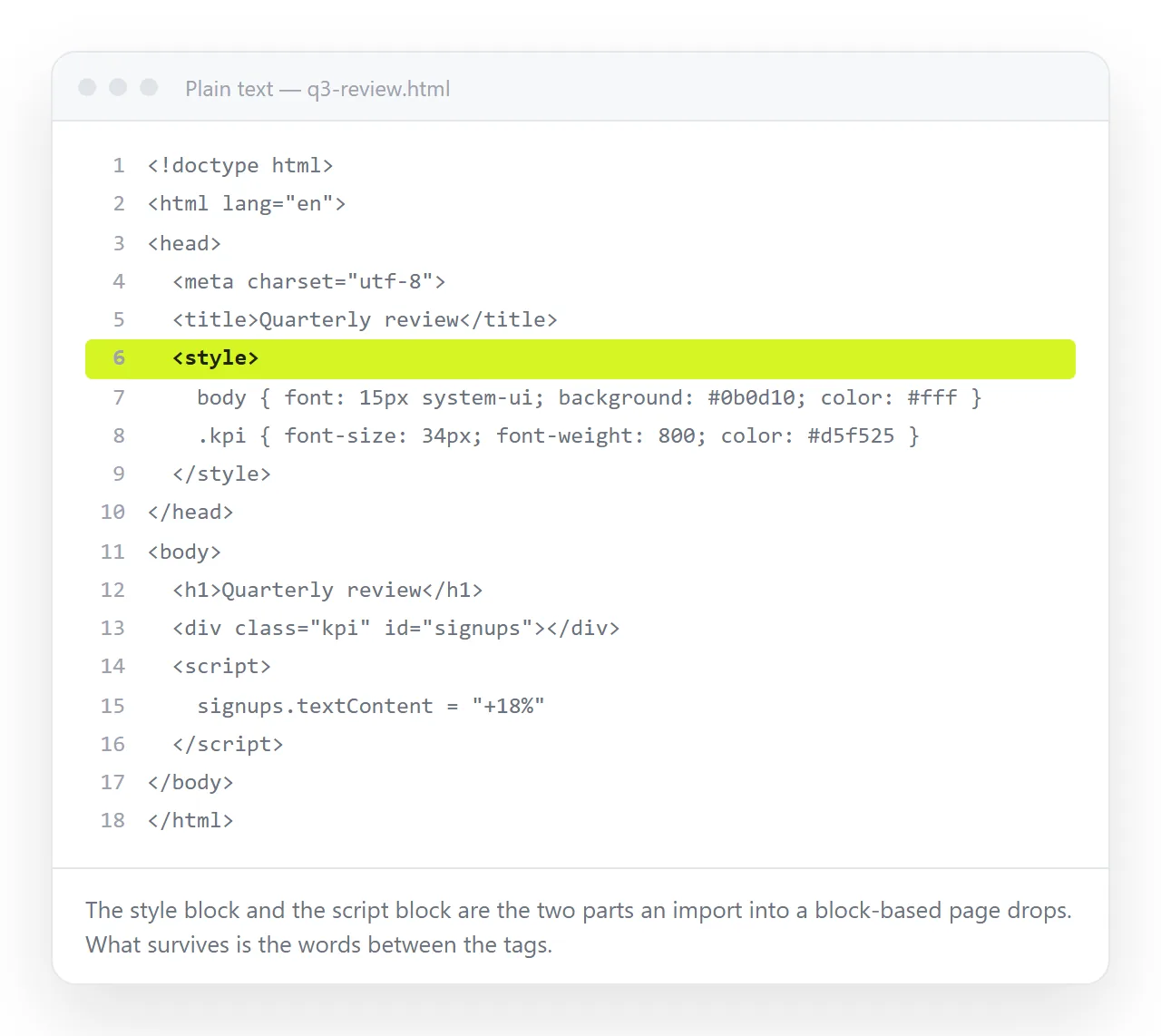
That is the right outcome when what you want is the writing. It is the wrong outcome when the page is a report with a chart, a styled one pager, or anything an assistant generated where the layout carries the meaning.
This guide sets out the three routes, what each keeps, and how to get a live page showing inside a Notion page.
What happens when you upload HTML to Notion
| Route | What Notion shows | Keeps styling | Keeps charts and scripts | Stays editable |
|---|---|---|---|---|
| Import the HTML file | Notion blocks | No | No | Yes, as Notion content |
| Attach the file | A download link | Not applicable | Not applicable | No |
| Paste into a code block | The source code | No | No | Yes, as text |
| Embed a link to the page | The live page | Yes | Yes | Yes, at the source |
Only the last row shows the reader the page you made.
Why a Notion page cannot render your markup
A Notion page is a list of blocks in a database, not a file of markup. When it draws a page, it renders those blocks with its own styling.
There is no stage at which your <style> rule or your <script> tag is handed to the browser as part of the page. So pasting markup in gives you text, and a code block gives you a display of the source.
This is a structural difference, not a missing feature. The same applies to most block based document tools.
When importing is right, and when it is not
Import the file if the value is in the words.
- Documentation exported from another tool
- A long article you want to keep editing in Notion
- Tables of plain data that should become Notion tables
- Anything headed for a wiki that other people will maintain
Check the result against the original afterwards. Nested tables, absolutely positioned elements and anything laid out with CSS grid have no block equivalent, so they come through flattened or in an unexpected order.
Keep the page as a page if any of these are true instead:
- It has a chart, a table that sorts, or tabs.
- The colours and spacing are part of the message, such as a client report.
- It came from an assistant as a finished design and regenerating it is expensive.
- It has to look identical to everyone, inside Notion or opened directly.
In those cases the page needs an address, and Notion needs to point at that address.
Giving the HTML an address, then embedding it
Paste the HTML into a NOS document. It renders exactly as written, dark theme, charts and scripts included, as a page of its own rather than as source code.
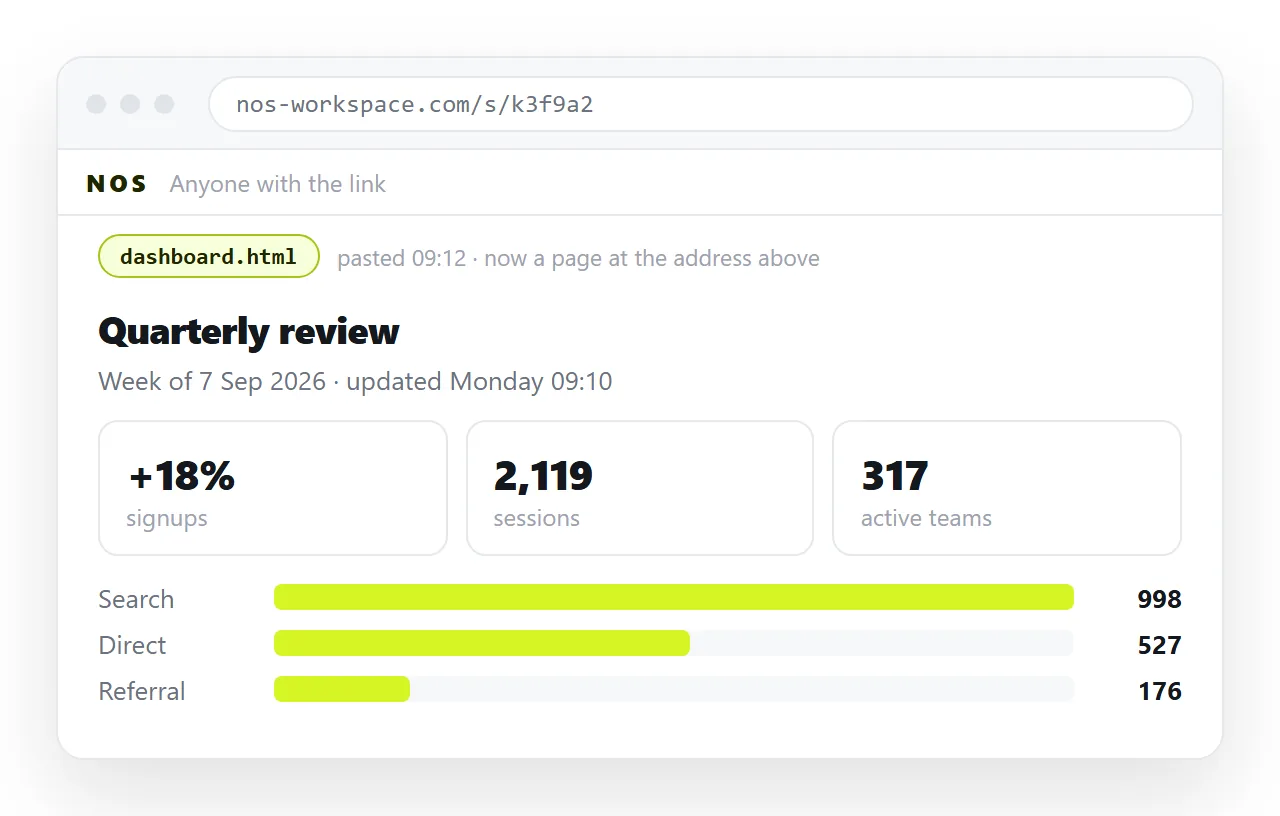
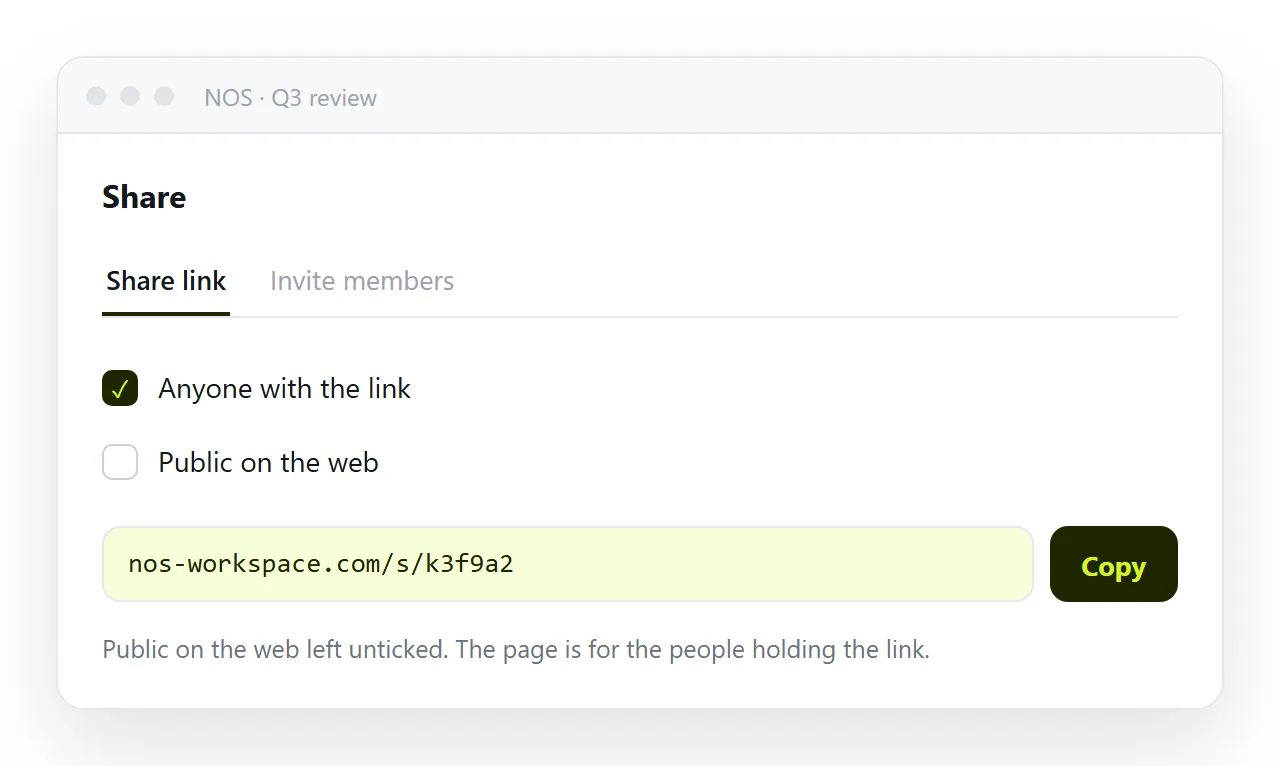
Then create the address: Share, then Share link, then Create link. The link is unlisted by default, so it opens for anyone holding it but is not listed anywhere or indexed.
Tick Public on the web only if search engines should find the page. For an internal wiki, leave it unticked.
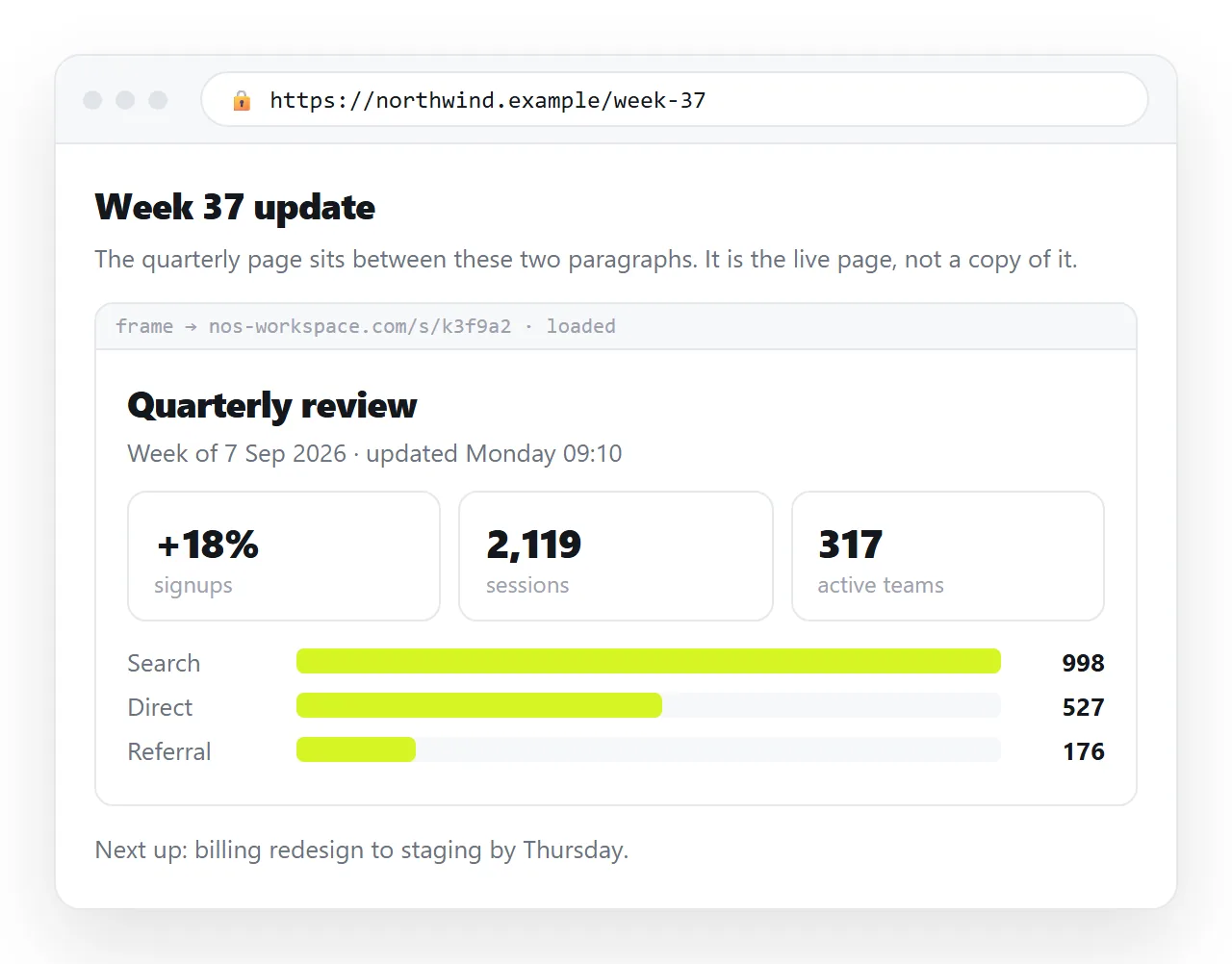
Add an embed block in Notion and give it that link. Notion loads the address in a frame, so the reader sees the page as written without leaving the Notion page.
Embedding HTML in Notion covers the frame behaviour and the cases where an embed refuses to load.
Editing after the embed exists
This is where the arrangement pays for itself. The embed points at an address, not at a copy.
Open the source document, click the text, and correct it. Nobody re-exports, nobody re-uploads, and nobody in Notion has to be told there is a new version. The next load shows the corrected page.
A static host does the first half of this. The address holds, but each correction means editing the file and uploading it again, so the unit of work is still a file.
Static host versus document sets the two patterns against each other.
One practical note on embeds. Give the block enough height. An embed defaults to a short frame, and a long page inside a short frame scrolls within the block, which readers rarely notice and rarely enjoy.
It is also worth keeping a one line summary in normal Notion blocks above the embed. Search inside Notion reads blocks, not the contents of a framed page, so a page that only exists as an embed is invisible to anyone searching the workspace.
Attaching the file is the option to avoid
Attaching the .html file to a Notion page looks like the direct answer and is the weakest one.
The reader gets a download. On a desktop it opens in whatever program claims .html, sometimes a code editor. On a phone it usually cannot be opened at all, because there is nowhere for it to go.
Every download is also frozen at the moment it was taken, so a correction means a new attachment and two versions in circulation.
Short version
| If you want | Do this |
|---|---|
| The text, editable in Notion | Import the HTML file |
| The page exactly as designed | Embed a link to it |
| Both | Embed the link, summarise in blocks above it |
| To show the code | A code block, on purpose |
Turning HTML into a link is the one step that unlocks the embed route, and the same link works in Slack, email and slides without any further work.