You cannot host HTML on Google Drive. Google retired Drive web hosting in 2016, so an uploaded .html file is stored as a file and shared as a file, never served as a page.
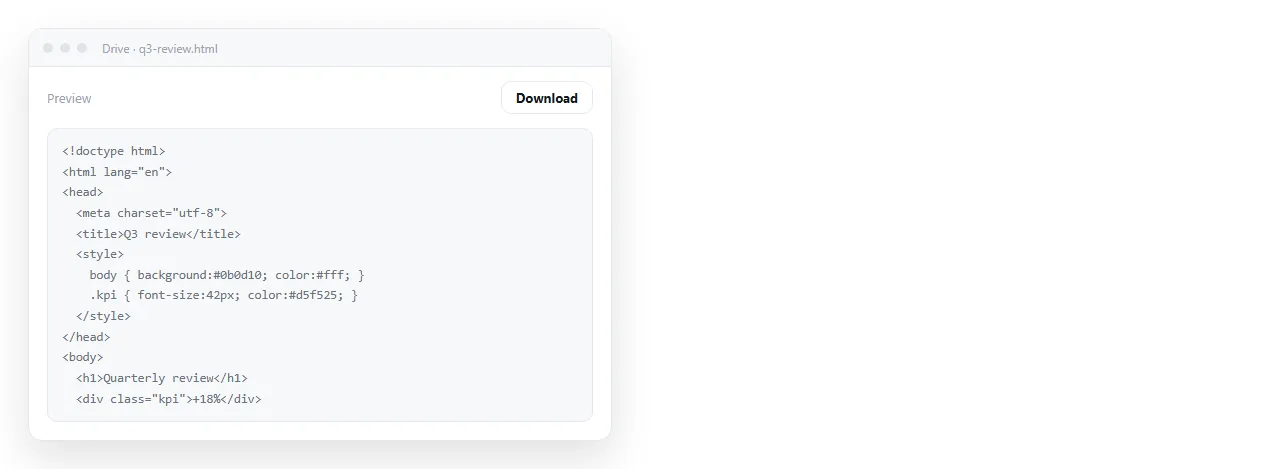
The feature people remember was real. A folder marked public could serve its contents as web content, and plenty of small sites lived that way. It was withdrawn, and nothing in Drive replaced it.
Can I host HTML on Google Drive: what happens when you try
Upload report.html, share it, and send the link. The recipient sees one of three things, none of them the page.
| What they get | Why |
|---|---|
| A preview pane showing markup | Drive displays the file, it does not serve it |
| A download prompt | The file is handed over as bytes to save |
| A permissions wall | The share setting did not cover them |
None of these is a configuration mistake you can correct. The file is being treated as a file, which is what Drive is for.
HTML files in Google Drive covers the viewer behaviour in detail, including why the preview sometimes renders enough to be misleading.
Why the preview sometimes looks like it worked
The confusing case is when the Drive preview shows something resembling the page. That happens with simple markup and no styling attached, and it is the viewer making a readable approximation rather than the page being served.
Two tests separate them. Open the link in a private window, where you are not signed in, and see whether it opens at all.
Then open it on a phone. A served page renders. A Drive file offers to download, or opens the Drive app, and the reader stops there.
The other trap is the sharing setting itself. A link that works for you works because you own the file, and Restricted is the default in many organisations.
Paste it into the HTML viewer first if you want to see the finished page.
What Google does offer
Google Sites builds sites, and includes an embed block that can hold HTML. The block runs inside a frame with its own constraints, and it does not publish an uploaded file at its own address. It is a builder, not a host for your file.
Firebase Hosting is the actual static hosting product in Google's stack. It serves a folder of files at an address, with a command line deploy and a build step. That works, and it is a project rather than a share.
Apps Script can serve a page, with quotas and an authorisation flow in front of it. It is a scripting product being used as a web server, and it is not a comfortable route for a one page report.
The routes that do work
| Route | Setup | Edits later | Fits |
|---|---|---|---|
| Paste into a document that renders HTML | One paste | Click the text and change it | A report, a one-pager |
| A static host | Account, deploy, build | Re-upload every time | A multi-page site |
| GitHub Pages | Repository, Pages setting | Commit and push | A site kept with code |
| Google Sites embed | Page, embed block | Edit the block | Content inside an existing site |
The first row is the shortest path from a file on your disk to a link someone can open.
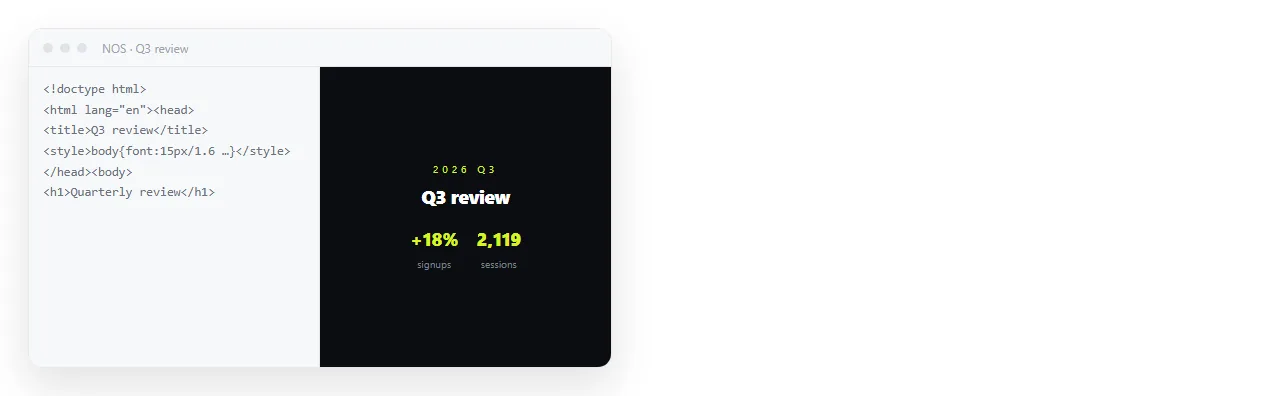
- Check the page survives outside its folder. Open it in the HTML file opener. If styling and images hold there, they will hold for the reader. If not, the page is reaching for neighbouring files and needs to be made self-contained first.
- Copy the complete HTML. Ctrl+U in a browser tab, or open the file in an editor.
- Paste it into a NOS document. It renders exactly as written, as a page of its own.
- Create the link. Share, then Share link, then Create link. Unlisted by default, so it works for whoever has it without being listed anywhere. Tick Public on the web only if you want search engines to find it.
Turning HTML into a link is this route, and static host versus document covers when the extra apparatus of a static host earns its place.
Keeping Drive in the picture
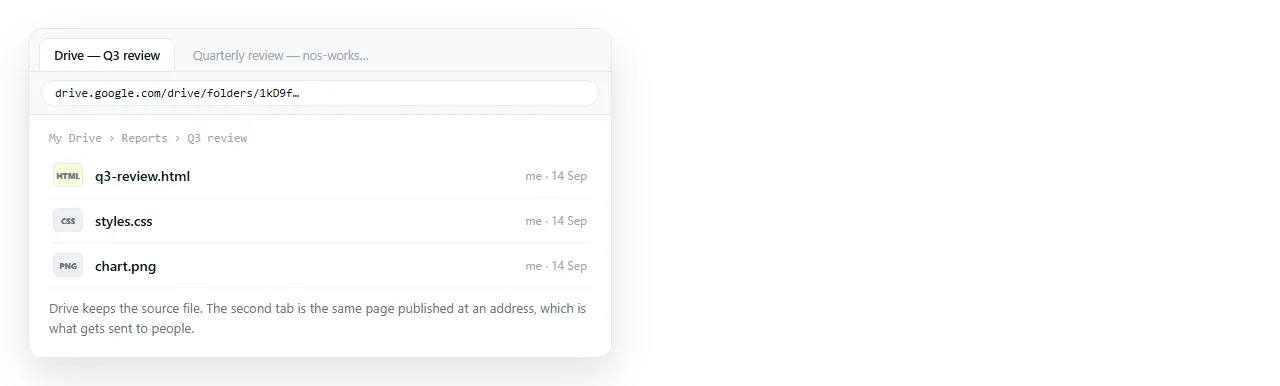
Drive is good at the thing it is for. Storage, version history, folder permissions, and a place your team already looks.
A workable split is to keep the source file in Drive and publish the page at an address. The file has a home with history, and the readers have a link that opens in one click on a phone.
What does not work is expecting Drive to do both jobs. A Drive link to an HTML file is a link to a file, and every reader has to do the rendering themselves, which on a phone means they cannot.
If you already sent a Drive link
Replace it rather than explaining it. Create the page link, send one short message with the new address, and leave the file in place for anyone who wants the source.
Do that once and the problem does not come back, because the address stays the same when the contents change.
A Drive link behaves differently. Upload a corrected copy and it is a new file with a new link, so the address people bookmarked points at the old version.
You can replace the contents of an existing Drive file to keep the link stable, and the reader still gets a download rather than a page, which was the original problem.
Hosting HTML on Vercel covers the static host version of the same fix, for the case where the page belongs to a project rather than to a person.