Where can I host HTML for free is really two questions. Free hosting is available from static hosts, code platforms and documents that render HTML, and the right answer depends on whether the page is finished.
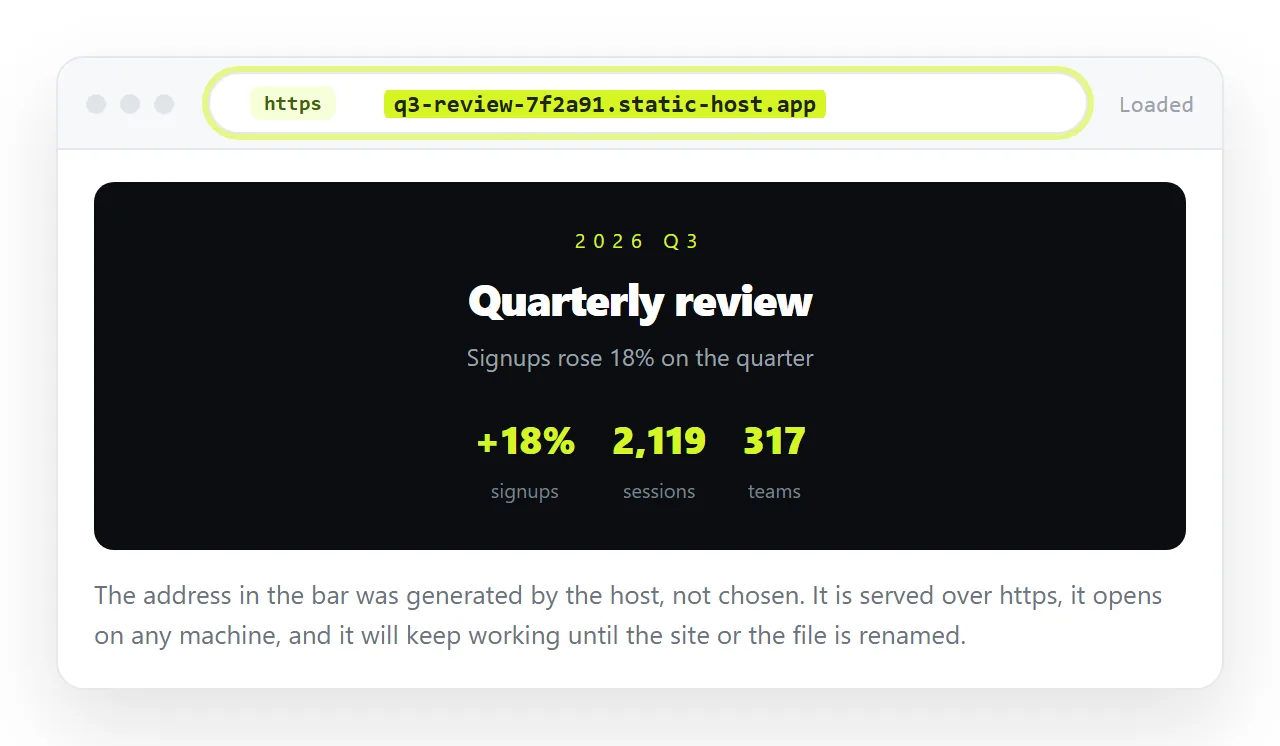
The money is not the interesting part. Every option below has a free tier that will serve a page. What separates them is the number of steps between spotting a typo and the reader seeing it fixed.
Where can I host HTML for free: the options
| Route | Free tier gives you | First publish | Fixing a typo |
|---|---|---|---|
| Document that renders HTML | Three documents | Paste | Click and type |
| Static host, drag and drop | A generated subdomain | Drag a folder | Re-upload the folder |
| Code platform pages | A project subdomain | Repo, commit, enable | Commit, push, wait |
| Cloud storage link | Storage, not serving | Upload | Replace the file |
The bottom row is listed to rule it out. Storage services show the markup in a preview or hand the file over as a download, because serving pages is not what they are for.
What you are actually buying with zero money
A page is hosted when a request for its address returns the file labelled as text/html over a secure connection. All the free tiers above do that, which is the important part.
- Served as a page. The reader clicks once and sees the page, not a download prompt and not the source.
- A secure connection by default. No browser warning, and no requests blocked for being insecure.
- An address that holds. As long as you do not rename the site or the file.
- No install. Nothing on the reader's machine has to change.
What free tiers generally do not give you is a memorable address. You get a generated subdomain, which is fine for a report and less good for a landing page.
The check to run before choosing anything
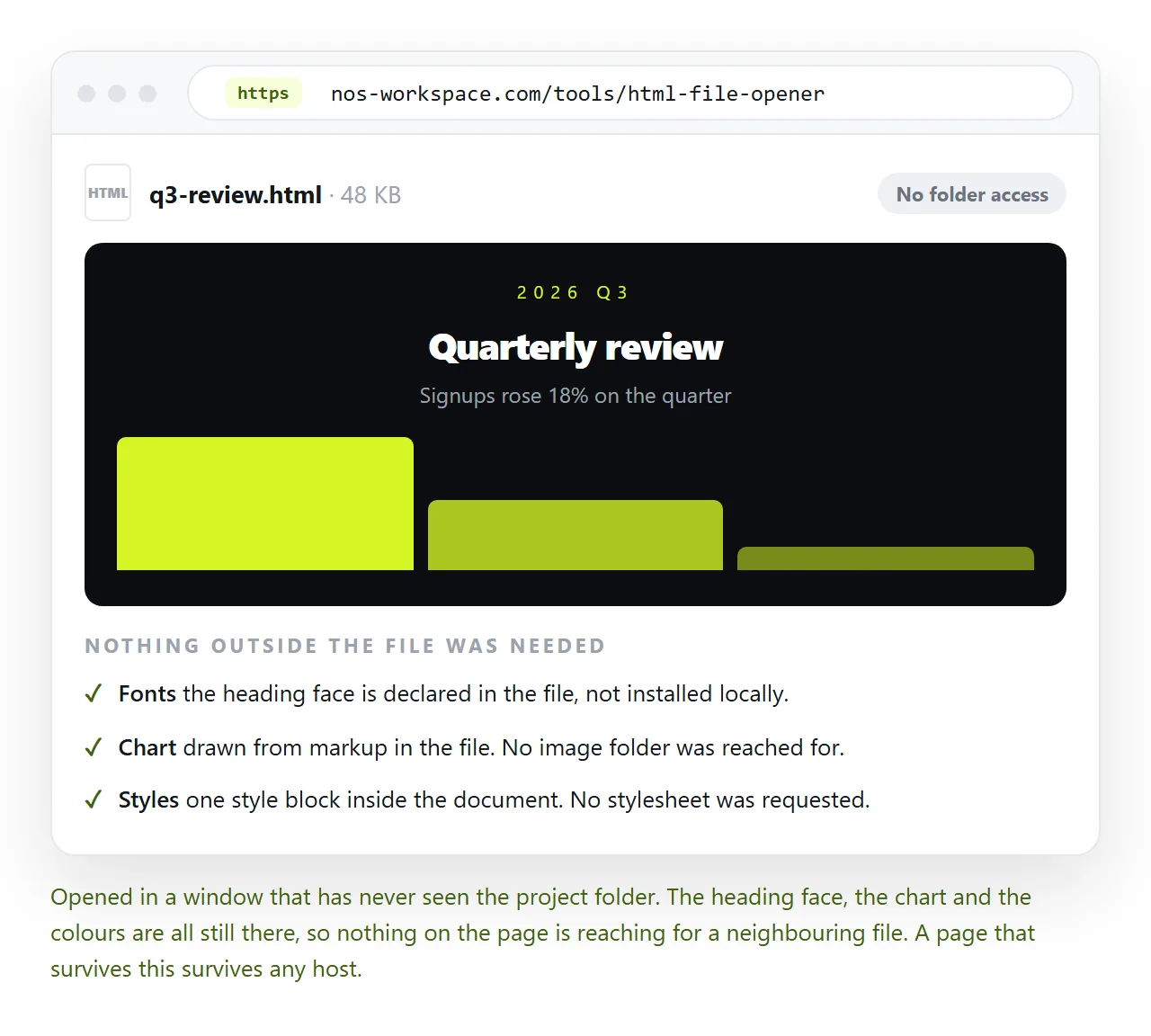
Half the "free hosting is broken" complaints are a page that was never self-contained.
Open the file in the HTML file opener, which has never seen your project folder. If the fonts, images and charts survive there, they will survive on any host.
If they do not, the page is reaching for files that sat beside it on your machine. Self-contained HTML covers folding them in, and it is worth doing before you pick a host rather than after.
Static host free tiers
These accept a folder and serve it. The model is simple and it holds up well for finished pages.
You name the entry file index.html, drag the folder that directly contains it, and the host returns an address. Netlify and Cloudflare Pages both work this way.
The two recurring failures are structural. Dragging the parent folder puts the page one level below the root, and filename case has to match exactly because the server does not guess.
The real cost is the loop. A static host stores files, so a one-word correction means editing locally and uploading the folder again.
The document route
Paste the HTML into a NOS document. It renders as written, dark theme, charts and scripts included, as a page of its own. Then Share, Share link, Create link.
The link is unlisted by default, meaning it opens for whoever holds it and is listed nowhere. Public on the web is a tick you make on purpose, not a default.
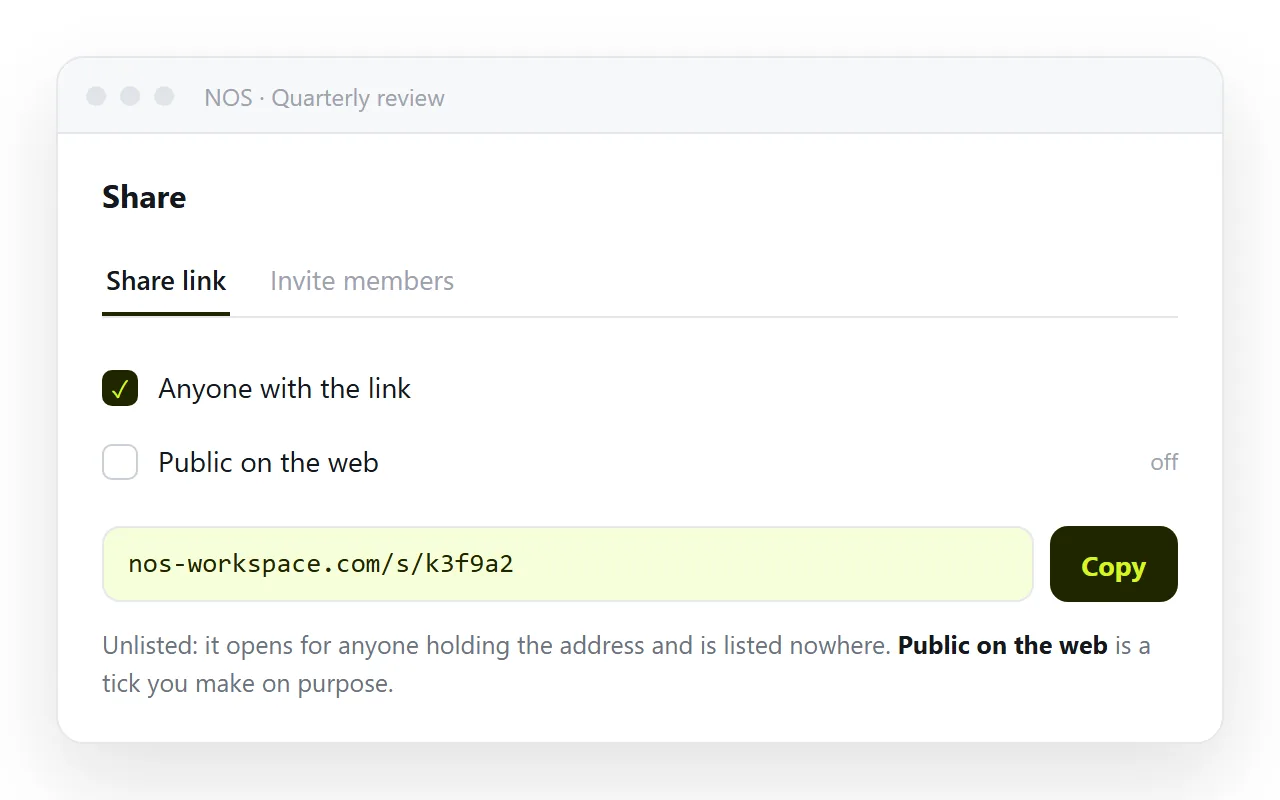
Editing the page does not change its address, so a link sent last month still resolves to this month's version. The words stay clickable, so a wrong figure is corrected by typing over it rather than by editing markup.
The free plan covers three documents. Static host versus document compares the two models properly.
Choosing between them
- Static host when the page is finished, public, and possibly needs a custom domain later.
- Static host when the page is part of a build that a pipeline produces.
- Document when the page is one report or one summary and the readers are named people.
- Document when the content has corrections ahead of it, or when it came out of an AI chat and the wording still needs work.
Neither is a compromise. They answer different questions, and the question is not "which is cheaper" but "how many times will this page change after the link is sent".
Before you send the link
A short pass that catches most of the "it looks broken" replies.
- Open the live address in a browser that has never opened the file locally.
- Narrow the window or use a phone. Without a viewport line the page is unreadable on small screens.
- Confirm the page has a title, since that is what the browser tab and any preview card show.
- Decide whether anything on the page is private. An unlisted link can be forwarded, and a page on a public host can be found.
Free hosting is not scarce. What is scarce is a route where the second version costs as little as the first.
That is the figure to compare. Count the steps between noticing a mistake and the reader seeing it corrected.
On a static host that count is three or four. In a document it is one. Pick accordingly.