Free static html hosting serves your files exactly as you uploaded them, with no code running on the server. Every strength and every limit of this model follows from that one sentence.
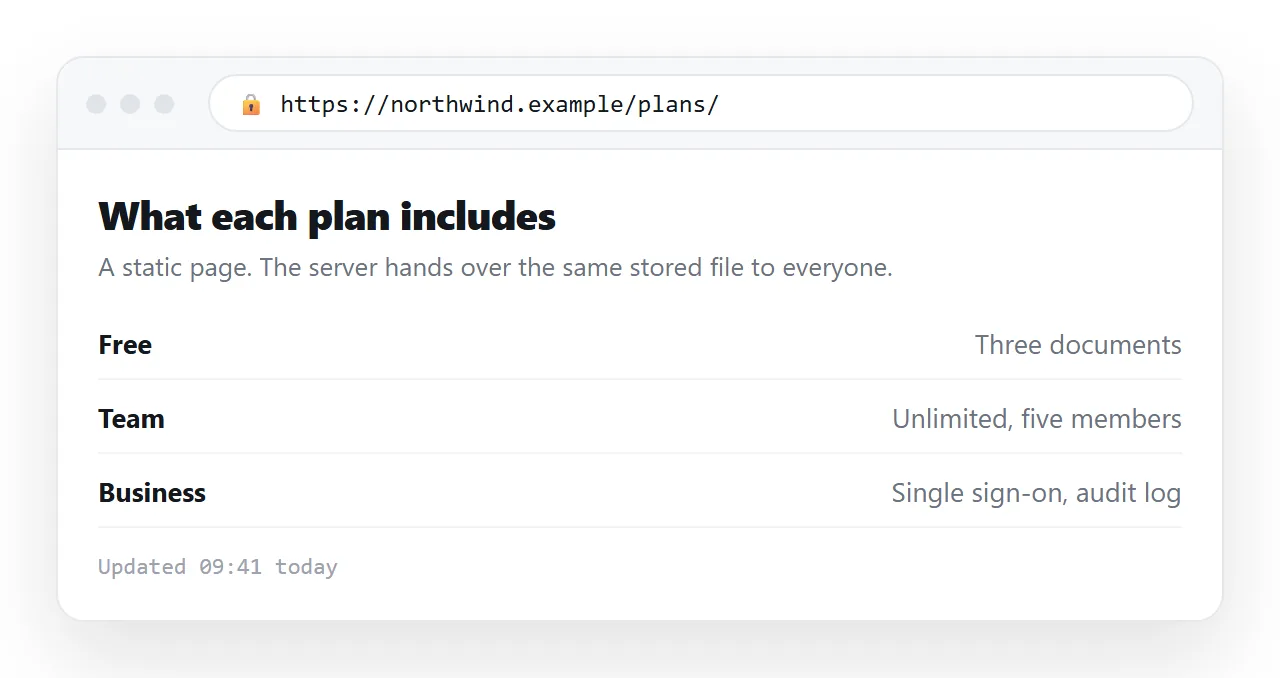
For a report, a landing page, a documentation set or a chart that draws itself in the browser, that is enough. For anything that has to remember something between visitors, it is not.
What free static html hosting can and cannot do
| Works | Does not work |
|---|---|
| HTML, CSS, images, fonts | Server-side languages |
| JavaScript charts and filtering | A database behind the page |
| Multiple pages linked together | Logins and per-user content |
| Downloadable files | Receiving a form submission |
| Custom domain and HTTPS | Changing the page without a re-upload |
The right column is not a list of failures. It is the trade you accept in exchange for a host that is fast, cheap and hard to break.
Static does not mean the page sits still
This is the point people get wrong. A static page can be interactive. What is static is the delivery, not the behaviour.
A chart that renders from data in the file, a table you can sort, tabs, a dark theme toggle: all of these are JavaScript running in the reader's browser, and none of them require the server to do anything.
So the question to ask is not "does my page move" but "does my page need the server to think". What a static page is covers that distinction on its own.
The limits that actually bite
Forms. The markup renders, but nothing receives the submission. You need an endpoint somewhere else, and that is a separate decision from hosting.
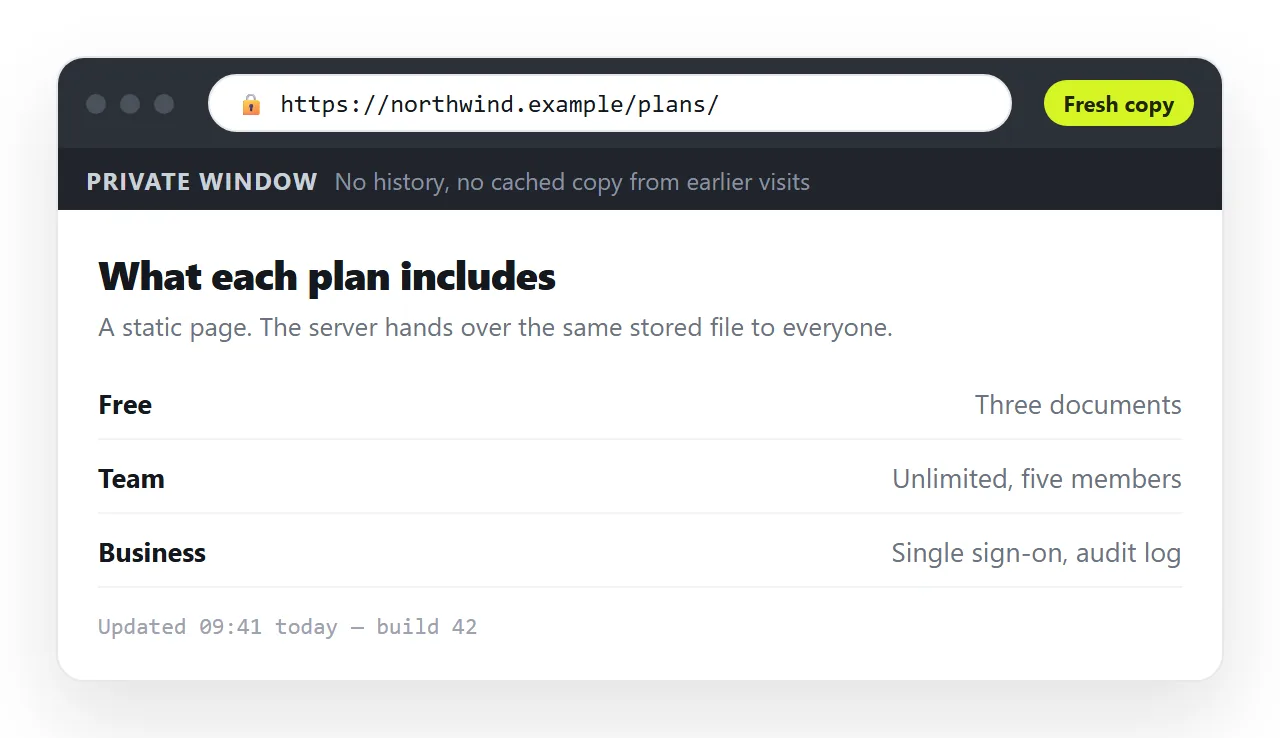
Caching. Files are cached hard, both in the network in front of the host and in your own browser. After an upload, check the address in a private window before deciding the deploy failed.
Filename case. Servers match names exactly. Report.css linked as report.css works on a Windows desktop and returns a 404 once hosted.
Visibility. A page on a static host is readable by anyone who reaches the address. There is no default for "these five people only".
Getting the folder ready
Two steps, and skipping either causes most first-deploy failures.
- Open the file in the HTML file opener, which has never seen your project. Missing fonts or images there mean the page borrows from its neighbours, and self-contained HTML covers folding them in.
- Name the entry file
index.htmland drag the folder that directly contains it, not its parent and not an archive of it.
Hosting on Cloudflare and hosting on GitHub Pages walk through the same two steps on specific providers.
When a static host is the wrong shape
The unit of work on a static host is the file. That is fine when the file is finished and wrong when it is not.
Consider a client report. It goes out, someone finds a figure that needs correcting, and now the fix requires opening the source, editing markup, rebuilding the folder and uploading it again. Meanwhile the client has a link that shows the wrong number.
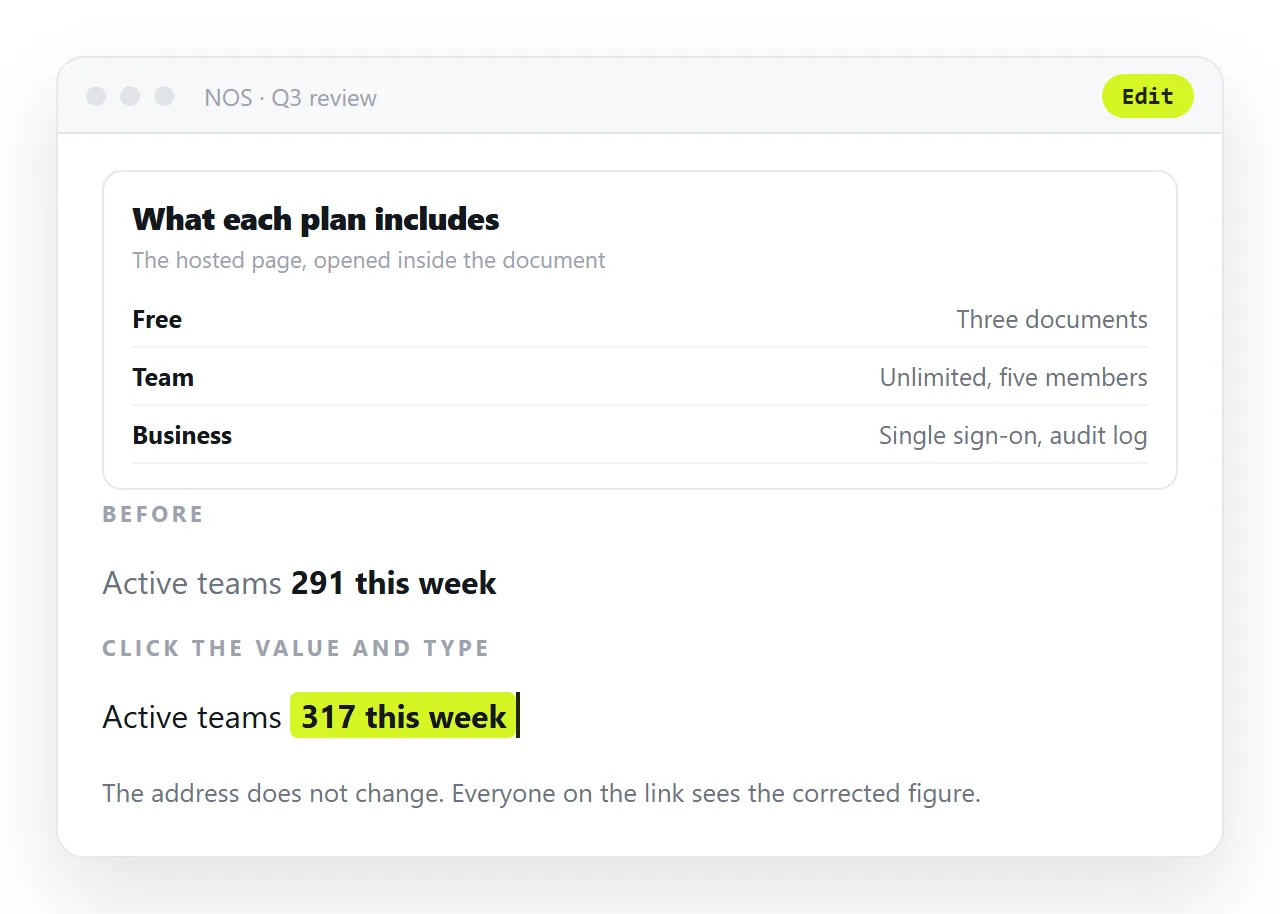
The alternative is a document that renders the pasted HTML at its own address. Paste the HTML, then Share, Share link, Create link.
The link is unlisted by default, so it opens for whoever holds it and is listed nowhere. Public on the web is a deliberate tick if you want the page indexed.
Editing the page does not change the address, and the words stay clickable, so the correction is typing rather than redeploying. The free plan covers three documents.
Choosing between them
- Static host for a site with several pages, a custom domain, or a build step producing it.
- Static host when the audience is the open web and the content is settled.
- Document for a single page going to named people, especially a report with figures in it.
- Document when the HTML came from an AI chat and the wording still needs work.
Neither choice is permanent. A page can start in a document while it is being agreed and move to a host once it stops changing.
The question worth asking up front is how many more versions this page has left in it. Static hosting charges you nothing for the first and the same amount again for every one after that.
Checks to run on the live address
Uploading is not publishing. The page is published when someone other than you has loaded it and seen what you intended.
- Open the address in a private window, so neither your cache nor your local copy of the file is involved.
- Watch the network panel for failed requests. A single 404 on a stylesheet explains an entire page of broken layout.
- Narrow the window to phone width and read the page again.
- Check that the browser tab shows a real title rather than the address.
- Click every internal link on the page, since relative paths that worked in a folder can break once the folder becomes a site root.
That pass takes a couple of minutes and removes nearly all of the replies that say the page looks wrong. It is also the only way to be sure the version at the address is the version you meant to upload.