Whether to send a link instead of an attachment is decided by what an email body can render, which is a deliberately small subset of HTML: no scripts, little layout, a handful of styles, and fonts the reader already has.
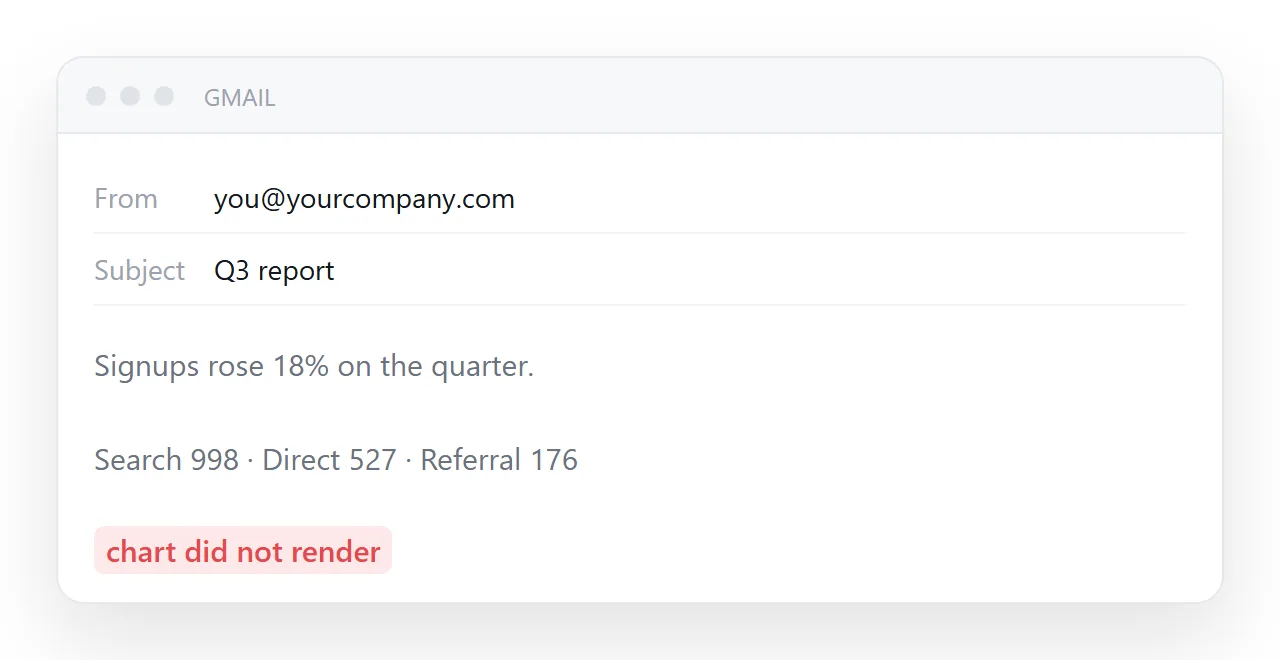
Three ways get a document into an inbox, pasting it into the body, attaching it, or linking to it, and the middle one is the worst. The choice between the other two depends on how much of your page survives the paste.
This guide covers what survives, the combination that works, the details that make the link get clicked, and the four steps.
Three ways to get a document into somebody's inbox: paste it into the body, attach it, or link to it. The middle one is the worst. The choice is between the other two, and it depends on how much of your page survives an email client.
Before you send a link instead of an attachment: what survives the body
| Feature | In an email |
|---|---|
| Basic text formatting | Works |
| Tables for layout | Works — still the reliable technique |
| Inline styles | Works |
A <style> block |
Unreliable; stripped by some clients |
| CSS grid and flexbox | Unreliable |
| Images with absolute addresses | Works, often blocked until the reader allows them |
| Web fonts | Rarely |
<script> |
Removed, always |
| Forms | Removed or non-functional |
| Dark mode handling | Partial and inconsistent |
That is why marketing email is still built from nested tables and inline styles — a technique otherwise abandoned two decades ago. It is not nostalgia; it is the only reliable intersection.
Which means
Paste into the body when the content is text, a simple list, and possibly one table. A short status note, three bullet points, a set of figures.
Link when the content has layout, charts, tabs, sorting, a calculator, or anything interactive — because none of that survives.
The combination that works
Do both, in the right proportion:
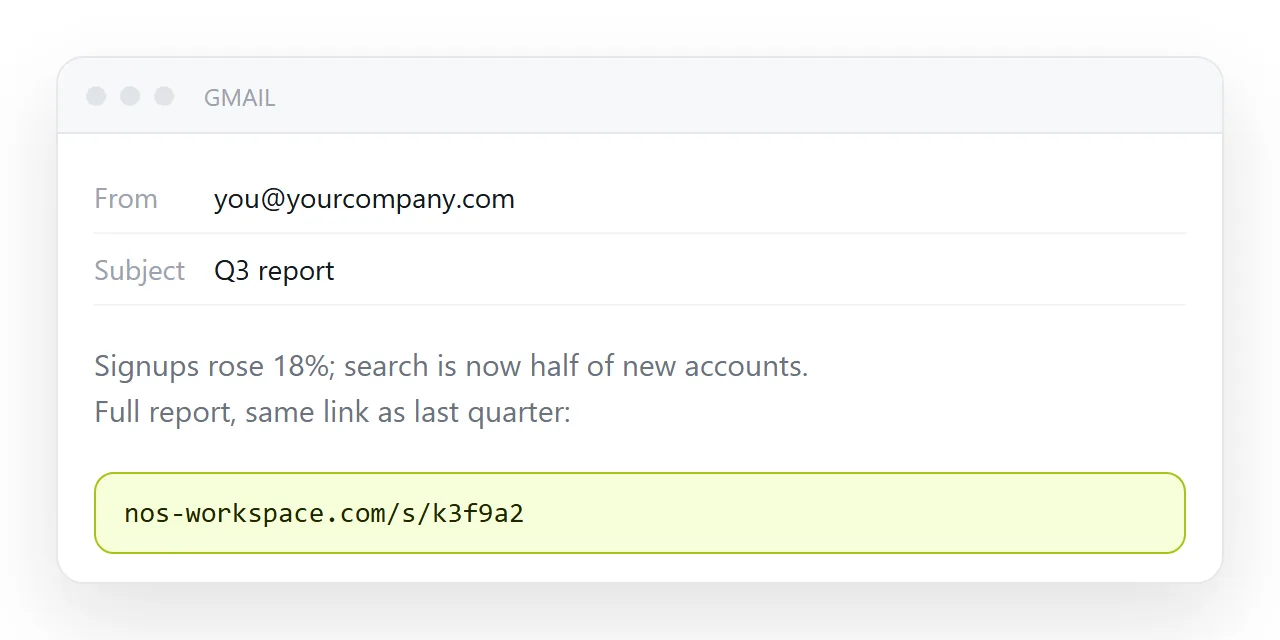
Subject: Weekly numbers — signups up 12%

Signups were 1,284 last week, up 12% on the week before. Search
accounts for 998 of those. Support response time slipped to 2.1
hours, which is the one thing worth discussing on Thursday.

Full breakdown: https://example.com/weekly/2026-w37
The message carries the conclusion. The page carries the detail. A reader who only reads the email has still got the point, and a reader who needs the numbers has one click.
This is strictly better than "please find the report attached", which asks the reader to do work before learning anything.
Details that make the link get clicked
Say what it is. "Full breakdown" beats a bare address, which reads as suspicious.
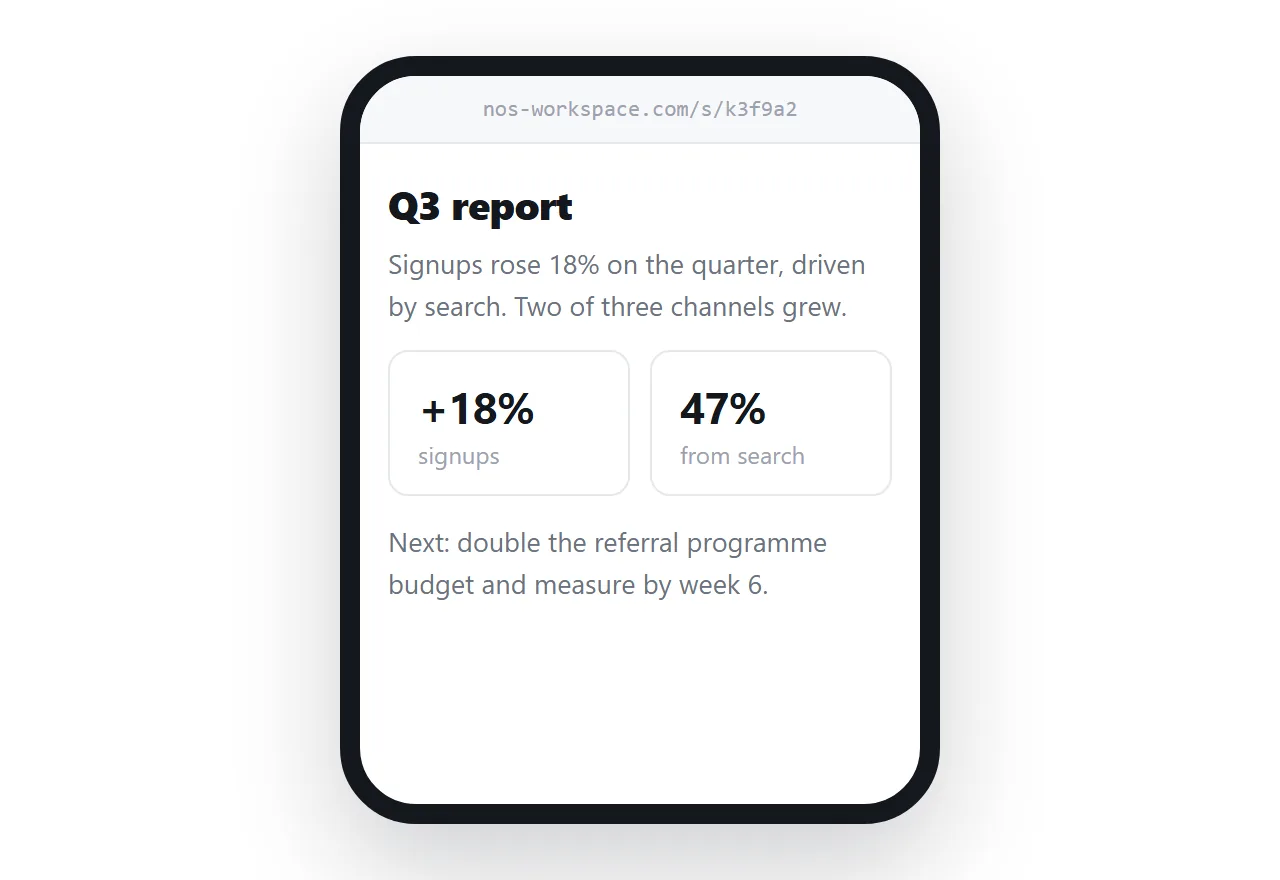
Use the same address each week. A link the recipient has opened before is one they open again without deciding. Which is another reason for a stable address rather than a new file each time.
Give the page Open Graph tags. Many mail clients now render a preview card, and it is what the recipient sees when they forward the message internally.
If images matter in the body
Most clients block remote images until the reader permits them, so an email whose meaning depends on an image shows nothing meaningful on first open.
Write the alt text properly — it is what displays in the blocked state — and never put a number only in an image.
Why not just attach it
Three separate failures, any one of which stops the document being read: attachment filtering, phones not opening HTML files, and every copy being frozen at the moment you sent it.
A link has none of them. It passes filters because it is text, opens on a phone, and points at the corrected version after you fix something.
Replies, and where they should land
A reply to the email quotes the three lines, which is fine for a conversation about the numbers. A correction should land on the page, not in the thread, so that the next person who opens the link sees it.
Put one line in the email saying where corrections go, "reply here, or fix it on the page", and the thread stops being the place where the true numbers live.
The short version
Conclusion in the email, detail on the page, same address every time.
In NOS the page keeps its address while the content changes, so the link in this week's email is the same link as last week's — and the one you sent in March still shows the current document.
Images in the body, if you must
An image in an email body arrives if it is at a public address and the reader's client shows remote images, which many do not by default. Embedded images make the message large and are sometimes stripped.
A chart that matters belongs on the page, with its numbers as text in the three lines of the email, so the reader who never loads images still has the figures.
Newsletters and recurring sends
For anything sent on a schedule, the three-lines-and-a-link shape is also the one that keeps the email short enough to read on a phone and the archive in one place. The page at the address becomes the archive; the emails are the notifications. A reader who joins in month six reads the page, not six months of emails.
Sending the document by email, properly: 4 steps
- Put the headline in the subject and three lines in the body. A number in each line, with its base. This is the part that survives every mail client, and for most readers it is enough.
- Put everything else at an address. Paste the page into a NOS document. Share, then Share link, then Create link. Turning HTML into a link is this step.
- Write the link out, with one line saying what it is. The address itself, not "click here", and "full page, same link as every week".
- Use the same address every time. A link the reader has opened before is one they open again without thinking, and a mail filter that passed it last week passes it this week.