Sharing without login means the recipient opens what you sent without an account, an invitation, or a permission check that can fail.
It matters because the sign-in wall is where sharing quietly stops working, and you usually find out by being chased.
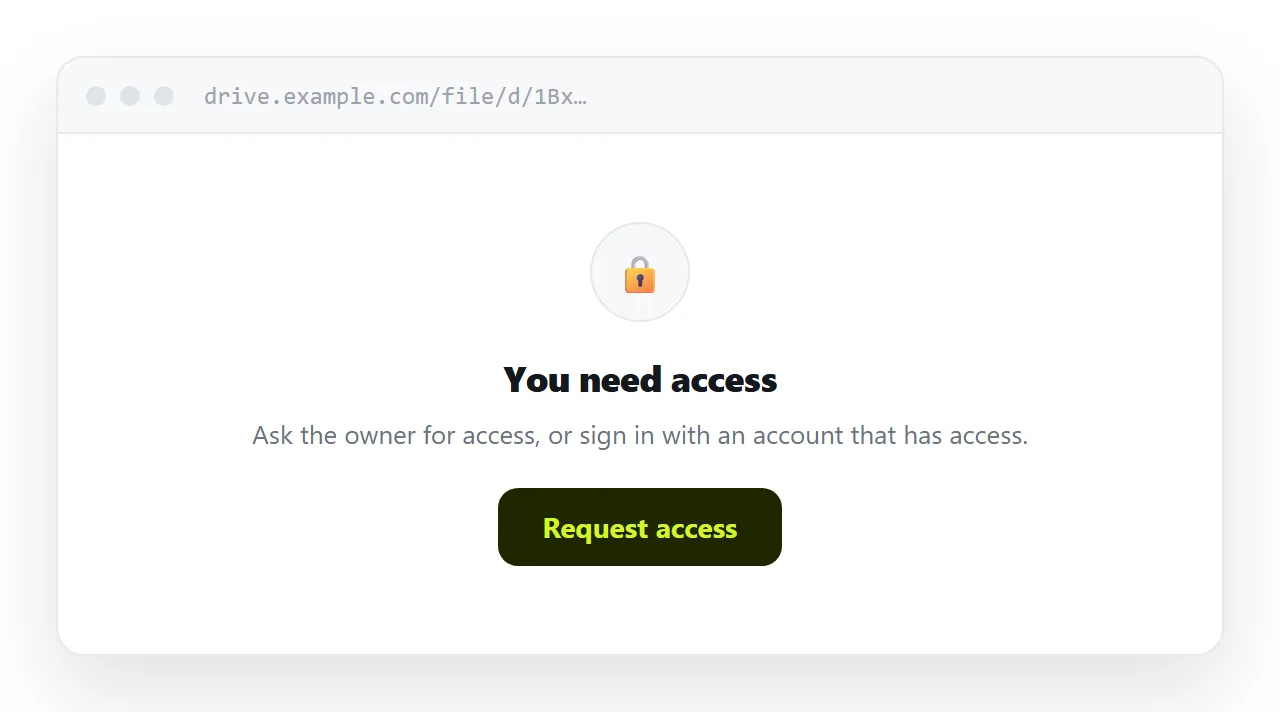
This guide covers why the wall appears, what each sharing setting does to the reader, what a page changes, and what you give up in exchange.
Why the wall appears
A shared link from a drive or a workspace carries permissions. The address is the same for everyone; what differs is whether the account opening it is on the list.
| Setting | Who opens it | What an outsider sees |
|---|---|---|
| Specific people | Only those accounts | Request access |
| Your organisation | Anyone on your domain | Request access |
| Anyone with the link | Anyone | The service's viewer, often a sign-in prompt |
Most failures are the middle row. You share internally, it works for everyone you tested with, and the first external recipient hits a wall. The request then lands in your inbox, often out of hours, and the reader waits.
What "anyone with the link" still costs
Opening it up removes the wall and leaves two things.
The reader lands in that service's interface rather than in front of your content. On a phone that is a toolbar, a comment rail, and frequently a prompt to sign in or install an app, all competing with the words they came for.
And the access travels. Whoever receives the link onward has whatever you granted, and you have no practical way to know who holds it. If you granted edit access, they have that too.
What a page does differently
A page has no permission list, so there is nothing to fail.
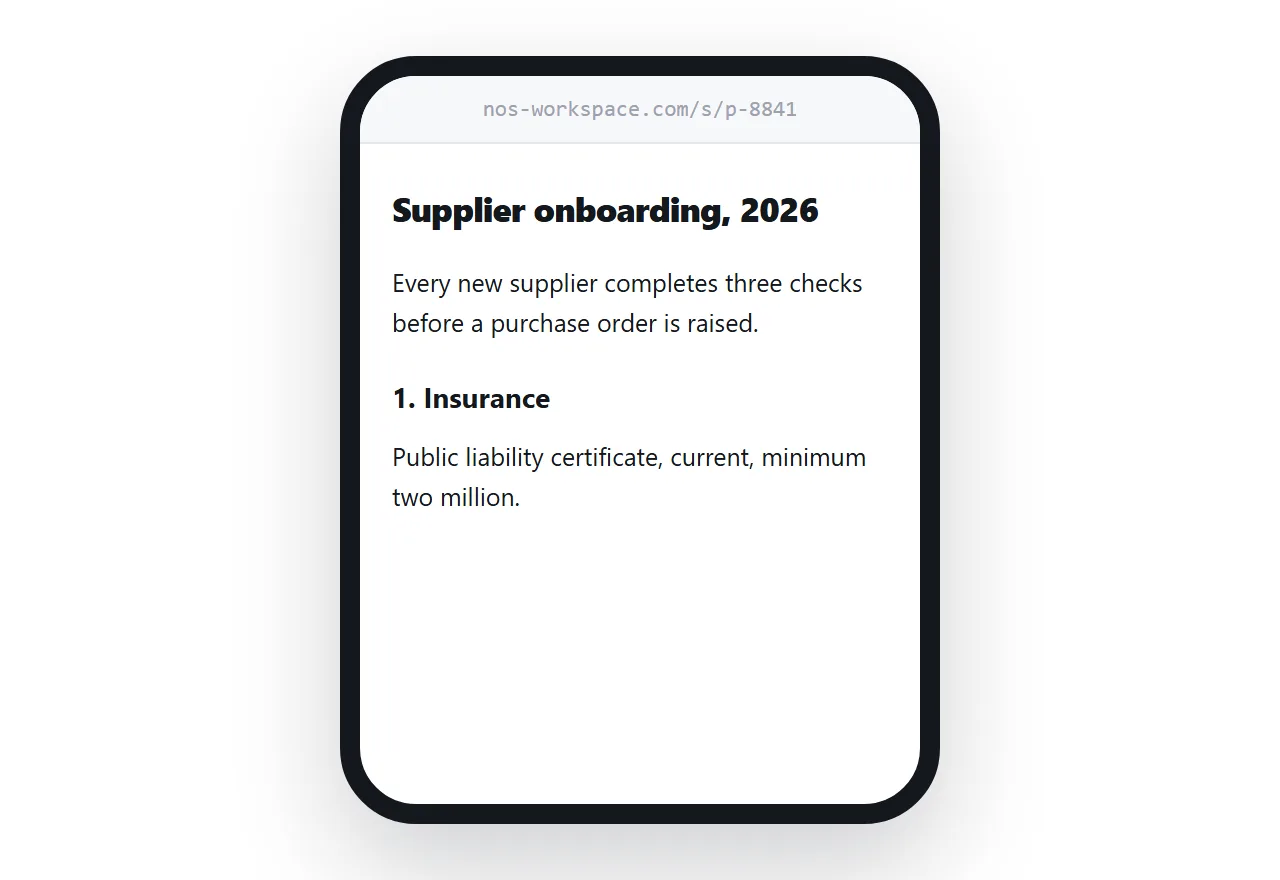
It opens in whatever browser the recipient has, on whatever device they are holding, with no account step and nothing to install. For a client, a candidate, a supplier or a committee member, that is the difference between reading your document and emailing you about a link that did not work.
Keep the working file where the work happens. Collaboration, comments and revision history are real features and a page has none of them. Publish a page for the people who are reading rather than editing, which is most of the people you send things to.
What you give up
Be clear about this rather than discovering it later.
Access control. An unguessable address is a deterrent, not a permission system. Anyone with it can open it and forward it. There is no revocation short of moving the page.
Knowing who read it. A page can report that it was opened. It cannot say by whom, because nobody identified themselves. If you need to prove who saw what, you need accounts.
Editing. Nobody can comment, suggest, or co-author. That is the point when the recipient is reading, and a real loss when they are not.
So the decision is about content. Standard terms, a proposal, a report, a portfolio: fine. Anything containing personal data, salary figures, or material covered by a confidentiality obligation belongs behind access control, not behind obscurity.
If you want a barrier without accounts, understand what browser-side approaches actually give you first: password protecting an HTML page keeps out the casual, not the determined.
Keep it out of search
An unguessable address stops being unguessable if a search engine indexes it.
That happens more easily than people expect, usually because the address appeared somewhere public or was opened in a browser that reports visited pages. Set the page not to be indexed, and do not link it from anywhere crawlable.
Put it at an address
Decide whether the recipient is inside your organisation or outside it. For outside, publish the content as a page at an address nobody can guess, leave out anything that needs real access control, and send that.
Nobody signs in to anything, and nobody asks you for access.