Sharing a document as a link fails in a specific and familiar way: the recipient opens it and is asked to request access.
The link is not broken. The permissions behind it are doing exactly what they were set to do, and the recipient is on the wrong side of them.
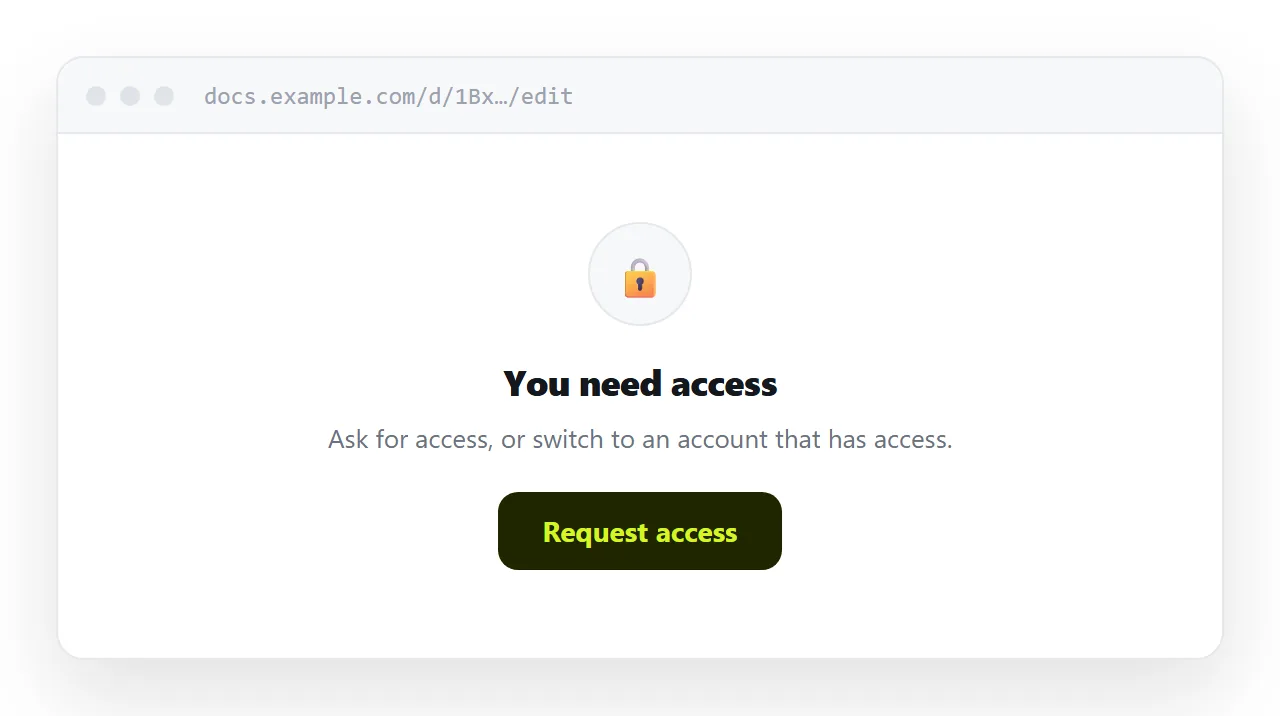
This guide covers why the wall appears, what each sharing setting actually does to the reader, and when publishing a plain page is the better answer.
Why the access request happens
Document links carry permissions. The address is the same whoever opens it; what differs is whether the account opening it is on the list.
| Setting | Who can open it | What an outsider sees |
|---|---|---|
| Specific people | Only those accounts | Request access |
| Your organisation | Anyone signed in on your domain | Request access |
| Anyone with the link | Anyone, but signed in helps | The editor, often a sign-in prompt |
Most access requests come from the second row. You share within a company, the link works for everyone you tested it with, and the first external recipient hits a wall.
The request then lands in your inbox, often out of hours, and the reader waits.
"Anyone with the link" is not free either
Opening it up removes the wall and leaves two other costs.
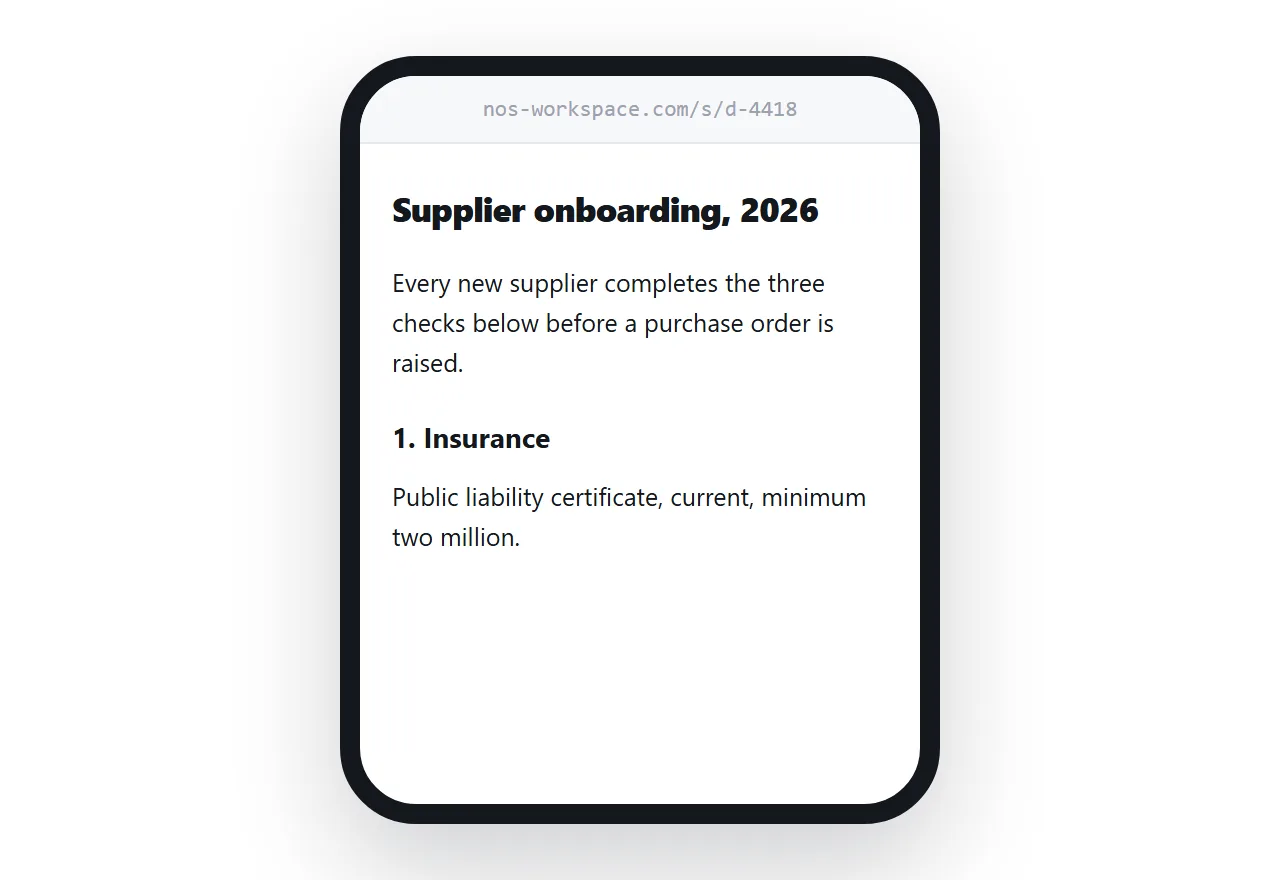
The reader lands in an editor. On a desktop that is merely heavy; on a phone it is a cramped interface with a toolbar, a comment rail and a sign-in prompt competing with the words they came for.
And the access you granted travels. Anyone who receives the link onward has whatever permission you set, including edit permission if you were not careful, and you have no practical way to know who holds it.
What the reader usually needs
Be honest about the distribution of cases.
A document sent to a colleague who will comment needs the real document. A document sent to a client, a candidate, a supplier or a committee is being read, not edited. That second group is much larger.
For reading, a page removes everything that gets in the way.
- No permission check, so no access request.
- No sign-in, so no account required.
- No editor interface, so the content fills the screen.
- Reflows to a phone, because it is a page rather than a paper-sized canvas.
Keep the working document
This is not an argument for abandoning document tools. Collaboration, comment threads, suggestion mode and revision history are real features and a page has none of them.
Keep the working document where the work happens. Publish a page for reading, and send that to everyone who is not editing.
The two stay in step because updating the page is an edit rather than a re-export. When the document changes materially, update the page and everyone holding the link has the current text.
Converting what you already have
Existing documents can be moved across without retyping. Exporting to HTML and cleaning up the result is covered in Google Docs to HTML, and embedding in the other direction in Google Docs HTML embed.
The usual cleanup is removing the inline styles that exports carry, which are verbose and fight your own typography.
When to keep sending the document link
There are cases where it is right.
Internal circulation where everyone is on the same domain and the wall never appears. Anything that needs comments or suggestions. Anything where revision history is part of the point, such as a policy draft several people are amending.
The rule of thumb: if the recipient will type into it, send the document. If they will read it, send a page.
Put it at an address
Decide whether the recipient is reading or editing, publish the content as a page for the readers, and create a share link.
Nobody requests access to a page.