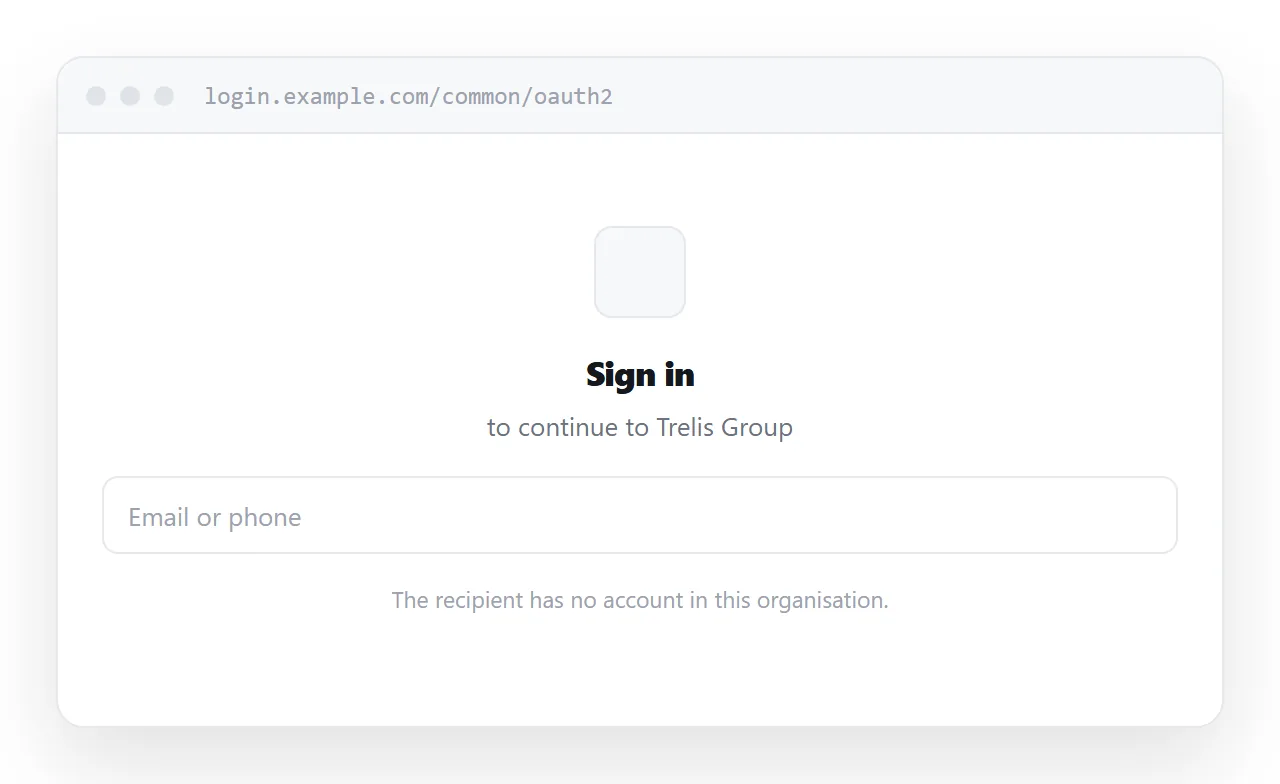
Sharing a notebook link with someone outside your organisation fails at the identity boundary: the address is fine and the recipient has no account to open it with.
Inside the organisation, the notebook is the right tool. The problem is only at the edge.
This guide covers why the boundary exists, what guest access actually costs, and how to publish the part of a notebook that has to leave.
The boundary is the whole problem
| Recipient | Notebook link |
|---|---|
| Colleague on the same tenant | Works |
| Colleague on a different tenant | Sign-in wall |
| Client or supplier | Sign-in wall |
| Someone on a personal account | Sign-in wall |
| A candidate or a committee member | Sign-in wall |
Everything after the first row lands on an authentication page. Worse, the page does not say "you are not on the list", it simply asks them to sign in, so the recipient tries their own account, fails, and concludes something is broken.
What guest access costs
Inviting someone as a guest is the official answer and it is heavier than the task deserves.
Many organisations restrict or disable external sharing by policy, so it may not be available to you at all. Where it is, the recipient has to accept an invitation, sign in, and sometimes complete a verification step, all to read one page of notes.
You have also created an account relationship that somebody will have to clean up, and given a supplier or a candidate a foothold in your directory. For a single document that is disproportionate.
Publish the part that has to leave
Most notebooks contain a lot of working material and one section that needs to go out.
Publish that section as a page. Not the notebook, not the whole section group, just the notes the recipient needs.
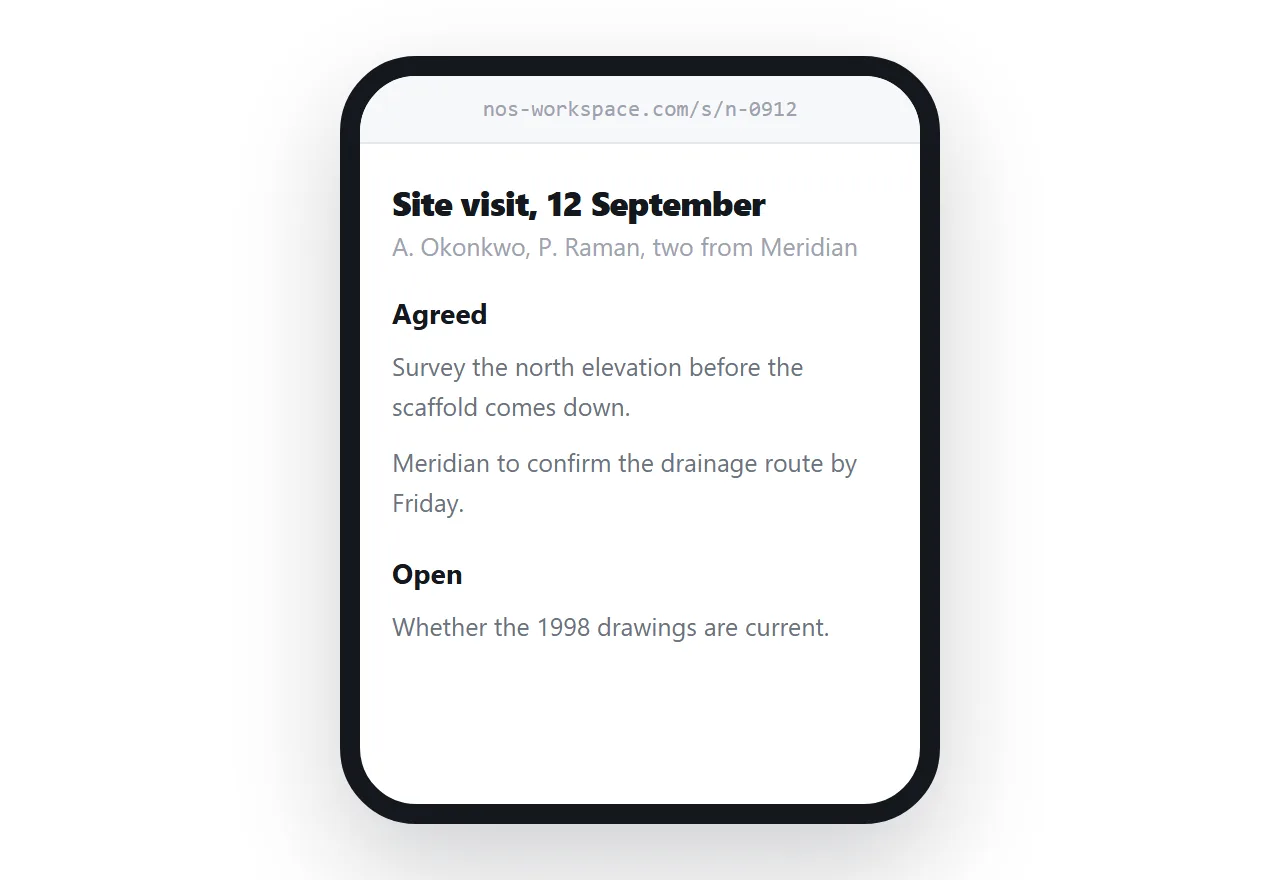
<article>
  <h1>Site visit, 12 September</h1>
  <p class="meta">Present: A. Okonkwo, P. Raman, two from Meridian</p>

  <h2>Agreed</h2>
  <ul>
    <li>Survey the north elevation before the scaffold comes down.</li>
    <li>Meridian to confirm the drainage route by Friday.</li>
  </ul>

  <h2>Open</h2>
  <ul>
    <li>Whether the 1998 drawings are the current ones.</li>
  </ul>
</article>
Structured this way, the recipient reads the notes without an account and without navigating a notebook they do not know.
What carries across and what does not
Text, headings, lists and tables convert directly.
Free positioning does not. A notebook page is a canvas where you can put a text box anywhere, and a web page is a flow where content follows content. Notes that relied on spatial arrangement need reorganising into a sequence, which is usually an improvement for a reader who was not in the room.
Handwritten notes and drawings become images. Export them, size them for screens, and write alt text describing what they show.
Files embedded in the notes do not travel. Attach them to the page separately.
Keep the notebook
None of this is an argument against notebooks. For your own working notes and for internal collaboration, a notebook does things a page cannot: hierarchical sections, search across everything, synchronised editing, and a history.
The page is an export for a specific audience, not a replacement. When the notes change materially and the external party still needs them, update the page.
If this keeps happening
A pattern of publishing notes outward suggests the documentation lives in the wrong place.
Where external parties routinely need to read the same material, consider keeping that material somewhere designed to be read by outsiders and using the notebook only for genuinely internal work. Options are discussed in alternatives to Confluence for documentation.
For meeting notes specifically, the structure that works is covered in HTML for meeting notes.
Put it at an address
Work out whether the recipient is inside or outside, publish the notes they need as a page, attach any files directly, and create a share link.
They read the notes. Nobody signs in to anything.