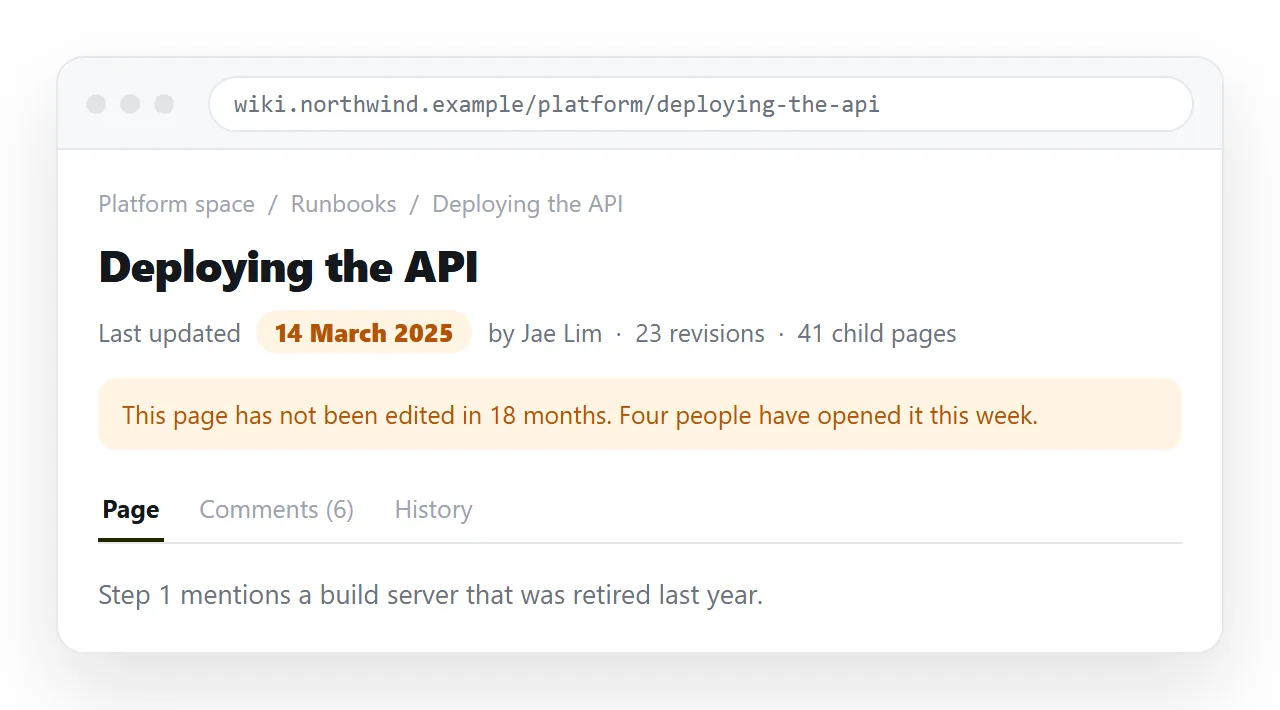
The best alternative to Confluence for documentation is whichever tool makes correcting a wrong sentence cheapest, because staleness is what actually kills documentation.
Feature comparisons rank tools by what they can do. Documentation fails on what people bother to do, which is a different measurement.
The two failure modes, and what fixes each
| Failure | What readers see | What fixes it | What does not |
|---|---|---|---|
| Stale pages | Confident, wrong instructions | Cheap edits and visible dates | Better templates |
| Poor findability | Twelve near duplicate results | Deleting pages | A better search engine |
| No owner | Nobody corrects anything | A named owner per page | A governance policy document |
| Broken embeds | Blank boxes where a chart was | Serving pages as pages | Another macro plugin |
Every row has a cheap fix and an expensive non fix. Migrations usually buy the non fixes.
Sort your documentation into three kinds
The right home differs by kind, and mixing them in one wiki is why the wiki feels bad.
- Docs that describe code. API references, architecture notes, module behaviour. These go stale the moment code changes, so they belong beside the code.
- Docs that describe process. Runbooks, onboarding, incident procedure, release checklists. These change when people change, not when code does.
- Docs that are really artefacts. Specs with charts, quarterly reports, dashboards. These are pages, not prose.
Three kinds, three homes. Trying to serve all three with one tool is the original problem.
Kind one: docs beside the code
Markdown in the repository, rendered by a static site generator, remains the strongest option for anything that tracks a codebase.
The reason is not the rendering. It is that a pull request that changes behaviour can be blocked until the docs in the same diff are updated.
No wiki can do that, because the wiki is not in the review path. If your documentation problem is drift against code, this is the answer and the rest of this page is not.
Kind two: process documentation
This is where most Confluence pain lives, and where a heavy wiki is the worst fit.
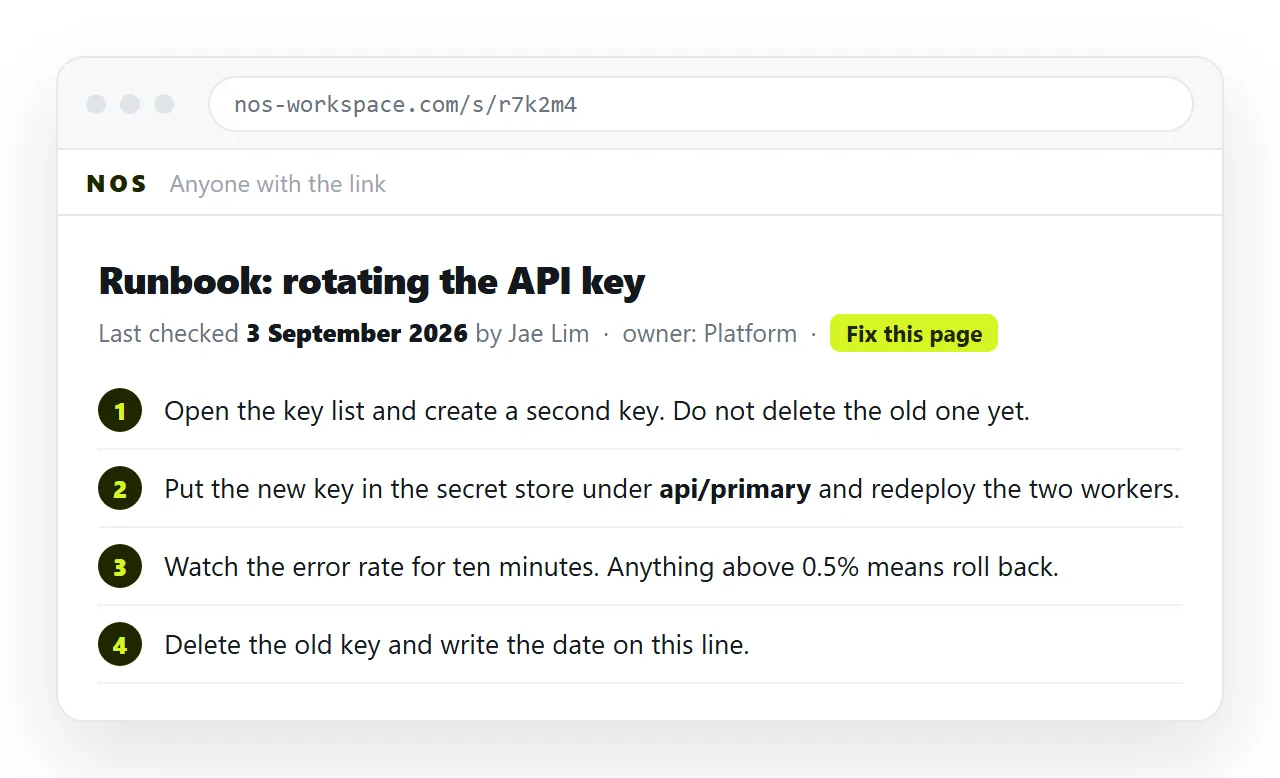
A runbook needs to be correct, short, and correctable by whoever notices the error at two in the morning. A page tree and space permissions do not help with any of that.
A document with a stable address, comments and one click editing covers it. Keep each runbook on one page and resist splitting it into a tree.
Put the last updated date at the top in text, not metadata. Readers judge trustworthiness from what they can see.
Kind three: documentation that is really a page
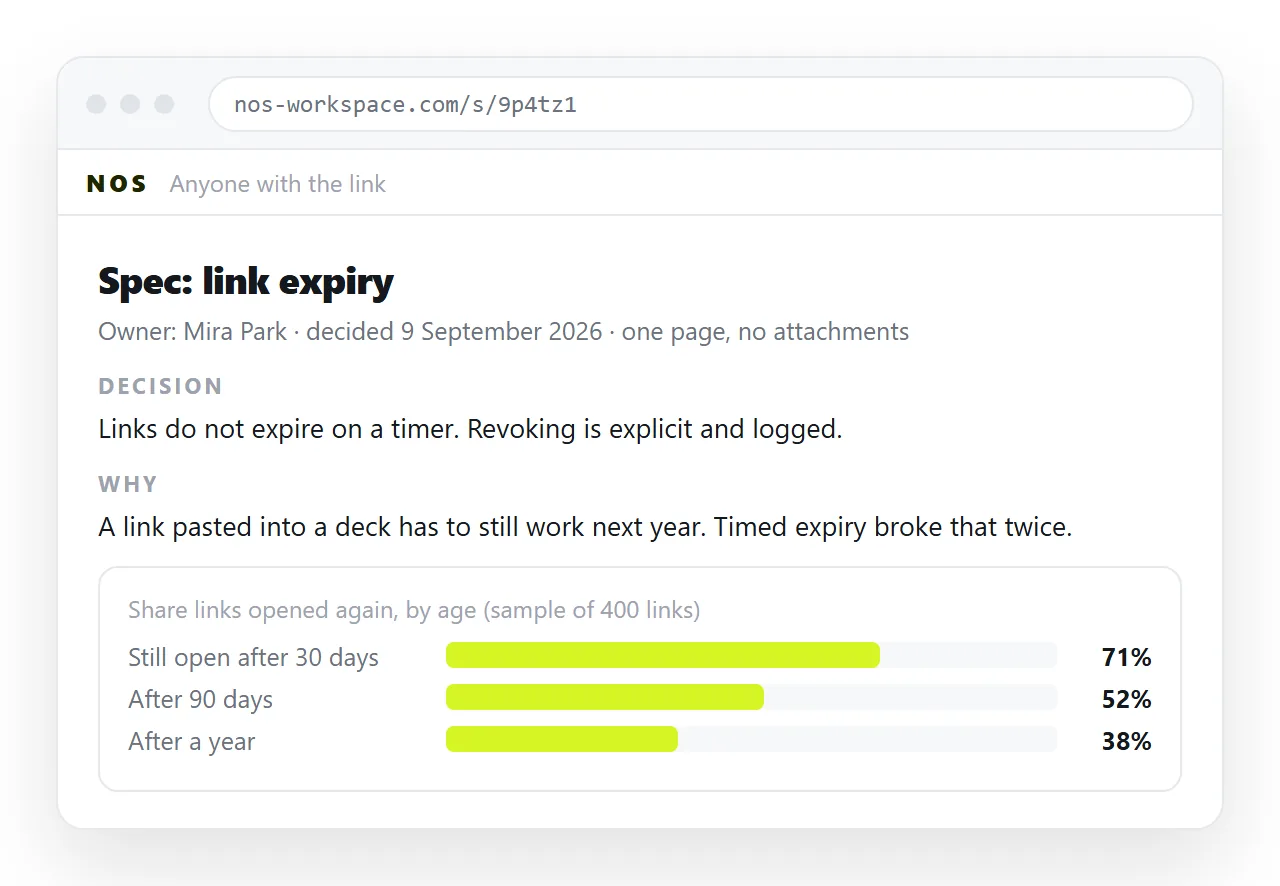
Specs with charts, benchmark results, quarterly summaries, anything exported from a reporting tool or generated as HTML.
These break in wikis because they need a macro or a sandboxed frame, and both behave differently from the file you tested.
Paste the HTML into a NOS document instead and it renders exactly as written, dark theme, charts and scripts included. No plugin is involved.
The document has its own address through Share, then Share link, then Create link. The link is unlisted by default, and Public on the web makes it findable in search when that is wanted.
Because the words stay clickable, a wrong figure in a caption is a ten second fix rather than a re export. Writing product specs as HTML covers this shape in detail.
The rules that keep documentation alive
Tool choice matters less than four habits. Apply them wherever the docs end up.
- One owner per page, named on the page. Not a team, a person. Teams do not notice things.
- A visible date. If the reader cannot see when it was last touched, they cannot calibrate.
- Delete on sight. A page nobody has opened in a year is search noise with a cost.
- Correct in place. If fixing a typo needs an approval, nobody fixes typos.
- One page per procedure. Splitting a runbook across a tree doubles the chance of reading half of it.
If you are staying on Confluence
Not every team should migrate. If the wiki works for prose and only the embedded pages hurt, fix the narrow thing.
Embedding HTML in Confluence covers the macro options and the sandboxed frame behaviour, including the route of linking to a rendered page rather than embedding one.
That change alone removes the most common category of broken documentation, and it does not require moving anything.
Deciding
| If your documentation | Put it |
|---|---|
| Describes code that changes weekly | In the repository, reviewed with the code |
| Is a procedure people follow under pressure | In one document at a stable address |
| Contains charts or exported output | In a document that renders HTML |
| Is a policy reviewed yearly | Wherever legal already keeps policies |
| Has not been opened in a year | In an archive zip |
For the broader replacement decision, see choosing a Confluence alternative by job. To see how a spec page behaves once it is served rather than attached, paste one into the HTML to link tool.