If you want a Confluence alternative and Microsoft 365 is already deployed, most of the wiki's jobs are already licensed. The work is mapping them correctly, not buying anything.
Four products cover different parts, and none of them covers the interactive page. That last gap is the one worth planning for.
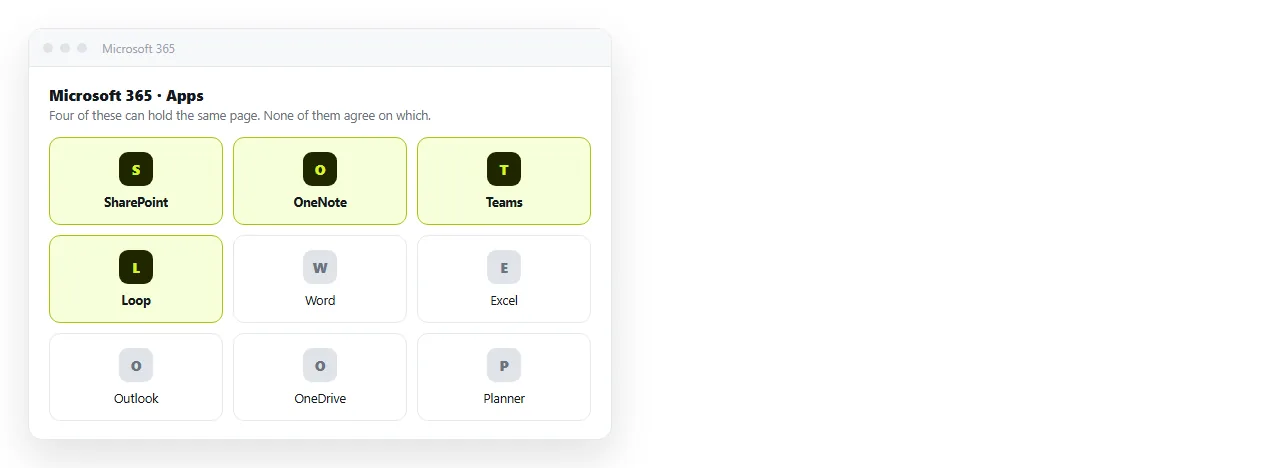
Mapping the wiki onto what you already have
| Confluence job | Microsoft 365 place | Honest assessment |
|---|---|---|
| Team space with permissions | SharePoint team site | Closest match, slowest to author |
| Meeting and scratch notes | OneNote | Fine personally, weak as shared reference |
| Live collaborative blocks | Loop components | Good in chat, not a library |
| Attached files and versions | SharePoint document library | Stronger than Confluence here |
| Discussion on a page | Teams channel linked to the site | Works, but the thread lives elsewhere |
| Embedded dashboard | No native fit | This is the gap |
Five of six rows are covered by the existing licence. Teams that stall usually stalled on authoring friction rather than on capability.
Why SharePoint pages go stale
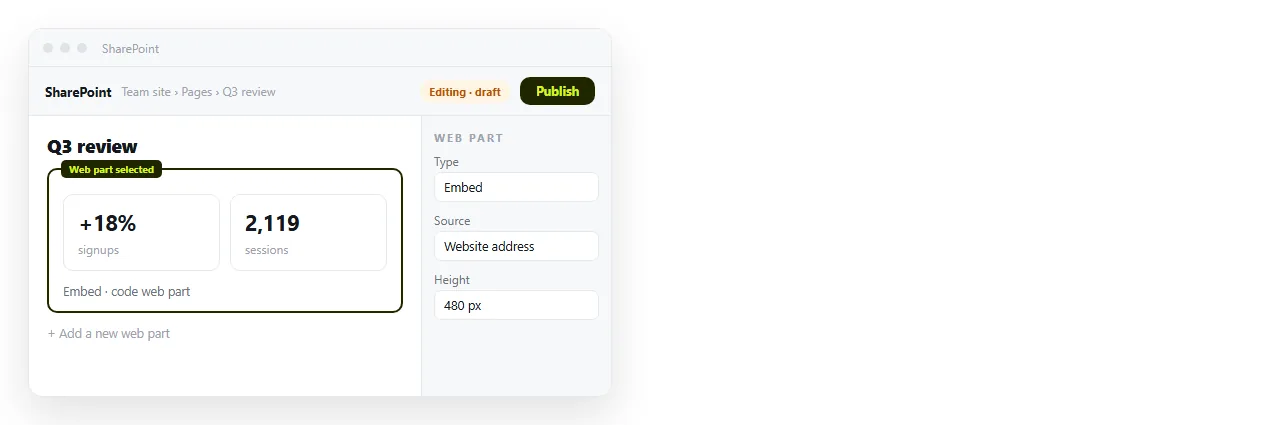
SharePoint can do everything a wiki page does. The problem is the number of steps between noticing a wrong sentence and fixing it.
Editing a modern page means entering edit mode, finding the right web part, changing the text, then republishing. Each step is small and the sum is enough friction to stop casual corrections.
A wiki gets updated because updating is cheap. Any replacement that raises the cost of a one word fix will slowly fill with wrong information.
If you go the SharePoint route, put the pages people correct weekly in a plain document library as Word files instead. Fewer clicks beats better layout.
Where Teams fits
Teams is the front door, not the library. People will look for the runbook in the channel before they look in a site.
That means whatever you choose has to produce a link that unfurls sensibly in a channel and opens in one click on a phone.
Files posted into a channel do not do this well. An HTML file posted to Teams becomes a card that people download rather than read, which is covered in sharing an HTML file in Teams.
Pin the link, not the file. That single habit fixes most of the "where is the doc" traffic.
The gap: pages that must render
A growing share of internal content arrives as a complete HTML file. Exported reports, chart pages, one pagers generated by an assistant.
Microsoft 365 treats these as attachments. Opening one means downloading it, and on a phone it usually lands in storage and stops.
A document that renders pasted HTML solves it directly. In NOS the HTML renders exactly as written, dark theme, charts and scripts included.
The document has its own address. Share, then Share link, then Create link, and the link is unlisted by default so only people holding it can open it.
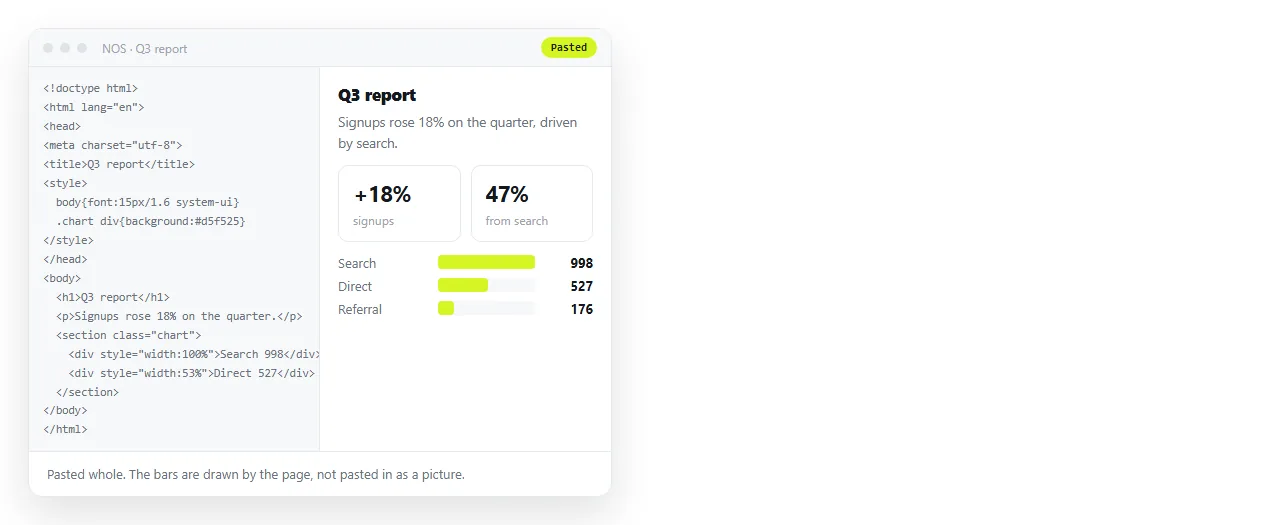
Correcting the page without regenerating it
The reason exported pages rot is that fixing a number means going back to the source system and exporting again.
In a document you click the text and change it. The address does not move, so a link pinned in a Teams channel in March still shows the corrected version in June.
That property is what makes people trust a pinned link. Once they stop trusting it, they start asking in chat again, which is the cost you were trying to remove.
Search across Microsoft 365
Microsoft Search indexes SharePoint, OneDrive and Teams together, which is a genuine advantage over running a separate wiki alongside them.
It also means the quality of results depends on how disciplined the site structure is. A sprawl of near duplicate sites produces the same twelve results problem you left Confluence to escape.
Before migrating, delete. The best search improvement available to any team is fewer pages, and it costs nothing.
Permissions, which is the usual reason this route wins
SharePoint permissions follow the same directory your company already administers. Groups, conditional access, retention policies, all of it is already governed.
For organisations with audit obligations, that is often decisive on its own. A separate wiki means a separate access review every quarter.
The trade is granularity. SharePoint permission inheritance is powerful and easy to configure into a shape nobody can explain later, so keep it shallow.
A stack that uses the licence you have
- SharePoint for the structured library, permissions and file versions. Accept that authoring is slower.
- Word documents in a library for prose people correct often, instead of built pages.
- Loop for live scratch work inside chats. Do not let it become the reference.
- A document that renders HTML for dashboards, reports and anything generated as a page.
- Teams as the index, with pinned links rather than pinned files.
Nothing here adds a per seat wiki bill. The only new surface is the one that handles the content Microsoft 365 was never built for.
When to stay on Confluence instead
- Deep Jira integration is load bearing. Two way issue macros are Atlassian specific, and linking is not a substitute.
- Your space permission tree is an audit artefact. Rebuilding it in SharePoint is possible and rarely pleasant.
- Writers are happy. Authoring friction is the main thing you are trading away, so do not trade it for nothing.
For the wider decision framed by reason rather than vendor, see choosing a Confluence alternative by job. For documentation specifically, the documentation comparison goes into specs and runbooks.
To test the rendering gap on real content, paste one of your exported reports into the HTML to link tool and post the link into a channel.