A Notion alternative is only a useful search once you can name the job you are replacing, because the tools that win each job barely overlap.
Notion is a hosted workspace built on blocks, with databases, nested pages and sharing. People leave it for cost, for control over where data sits, for licensing, or because the workspace is heavier than what they are doing.
Name the job first
Five jobs cover nearly every search. Read down the list and stop at the one that sounds like your week.
- Team wiki. Many people, nested pages, permissions, search across everything.
- Publishing. Pages that go outside the company, where the rendered output matters more than the outline.
- Personal notes. One person, fast capture, no permission model needed.
- Structured data. Tables with views, filters, rollups, used as a small database.
- Docs alongside code. Versioned text that lives next to a repository.
A tool that is excellent at the second is frequently poor at the fourth. That is why generic top ten lists rarely help.
The five Notion alternative categories
| Category | Strong at | Weak at | Typical cost shape |
|---|---|---|---|
| Hosted block workspaces | Wiki, databases, team search | Exact control of rendered output | Per user, per month |
| Open source workspaces | Licence freedom, self-hosting | Setup and upkeep | Free plus your server |
| Wiki servers | Deep hierarchy, permissions | Modern editing feel | Free plus your server |
| Local first note apps | Speed, offline, file ownership | Team sharing | One off or subscription |
| HTML native documents | Publishing pages and links | Being a database | Per user, per month |
Open source options and self-hosted options each get their own page, because those two words are usually treated as one thing and are not.
Where the HTML native approach fits
This is the category most people have not considered, and it only makes sense once you notice how much of a workspace's output is a page somebody sends.
A weekly update, a client report, a pricing sheet, a spec. These are read once or twice and judged on how they look when opened.
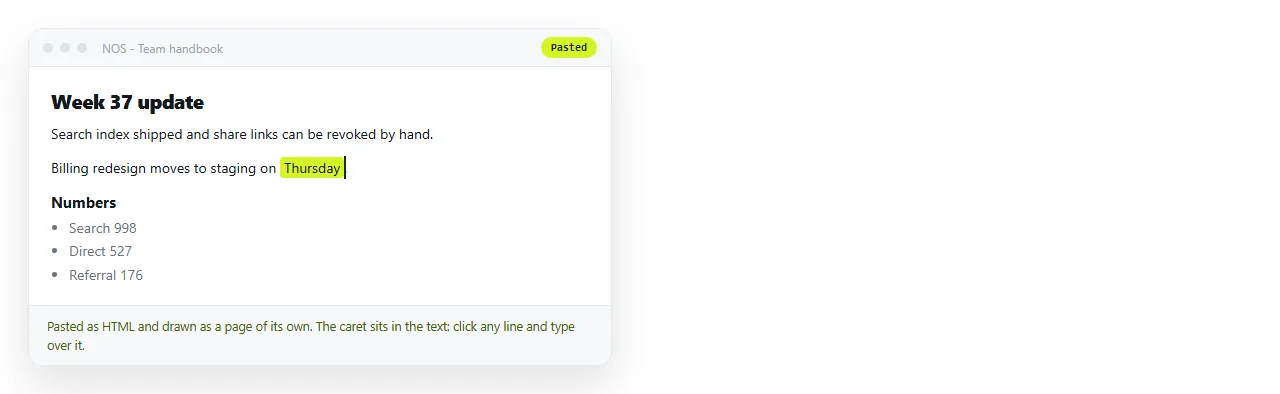
In a block workspace those documents live inside the workspace's own layout. In an HTML native document you paste the markup and it renders exactly as written.
What that buys you. Charts that work, a dark theme that holds, a layout that matches your brand, and a page that reads the same for a reader with no account.
What it costs. No database views, no rollups. If your daily work is filtered tables, this is the wrong category.

You also do not have to choose one workspace for everything. The common arrangement is a wiki for internal knowledge and something else for the pages that leave the building.
Embedding HTML in Notion is the bridge when you want to keep the wiki and still render a real page inside it.
That works well for a chart or a table. It works less well for a full document, because the embed lives in a frame sized by the host page.
A ten minute test that beats a comparison chart
Feature lists are written by the people selling. Take the document you actually fight with most and run it through each candidate.
- Put the real content in, not a sample.
- Share it with a colleague who has no account and watch what they see.
- Change a number and check whether the address you sent still points at the corrected page.
- Open it on a phone.
- Count the clicks from opening the tool to a link you could send.

The fourth question decides more than people expect. If a correction produces a new address, every revision means a new link and a message explaining which one is current.
Cost, compared honestly
Price comparisons go wrong because people compare the sticker and ignore the two costs that actually bite.
Seats you did not plan for. Contractors, part timers and people who only read. Count them now, not after the renewal quote arrives.
Time spent maintaining structure. A database with six views needs somebody to keep it true. That person is paid, and the hours rarely appear in any comparison.
Self hosted options move the bill from a licence line to an engineer, which is cheaper only if the engineer was going to be idle.
Migration is the real cost
Switching tools is rarely blocked by the tool. It is blocked by the export, the broken internal links, and the six months of habits.
- Export what you have and look at it before committing to anything.
- Move one team or one project first, not the whole workspace.
- Accept that structured databases usually do not survive a move intact.
- Keep the old workspace readable for a quarter rather than deleting it.
The short version
If you need a wiki with databases, stay in that category and compare hosted against self-hosted on control and upkeep.
If most of what you produce is pages other people open, the deciding question is what the reader sees and whether the address survives your edits. Turning HTML into a link is the fastest way to test that claim against your own document.
If you are one person with notes, the personal use comparison narrows it further, because team features you never use are the main thing you are paying for.