A self hosted Confluence alternative is the right answer when data residency or network isolation is a hard requirement, and the wrong answer when it is a preference.
The licence is the cheap part. The recurring cost is operational, and it does not scale down when the team stops writing.
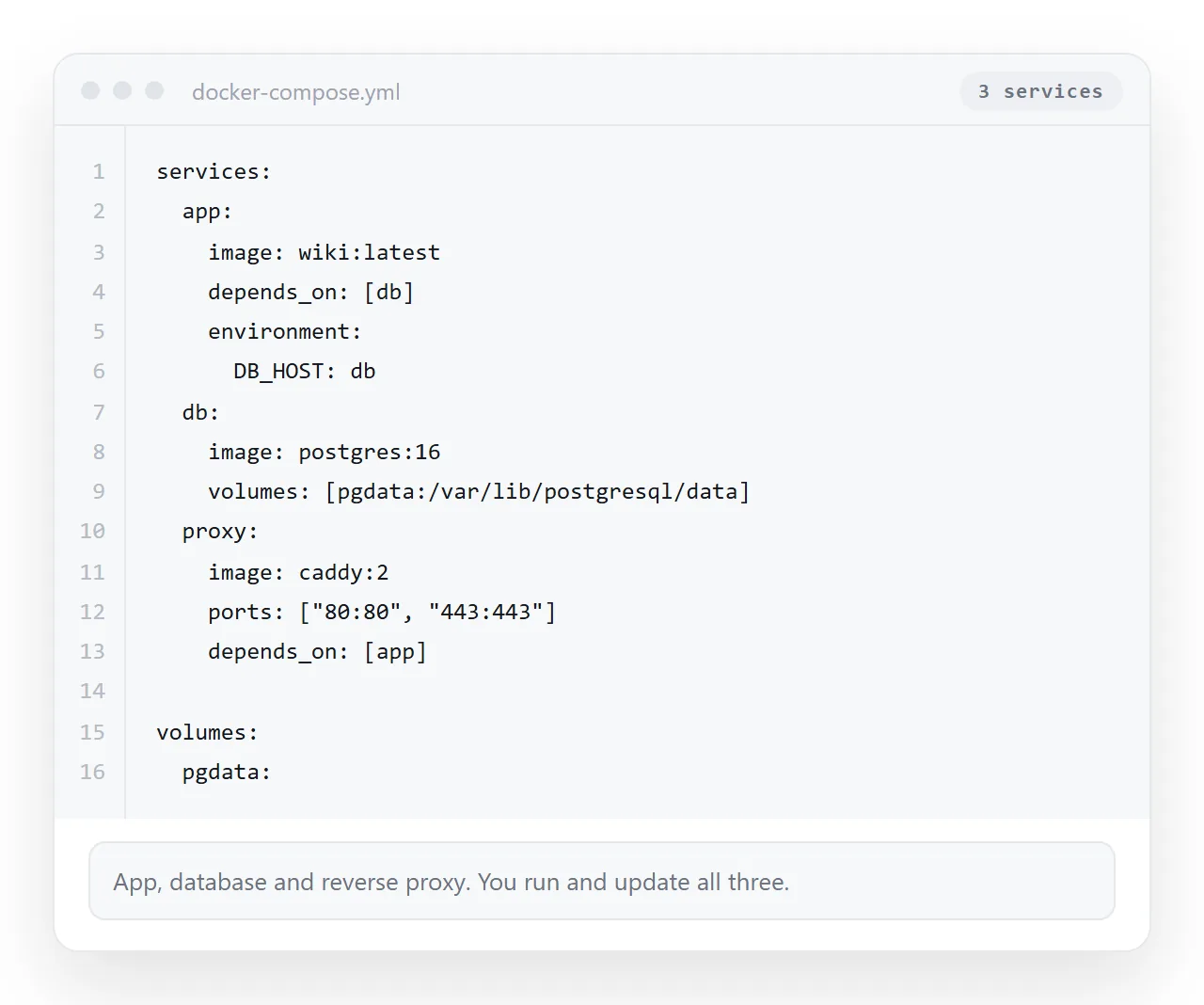
The realistic shortlist
| Tool | Storage | Editing | Notable for |
|---|---|---|---|
| Wiki.js | Database, optional git sync | Rich text or markdown | Git backed pages if you want them in a repo |
| Outline | Database | Block style editor | Feels closest to a modern document tool |
| BookStack | Database | Rich text or markdown | Explicit shelf, book, chapter, page structure |
| DokuWiki | Flat files, no database | Wiki syntax | No database to back up or upgrade |
All four are open source and actively used in production somewhere. None of them removes the operational work, and choosing between them is mostly a question of editing taste.
Ask what actually has to be self hosted
This is the step that decides whether the project is small or large.
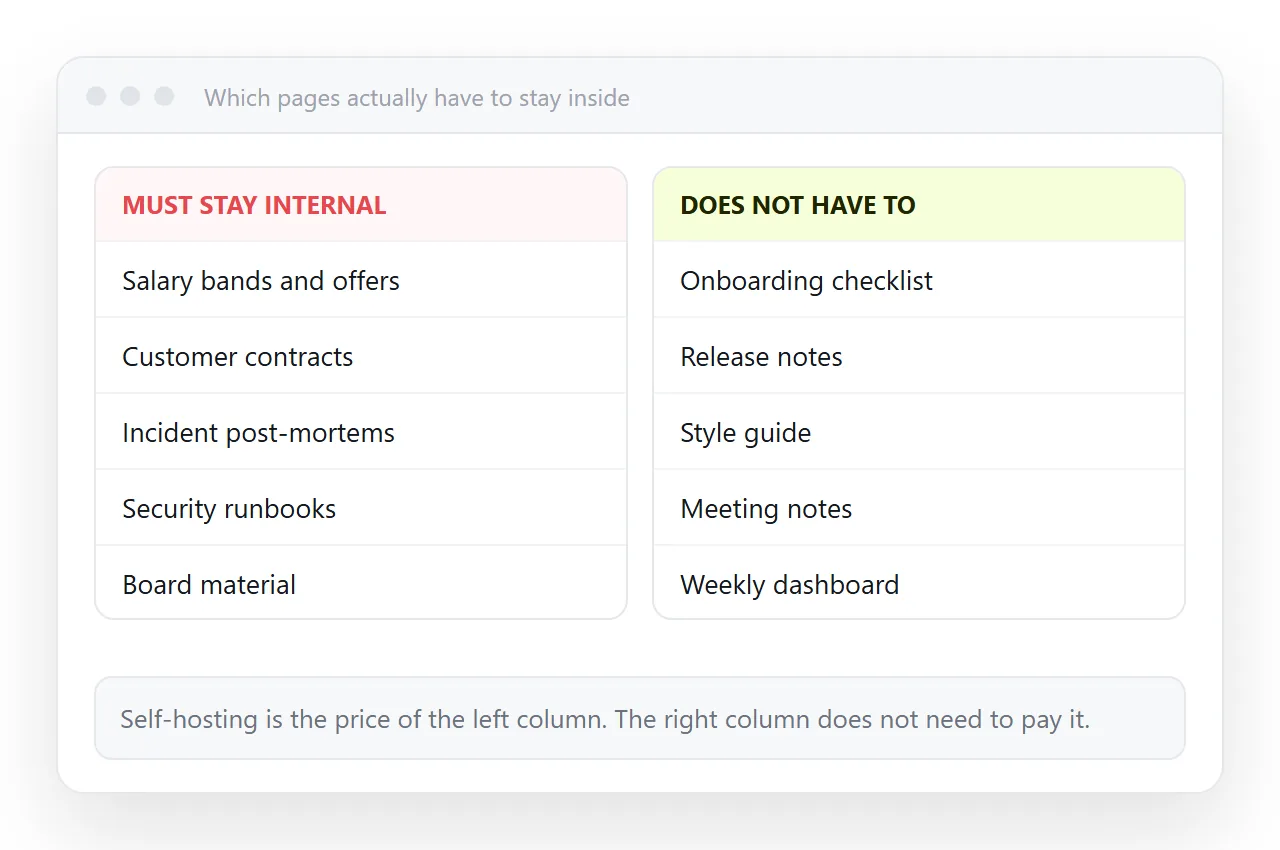
Residency and isolation rules almost always apply to a class of content, not to everything with your logo on it. Customer data, regulated records, security runbooks.
The onboarding page, the meeting notes and the public changelog are usually not in that class, even though they live in the same wiki today.
Splitting by classification keeps the self hosted deployment small. A small deployment is one you can actually keep patched.
The operational budget, written down
Before choosing a product, write the recurring work on one line each. If nobody owns a line, it will not happen.
- Server and runtime. Where it runs, who can restart it, what happens on reboot.
- Database. Backups on a schedule, and one restore actually performed to prove the backup works.
- TLS. Automatic renewal, and an alert if renewal fails.
- Upgrades. A named person who tracks the project's support window.
- Access review. Who still has an account after people leave.
Five lines, every quarter, forever. That is the price of the free licence, and it is worth paying when the requirement is real.
The content that self hosting handles worst
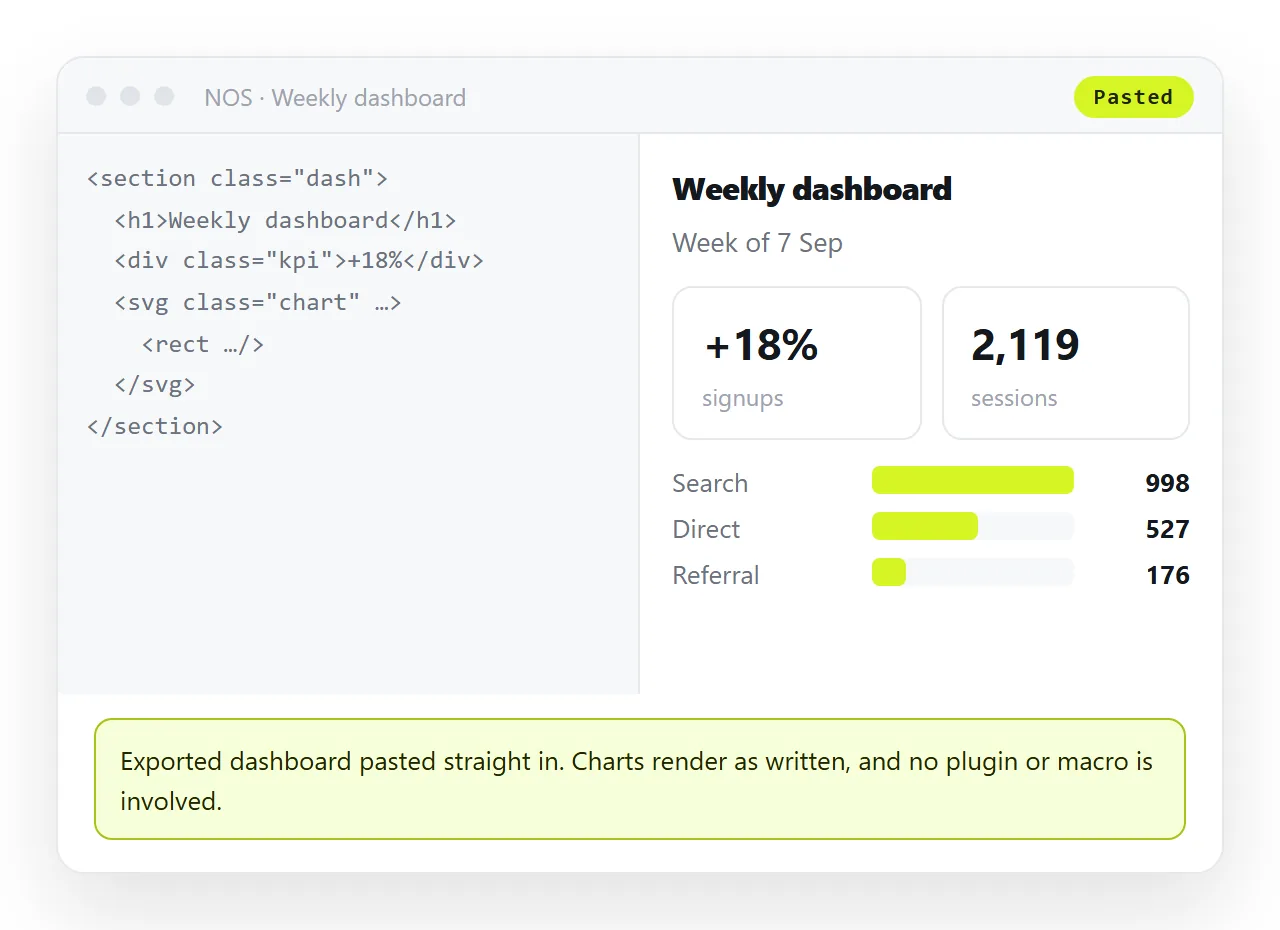
Interactive pages behave the same badly everywhere. A dashboard export, a chart page, a generated one pager.
Self hosted wikis usually render them inside a sandboxed frame or need a plugin. Plugins are the first thing to break on upgrade, which is the one event you have committed to doing regularly.
Because these pages are already complete HTML files, the simpler route is a surface that renders pasted HTML directly. It renders as written, dark theme, charts and scripts included.
In NOS that is one paste, and the document gets its own address through Share, then Share link, then Create link. The link is unlisted by default.
Search is the thing you will miss
Hosted wikis put real effort into search. Self hosted ones usually ship something serviceable and leave tuning to you.
That matters because the reason people tolerate a wiki at all is being able to find the runbook at three in the morning.
Two mitigations, both cheap. Keep the page count small, so search has less to be wrong about. And put a short, literal title on every page, because most internal searches are title searches.
If you are running a search service alongside the wiki, add it to the operational list above. It is another component with a version and a backup.
Authentication, which is the second thing
Single sign on integration is where self hosted wikis differ most in practice. Some support it cleanly, some need a plugin, some need a reverse proxy doing the work.
Decide this before picking the product, not after. Retrofitting sign on is the change most likely to make you migrate twice.
Also plan de provisioning. An account that survives someone leaving is the finding an auditor will write down.
Hybrid, which is what most teams end up with
A split that survives audit and does not make the platform team miserable.
- Regulated and internal only content lives on the self hosted wiki, on your network, backed up by you.
- Everyday writing stays in the document tool the company already pays for.
- Rendered pages and dashboards live as documents at stable addresses, public only when ticked public.
- Archive is an exported zip in your own object storage.
Each part is separately replaceable, which is the property a single monolithic wiki never gives you.
Static hosting is not the same thing
A common shortcut is to build the pages as files and serve them from an internal static host. It works, and it has one specific weakness.
The unit of work stays the file. Every correction is a re export and a re upload, so pages drift out of date because fixing them is a chore.
A document that renders HTML keeps the address fixed and the text clickable, so a wrong number is a ten second correction. Static host versus document sets out the trade properly.
Decide in this order
- Confirm the residency requirement in writing, from whoever owns it.
- List which content classes it covers. Expect it to be less than half.
- Pick a wiki from the four above for that content only.
- Name the owner of each of the five operational lines.
- Put everything else where it is cheapest, including rendered pages at addresses.
If the requirement turns out to be softer than assumed, the general Confluence alternative comparison is a better starting point. If cost rather than hosting is the driver, see free Confluence alternatives.
To see what the rendered page half feels like, paste one of your existing exports into the HTML to link tool.